
Digital photography gives you infinite creative control. VSCO gives you modern tools to make the most of it, from defining your style to client delivery that commands professional respect.
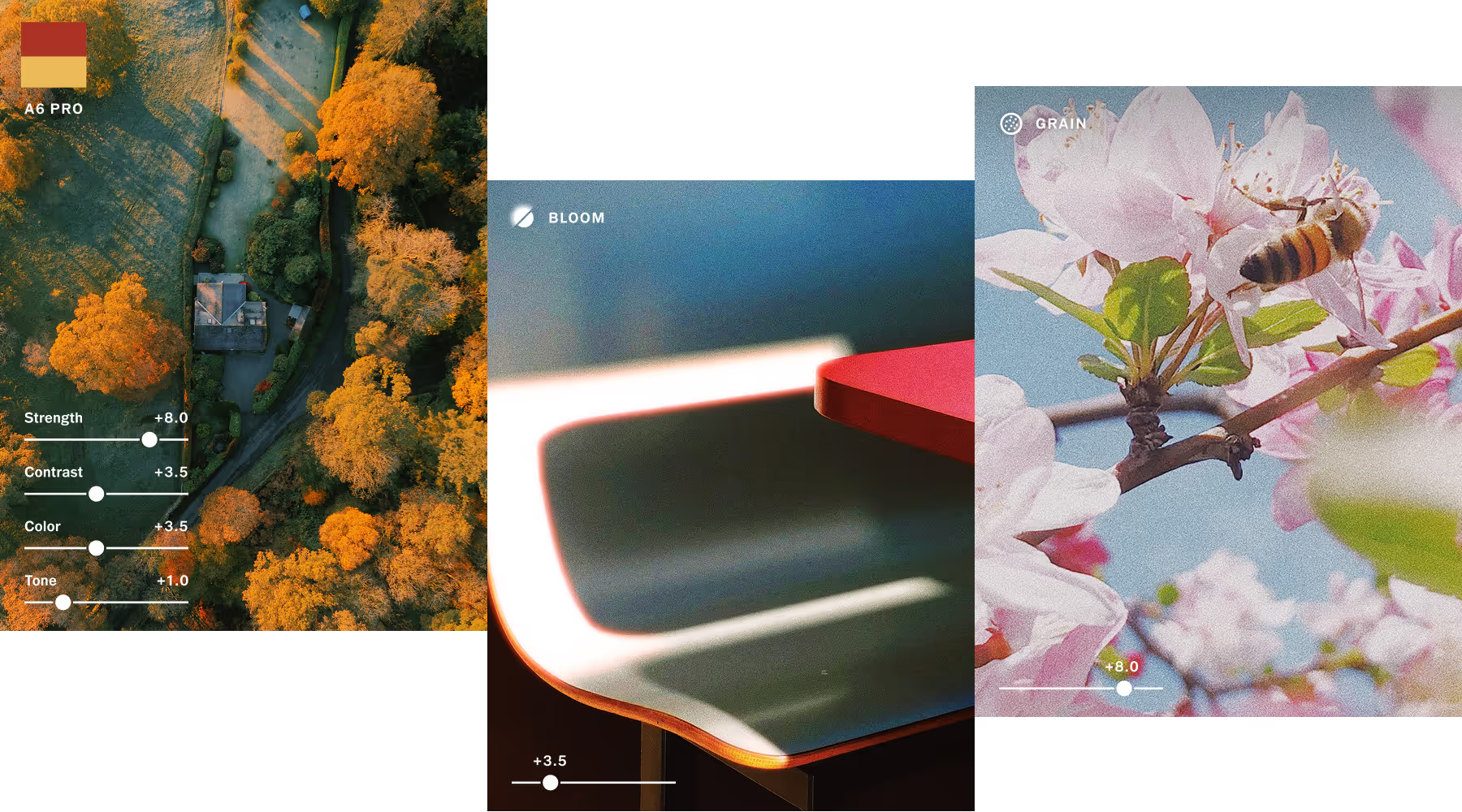
DIGITAL PHOTOS AS GOOD AS FILM
VSCO is rooted in film-inspired color science and precision control. Make edits that feels intentional and timeless with high-quality tools that evolve with your unique style.
Grade with 200+ film-based presets, refine with pro-level tools for tonal control, and apply your signature looks across entire projects. Edit seamlessly across desktop and mobile, whether on location or at your workstation.
VSCO CAPTURE
See your final look before you shoot. Apply 50+ live presets and film-inspired effects with full manual control. Shoot RAW, adjust on the fly, and publish instantly.
Publish and share with confidence
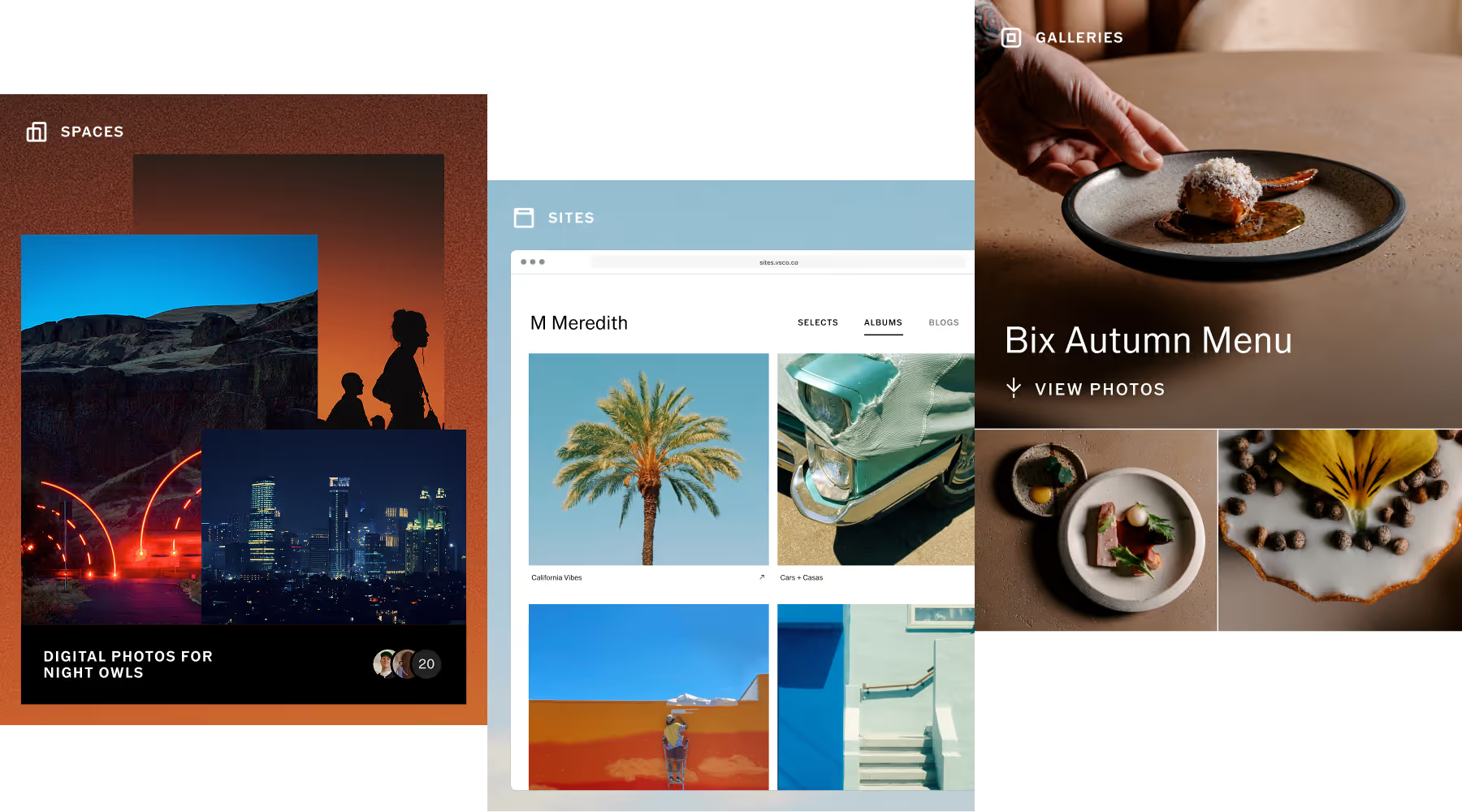
Share your work where it grows your career, not just your follower count. Post to your VSCO Profile and reach millions of fellow photographers, create polished VSCO Galleries for client delivery, and build a VSCO Sites portfolio that updates automatically with your best work.
Your photos look better, reach further, and get noticed. Build visibility, credibility, and opportunity in one unified platform.

HONE YOUR CRAFT
Shape every image with film-grade color science, advanced editing tools, and pro-level control—from capture to client delivery.

Presets
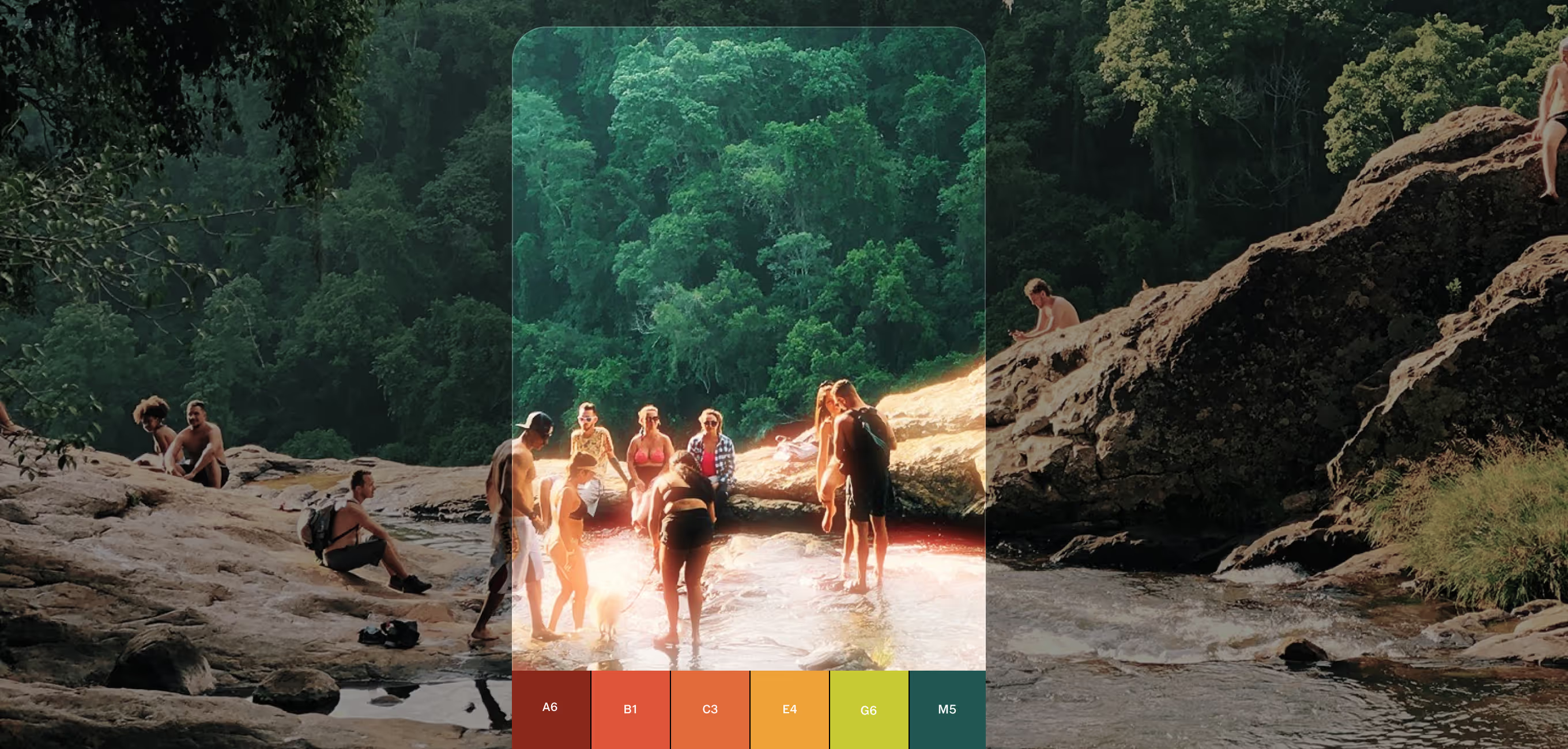
200+ film-inspired looks, plus Pro Presets that give you even more control to define your own style.
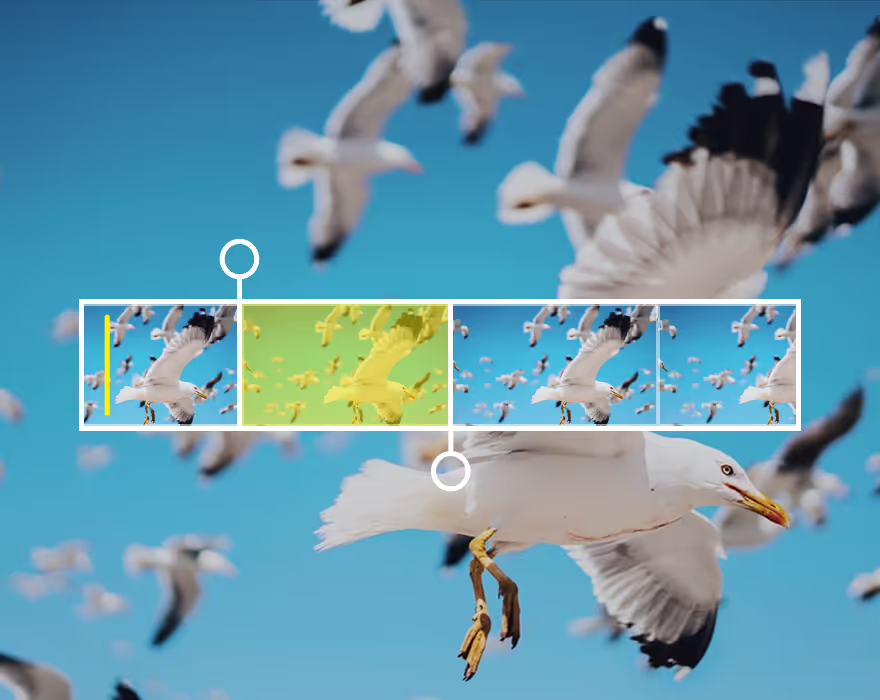
Edit video in full resolution with cinematic tools. Slo-mo, film effects, cropping, compositing, and more.
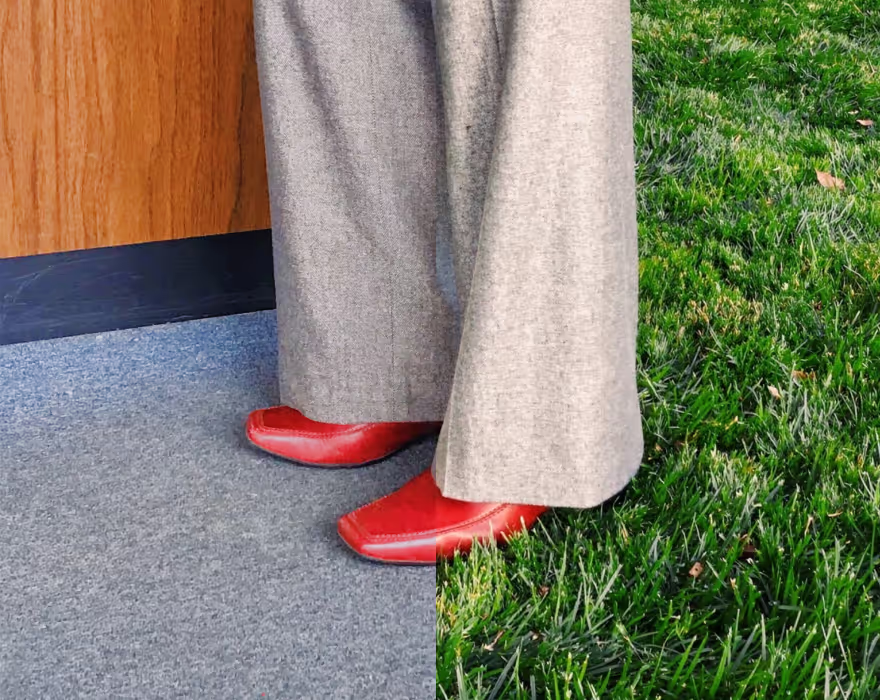
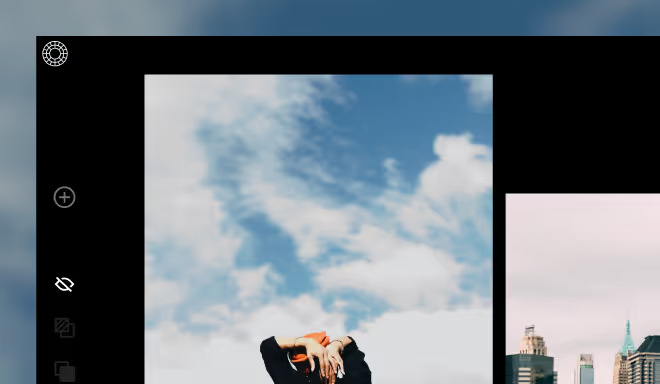
Go from your phone to your workstation, and integrate seamlessly with Adobe Lightroom.

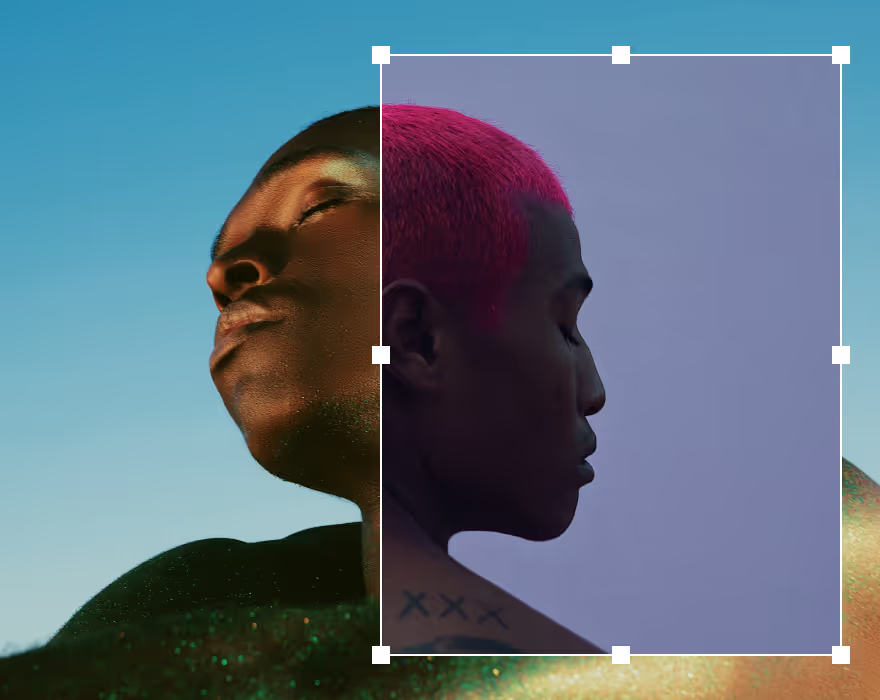
Create layered compositions and layouts with images, text, graphics, and effects.
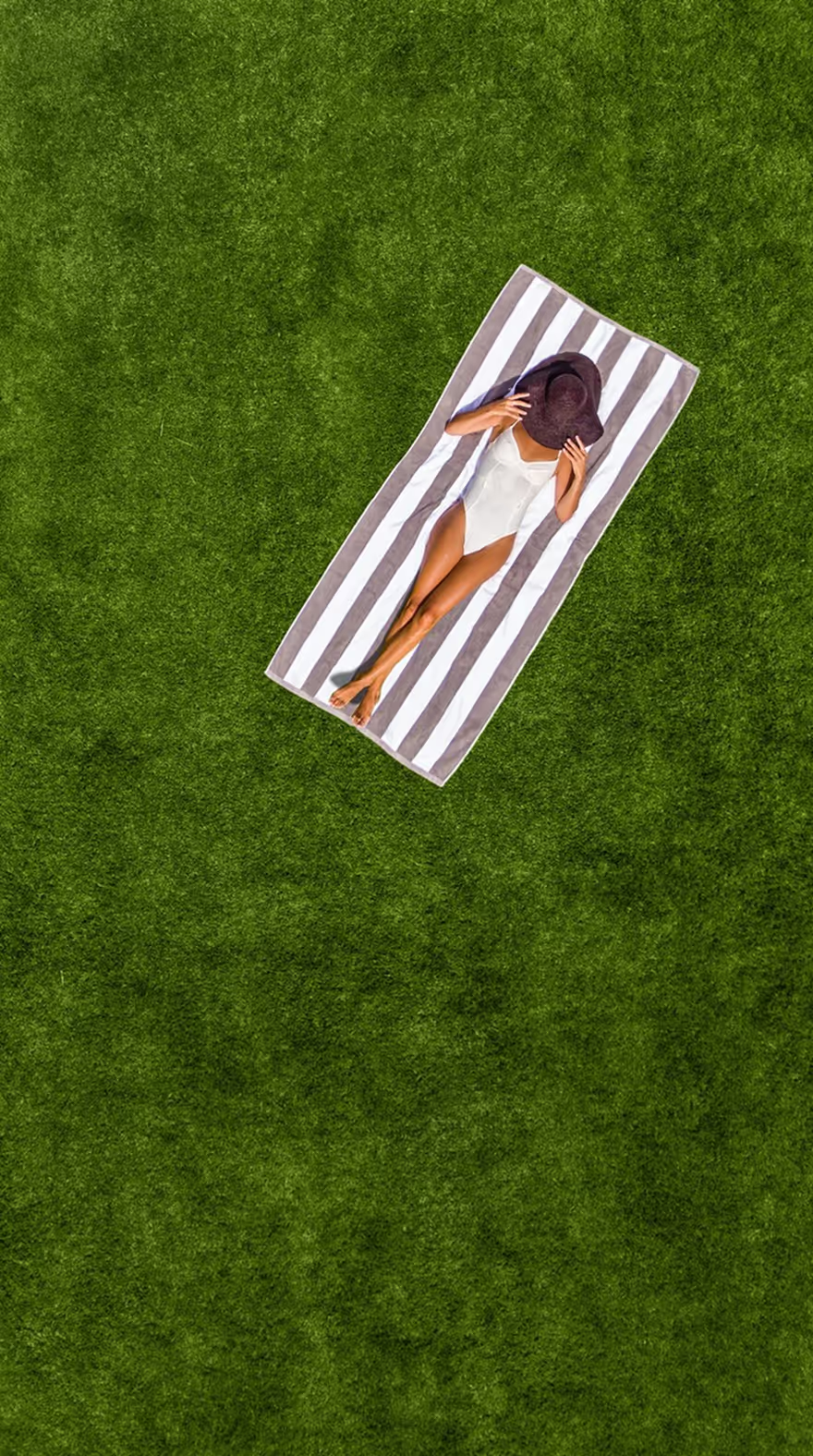
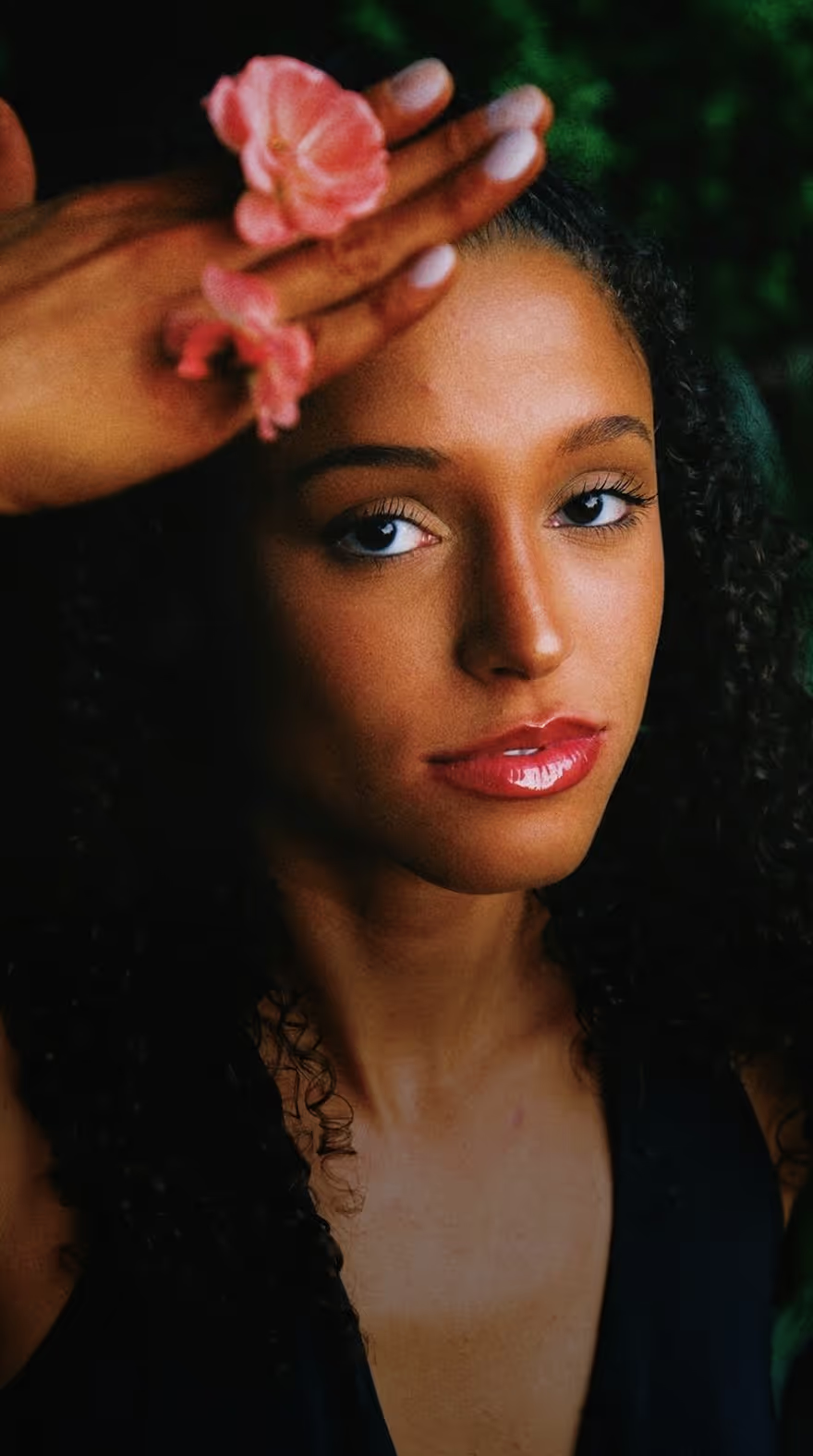
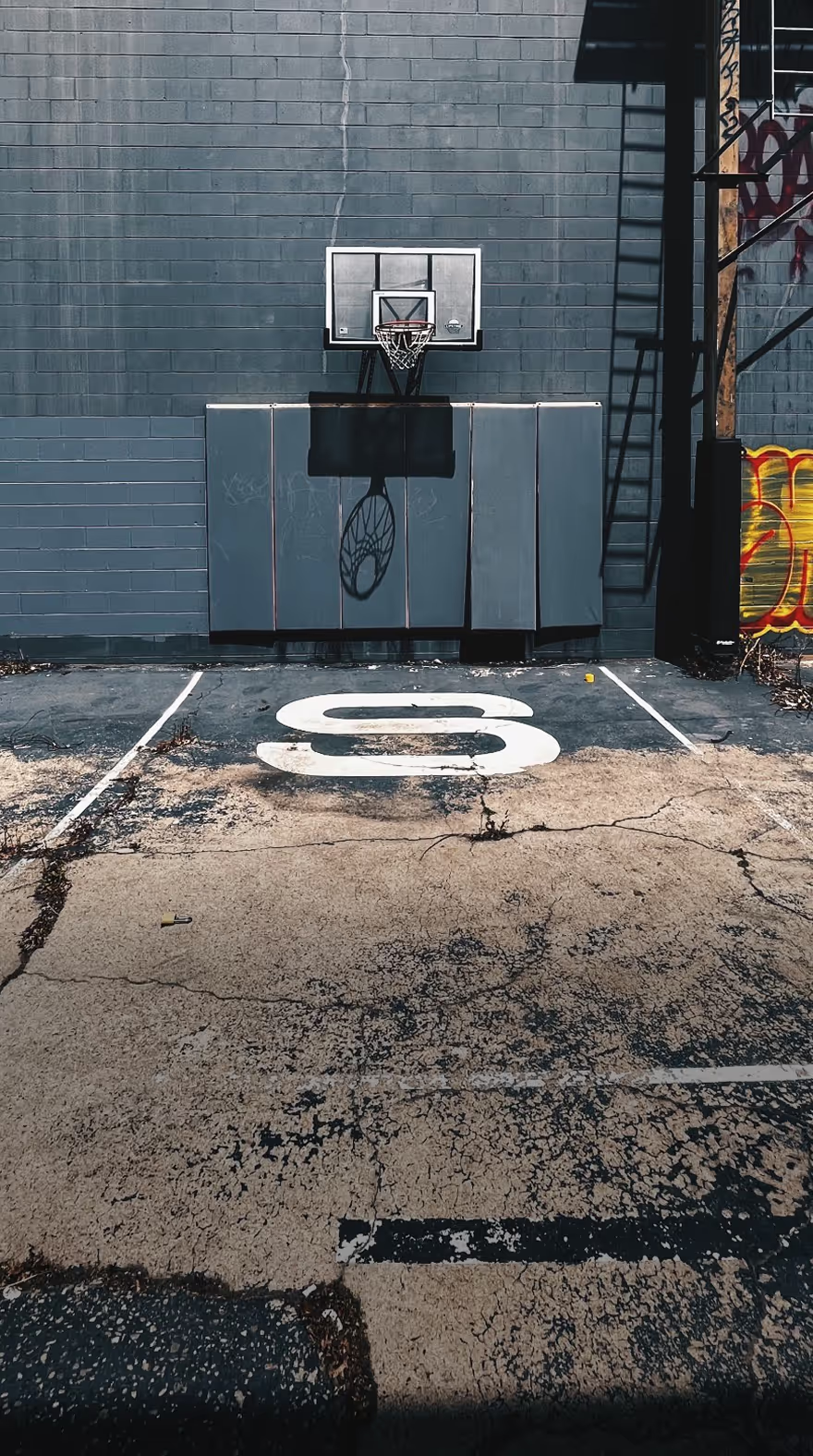
Meet the photographers refining their style, booking better clients, and scaling their businesses on VSCO.
Build Your Business
Learn from the best, attract dream clients, and run your business with tools built for working photographers.
Common questions about digital photography
What is digital photography?
Digital photography captures images using electronic sensors instead of film, storing them as digital files you can edit, share, and reproduce infinitely without quality loss. Unlike film photography where the chemical process determines much of the final look, digital workflows separate capture from creative development—giving you complete control over color, tone, and detail after the shot. This flexibility makes post-production an essential creative step, not just technical correction.
Why is editing important in digital photography?
Digital sensors capture information, not finished images. RAW and even JPEG files straight from camera look flat because they preserve maximum detail and dynamic range for editing flexibility. The magic happens in post-production—where you shape exposure, enhance color, create contrast, and establish mood.
Thoughtful editing transforms technically correct captures into finished work with personality and impact. Film photographers made similar decisions through film stock selection, development chemistry, and darkroom techniques. Digital editing is your darkroom.
How do I create a consistent look across my digital photos?
Consistency comes from defining your aesthetic direction and applying similar color and tonal choices across projects. VSCO's Recipes let you save complete editing workflows including presets, tool adjustments, and effects. It helps to start with a cohesive base, like your favorite preset, then make subtle project-specific refinements. Over time, this consistency becomes your signature style—the recognizable aesthetic that clients hire you for.
What tools do I need for a professional digital photography workflow?
A complete photography workflow brings capture, editing, organization, and presentation into one connected system. Tools like VSCO Capture give you creative control in the moment, while VSCO Studio and the mobile app refine color and tone. VSCO Galleries keeps client projects organized, and VSCO Sites presents portfolio work professionally. When these pieces work together, your process stays fluid. You move from shooting to editing to sharing without losing creative momentum or jumping between disconnected tools.
Can I achieve a film look with digital photography?
Yes, though it requires understanding what creates "the film look." Film's aesthetic comes from grain structure, color response curves, tonal compression in highlights and shadows, and how different stocks handle light. VSCO's presets emulate film by modeling their color science and tonal characteristics. Add effects like Grain, Bloom, and Halation to replicate film texture. The result is a digital photo with true analog soul.
Should I edit photos on mobile or desktop?
Both, depending on your workflow and project needs. Mobile editing offers flexibility. Work anywhere, on-location adjustments, quick turnarounds for social content. Desktop provides precision. Larger screen for detailed work, better color accuracy on calibrated monitors, integration with professional workflows like Lightroom.
VSCO supports both seamlessly. Use the same presets and the same tools, and easily sync your photos. Many photographers use mobile for initial grading and quick edits, desktop for final refinement on client deliverables. Your workflow should match your needs, not force you into one environment.