
VSCO for Students
find your voice, launch your career
Get tools to develop your style, present work for critiques and applications, and learn the business skills that turn degrees into careers.

VSCO gives you a complete platform to refine your visual voice, build a portfolio that stands out in competitive reviews, and bridge the gap between student work and professional practice.
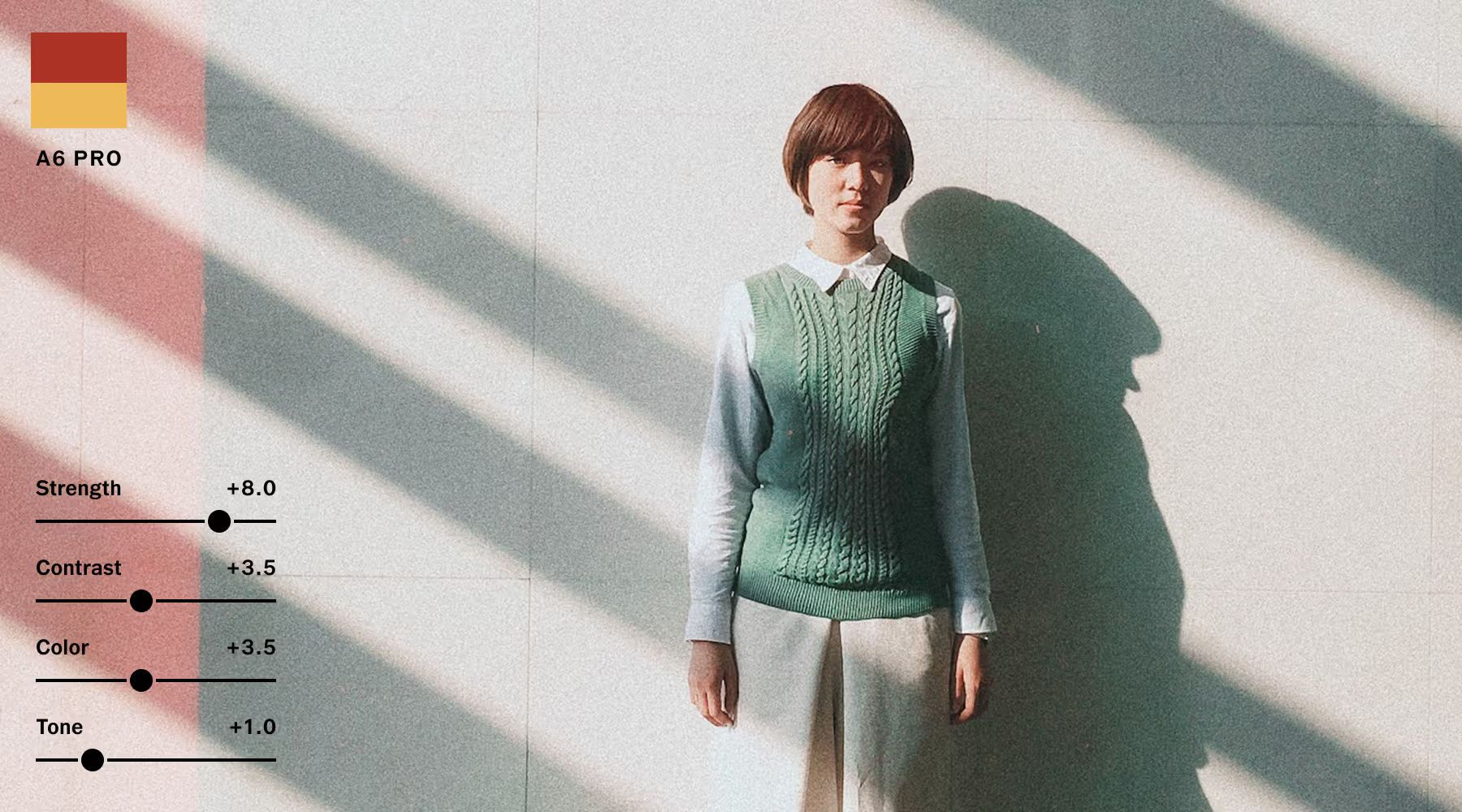
Develop AN UNMISTAKABLE STYLE
See how exposure, contrast, color, and tone work together with 200+ pro-level presets and precision tools.
Study and connect with pro photographers in VSCO’s craft-focused community. This is where your aesthetic stops looking accidental and starts looking professional.
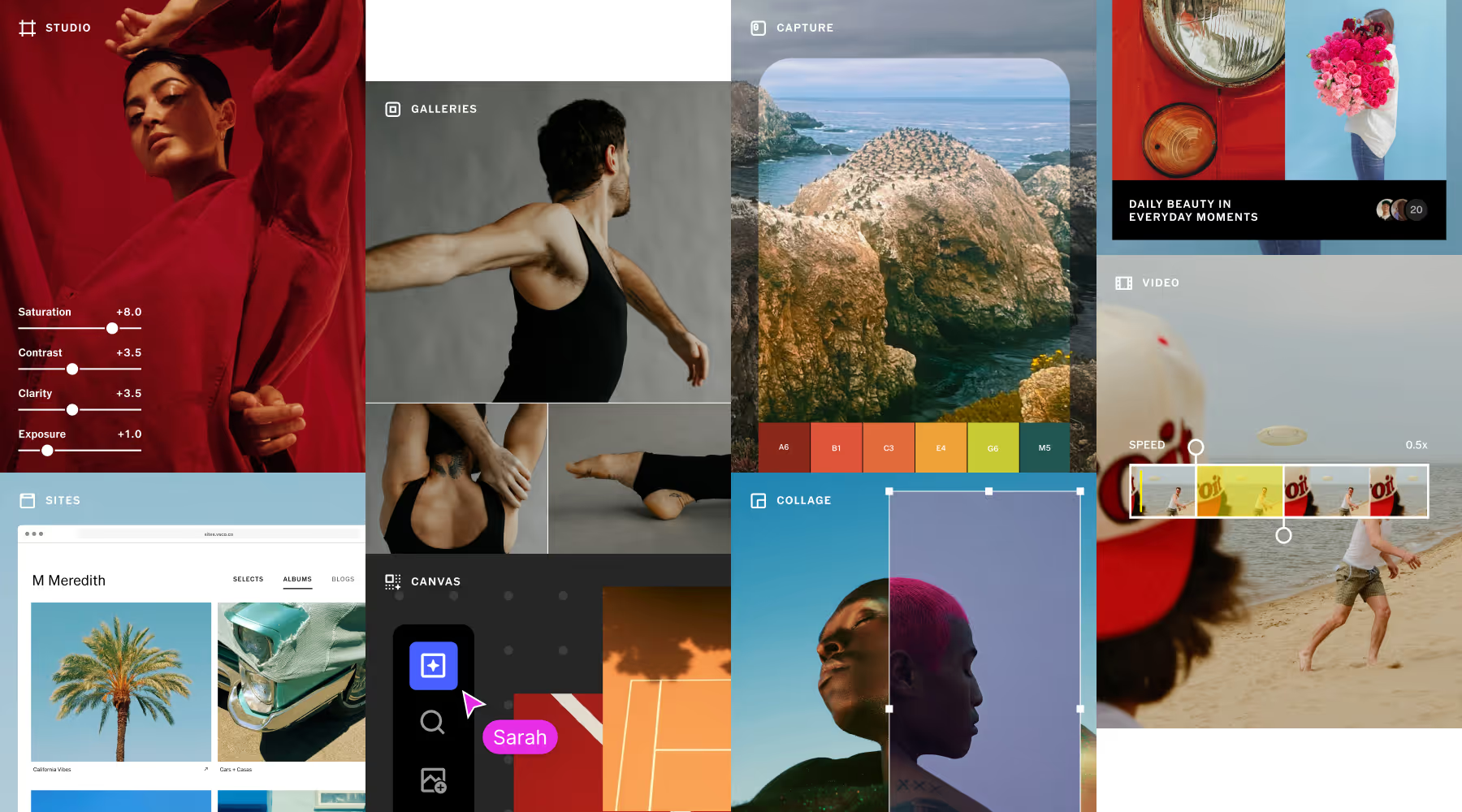
EVERYTHING YOU NEED. ONE Student-friendly price.
From moodboarding and shooting to editing and publishing your portfolio, VSCO covers every stage of your creative process.
Instead of juggling subscriptions, you get one streamlined set of tools designed for photographers who are serious about taking the next step. From first-year experiments to your senior thesis and career opportunities.
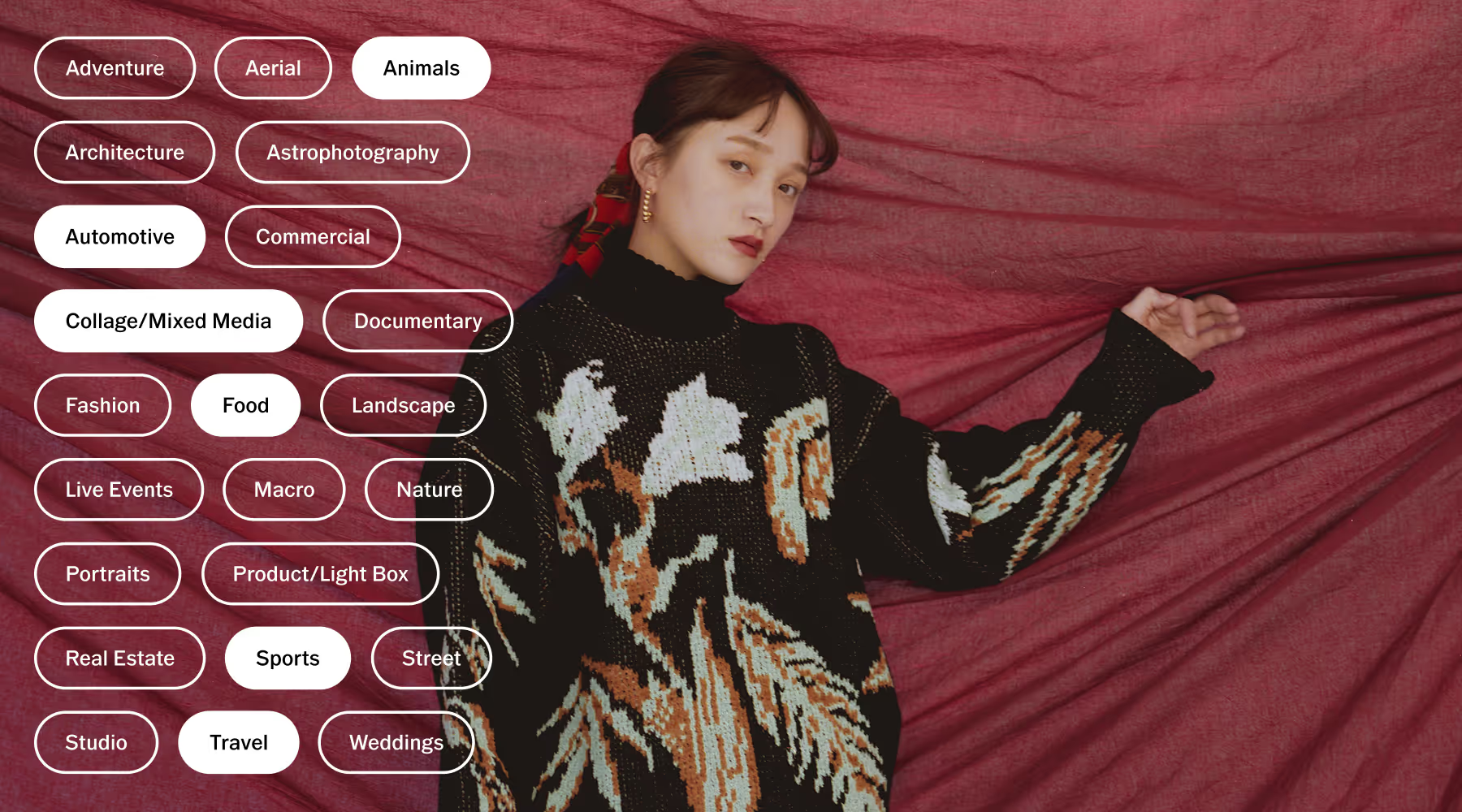
JOIN A community built for photographers
Share work in Spaces and get thoughtful critique from photographers who care about craft. Collaborate on mood boards in VSCO Canvas, and discover serious, high-quality work in a Feed curated for inspiration—not noise.
When you’re surrounded by a like-minded community, your confidence grows naturally.

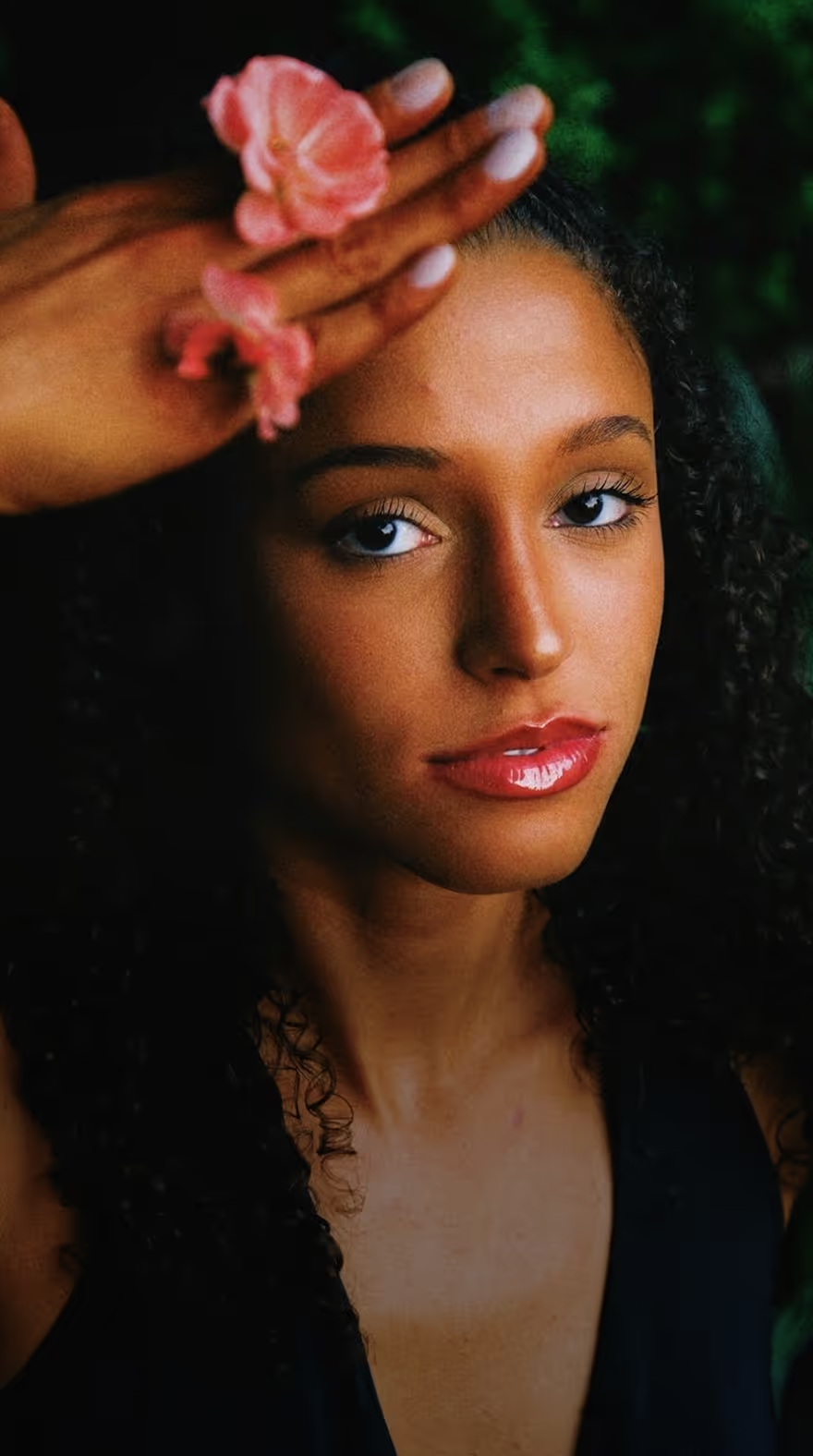
Professional photographers discover their style, find their community, and get their start on VSCO.
The Freelance Photographer
Get real-world guidance on pricing, pitching, structuring freelance services, and building sustainable momentum before and after graduation. Learn from pros who have turned craft into careers.
Frequently asked questions
What is the best photo editing app for students?
The best photo editing app for students balances ease of use with room to grow. Students need tools that teach core concepts like color correction, tone, and contrast—without overwhelming complexity. VSCO offers professional filters, advanced editing controls, and video support in one platform, making it a strong option for students learning photography while building a cohesive visual style.
How can VSCO help students learn photography?
VSCO helps photography students learn by doing. With professional presets, advanced editing tools, and real-time adjustments, students can experiment with color, exposure, tone, and composition while developing their own style.
Beyond editing, VSCO opens pathways to creative community. Students can connect with other photographers, join discussions, collaborate in shared Spaces, and get feedback on their work. For those who want structured business education, they can also join The Freelance Photographer (TFP)—a separate VSCO-powered coaching program focused on turning creative skills into career opportunities. From first capture to final presentation, VSCO supports both technical growth and creative confidence.
Is VSCO good for beginner photographers?
Yes. VSCO is intuitive enough for beginners but powerful enough to grow with you. Students can start with presets to understand color grading, then move into manual controls like HSL, grain, and exposure adjustments as their skills improve. It’s a learning tool and a creative toolkit in one.
How does VSCO help students develop their own style?
Style development requires experimentation plus repetition. VSCO lets you try and save successful editing workflows and apply them consistently across projects. Studying other photographers' work in Feed exposes you to diverse approaches. VSCO Canvas helps you collect visual references that clarify your own direction. Consistency emerges through this cycle: experiment, identify what resonates, and refine through practice.
Is VSCO good for college photography classes?
Yes. VSCO is well-suited for college photography classes because it combines intuitive tools with professional-level controls. Students can learn fundamentals like exposure, color grading, and composition while experimenting with presets and manual adjustments. It also supports portfolio building and consistent editing across projects—helping students present polished work for critiques, applications, and internships.
Can VSCO help students prepare for creative careers?
Yes. Beyond editing tools, VSCO offers a professional ecosystem that supports growth—from portfolio building to community exposure. Learning to present your work clearly and cohesively prepares you for internships, agency roles, or freelance photography.
Can I edit both photo and video in VSCO?
Yes. VSCO supports both photo and video editing, allowing students to apply consistent color treatments across formats. This helps build a cohesive visual style—an essential skill for modern creators working across platforms.
Can students build portfolios for reviews and applications with VSCO?
Portfolio reviews demand cohesive visual identity and professional presentation. VSCO's editing tools help you maintain consistent editing across projects. VSCO Sites creates clean, distraction-free portfolio presentations perfect for crits, thesis defenses, graduate program applications, and internship submissions.
Is VSCO suitable for different majors and specializations?
Absolutely. VSCO's tools serve editorial photographers building conceptual bodies of work, commercial students developing brand-ready aesthetics, photojournalism majors maintaining documentary integrity, and fine art students exploring experimental approaches. We don’t force a particular style, just a professional-grade foundation you customize to your creative vision and career path.