
PRISM
Take light bending photos and videos in real time with VSCO’s prism lens effect.
Use VSCO app to re-imagine the world around you with a customizable fractal filter that feels like you’re shooting through a real glass prism.
With Prism you can bend, reflect, and rotate light while you compose photos and videos. Join today to build authentic connections that foster professional growth and to edit photos and videos with our full suite of tools. Invest in your creativity with a VSCO Membership.
Bend & manipulate light
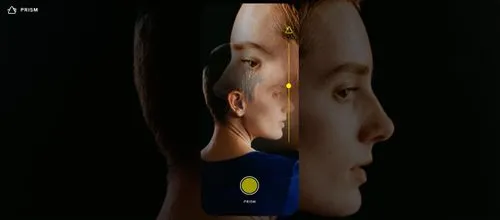
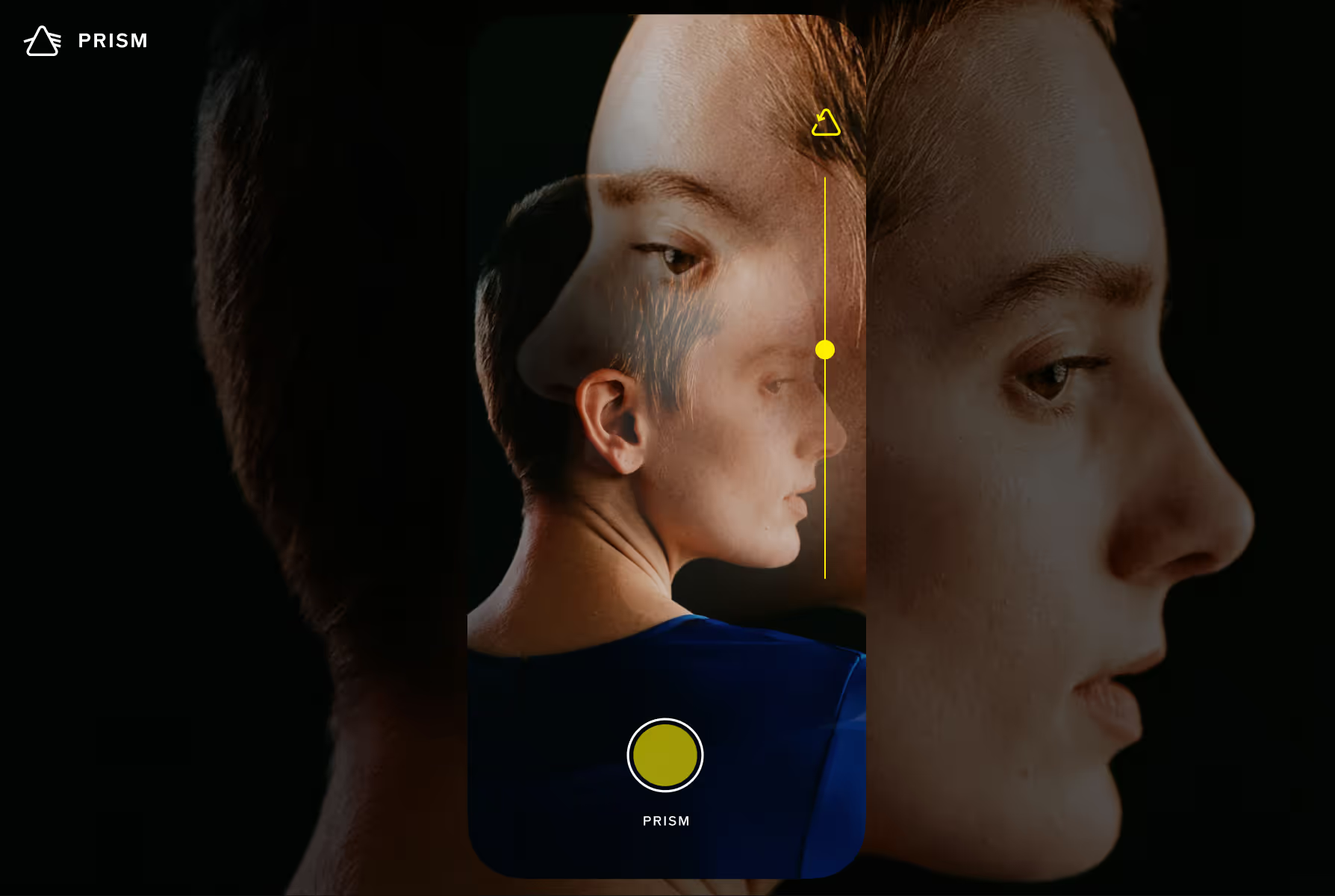
Take prism photography and cinematic scenes that defy gravity and project parallel worlds. When using Prism in the VSCO app, simply tap, slide, or drag to manipulate your prism and control the effect while you compose your shot.
Full creative control
Tap the prism arrow icon to rotate the prism effect. Adjust magnification with the vertical slider and drag with your finger to control which area of your frame is reflected with the prism.
Try other live effects
Experiment with other live effects and shooting modes in the VSCO Camera to optimize how you shoot on the go. Create dynamic light leaks with Retro and cast gradients of color with Aurora.
Combine with Film FX
After taking photos, VSCO Members can edit with Film FX to combine and create even more unique looks. Add grain filters, light leaks, film effects, and more with the complete Film FX library.
How to use the prism lens filter
To access Prism, open the VSCO app and tap the camera icon located in the top right of Studio. Activate the prism effect by tapping the triangular prism icon. Adjust the effect by tapping the prism arrow icon, moving the vertical slider, or using your finger to drag the effect. Tap the button to take a photo or tap and hold when recording video.