
VSCO FOR Content Development
Turn Ideas Into Signature Content
Build a visual identity that stands out with tools that take you from scattered ideas to polished, publish-ready content for any platform.
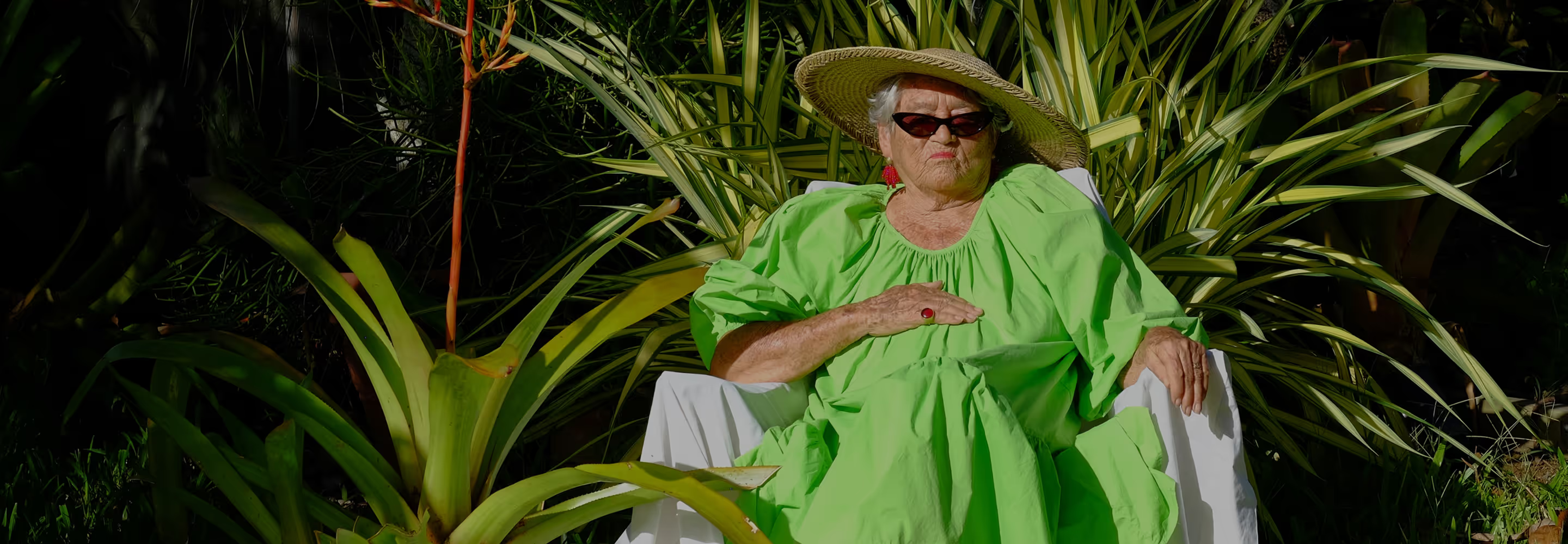
Content performs best when your vision leads. Turn inspiration into finished work with a clear aesthetic, cohesive edits, and tools that keep your workflow seamless across platforms.
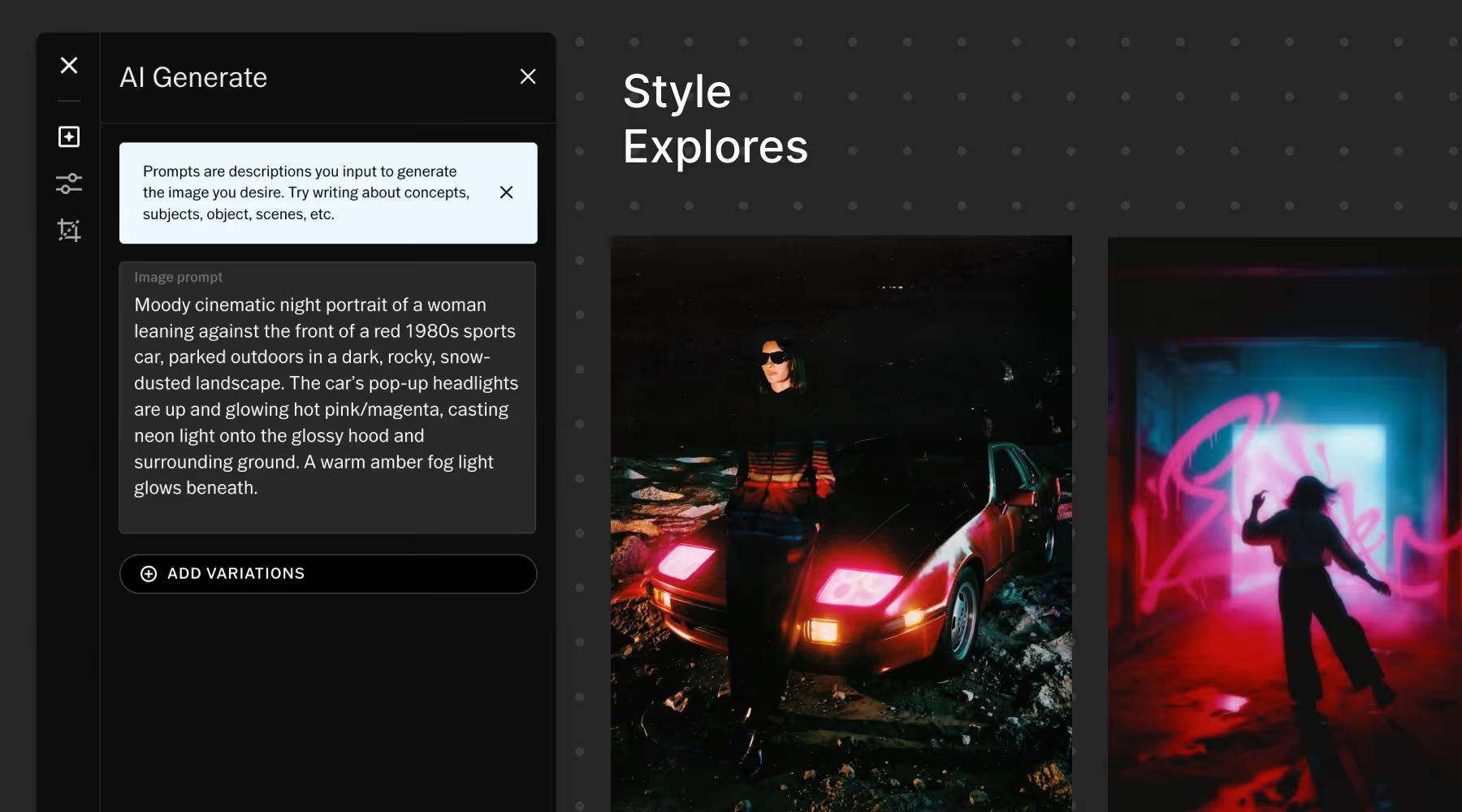
DEFINE CONCEPTS BEFORE YOU CREATE
Plan with purpose. VSCO Canvas turns scattered ideas into clear visual direction—import references, search millions of images, link videos, and generate new concepts instantly with AI.
Collaborate, refine, and align with your whole team. With AI-powered boards, everyone sees the same vision, so you create polished, on-brand content faster and smarter.
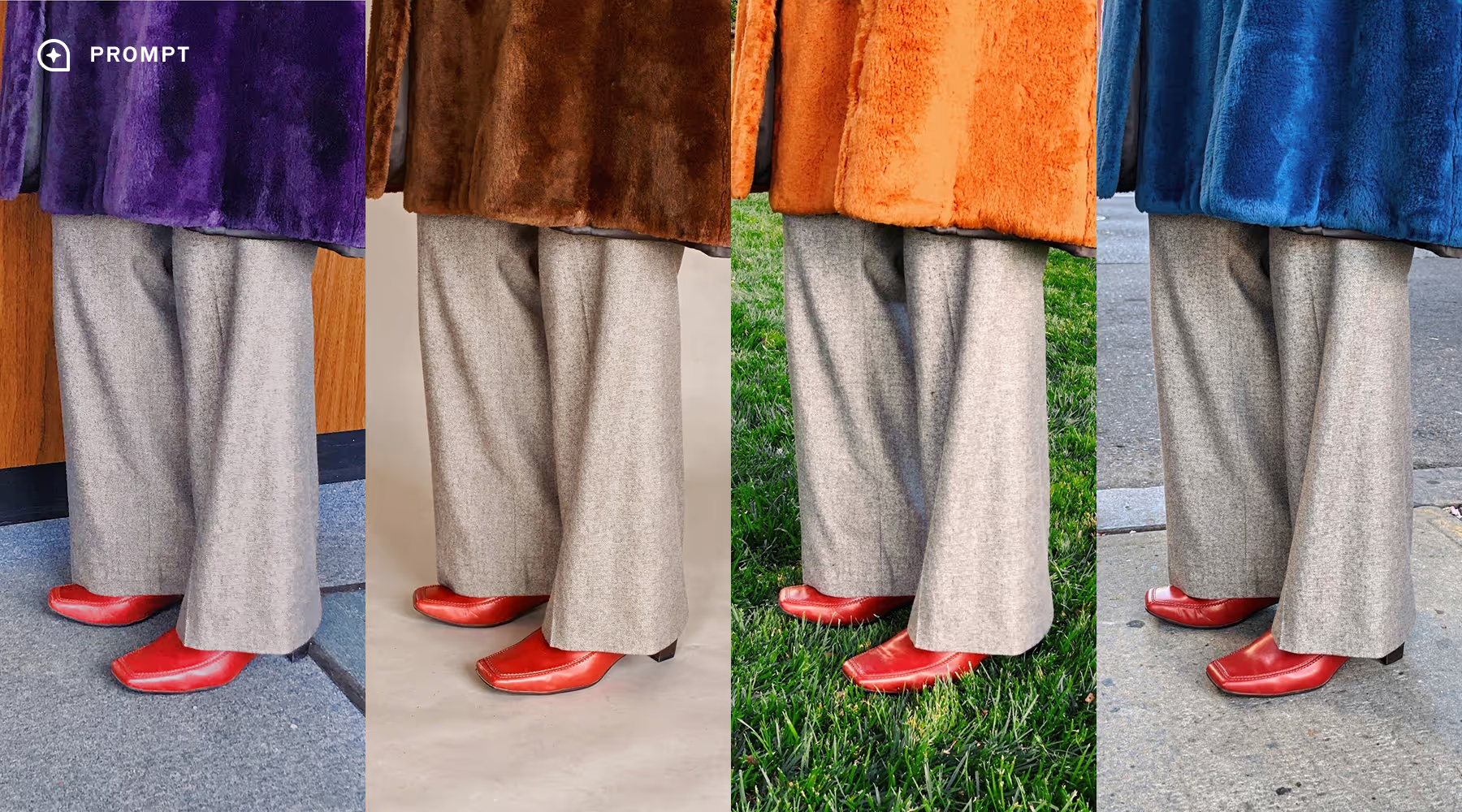
ACCELERATE YOUR IDEAS in AI Lab
Explore new creative directions instantly. AI Lab’s Prompt tool turns your words into the perfect edit, letting you see and test moods, lighting, and aesthetics on any image.
Remove distractions, upscale images, and refine without reshooting. Speed up experimentation so you spend less time shooting and editing and more time creating content that’s ready to publish.

FAST, INTUITIVE VIDEO EDITING
Maintain a flawless, unified look across photos and video without complex software. Use 200+ filters and consistent tools so your color, tone, and mood translate seamlessly across formats.
Save workflows with Recipes, trim clips, adjust speed, refine composition, and apply cinematic effects in an intuitive interface built for creators who demand professional results without friction.
MORE TOOLS FOR CONTENT CREATORS
Plan, edit, and deliver with a creative toolkit designed for modern content workflows.
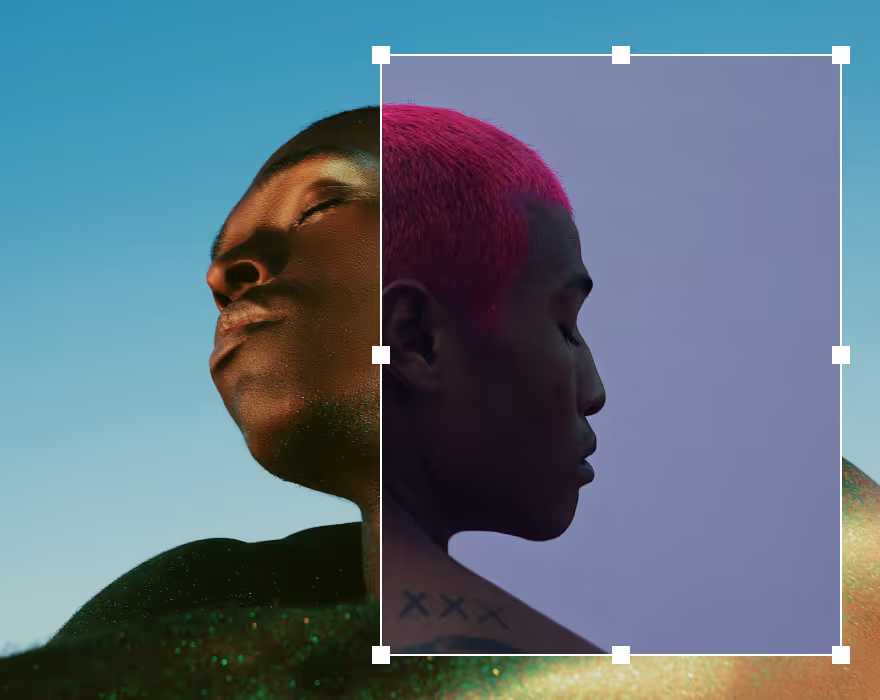
Create layered compositions and layouts with images, text, graphics, and effects.
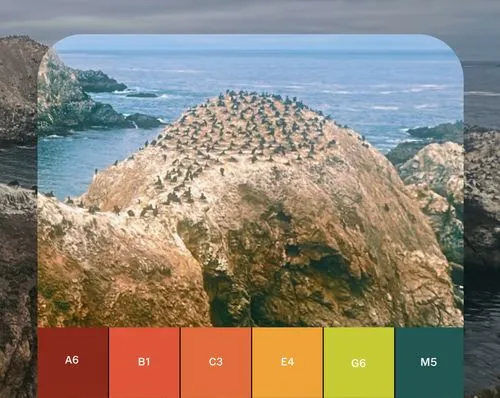
With live camera effects you won’t find anywhere else, shoot with the VSCO Capture camera app.

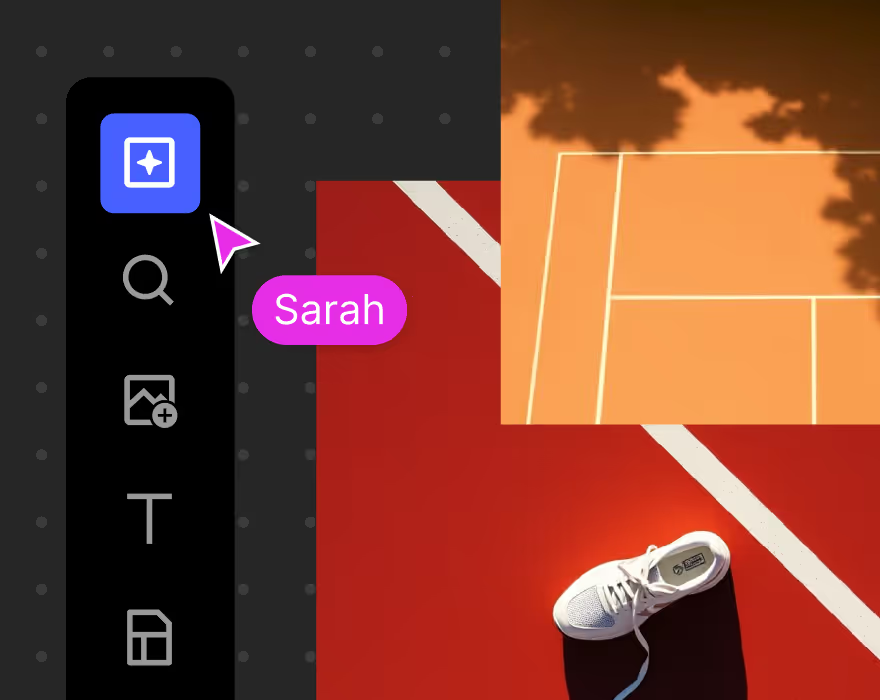
Create mood boards for your photoshoots and projects. Collect, share, and bring your inspiration to life.
Common questions about content development
What is content development?
Content development is the strategic process of planning, creating, refining, and publishing content with clear visual direction. Instead of reacting to one-off trends or posting spontaneously, creators establish workflows, aesthetic guidelines, and production systems that produce consistent, recognizable content over time.
How is content development different from content creation?
Content creation is the act of producing individual posts. Content development is the system behind it. Development defines visual identity, plans content direction, establishes editing workflows, and ensures consistency across formats. It turns scattered posts into a cohesive brand presence.
How do I keep my content visually consistent across platforms?
Consistency comes from defining your aesthetic first and applying it systematically. Mood boards clarify visual direction, presets maintain consistent color grading, and unified tools ensure your look translates across photo and video formats.
Using the same presets and editing workflows across all content keeps your visual identity recognizable wherever your audience finds you.
What tools do I need for an effective content development workflow?
A strong workflow typically includes:
• Moodboarding and concept development
• Editing tools that maintain consistent looks and workflows
• AI tools for faster experimentation and refinement
• Capture tools that support creative control
• Platforms for publishing and presenting finished work
When these tools work together, creators can move from concept to publication without breaking their creative momentum. VSCO delivers them all with a single platform for complete content development.
How do creators produce content faster without sacrificing quality?
Speed comes from efficient systems. Presets apply your aesthetic instantly, AI tools accelerate experimentation, and live preview tools help you capture content closer to your final look. When your workflow is structured, you spend less time repeating technical steps and more time developing ideas that turn into published content.
Can the same aesthetic work for both photo and video?
Yes. A strong visual identity should translate across formats. Consistent color grading, tonal treatment, and mood help your content remain recognizable whether you're posting still images, video clips, or mixed media. Using the same editing approach across formats helps reinforce brand identity and audience recognition.
How does AI help with content development?
AI tools accelerate the experimentation and refinement stages of content production. Instead of manually testing multiple edits, creators can quickly explore visual directions, remove distractions, or enhance image quality. This allows creators to evaluate ideas faster while maintaining full creative control.
How can I plan content without losing creative spontaneity?
Planning provides structure while leaving room for experimentation. Mood boards define visual direction, presets simplify editing decisions, and flexible tools allow creators to adapt ideas in the moment. The result is content that feels spontaneous while still reinforcing a consistent aesthetic.