Image Exposure Editor
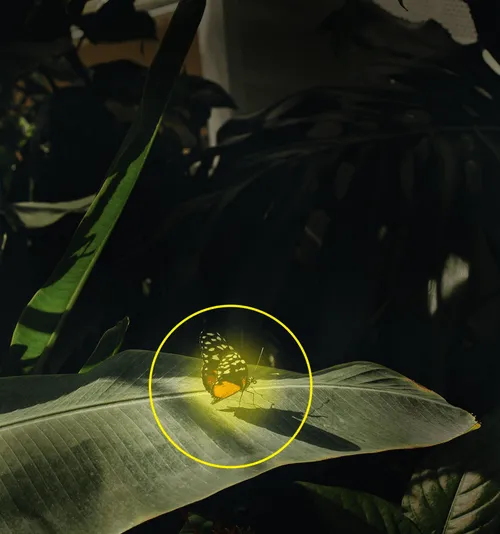
Darken and brighten images and videos with the image exposure editor from VSCO.
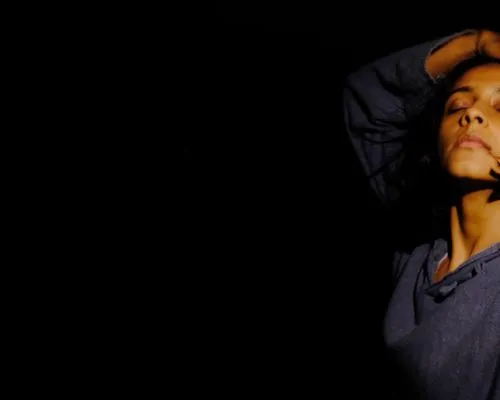
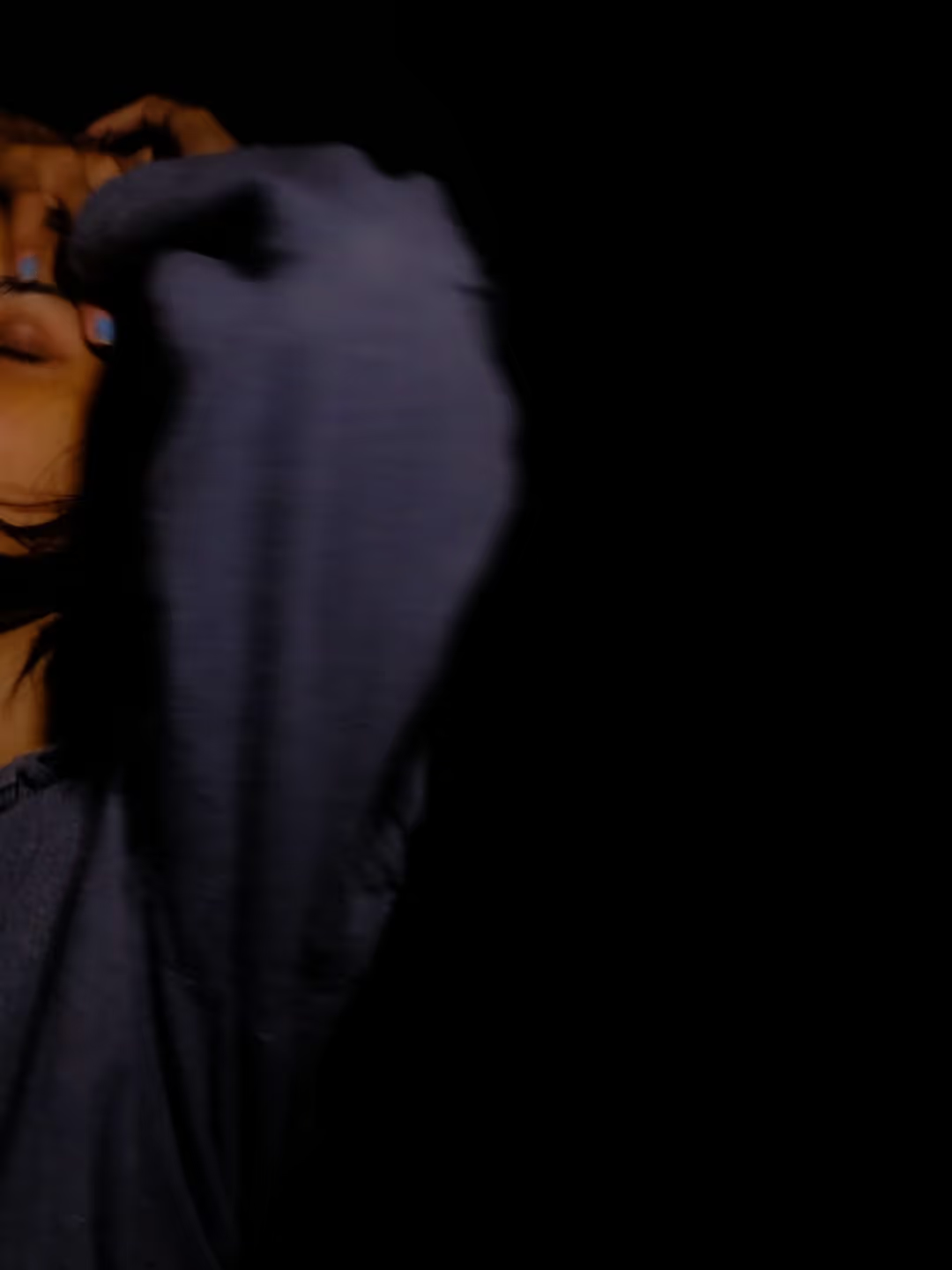
The photo exposure editor is a top quality image brightener and darkener that can help fix your photos and videos, or inspire new creative looks.
Adjust exposure with the free mobile app or try a Pro Membership to access VSCO Studio for desktop. Join today to build authentic connections that foster professional growth and to edit photos and videos with our full suite of tools. Invest in your creativity with a VSCO Membership.
Over & under exposure
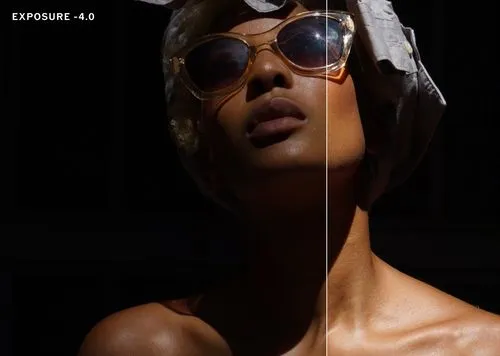
Overexposed images are too bright and can be corrected by reducing exposure, while underexposed images are too dark and benefit from increased exposure. Use the photo Exposure editor to fix overall exposure or to get creative with high and low key edits.
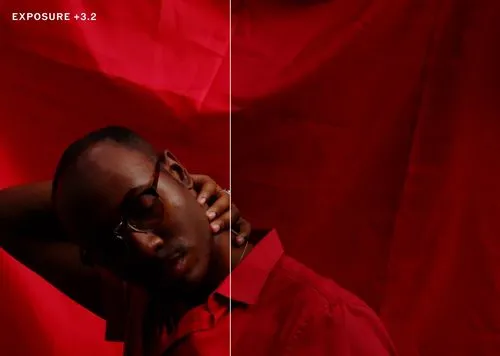
Push the limits
Explore image exposure’s full range with an extra bright, high key edit, or an underexposed, low key look. Create a light filled composition, or try emphasizing shadows and silhouettes.
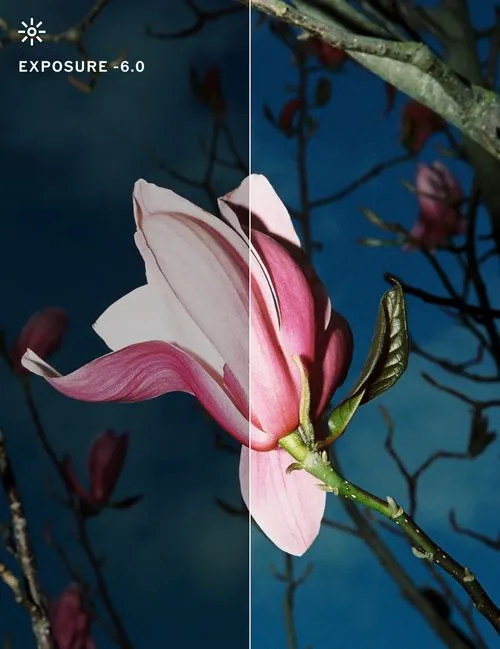
Create a consistent look
Combine exposure and photo filters to create a consistent look across multiple photos and videos. Fine tune dark or bright shots to better match within a slideshow or cinematic cut.
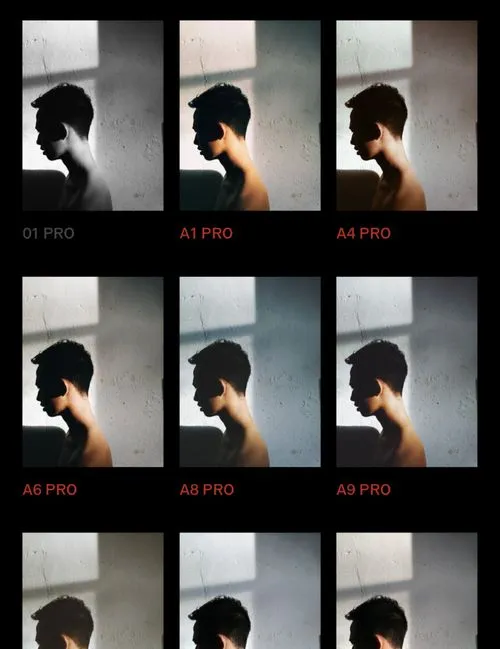
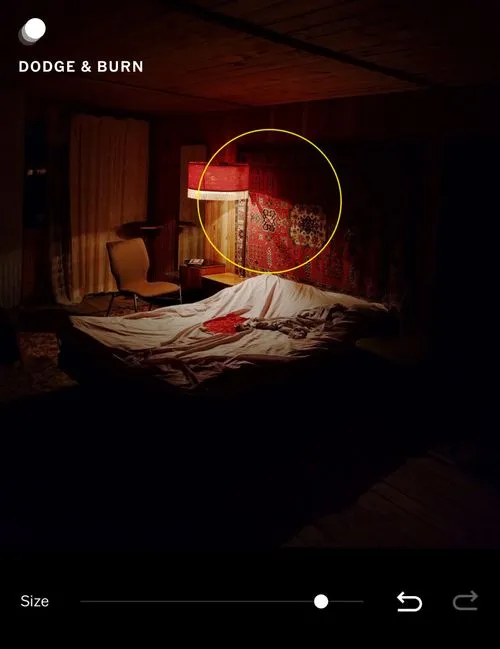
Brush with Dodge & Burn
VSCO Plus and Pro Members can edit with Dodge & Burn, a pair of exposure brush tools that can be used to intuitively brighten and darken specific areas of photos.
How to edit image and video exposure
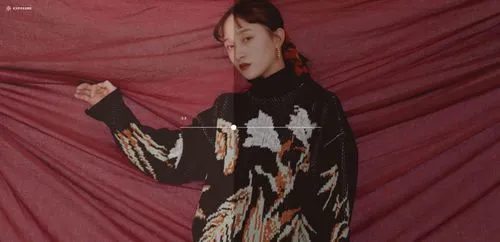
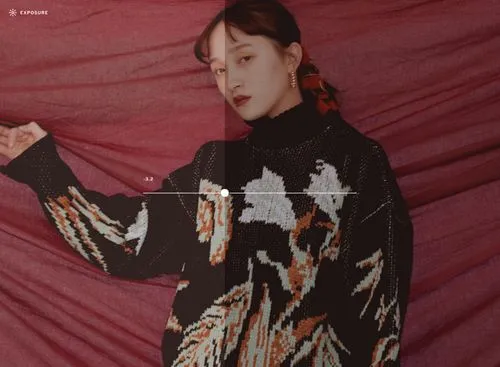
Capture or import photos with the VSCO mobile app and use the photo editor to access the Exposure editor. Use the slider to increase and decrease image exposure as you edit. After adjusting exposure, try applying a photo filter to finish your look.

Frequently asked questions
What is exposure in photo editing?
Adjusting image exposure helps correct lighting issues or set a creative tone. VSCO offers an exposure editor that lets you control how light or dark your image appears, available on iPhone, Android, and our online photo editor.
How do I fix an overexposed or underexposed photo?
Use VSCO’s exposure tool to darken photos that are too bright or brighten images that are too dark. Just slide to adjust and get the look you want.
Can I edit the exposure on videos?
What is exposure vs brightness?
The exposure tool adjusts the overall amount of light in an image, shifting both highlights and shadows together. Brightness tends to lift or lower midtones without affecting contrast as much. It works best for subtle tweaks after exposure is set.
What other edits should I combine with image exposure?
VSCO makes it easy to combine image exposure edits with tools and photo effects like contrast, saturation, and white balance for a more refined look. After you dial in your exposure, you can also experiment with different photo filters to complete your aesthetic.
Can I batch edit exposure on multiple photos?
Yes, VSCO offers batch editing so you can apply exposure changes across several photos. It's a great way to quickly brighten or darken images to match a consistent style. You can even save your own Recipes to create your own signature look.
MORE WAYS TO EDIT
Explore more ways to shape your vision. Boost Contrast to add depth, fine-tune Saturation to perfect your palette, and sculpt light with Dodge & Burn.
Low and High Contrast
Adjust Contrast to define shadows and highlights, adding depth and dimension to photos.
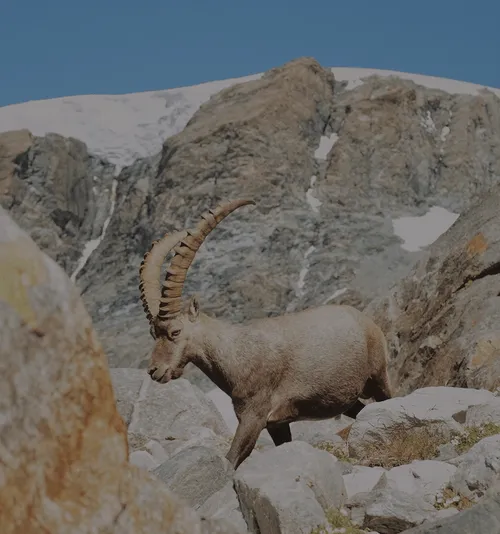
IMAGE SATURATION
Fine-tune Saturation to balance vibrancy, letting colors feel bold or subtly understated.
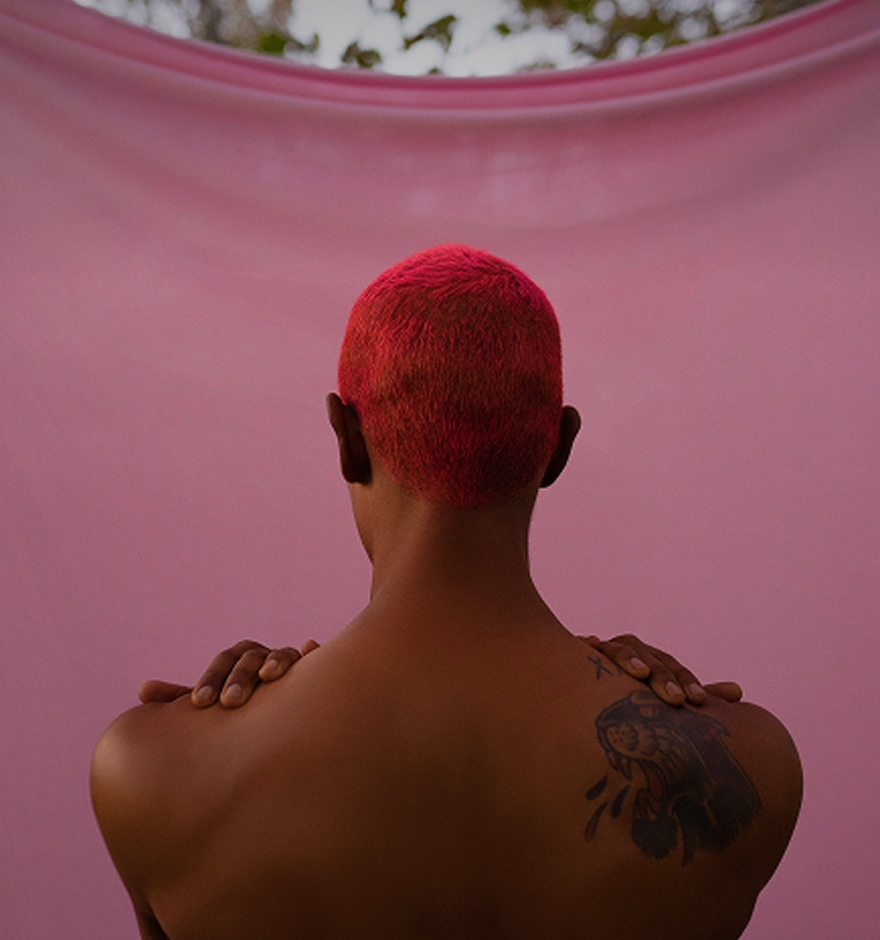
DODGE & BURN
Dodge and Burn lets you paint with light and shadow, guiding attention and finding the perfect balance.