Erase Distractions, Keep Every Detail
AI Lab’s Remove tool lets you erase unwanted objects or people while preserving quality and detail in a seamless, high-fidelity workflow.
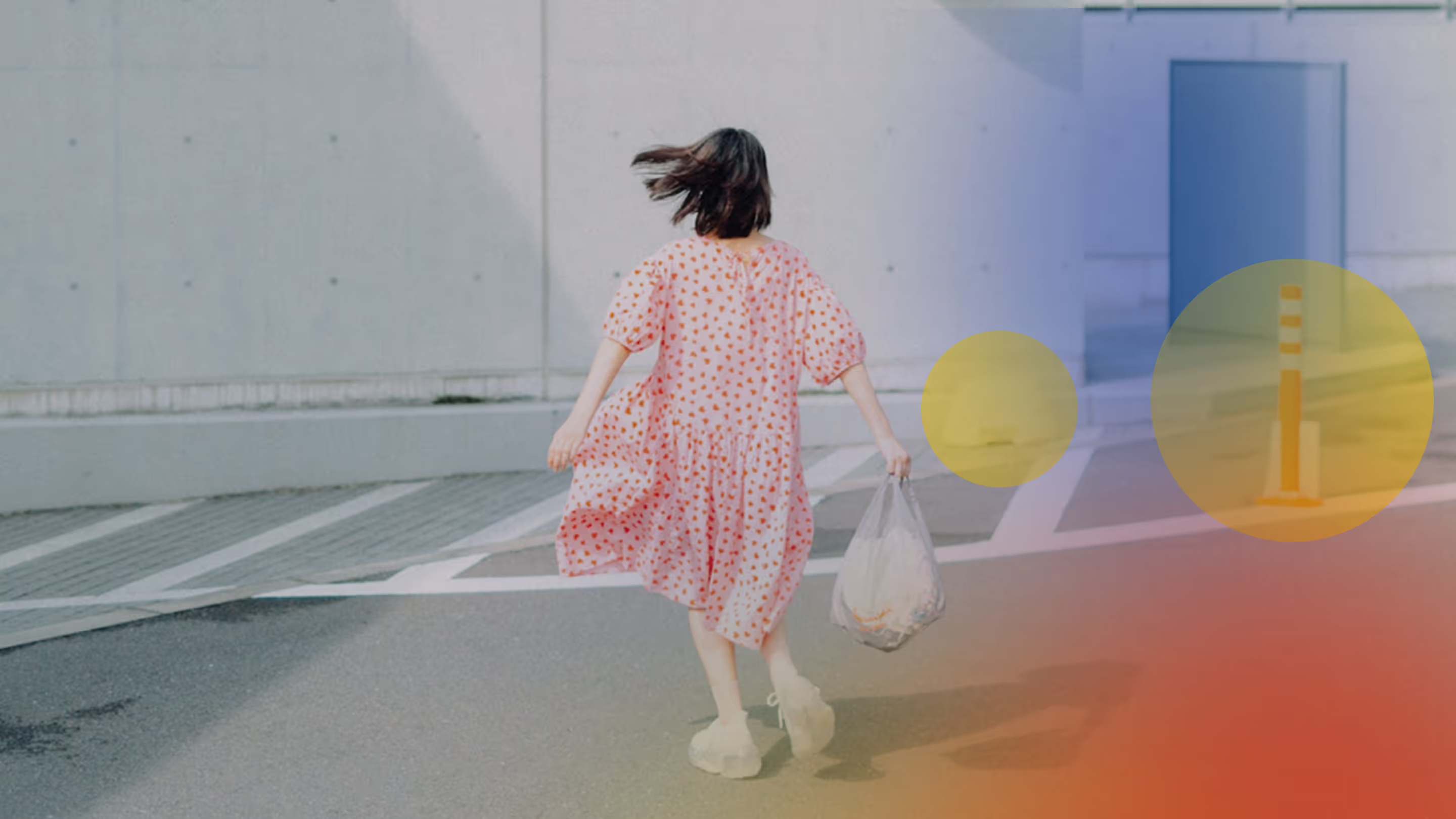
Take control of every composition. AI Lab’s Remove tool lets you quickly erase unwanted objects or people without losing any resolution. Every shot, exactly as you envisioned.
Clean up your photos with the AI object remover, then refine with our full suite of filters and editing features. Become a Pro Member for unlimited AI edits, access to Pro presets and film effects, and a community that inspires, supports, and connects creators like you.
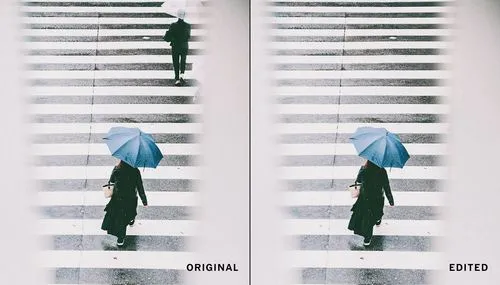
Clear the scene, focus your vision
Whether it’s a busy street, a cluttered background, or an unexpected object in your frame, AI Lab’s Remove tool helps you refine your photo with precision — keeping all the detail that matters. AI Lab works alongside you, enhancing your edits without taking over, so your creativity stays in control and your vision leads every adjustment.
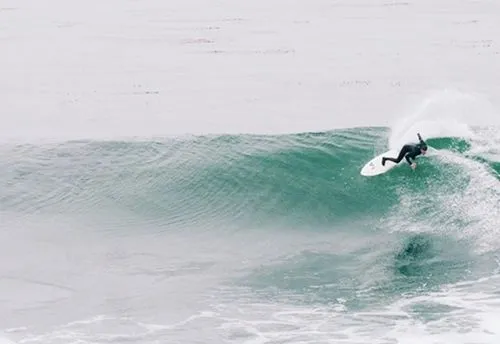


How to remove objects from photos with AI
Erase unwanted objects or distractions from any scene with our AI object remover. Whether you need to remove a person from a photo or clean up background clutter, Remove preserves full resolution and natural detail.
1. Get VSCO
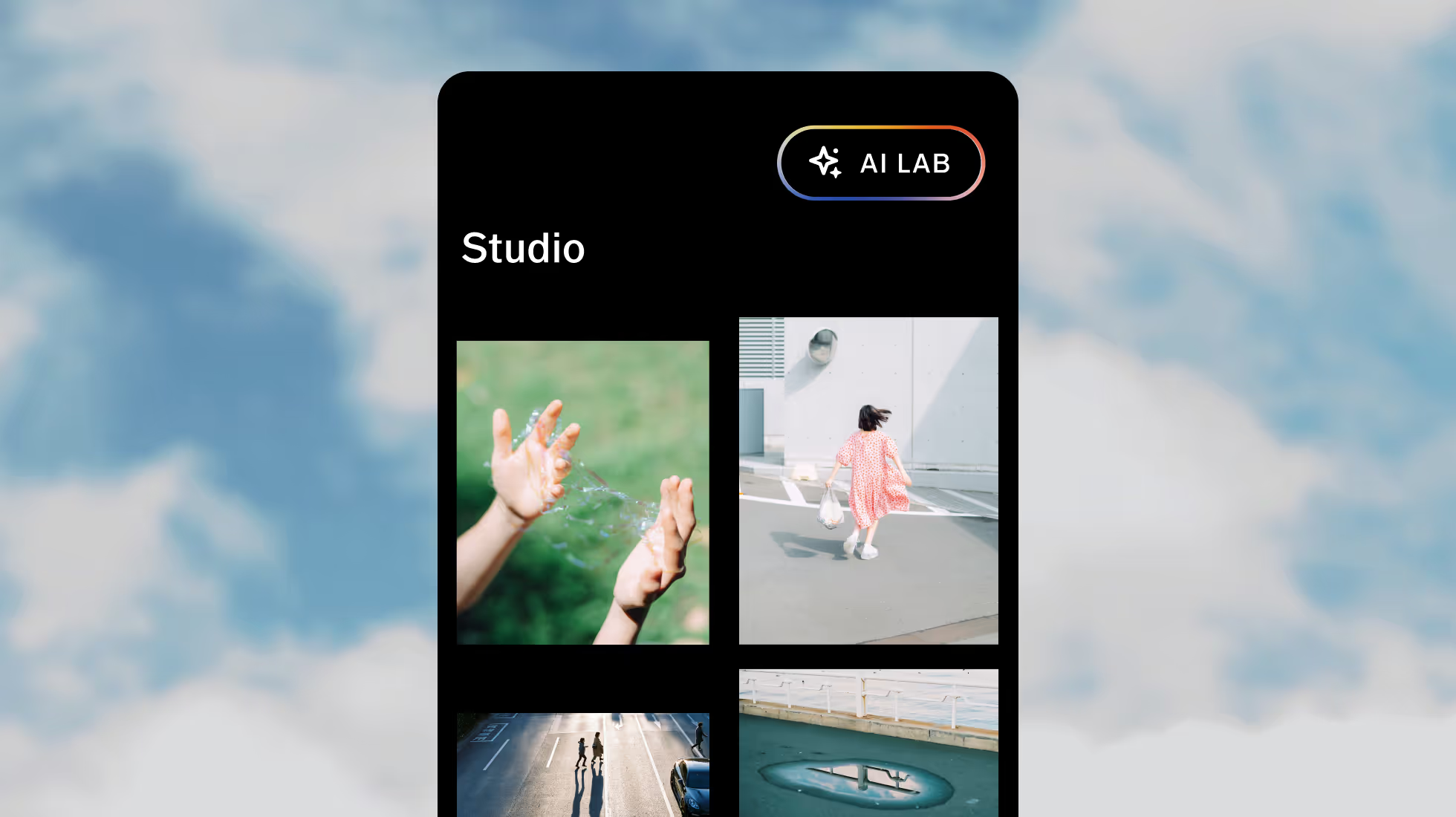
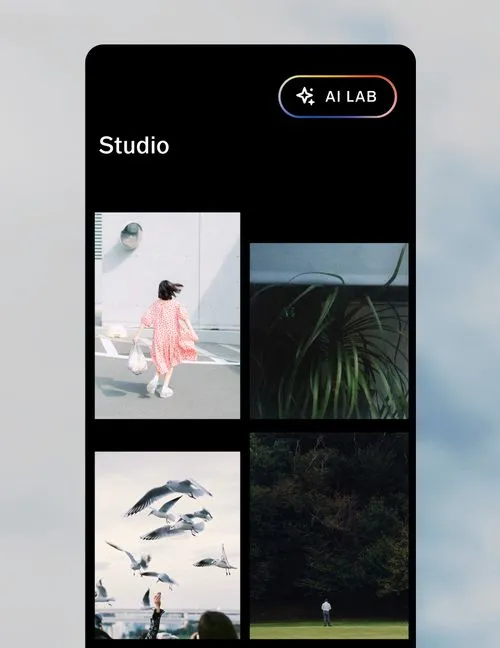
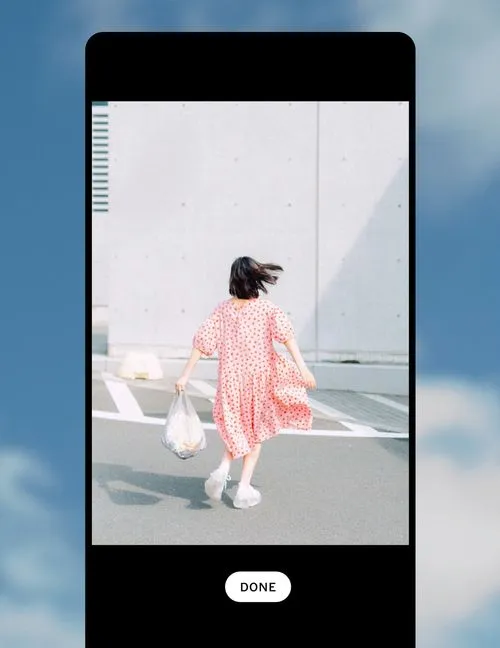
Download the VSCO app and tap the AI Lab icon at the top of your Studio, then select an image.
2. Make your selection
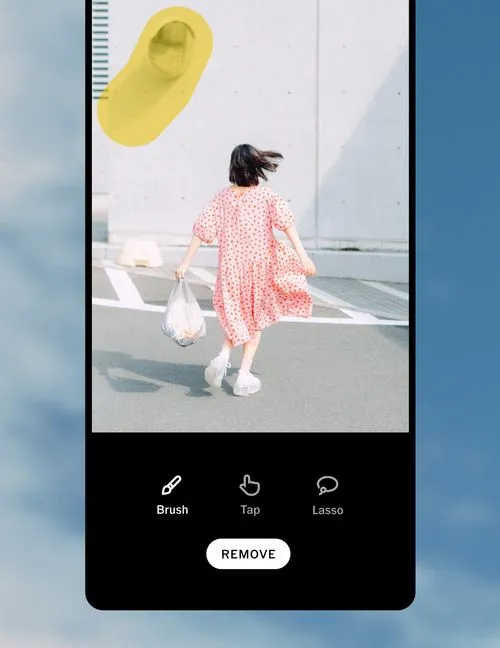
Tap Remove and choose Brush, Tap, or Lasso to make your selections.
3. Finish and save
Select Finish, your original image stays intact and a new copy is saved with your refined edit.
Frequently asked questions
What is an AI object remover?
An AI object remover is an intelligent editing tool that lets you clean up distractions — like stray people, power lines, or clutter — in your photos. Using AI, it fills in the removed areas naturally, so your images stay high-resolution and true to your style.
How can I use AI Lab’s Remove tool?
Download the VSCO app on your iPhone and tap the AI Lab icon in your Studio. Choose your photo, select the objects or people you want to remove, and watch as AI Lab quickly cleans up your image while maintaining full resolution and detail.
Can AI remove objects from both photos and videos?
Currently, AI Lab only supports photo editing, helping you refine and enhance images at full quality.
Will removing objects affect image quality?
Not with AI Lab. Every removal is designed to preserve resolution, detail, and texture, keeping your photos true to your creative vision. Complex edits may leave subtle traces, but most results feel seamless, natural, and high-fidelity.
What kinds of things can I remove from images?
AI object removers can erase almost anything that distracts from your composition: people, logos, street signs, text, or clutter. AI Lab’s Remove tool lets you simplify your scene, putting the focus on what matters most.
Is AI Remove better than manual retouching?
AI Lab’s object remover tool is fast, intuitive, and perfect for high-resolution photo editing, helping you maintain creativity without extra effort. For most photographers, AI photo editing is the best choice, it saves you time so you can focus on getting your next shot.
AI photo editing tools
Edit photos with AI tools made for photographers that sweat every detail. Enhance, refine, and create in full resolution.

MORE EDITING TOOLS
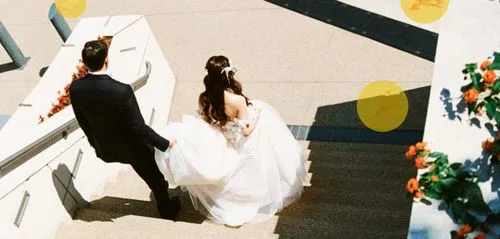
Explore photo effects like our photo blur editor for selective focus, define your style with one-tap photo filters, and continue refining your images on desktop for full creative control.
Blur PHOTO BACKGROUNDS
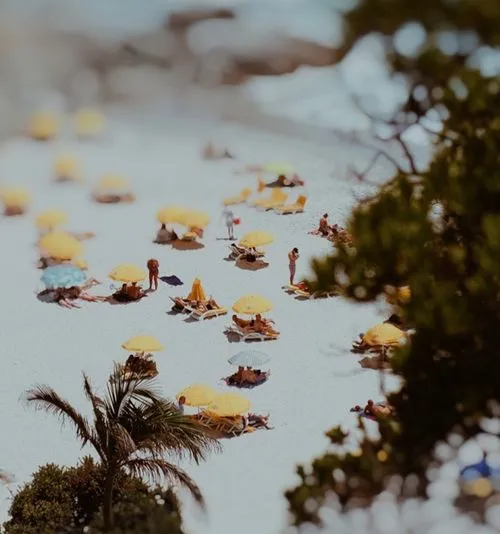
Add depth and control focus with blur, no matter what lens or camera you use.
Film-inspired PHOTO FILTERS
From vintage tones to modern color, transform photos instantly with 200+ filters.
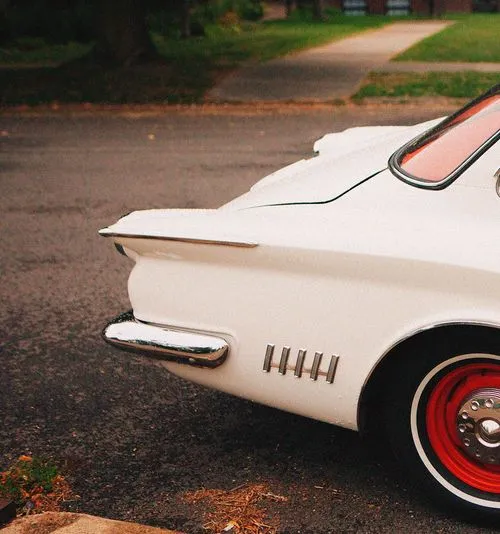
PHOTO EDITOR FOR MAC & PC
Edit on a bigger screen, perfect for precision adjustments and detailed workflows.