Montage Maker
Edit and combine photos and videos into shareable stories with the Montage maker from VSCO.
Transform, layer, and merge photos and videos with Montage. Use the VSCO app to edit and combine clips into shareable stories and videos.
VSCO is a community-driven platform that equips photographers to expand creatively and professionally. Join today to build authentic connections that foster professional growth and to edit photos and videos with our full suite of tools. Invest in your creativity with a VSCO Membership.
Merge videos and images
VSCO Members can intuitively create photo montages and video montages with a single photo editor app. Use designer templates, add color with a shape, and precisely control cuts and scenes.
Photo and video editing
Easily make Montages by combining videos and photos. Use saved edits from your VSCO Studio to create video scenes that move alongside your favorite still photographs.
Layered looks
Use the freedom of a blank canvas to create layered looks. Intuitively scale, rotate, and move both photos and videos. Easily compose and collage your media with snap grid alignment.
Sequence your story
Splice, duplicate, and sequence Scenes, or use a template to get started. Make perfect cuts with independent Duration and Volume tools.
Endless expression
Create photo montages and video montages with the VSCO mobile app. Use the Montage maker to easily add colorful shapes to your combined photos and videos and experiment with tools like Opacity. Edit efficiently with access to our dedicated photo and video editors all in the same mobile app.
Frequently asked questions
What is the VSCO Montage app?
What’s the difference between a montage and a collage?
A collage is a static arrangement of images, while a montage lets you combine photos and videos in motion, along with text, shapes, and sound.
Can I make photo montages?
Yes, VSCO lets you combine pictures to create layered, animated photo montages with full creative control. Just use the montage maker to add photos and videos, arrange scenes, and adjust opacity, scale, and placement for a custom visual story.
Can I make a video montage?
Can I control transparency in my montage layers?
Yes, VSCO supports transparent video overlay through the opacity slider so you can blend videos, photos, and shapes for layered effects.
Can I apply filters or effects to a montage?
You can edit your images and videos using VSCO’s editor before adding them to Montage, or layer effects like shapes and adjust opacity in the montage editor. You can also access the photo and video editor directly in the montage maker to apply filters and effects as you assemble your story.
How long can my montage be?
There’s no time limit for montage exports to your camera roll. Scenes can be up to 1 minute each, and you can add as many as you want.
Can I export and share my photo or video montage?
Yes, VSCO lets you export your montage video or save a single-scene photo montage as an image, ready to share anywhere.
KEEP EDITING WITH MORE TOOLS
Take your Montage further. Layer and arrange photos with Collage templates, add Borders for polished edges, and fine-tune every frame with the video editor.
COLLAGE MAKER
Layer, arrange, and scale photos with Collage, using playful templates to bring every composition to life.
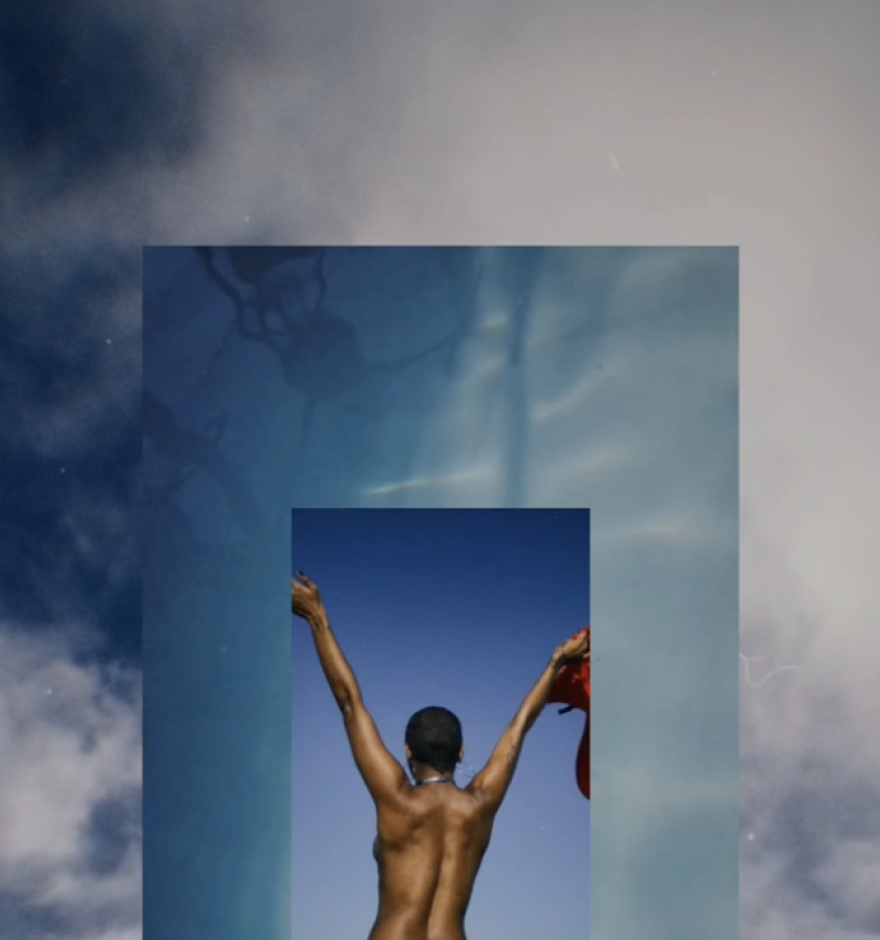
IMAGE BORDERS
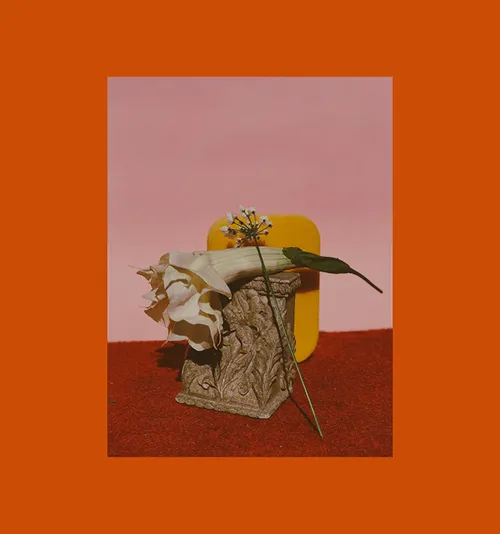
Add clean, customizable image borders to your photo for a polished, gallery-ready finish.
VIDEO EDITOR
Trim clips, adjust color, and apply film-inspired effects to craft cinematic videos with motion and mood.