






























Android Using plugins Flow — Platform-Specific Design
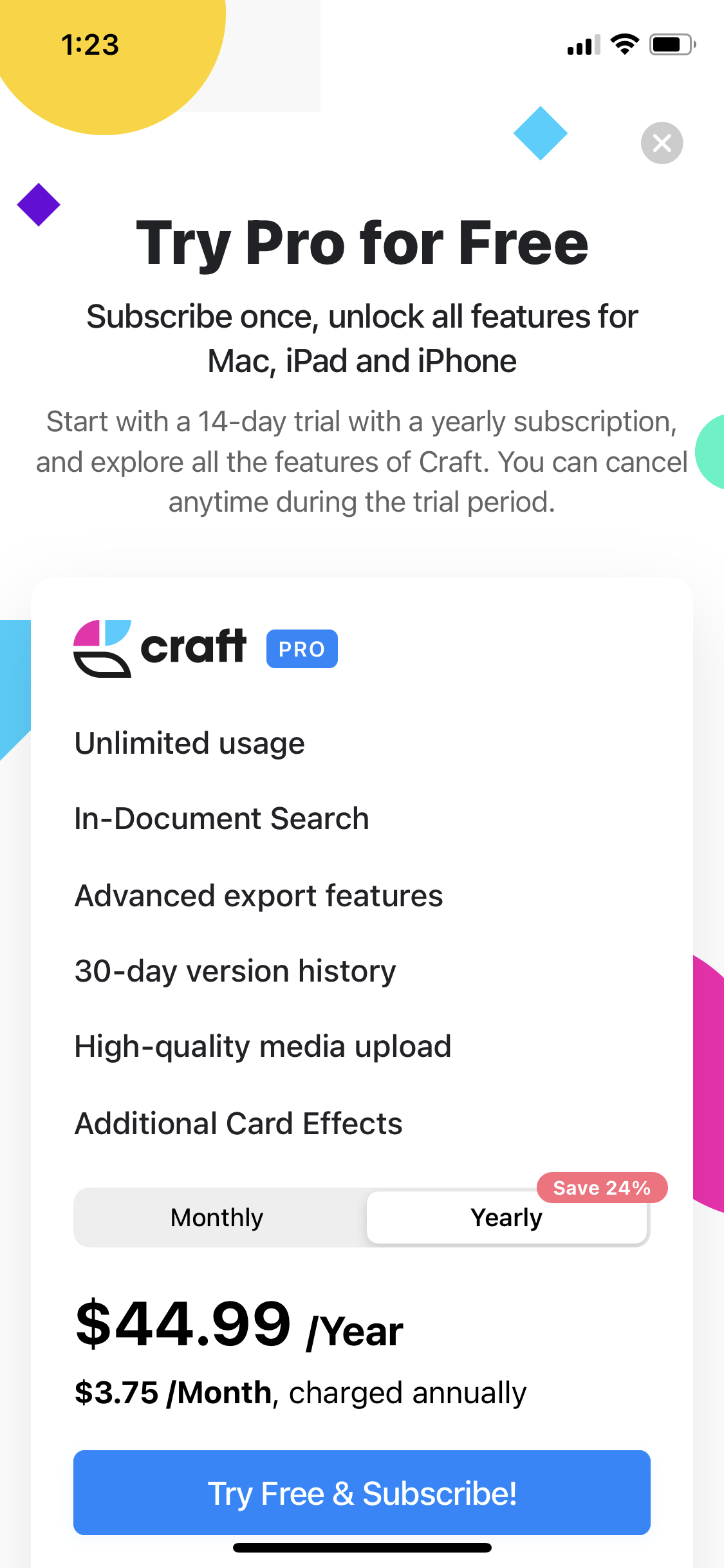
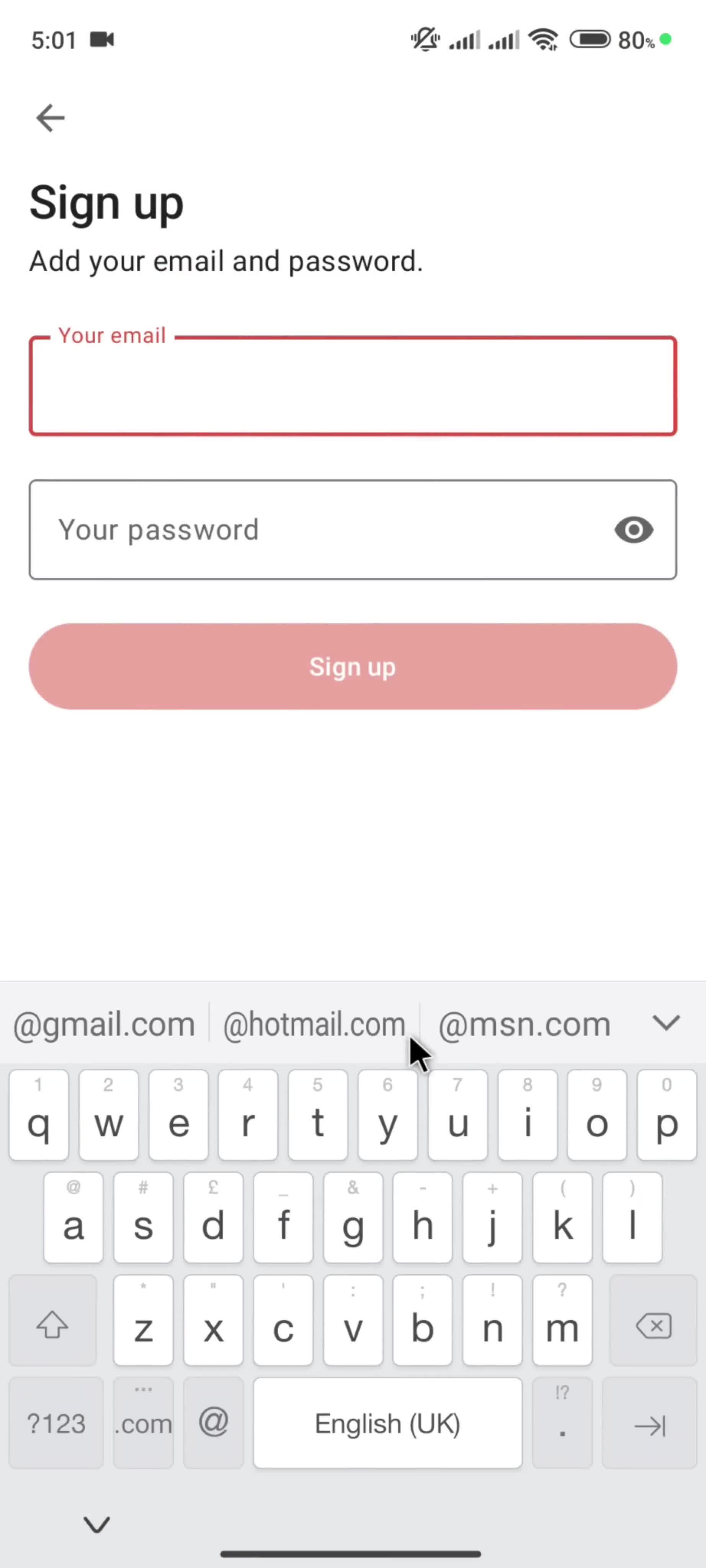
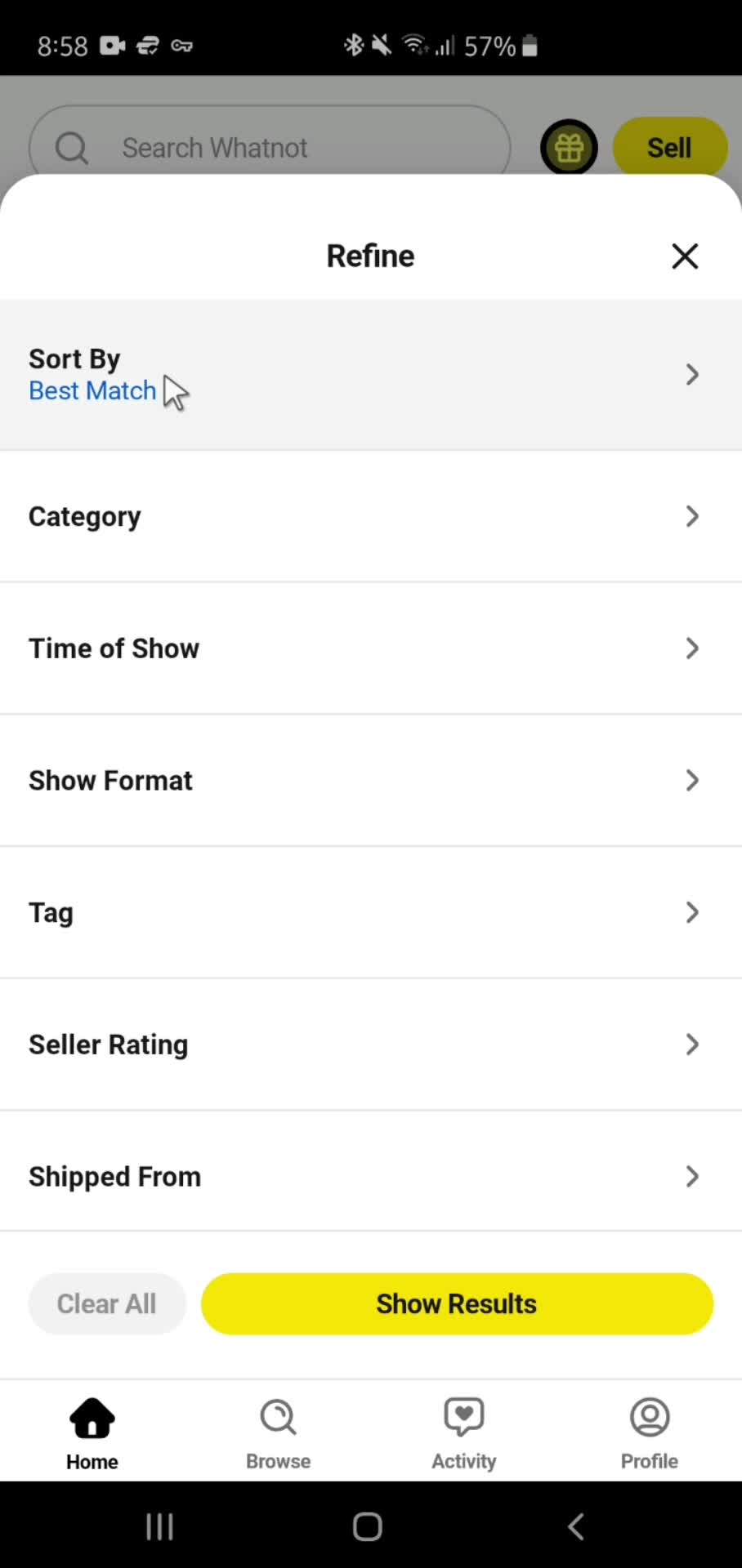
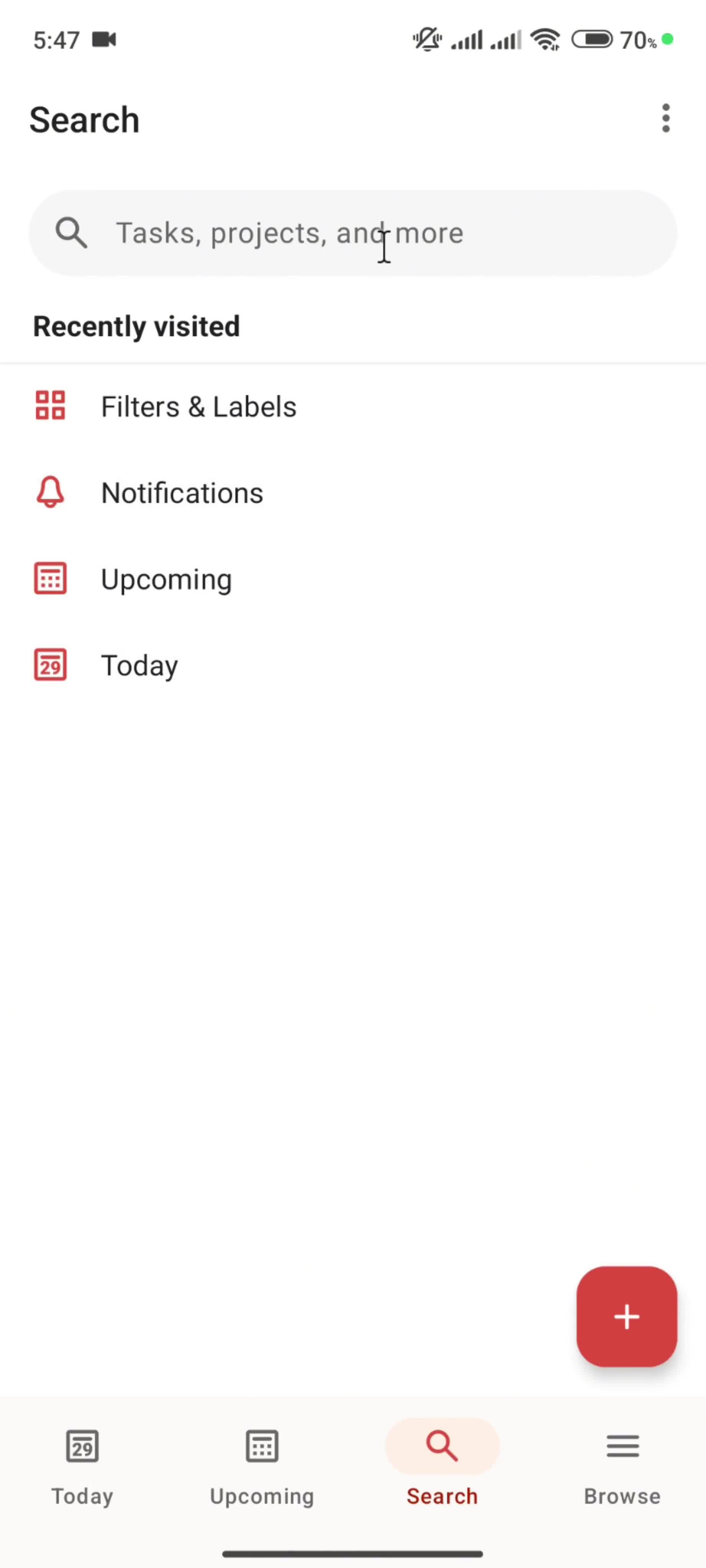
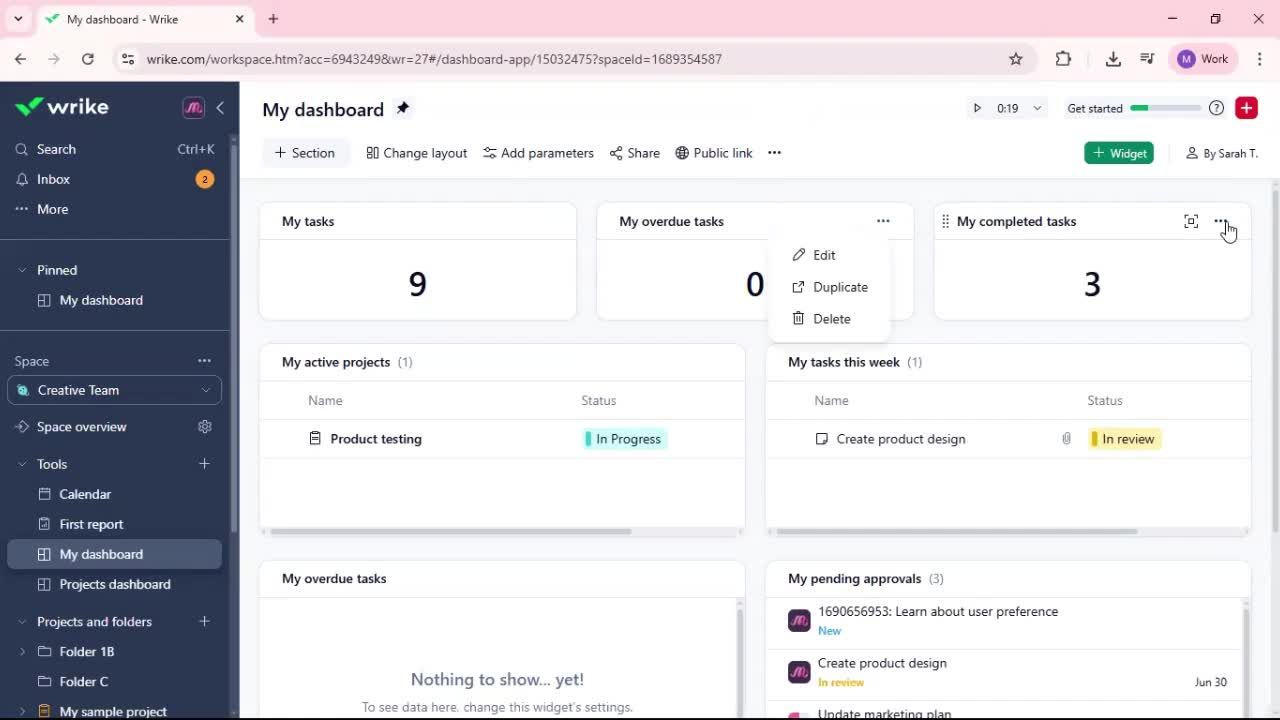
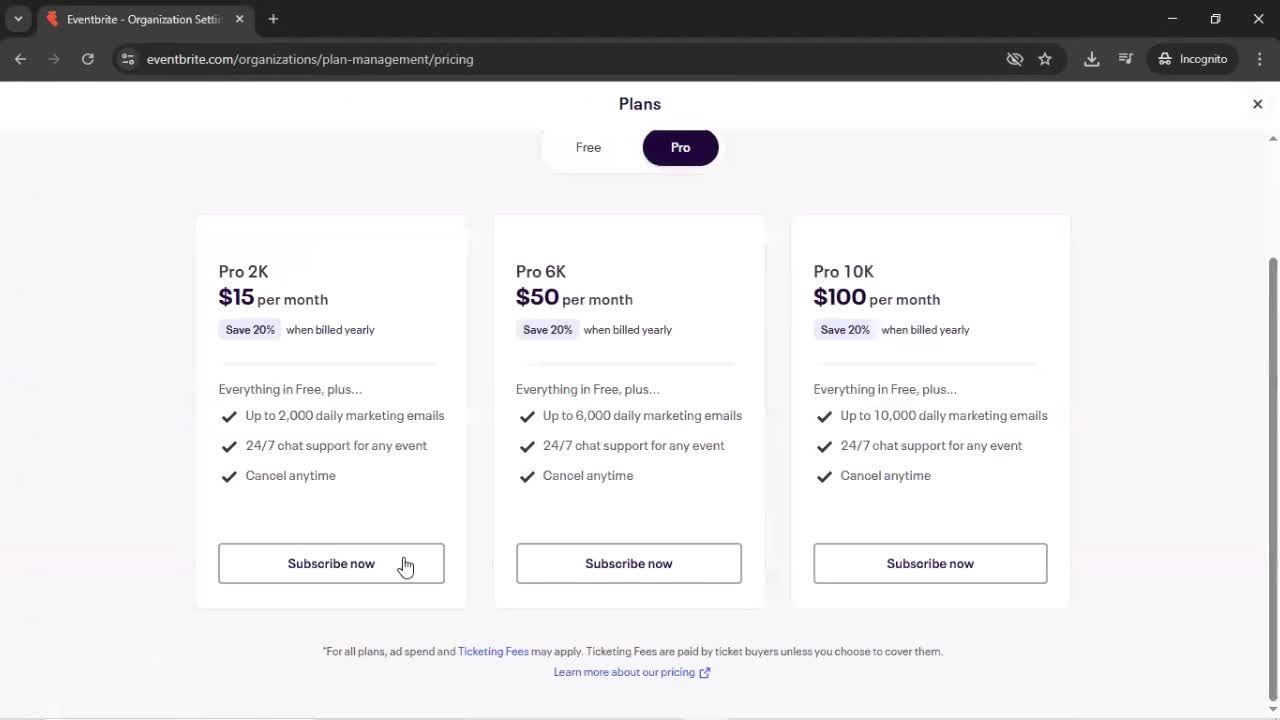
Using plugins flows on Android are shaped by the platform as much as by the brand. Material Design patterns, back-button behavior, and the Android user's intent-based mindset all influence how Using plugins feels. This page collects real Using plugins recordings from the Page Flows Android library, so you can study dozens of examples in their native platform context.
Full Using plugins Sequences on Real Android Devices
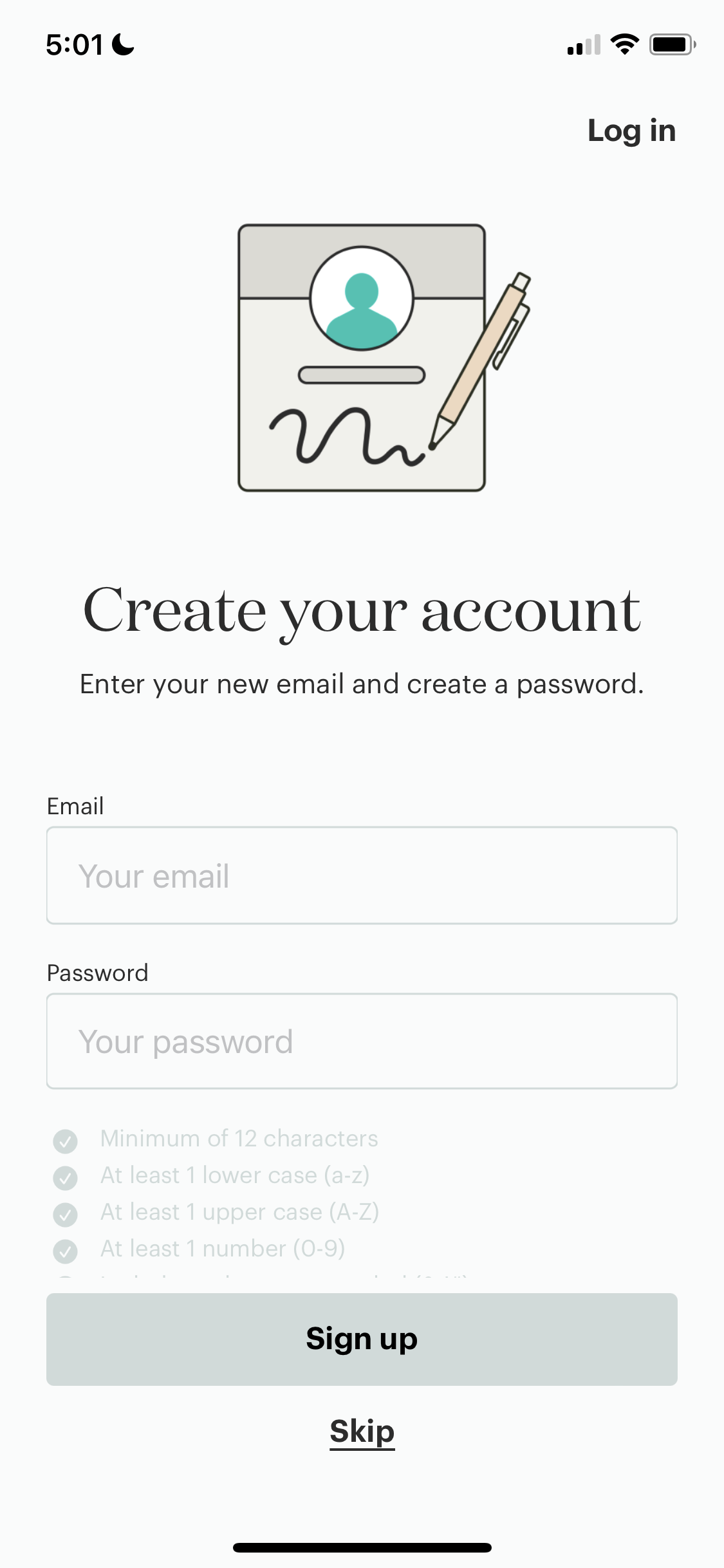
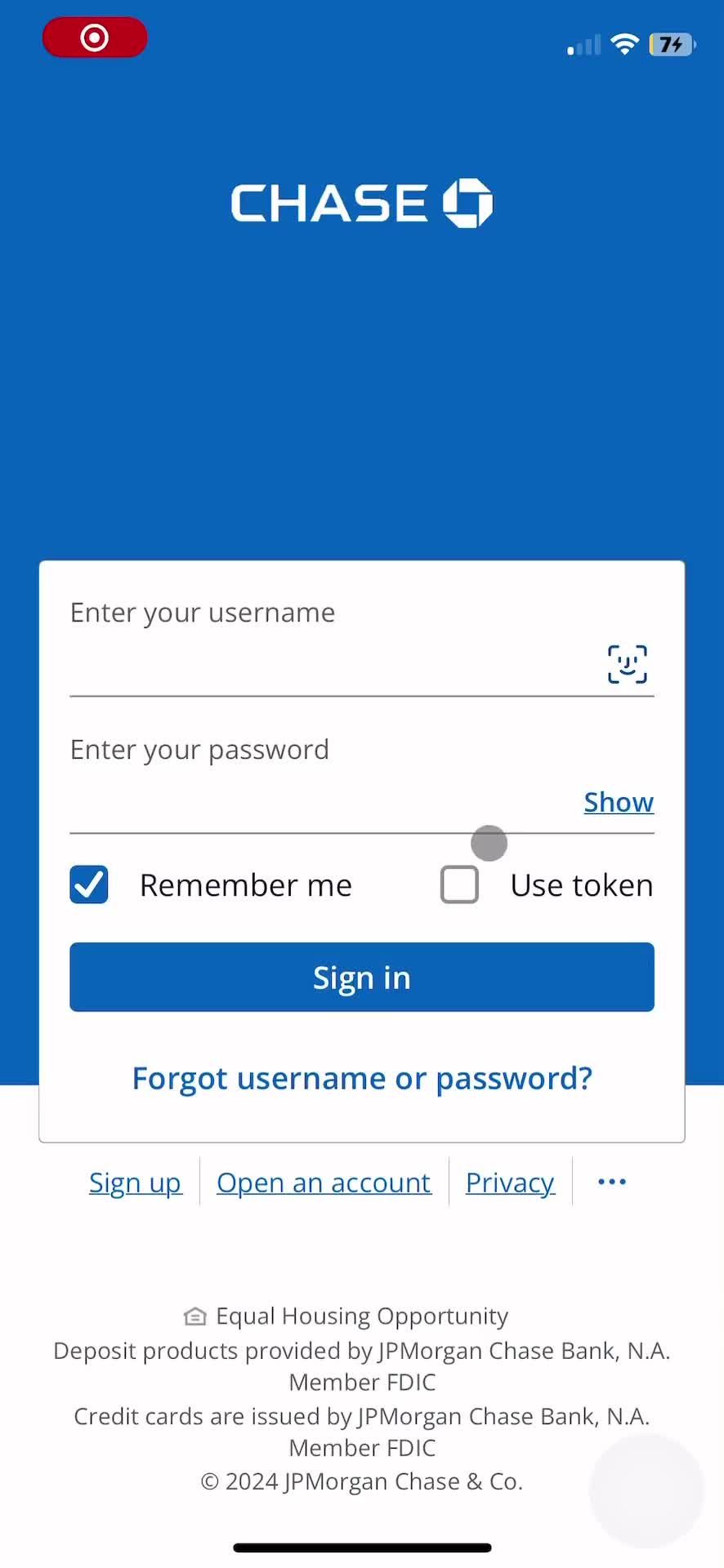
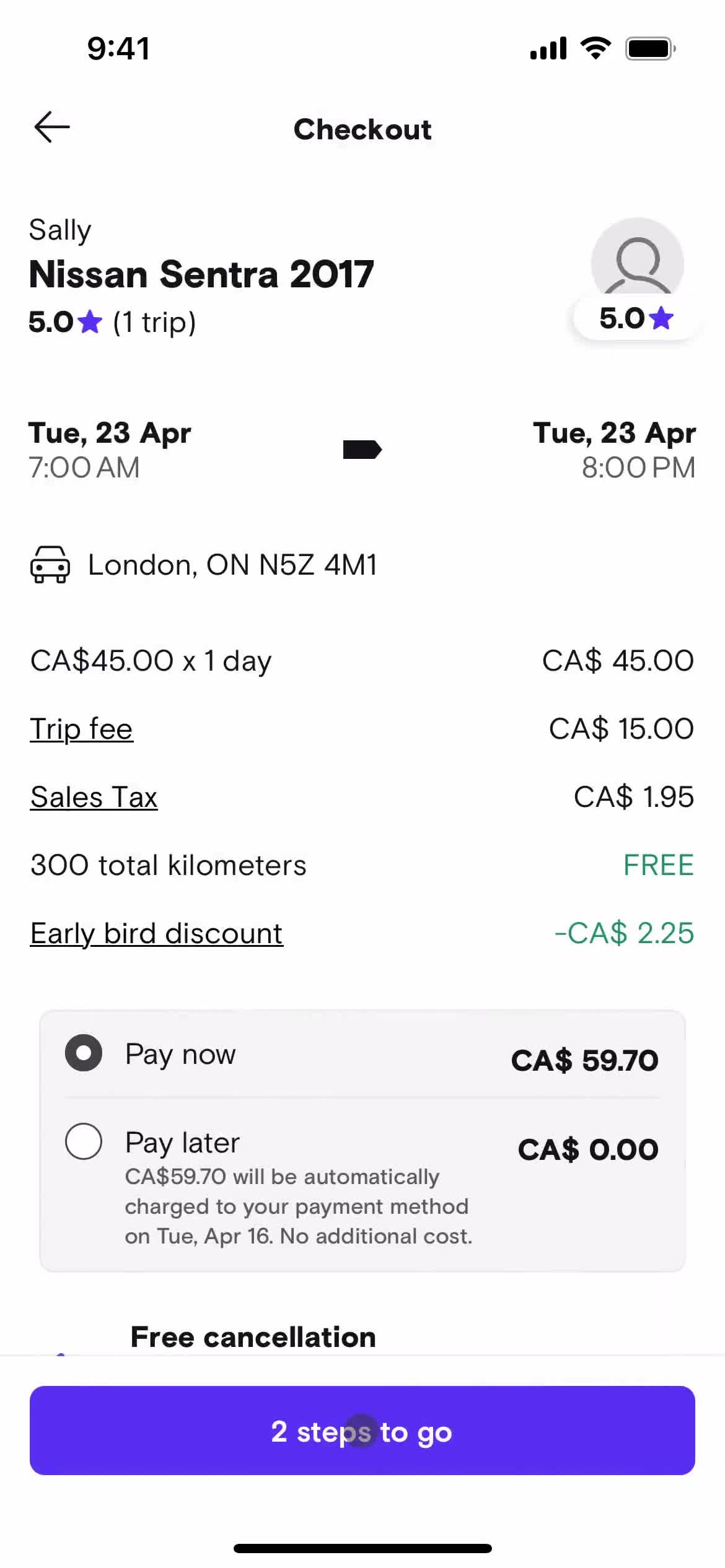
Each recording captures the full Using plugins sequence on the live Google Play app — including how the app handles edge cases, confirmations, and transitions. Compared to looking at cropped screenshots or marketing GIFs, this gives you the complete design picture you need to make informed decisions.
For Designers Building Android-First Using plugins Experiences
Designers benchmarking against competitors, PMs spec'ing out a new Using plugins feature, and researchers studying Android UX conventions all use this as a starting reference. It's particularly valuable if you're designing Android-first and need evidence that's specific to the platform rather than translated from iOS.
Frequently Asked Questions
What Android Using plugins flow examples are available?
The library features Using plugins flows from many leading Android apps, covering a range of industries and design approaches. The collection grows regularly with new recordings.
How do Android Using plugins flows differ from iOS?
Android Using plugins flows often leverage Material Design components and gesture patterns that aren't present on iOS. Back-button handling and transitions are also different. Cross-referencing with the iOS version is a popular research approach.
Can I study Using plugins flows from specific Android app categories?
Yes. Filters let you narrow Using plugins flows to specific app categories or brands, so you're benchmarking against the apps most relevant to your work.
Are Android Using plugins flows captured on the latest OS?
Most recordings are captured on current Android versions, so patterns reflect up-to-date Material Design language and OS-level behaviors rather than older conventions.