





























The Article Component in Android Apps
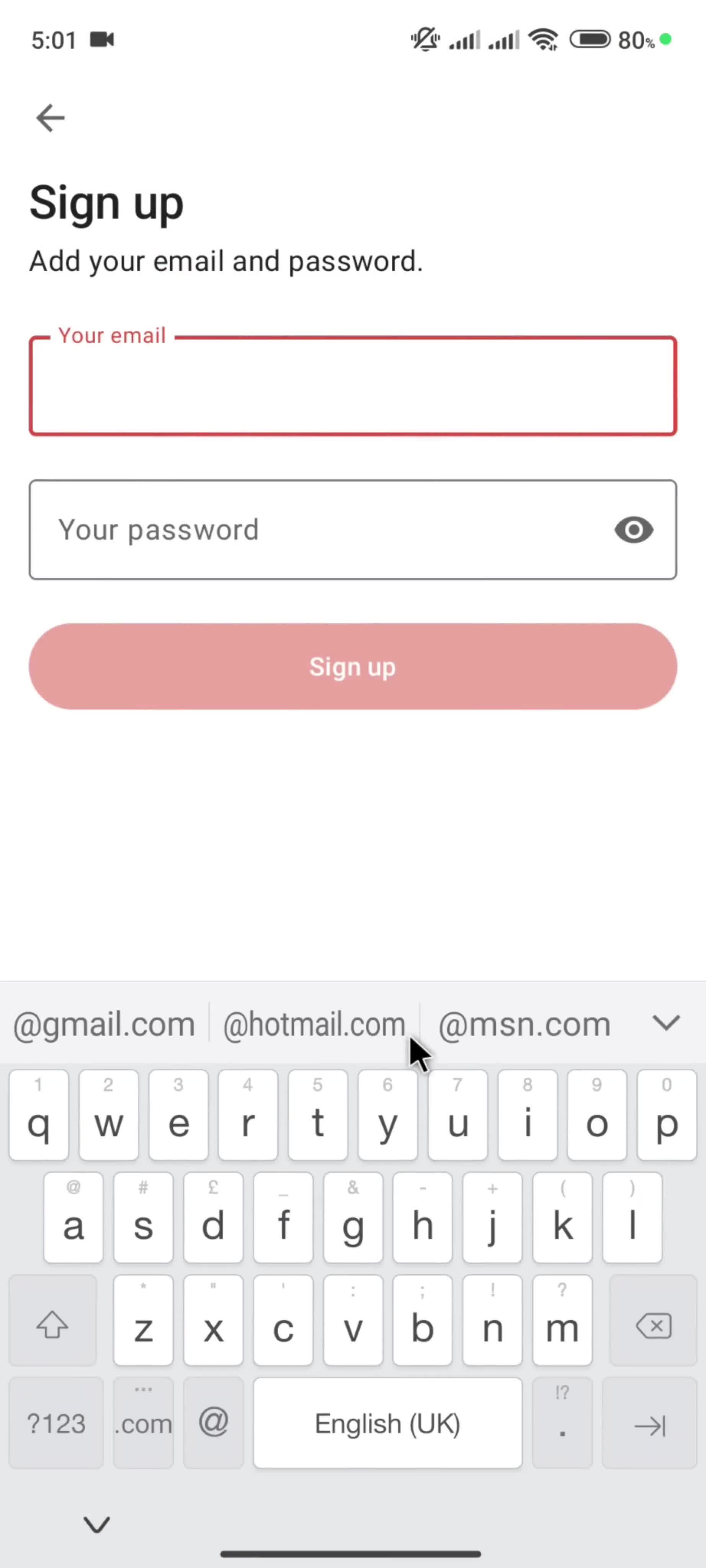
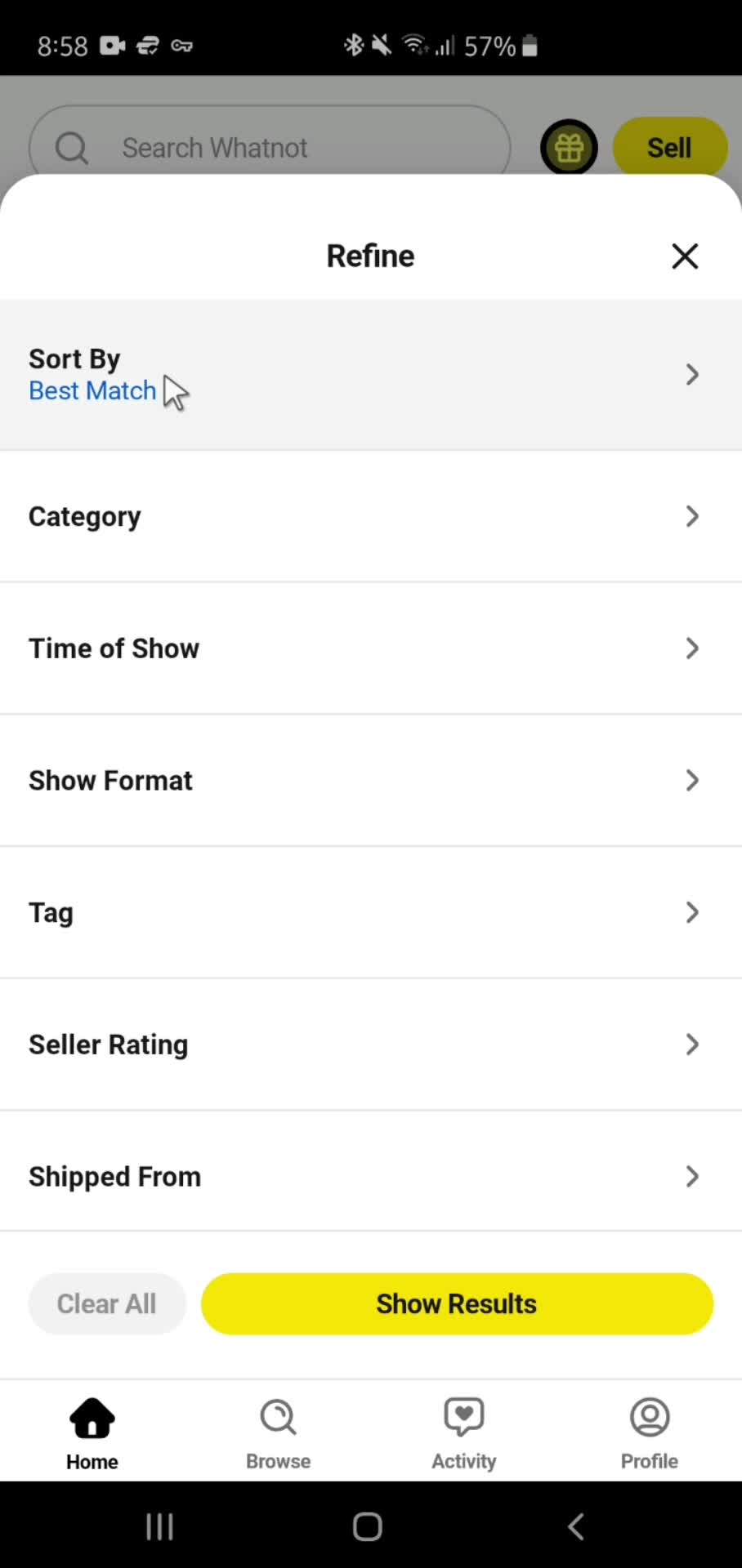
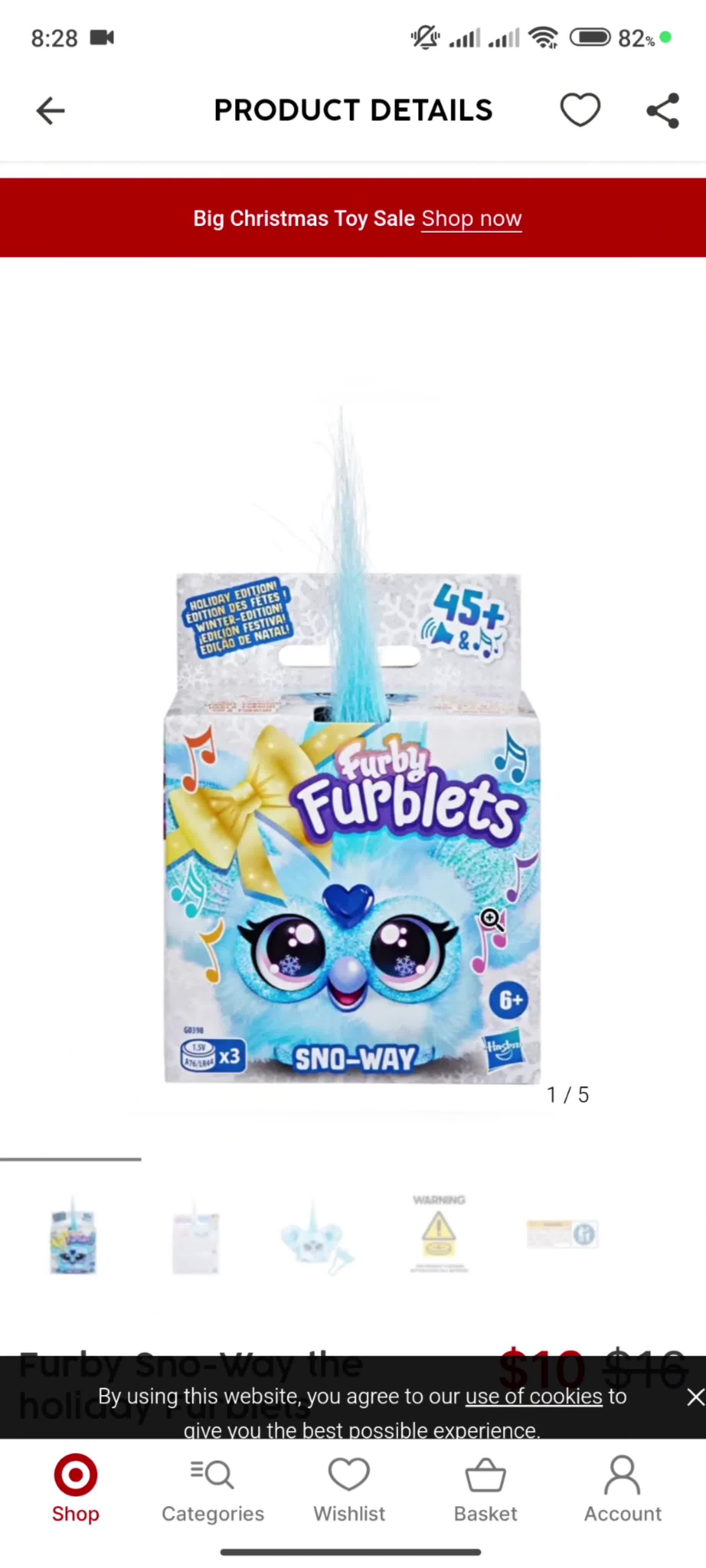
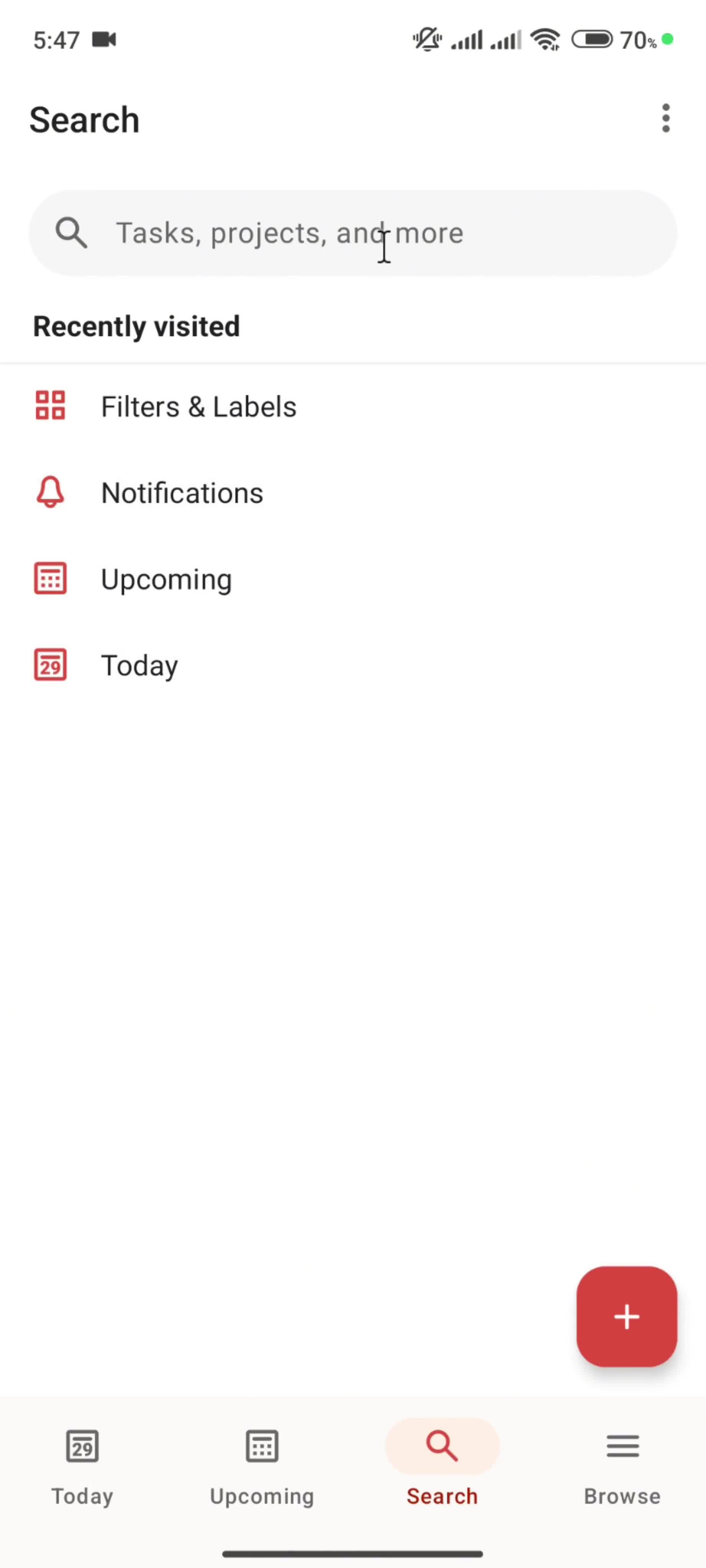
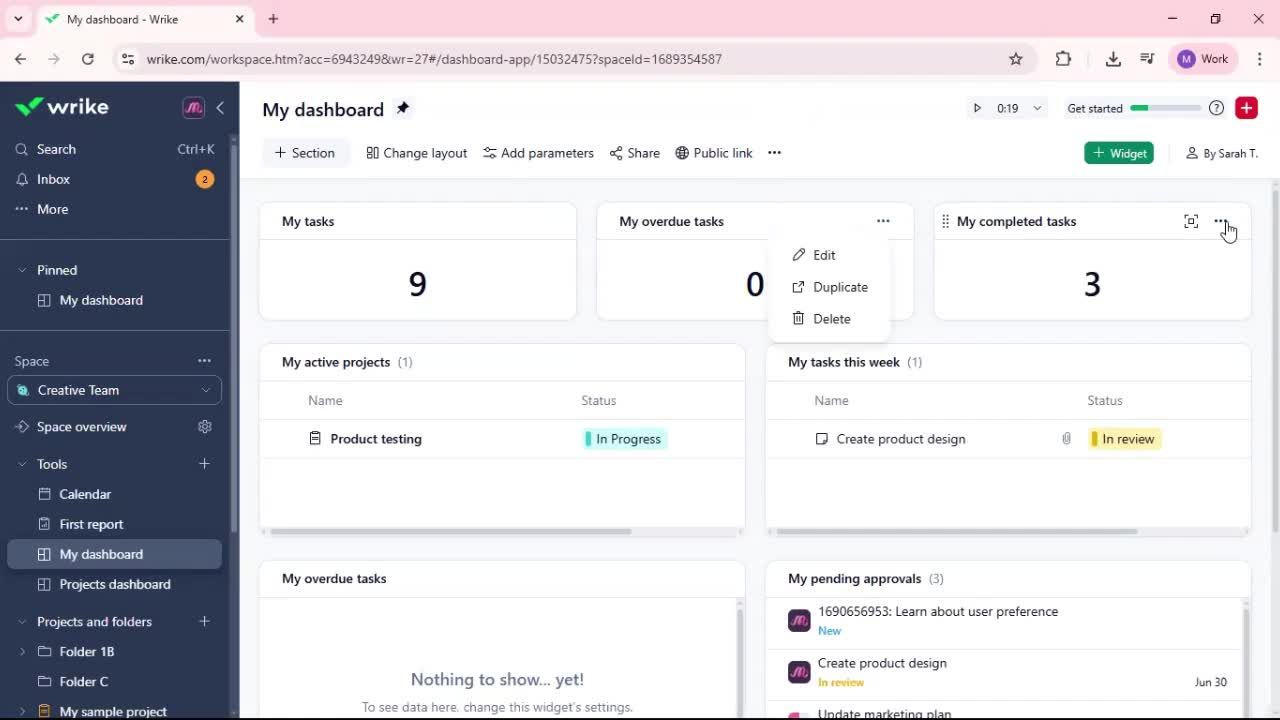
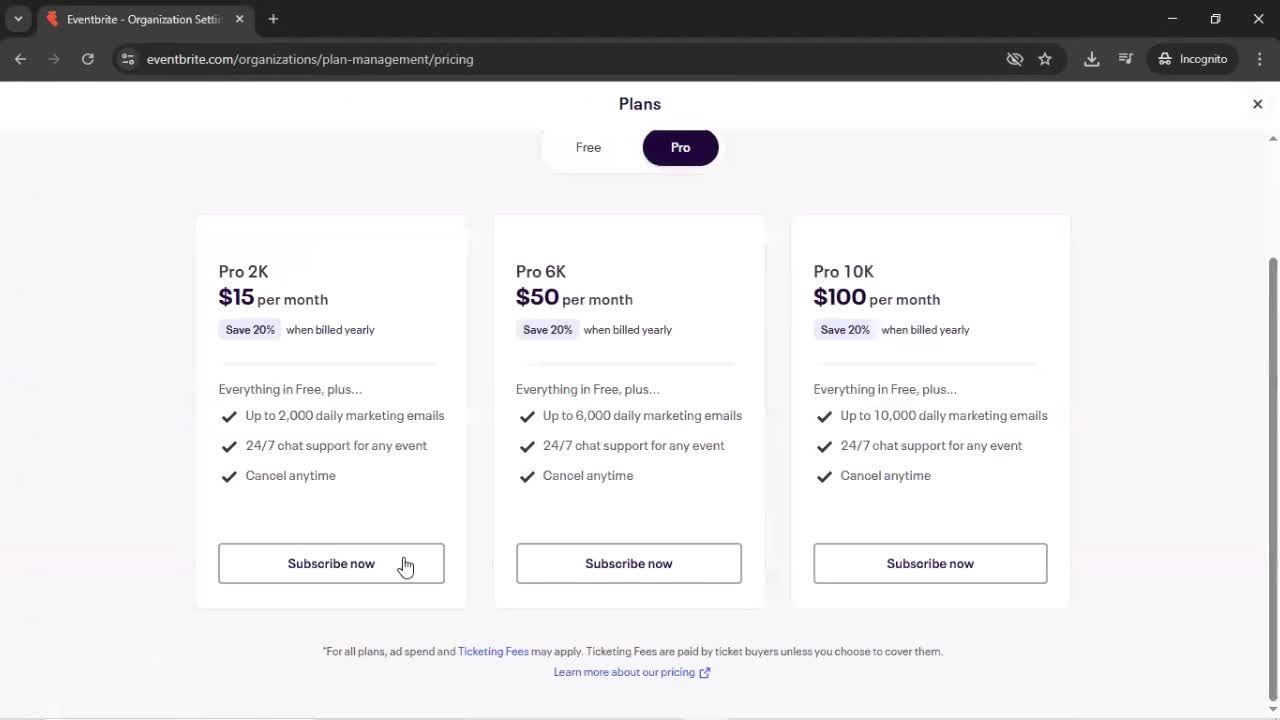
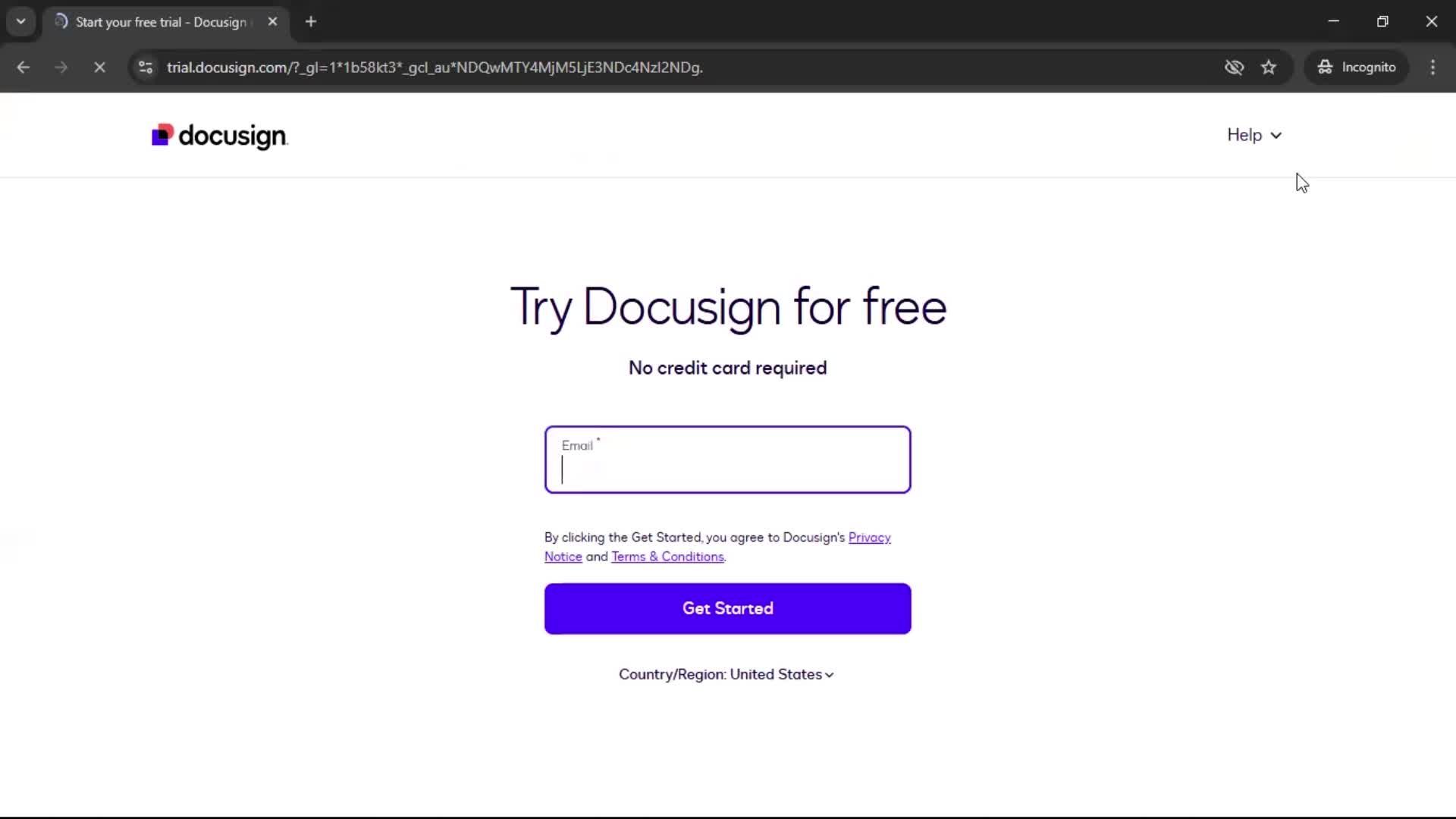
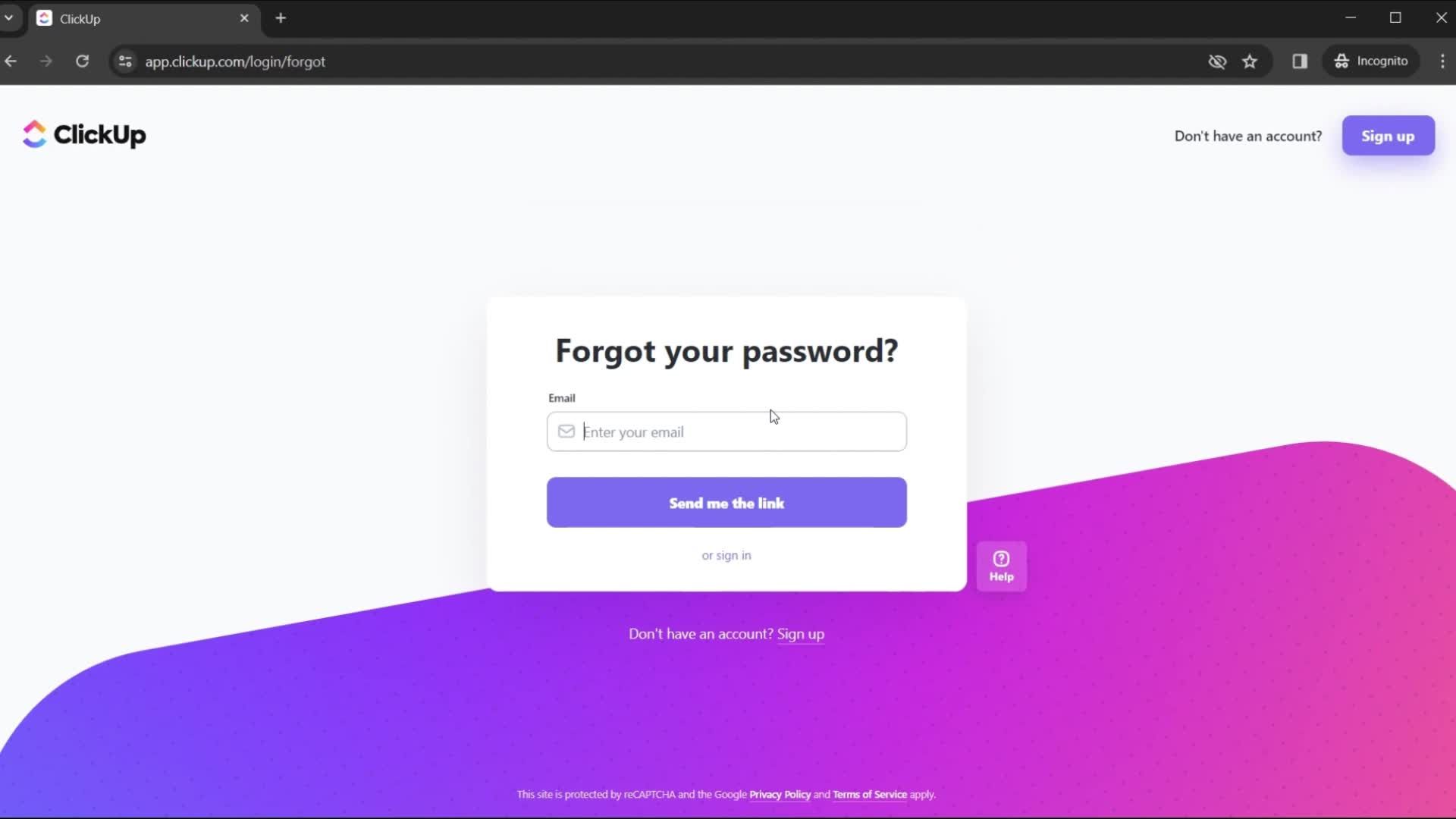
The Article is a core part of Android UI, and thoughtful implementations often define whether an app feels polished or sloppy. This page collects real Article examples from the Page Flows Android library, documented inside the user flows they appear in.
Material Design vs Custom Article Patterns
Seeing Article in context matters on Android especially, where Material Design provides guidance but leaves plenty of room for brand-specific adaptations. You'll see how apps implement Article across different app categories — some using classic Material patterns, others pushing the component in custom directions.
A Reference for Android Designers
For Android designers building a design system, evaluating a new interaction, or researching how Article behaves in practice, this library shortcuts days of manual research into a browsable, current reference.
Frequently Asked Questions
What does a Article look like in Android apps?
Implementations vary — some follow Material Design guidelines strictly, others adapt the Article for custom design systems. The library shows both approaches side by side.
Can I see Article examples across different Android app categories?
Yes. Article appears across app types, and each example is tagged by brand and category so you can compare implementations across fintech, social, productivity, and other spaces.
Are Article examples captured with Material Design 3?
Many are. As apps migrate to Material Design 3 (Material You), the library captures those updates, so you can study modern Android Article patterns.
How does the Android Article differ from iOS?
Android Article components often have Material-specific behaviors — different triggers, transitions, and visual conventions — that don't translate from iOS. Comparing them across platforms is a common research use case.