
Webhook
How to generate a webhook
To generate a webhook, log into the Ecrypt Dashboard. Under Settings scroll down to Developer Tools.
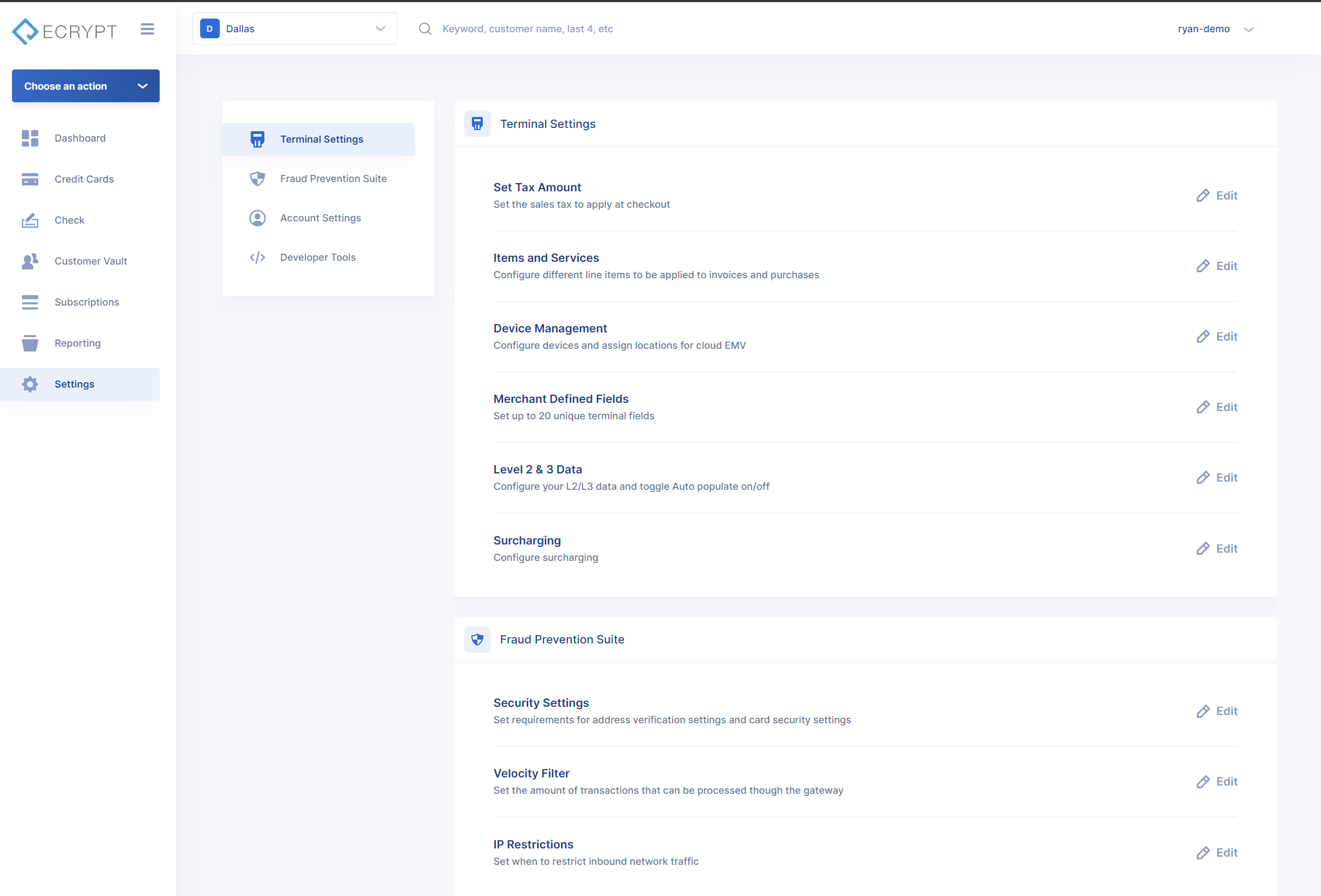
Under Developer Tools there is a Webhooks section. Click on edit to bring up the Webhook configuration.
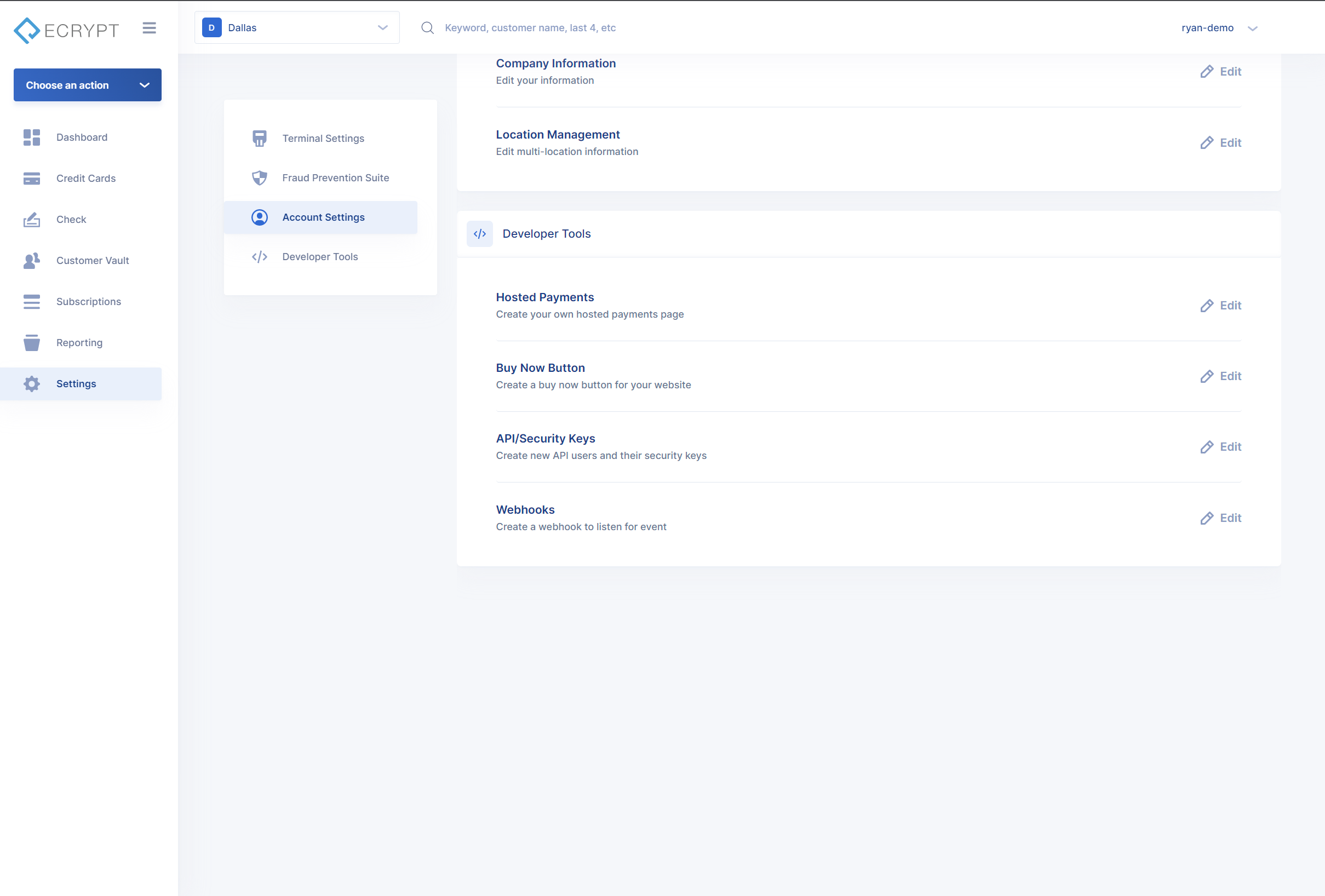
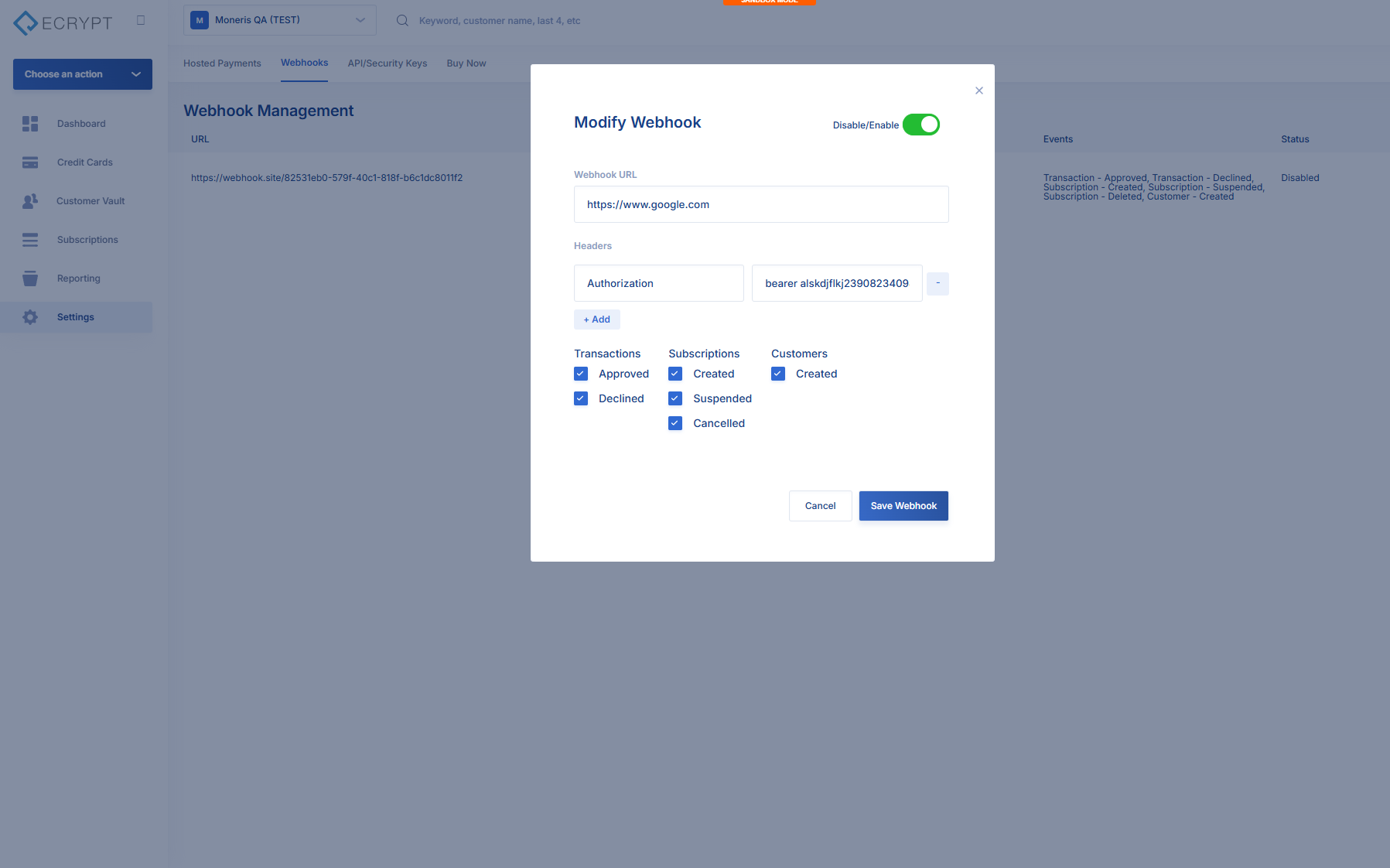
To add a new webhook click + Webhook in top right corner. This will bring up a New Webhook modal.
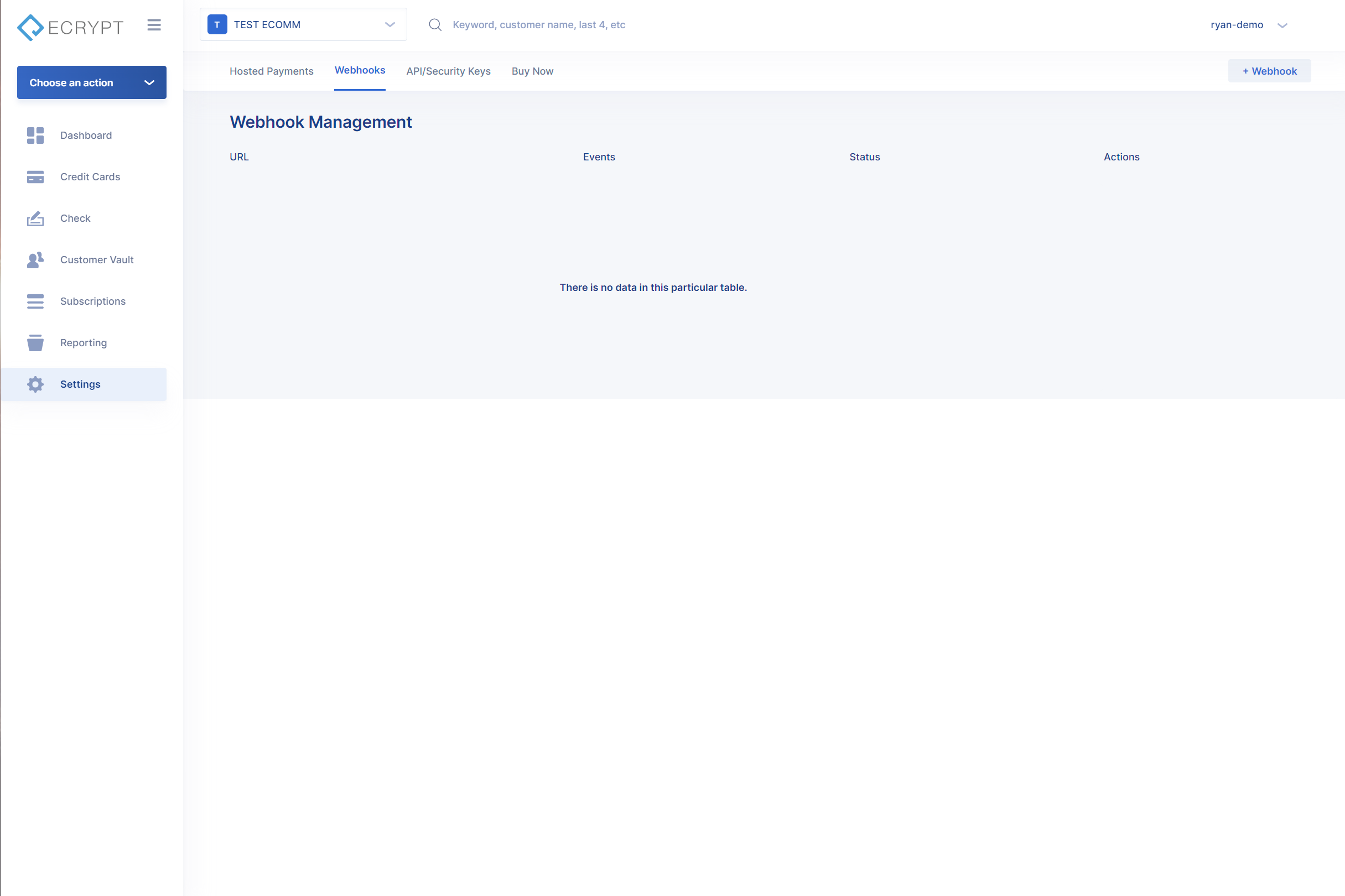
To subscribe to a Transaction Event, input the Webhook URL, and the events to subscribe to. If any headers need to be added, click +Add under headers. These headers will be attached to the Post call. Once everything is configured, click Save Webhook to save the webhook into the system.
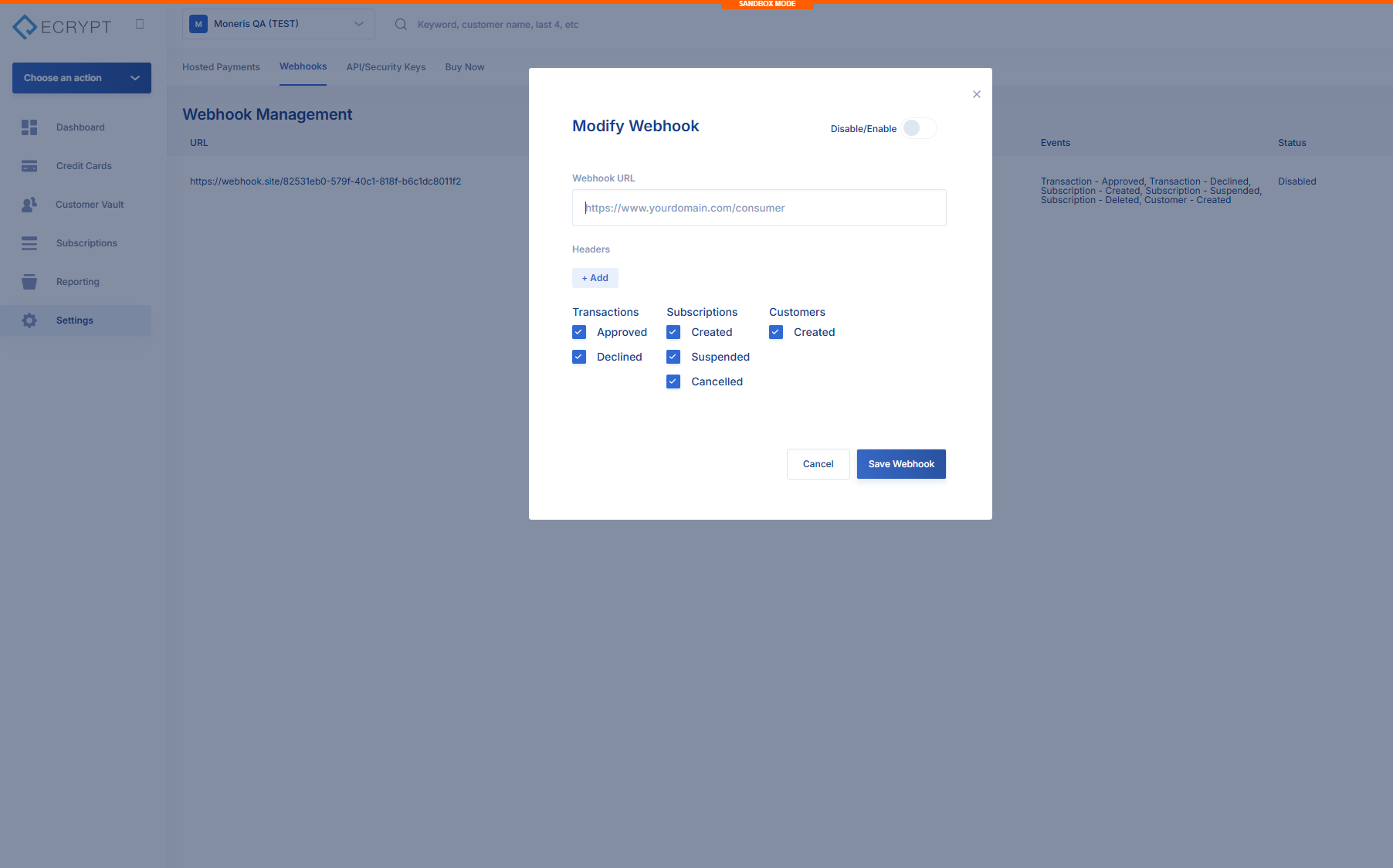
Once you have the webhook set up correctly, you should see the following responses.
Transaction Approved
{
  "event": "transaction",
  "action": "approved",
  "data": {
    "Transaction": {
      "TransactionId": "258377101",
      "AuthCode": "123456",
      "ResponseCode": "APPROVED",
      "ResponseText": "Approved",
      "Latency": 2938,
      "Avs": {
        "Code": "",
        "Text": ""
      },
      "Cvv": {
        "Code": "N",
        "Text": "CVV2/CVC2 no match"
      },
      "Amount": 1.5,
      "Metadata": {
        "credit_card_network": "visa",
        "credit_card_number": "4xxxxxxxxxxx1111",
        "credit_card_expires": "0132",
        "order_tax": 0,
        "order_tip": 0
      },
      "RequestId": "0HN9PI9AU09HO00000004",
      "Errors": null
    },
    "ReferenceTransactionId": "",
    "Path": "/v1/transactions/sale"
  }
}
{
"event": "transaction",
"action": "declined",
"data": {
"Transaction": {
"TransactionId": "258378101",
"AuthCode": "",
"ResponseCode": "DECLINED",
"ResponseText": "Transaction Rejected",
"Latency": 658,
"Avs": {
"Code": "",
"Text": ""
},
"Cvv": {
"Code": "",
"Text": ""
},
"Amount": 1.5,
"Metadata": {
"credit_card_network": "visa",
"credit_card_number": "4xxxxxxxxxxx1111",
"credit_card_expires": "0132",
"order_tax": 0,
"order_tip": 0
},
"RequestId": "0HN9PI9ATUN5100000003",
"Errors": null
},
"ReferenceTransactionId": "",
"Path": "/v1/transactions/sale"
}
}Updated 3 months ago