
Login & Security Guide
Get Started with Your ECRYPT Account: Setup and Two-Factor Authentication
Getting your ECRYPT account up and running is quick and secure. Follow these steps to activate your account, accept the terms of use, and set up strong two-factor authentication.
You will need to access to your email account and mobile phone to complete your setup.
1. Open your ECRYPT welcome email and click "Set up your account"
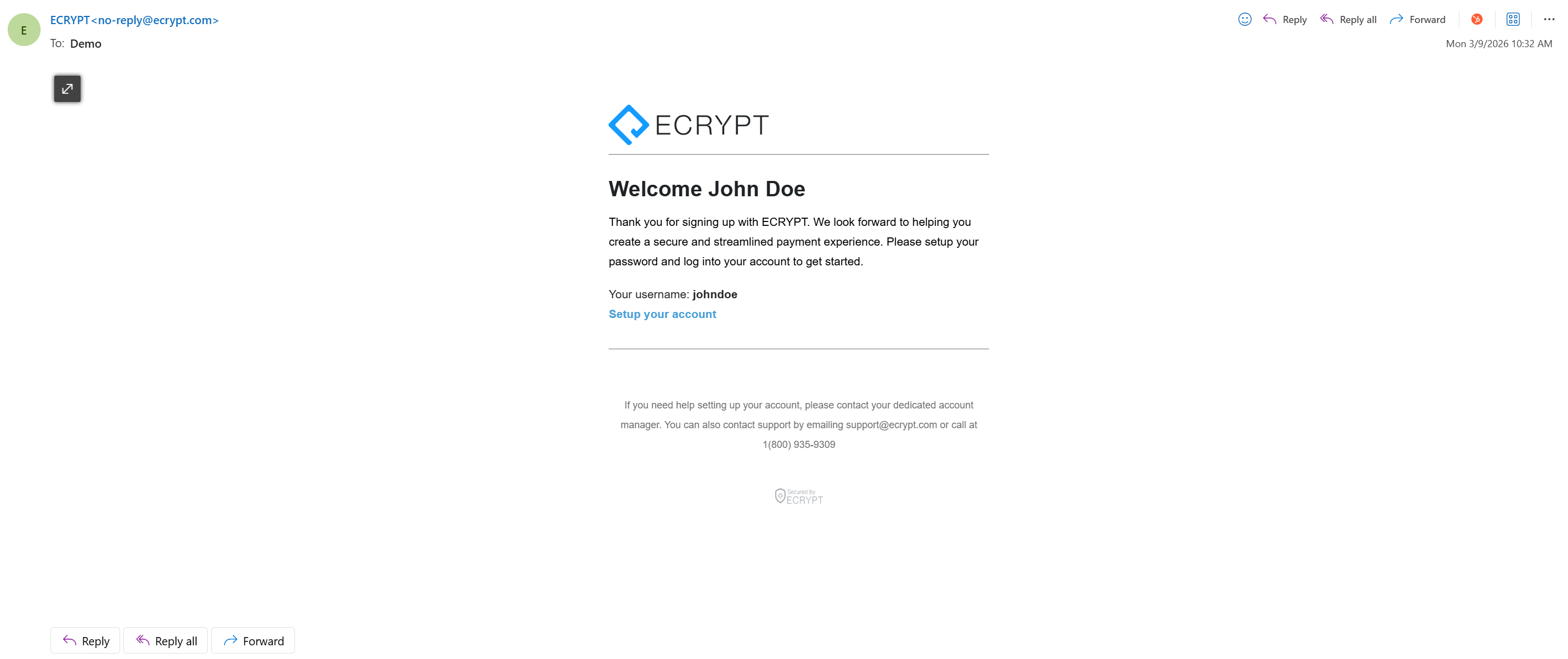
2. On the redirect, your username and temporary password appear automatically.
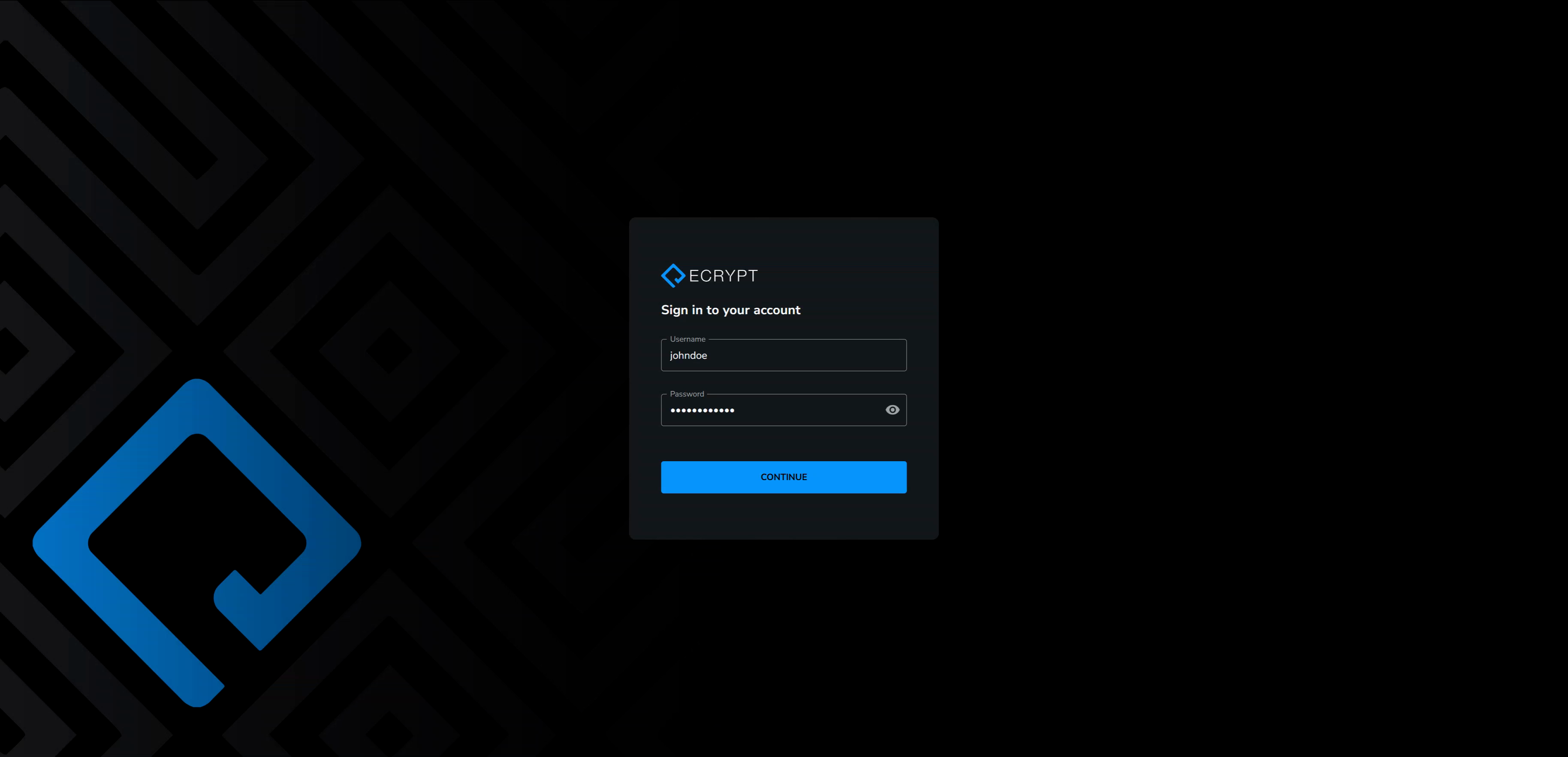
3. Click Continue.
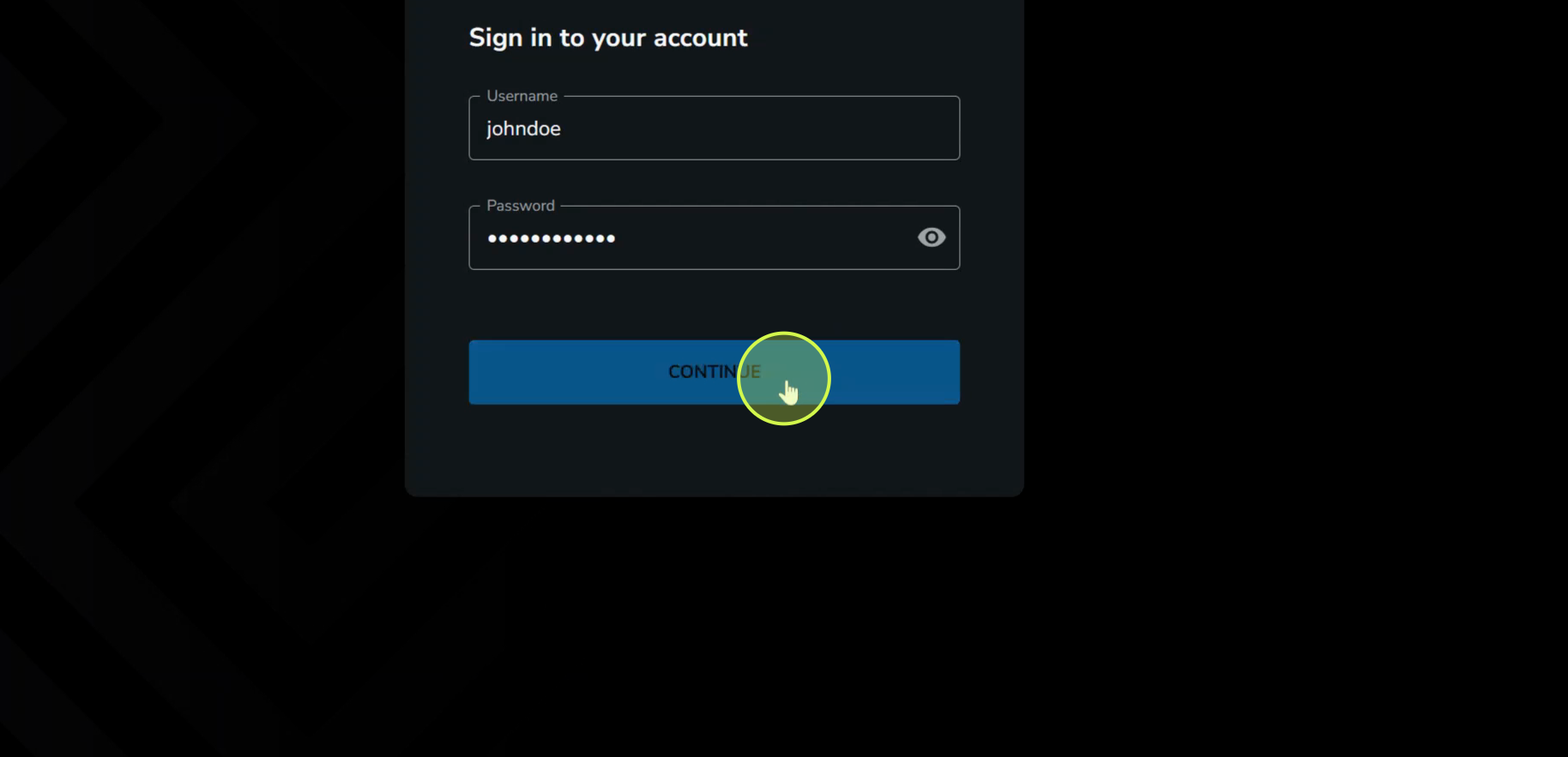
4. Enter your email address as requested.
5. Review ECRYPT’s Terms of Use. Scroll down to the bottom.
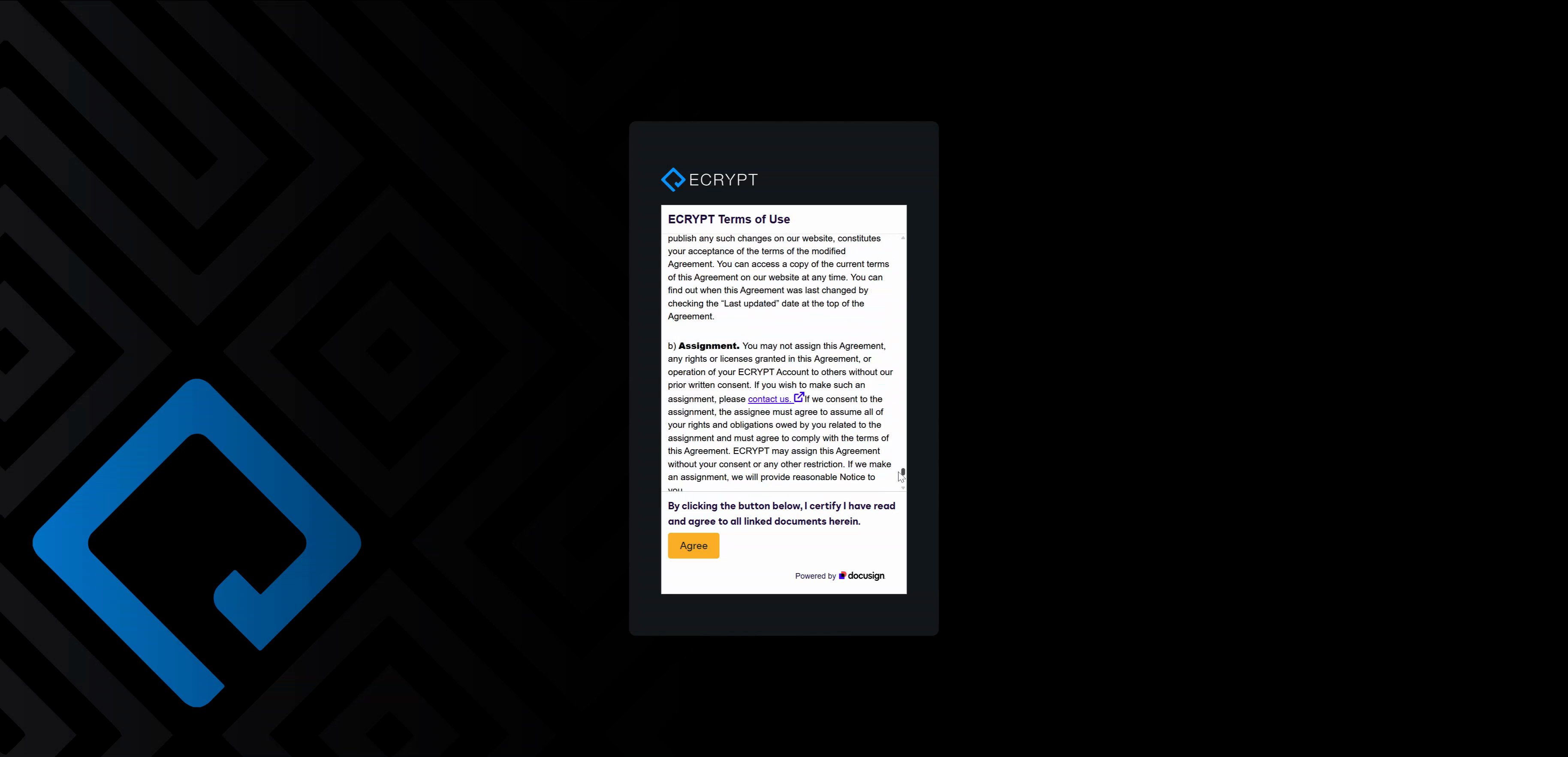
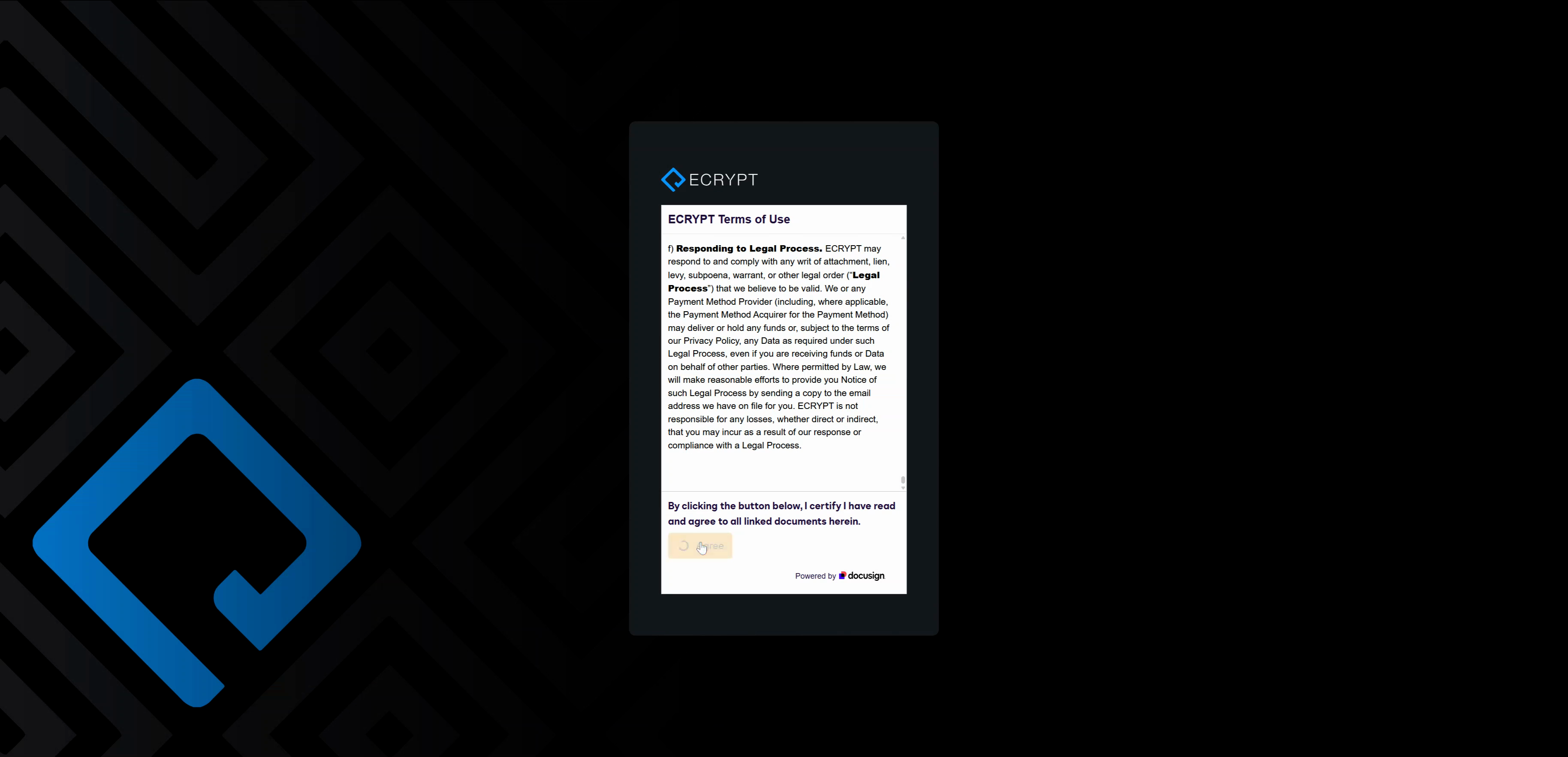
6. Agree to the terms to continue.
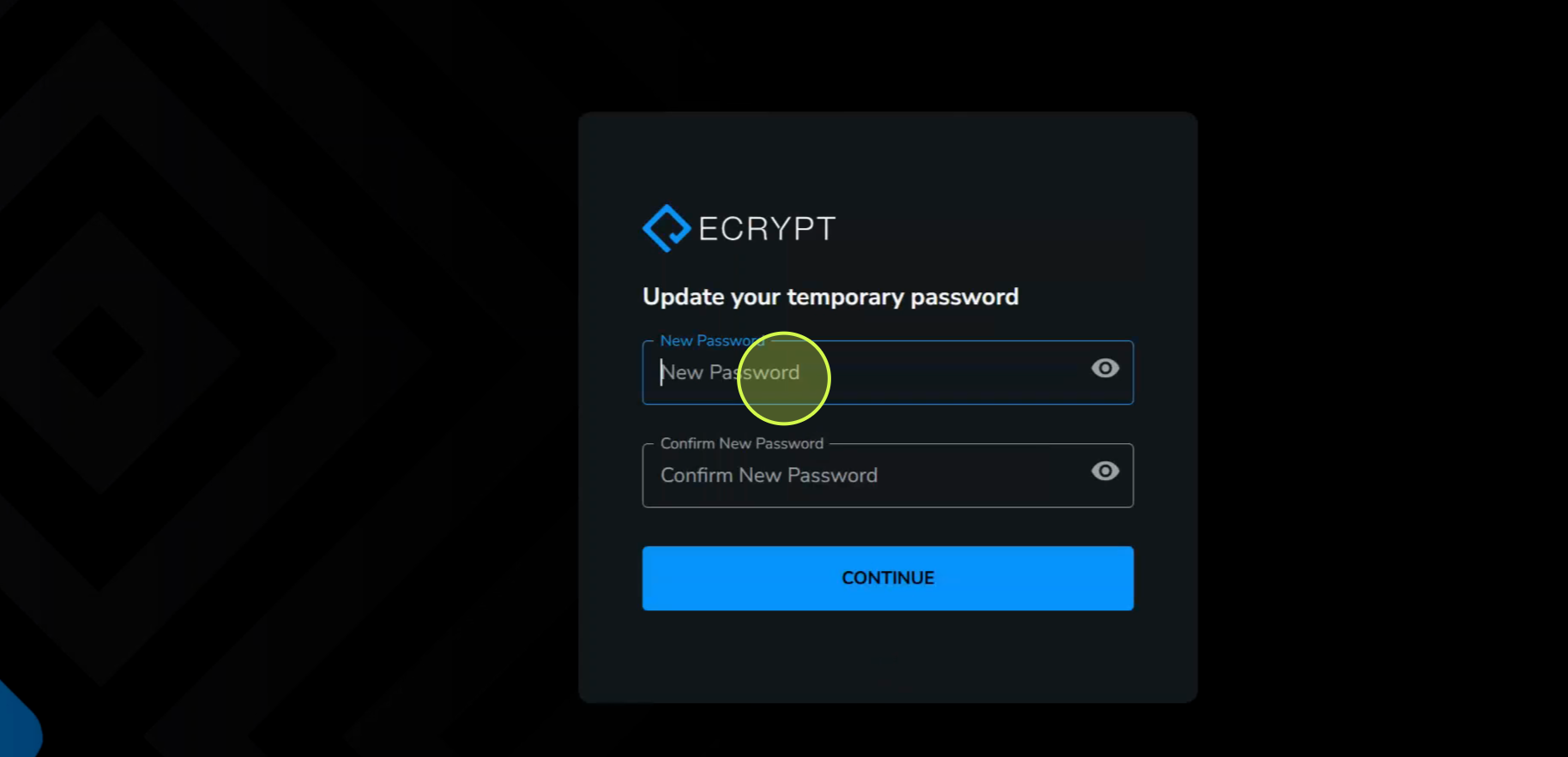
7. Create your own secure password.
8. Set up your two-factor authentication methods.
ECRYPT supports both SMS and most authenticator apps.
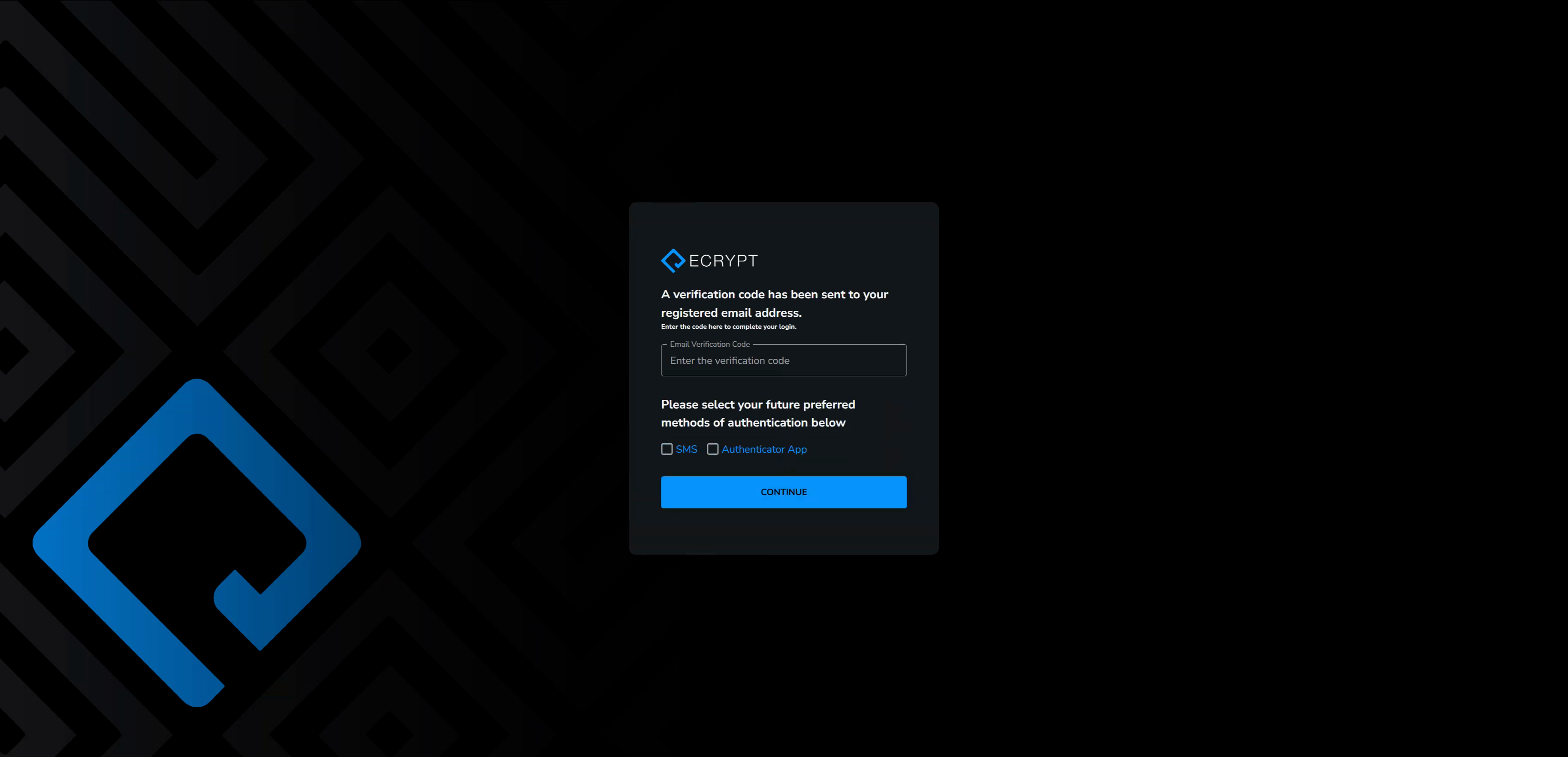
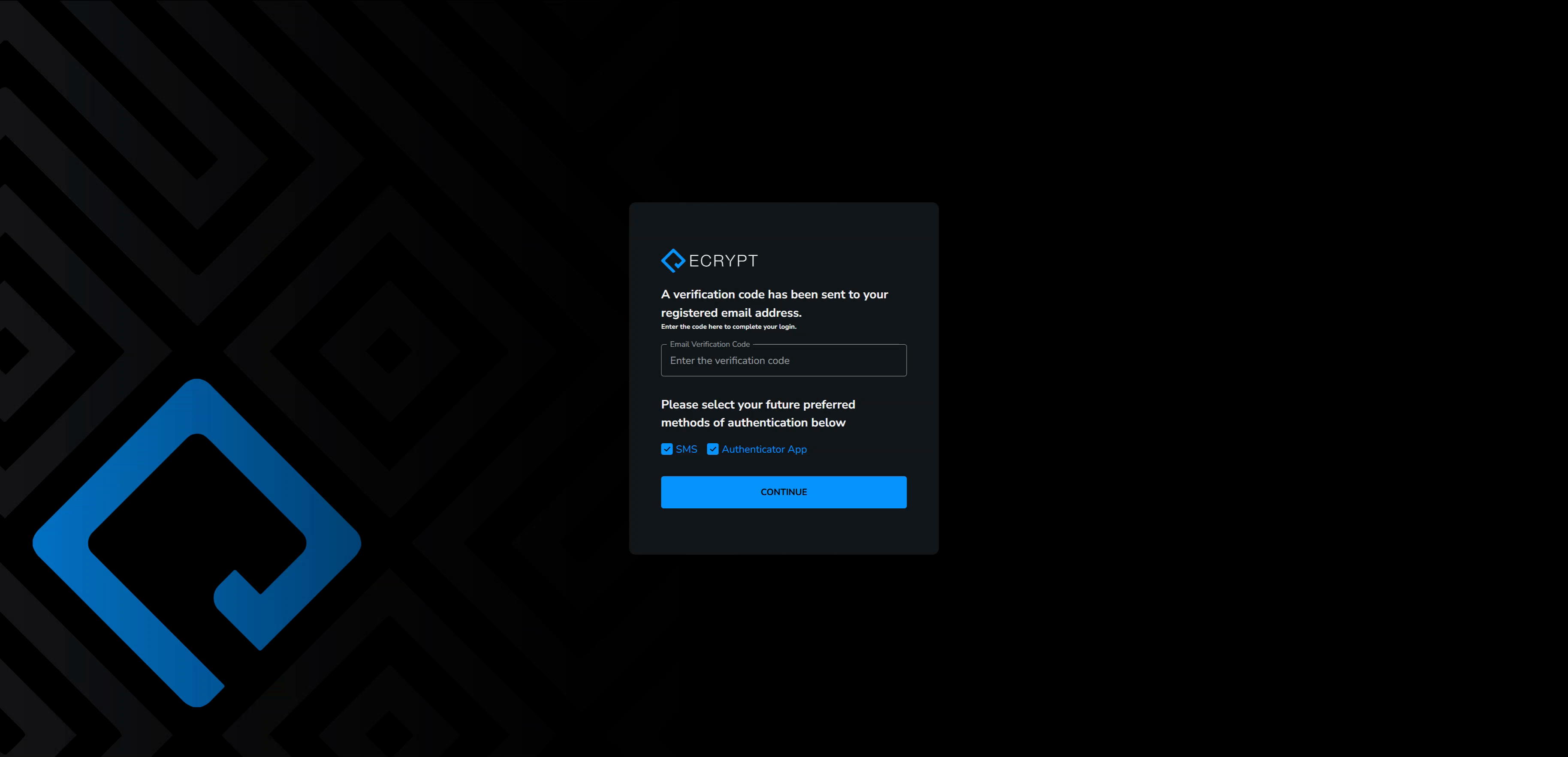
9. Select both SMS and Authenticator app for added security.
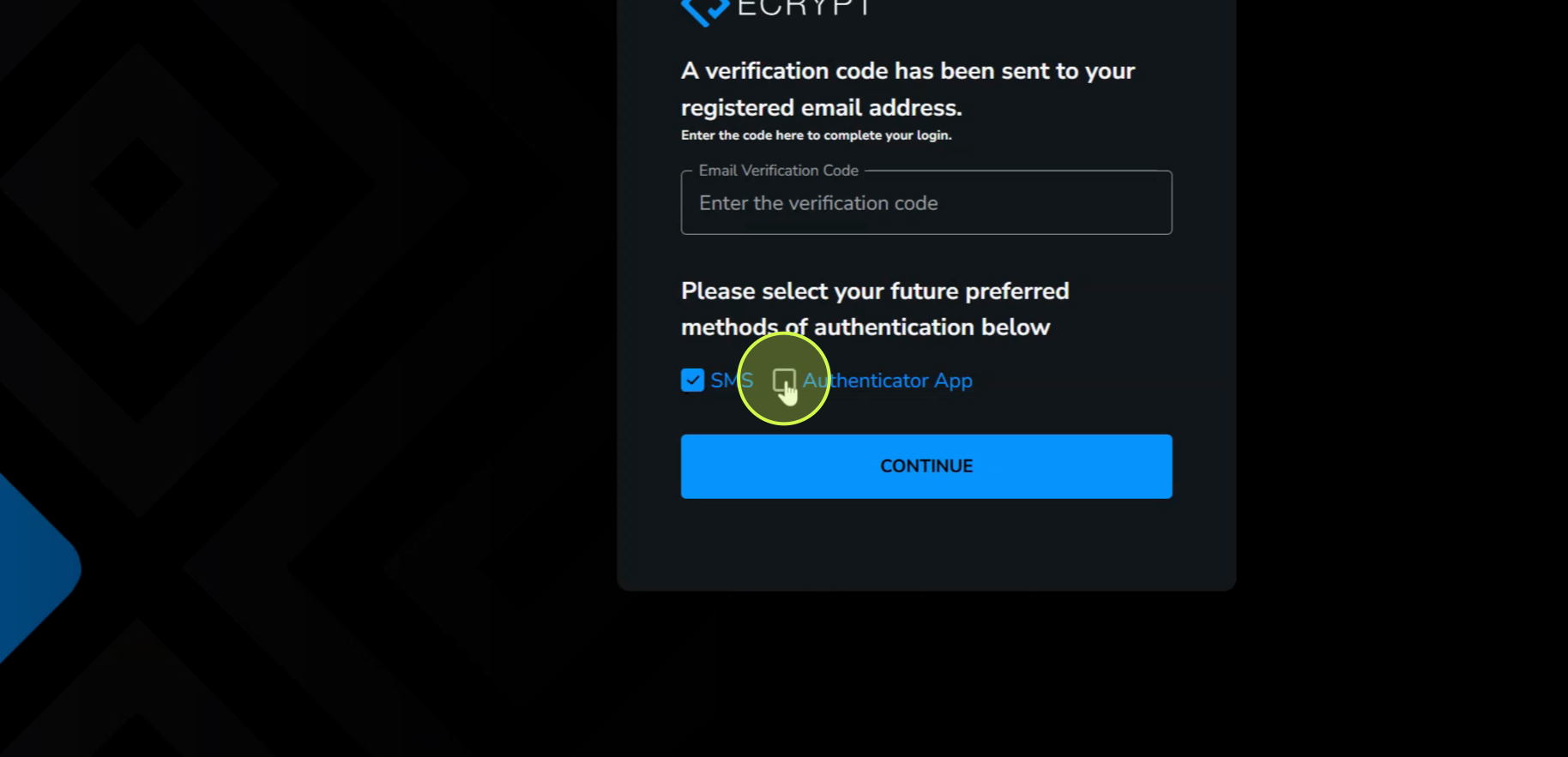
10. Enter the verification code sent to your email
This is required before setting up your additional 2FA methods.
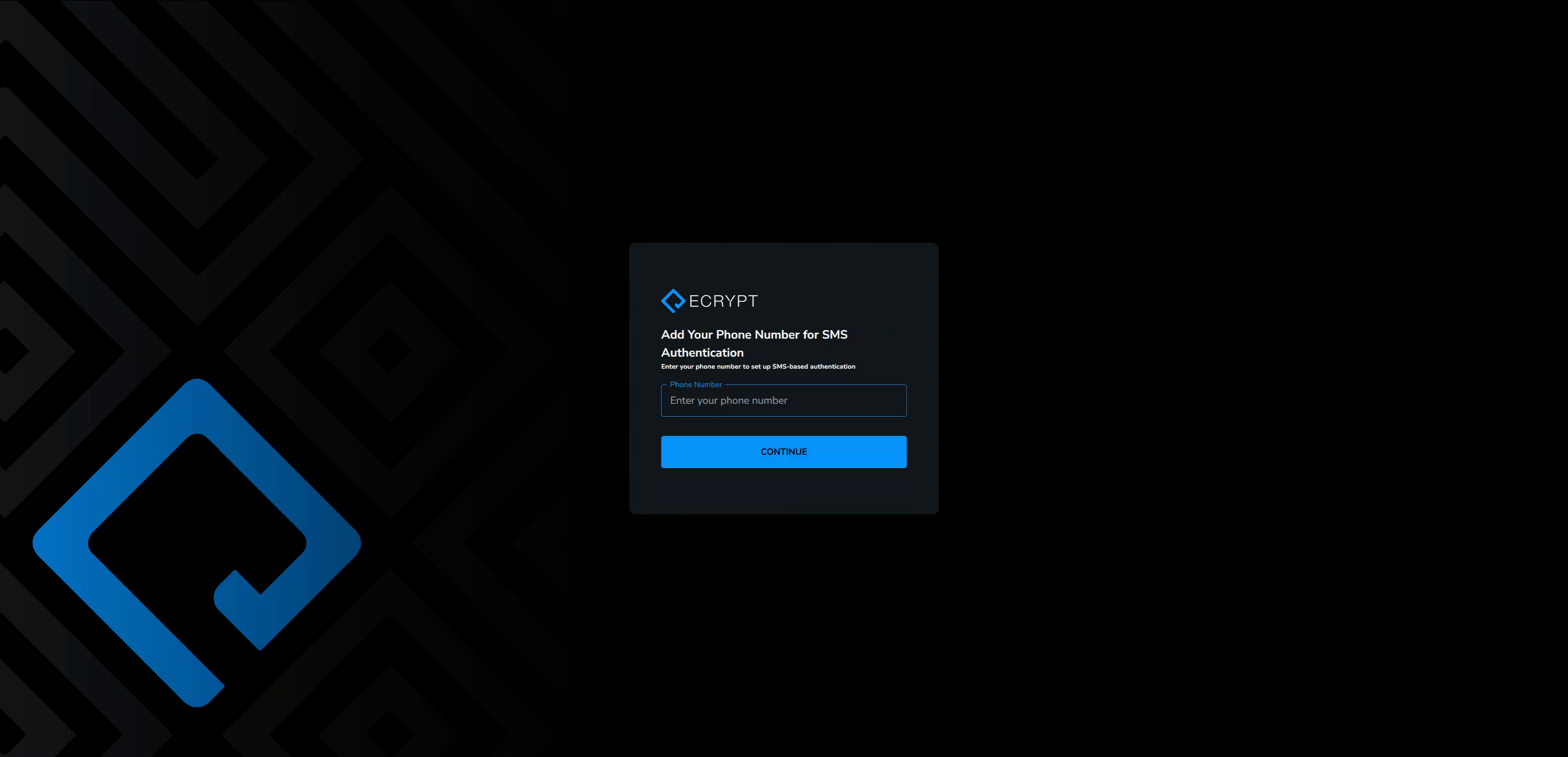
11. Continue to set up SMS authentication by phone number.
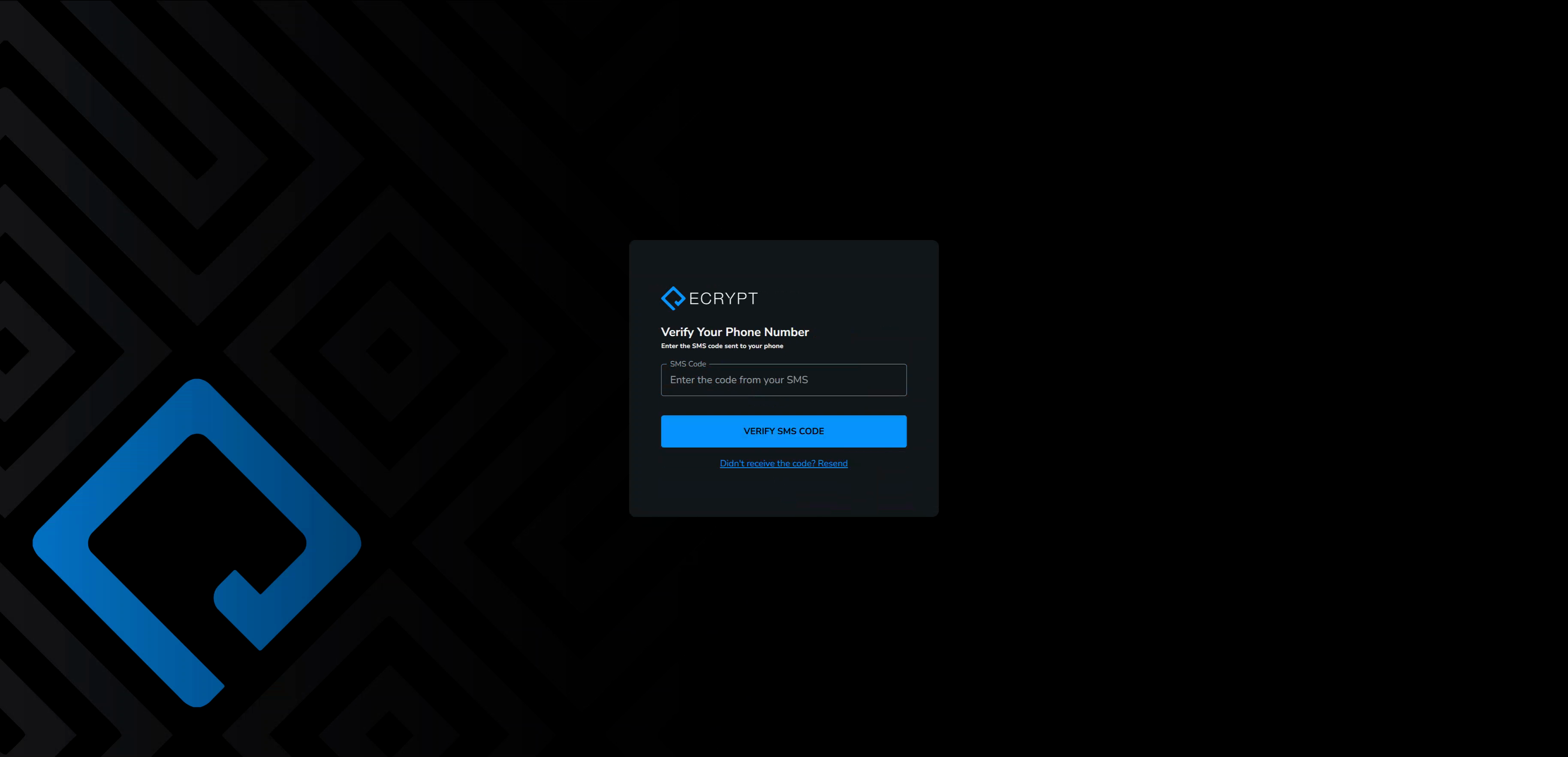
12. Enter the verification code you receive via SMS.
13. Proceed to set up your authenticator app.
Open your preferred app (like Google Authenticator). If don't have an authenticator app on your mobile device, search and download one in the app store.
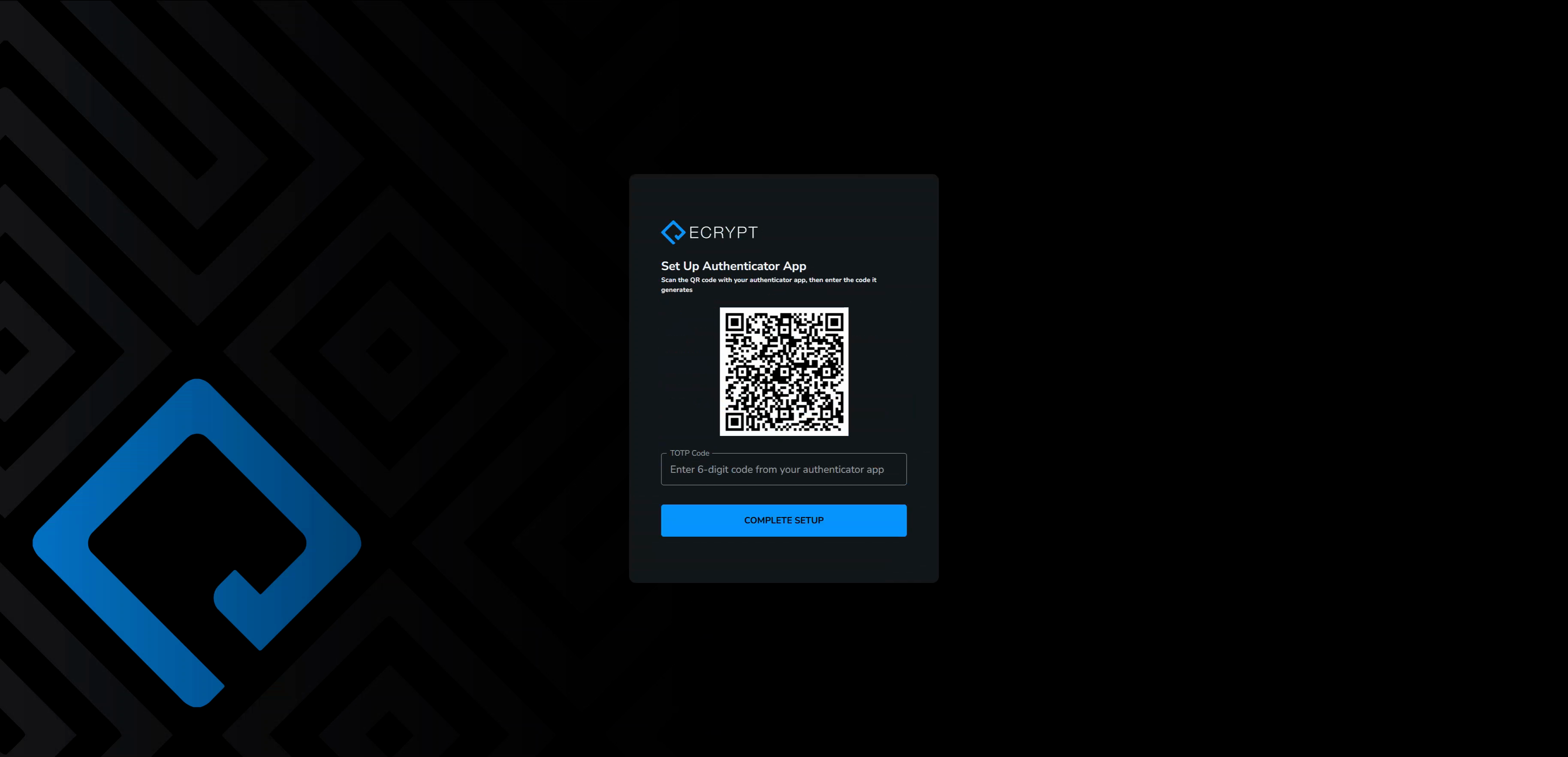
14. Scan QR Code
In your authenticator app, click the plus button and look for the "Scan QR code" option. Scan the ECRYPT QR code on the setup screen.
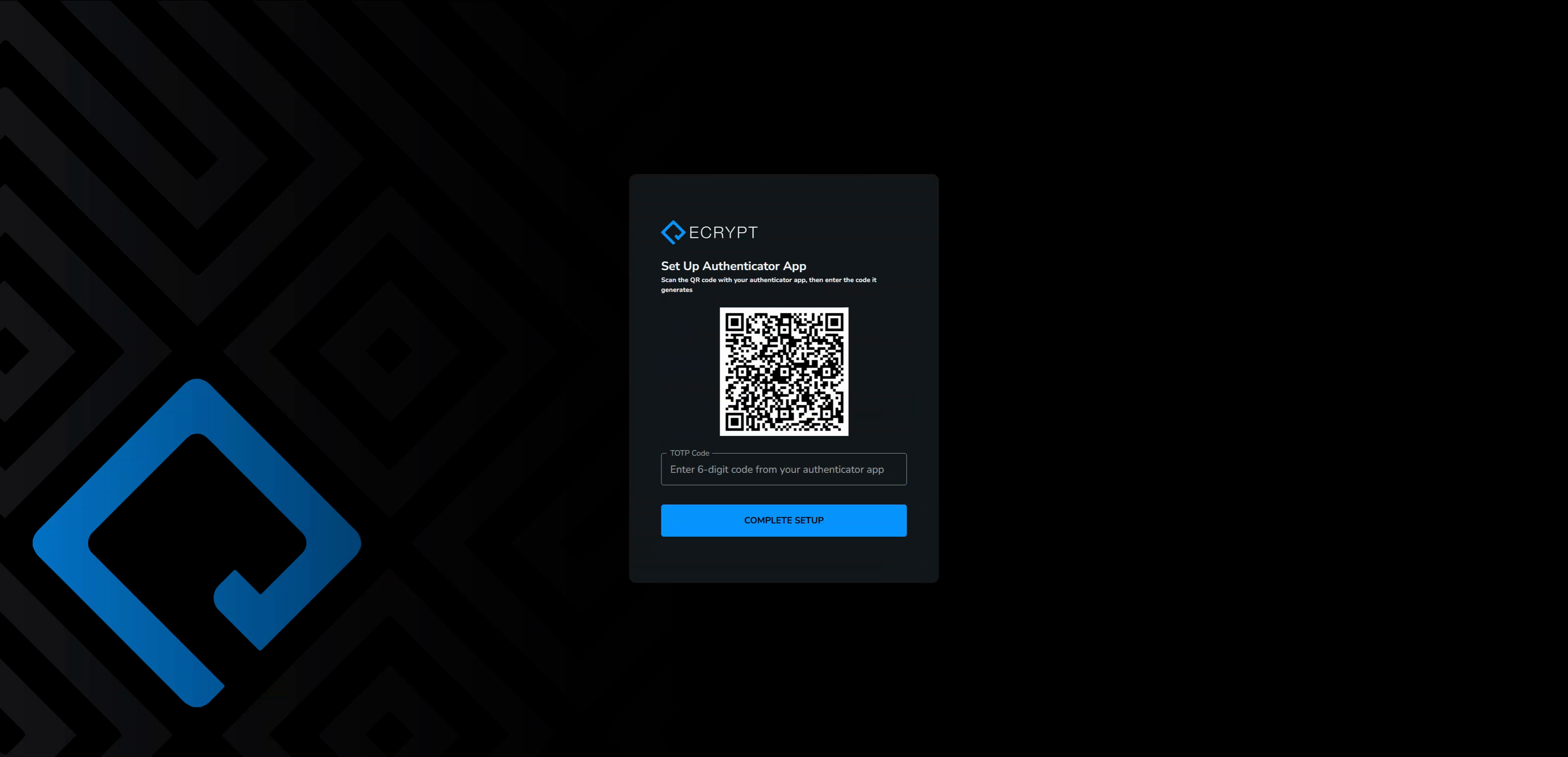
15. Enter your verification code
When "ECRYPT Platform" appears in your app, enter the authenticator verification code before it expires.
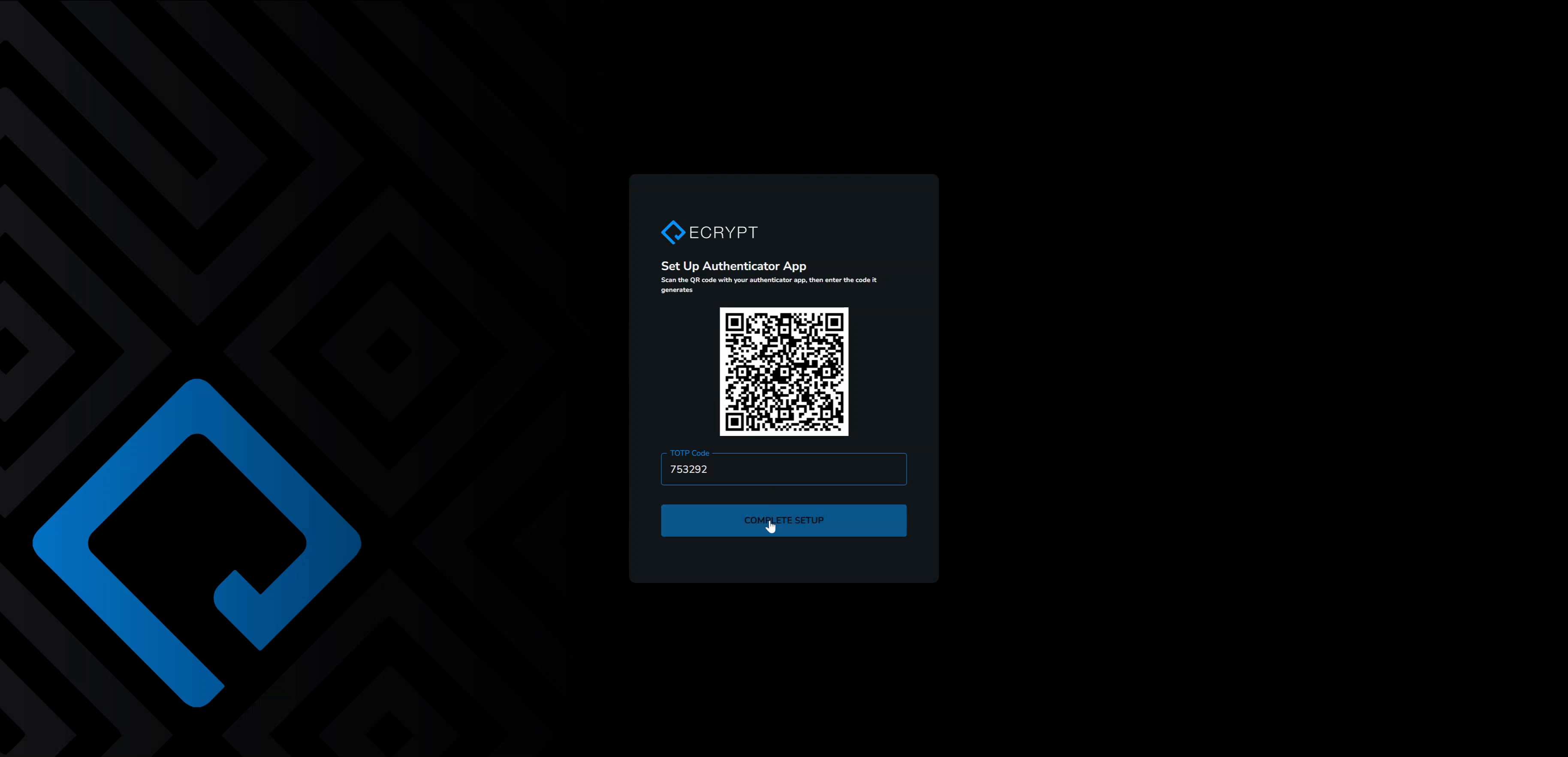
You’ve now enabled both SMS and authenticator app two-factor verification methods. Your ECRYPT account is secure and ready to use.
Setting up both SMS and authenticator app authentication keeps you protected and ensures only you have access to your ECRYPT account.
Updated 2 months ago