
On-brand by default. Never off-brand again.
Upload your logos, brand colors, custom fonts and videos once. Every Orshot template pulls from the same library so every render comes out consistent — across teams, clients and campaigns.
Shared across every workspace member
Logos & images
Upload once, drop into any template. Swap to client logos per workspace.
Brand colors
Named color palettes. Referenced by token everywhere you need them.
Custom fonts
Bring your own TTF/OTF/WOFF. Your type shows up in every render, no fallbacks.
Videos
Store brand intros, clips and b-roll. Use them in video templates via Studio or API.
Every asset in one place, ready for every render.
Drop in your logos, brand colors, custom fonts and videos. Orshot organizes them per workspace so every template and every render pulls the same source of truth.
- Drag-and-drop uploader for logos, images, fonts and videos
- Named brand color palettes with hex/RGB access
- Tag and search across all asset types
- Per-workspace isolation for agencies with many clients
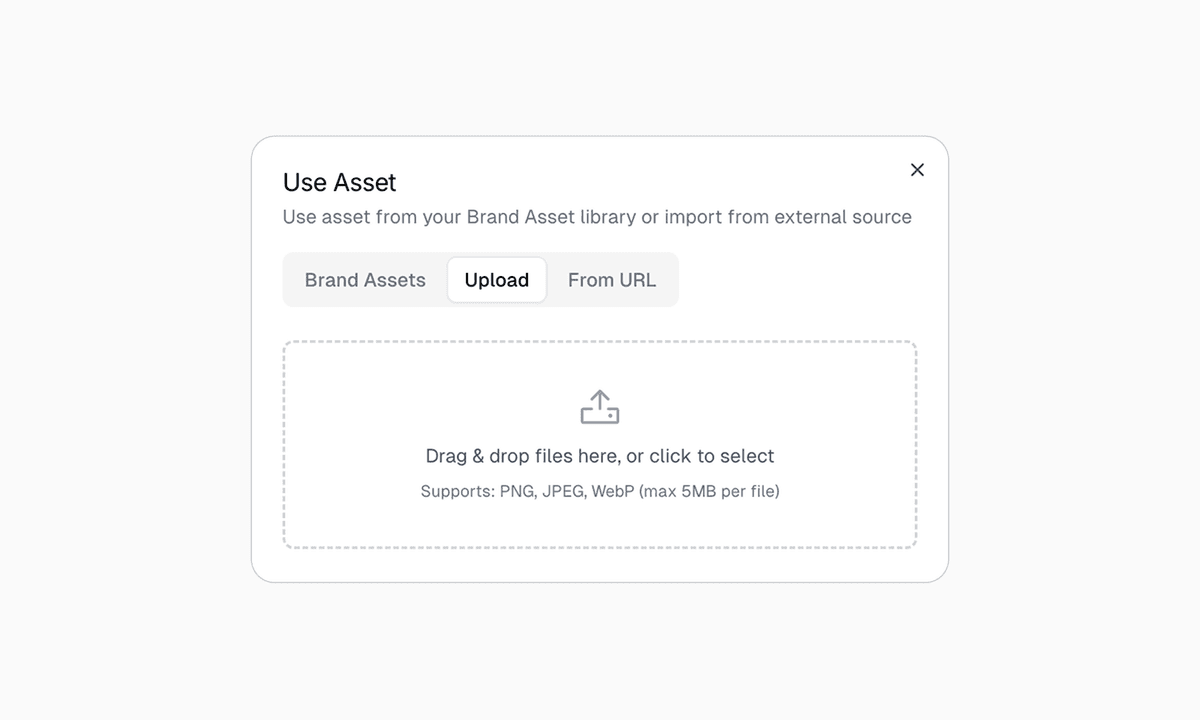
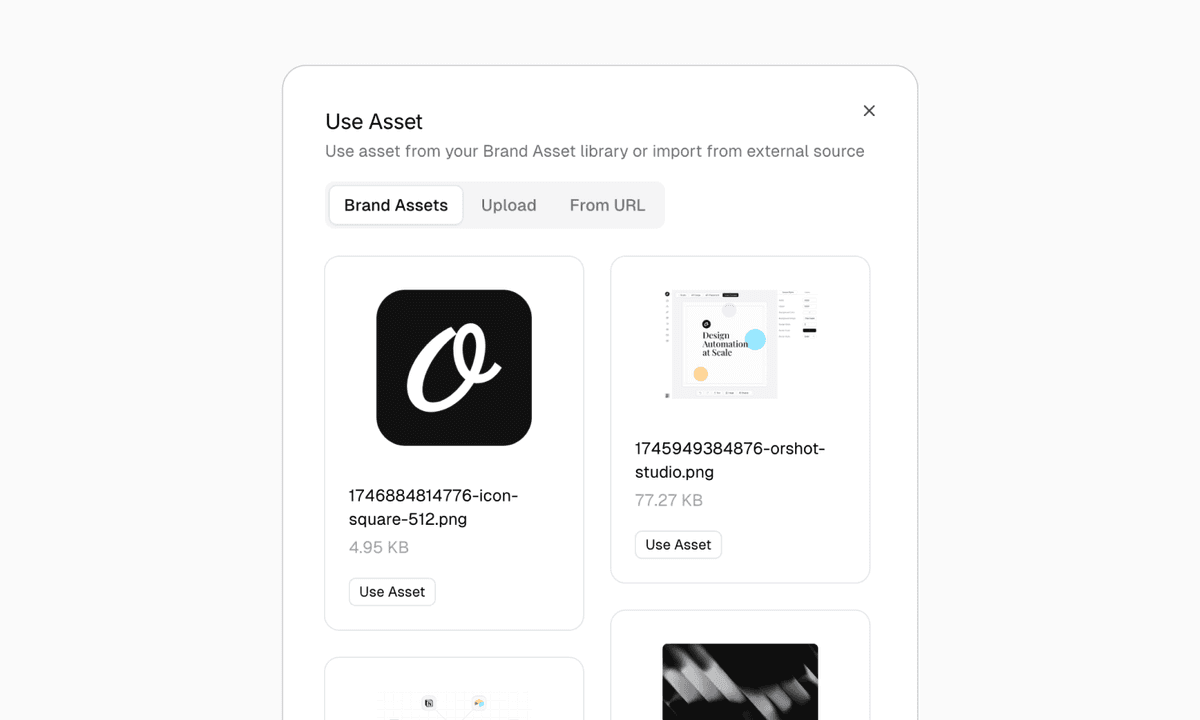
Insert from the library, manage via API.
Insert assets into any Studio template with one click, or manage them programmatically. Full CRUD API for images, colors, fonts and videos — upload, update, search and delete from your code.
- Full CRUD API for every asset type — images, colors, fonts, videos
- Unified search endpoint across all asset types
- Swap a logo centrally, every render updates on the next call
- Custom fonts available in the Studio font picker and via API
Reference in modifications
Use named assets in your modifications payload — no base64, no uploads on every call.
Unified search API
Search across images, colors, fonts and videos in one call. Filter by type or tags.
Multi-tenant safe
Each workspace has its own isolated library — perfect for agencies.
Video assets
Store MP4, WebM, MOV and more. Up to 60 MB per file, managed via API or Studio.
Custom fonts in PDFs
Upload OTF/TTF/WOFF and they render exactly as your brand expects, even in multi-page PDFs.
Per-workspace isolation
Each workspace has its own asset library. Agencies keep every client's brand separate.
Pin your brand. Ship on-brand renders.
Available on every Orshot plan. Upload your assets, keep every render on brand.