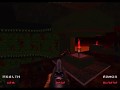
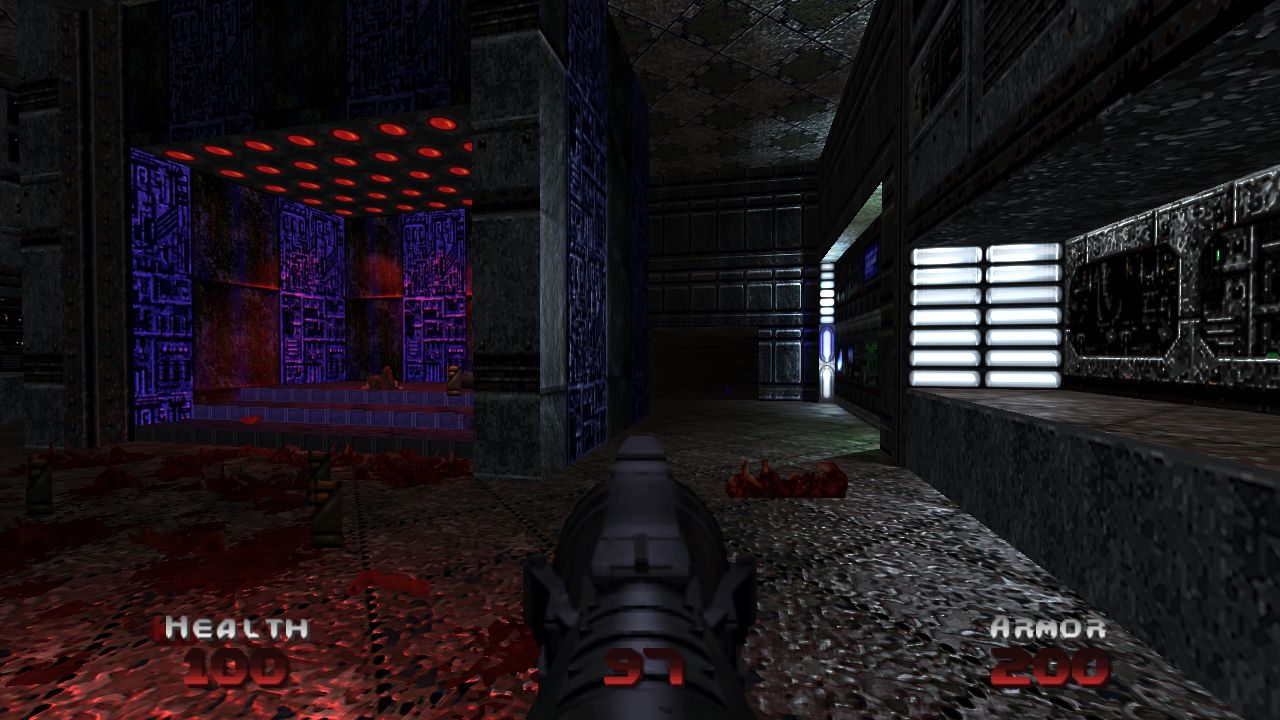
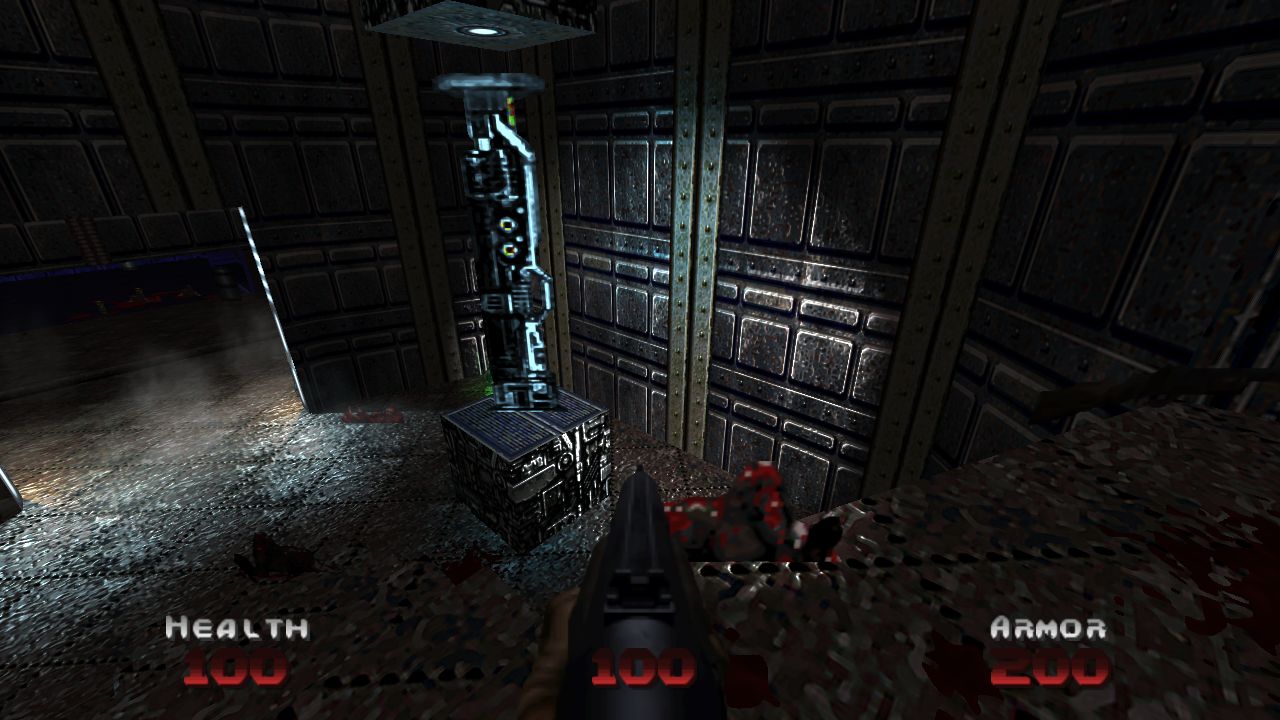
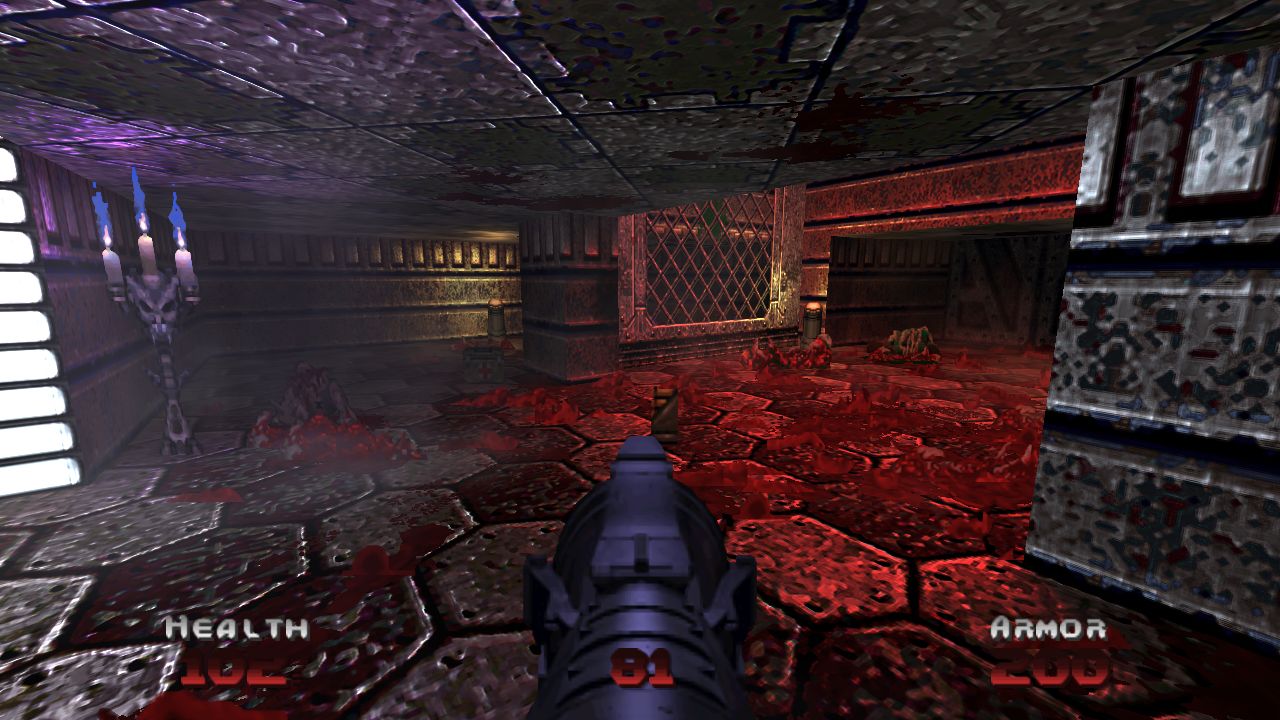
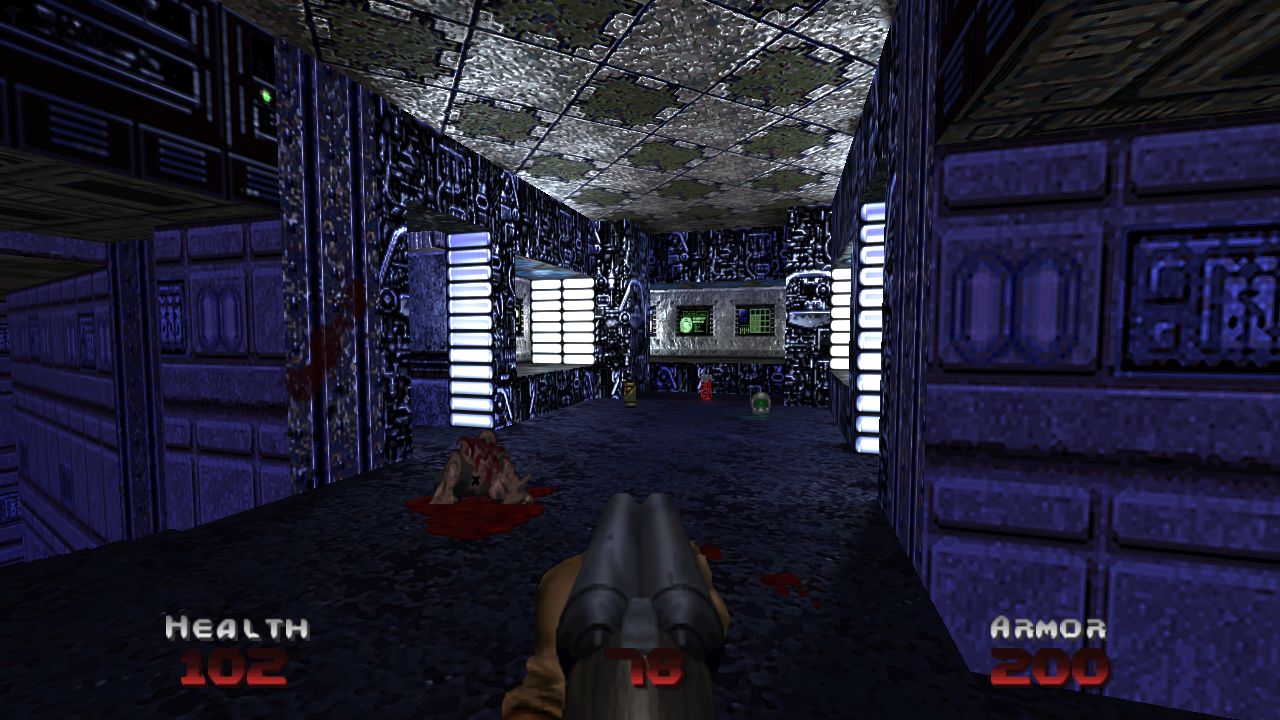
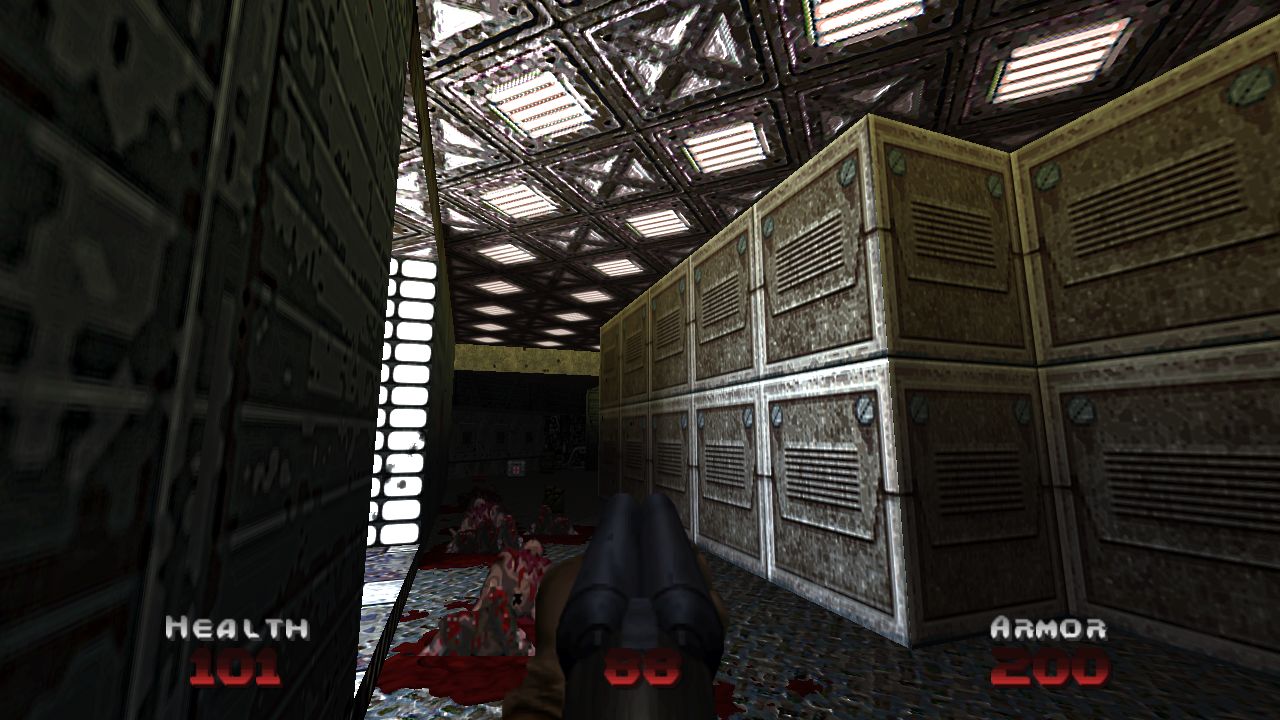
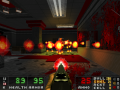
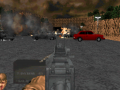
Like how Doom 64 was darker, creepier, slower, and more atmospheric than the classic Doom games? Then use the D64ifier to D64ify your game. Make Doom, Doom II, Final Doom, No Rest for the Living, and most other vanilla mapsets look, sound, and feel like Doom 64.
Articles
Three updates today for The D64ifier:
The Core Module...
- Updated from 1.03 to 1.05
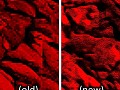
- Better liquids (the coloring and tone/gradient is more faithful to the original N64 versions now, however the layering and movement now creates a more realistic look of waves moving
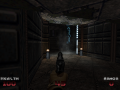
- improved dynamic lighting connected to ceiling flats to create more atmospheric areas, especially in small rooms
- fixed an incorrect brightmap for one of the ceiling flats
- Moddb.com
The Monsters Module...
- Updated to 1.0 as it is now what I consider complete (unless I get my hands on new archvile sprites)
- Baron fireballs now working properly
- Nightmare imp melee attacks now have sound like they should
- Archvile sprites have been improved (although they are still just upscaled and recolored D2 sprites)
- Moddb.com
The New Hi-Res Textures Module...
- Beta 1 released!
- Contains every D64ifier texture, upscaled (rather poorly) to 400%, along with matching specular maps and normal maps.
- Not for purists, as the textures probably look too shiny to accurately reflect the original feel/spirit of Doom 64.
- Also not for low-end hardware such as phones, tablets, Raspberry Pis, or laptops that are over a decade old, as it may make them puke.
- Moddb.com
Files
D64ifier WEAPONS v1.0 (Unofficial)
Weapon SkinFixed pistol and new sprite of Shotgun but now have hard work.
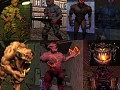
D64ifier Zandronum
Full VersionJust unzip the Pk3 and use in either GZDoom, LZDoom, or Zandronum with OpenGL Hardware Acceleration turned on with any Doom or FreeDoom IWAD. Doom 1...
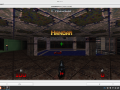
D64ifier ZDoom
Demo 2 commentsJust Load the PK3 with any Doom Iwad or FreeDoom Iwad. Is meant to be compatible with any mapset.
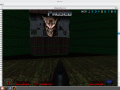
D64ifier for SoftwareRender(PrBoom, Crispy, Odamex, ZDoom)
Demo 4 commentsLoad the WAD in PrBoom minimum. Works in Software render. Chocolate not Supported yet..Load with any mapset with Doom1 or D2 or Final Doom or FreeDoom...
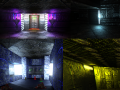
The D64ifier Alternative Hi Res Textures (including spec, nm, rn and brightmaps)
Texture 6 commentsA alternative version upscaled textures for The D64ifier used AI as a basis, and also optimized to work with low-end hardware's or laptops
Post a comment
Profile

Tags
Embed Buttons
Link to The D64ifier by selecting a button and using the embed code provided more...




This comment is currently awaiting admin approval, join now to view.
nice
This comment is currently awaiting admin approval, join now to view.
Hey i really like this mod but i still don't know which texture pack should i use with the Core Module, and is it bad to use both textures packs at the same time? yeah i mean the AltHiResTex and Normal HiResTex
You can use both if they load both. It helps for maps not having all the textures or more. Sometimes at least.
Other than that it comes down to preference
This mod is awesome, but there is a small problem with the aspect ratio. Gzdoom and other sourceports, including the official Bethesda port, automatically correct the aspect ratio by stretching the image vertically to 120%. The original Doom game was designed for 4:3 monitors, with the actual game having a wider resolution than that. This means that your sprites are made skinnier, which is especially noticeable with pinkies and Hellknights/Barons. The most effective solution is to force the game to render at 16:10 in the "set video mode" options. I would add this to your mod's description, so that people can correct it if they want to.
How can I remove the doom 64 hud so it's compatible with hud mods?
Just load any hud mods after D64ifier, I can run Ultimate Doom Visor just fine on this. You should switch to using a Doom Launcher if you aren't already, so you can configure the load order.
Is there a way to use Steam as a sourceport on ZDL to use these mods? Reason I ask is because I'd like to use D64ifier for my existing Doom 1 & 2 games with all my playtime and saves.
copy the wad files by right-clicking on doom on steam and going into local files, download another source port like gzdoom or zandronum and copy the wad files into the same folder as the source port.