
Appium Mobile Testing on Cloud
Run Appium mobile testing on real Android & iOS devices. Test native, hybrid, and web apps with no in-house setup needed.


Automate Browser Flows from your
Terminal with Kane CLI

Trusted by 2M+ users globally at




"We have tripled our tests and are now executing tests in less than 2 hours with 78% Faster Test Execution"


"We figured out a more efficient way to monitor system health and resolve failures earlier in lower environments."





"TestMu AI has significantly boosted our testing speed, is easy to implement, and provides exceptional support."


"With 70% faster test execution, TestMu AI helped us achieve faster time-to-market and enhanced CX."



LambdaTest is now TestMu AI
On January 12, 2026, LambdaTest evolved into TestMu AI, the same trusted testing cloud, upgraded for the AI era.
Now a full-stack agentic AI quality engineering cloud, it automates end-to-end testing across web, mobile, and AI apps. The platform is AI-native, with autonomous agents that plan, author, execute, analyze, and optimize tests.


The next era of the world's first fully Autonomous Agentic AI Quality Engineering Platform is here.

Asad Khan
Co-Founder & CEO
Run Appium at Cloud Scale on Real Devices
 Faster Test Runs
Faster Appium Test Runs
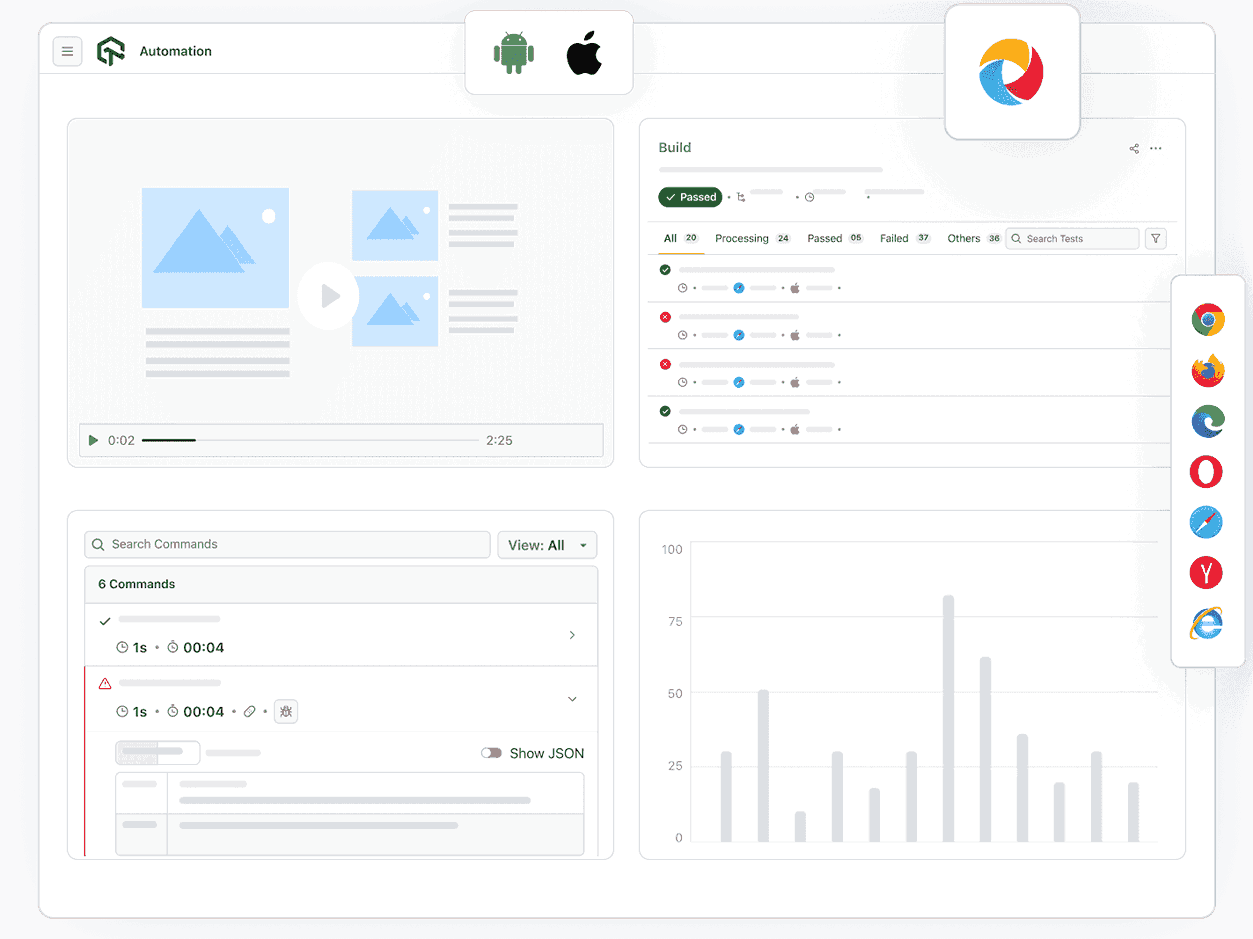
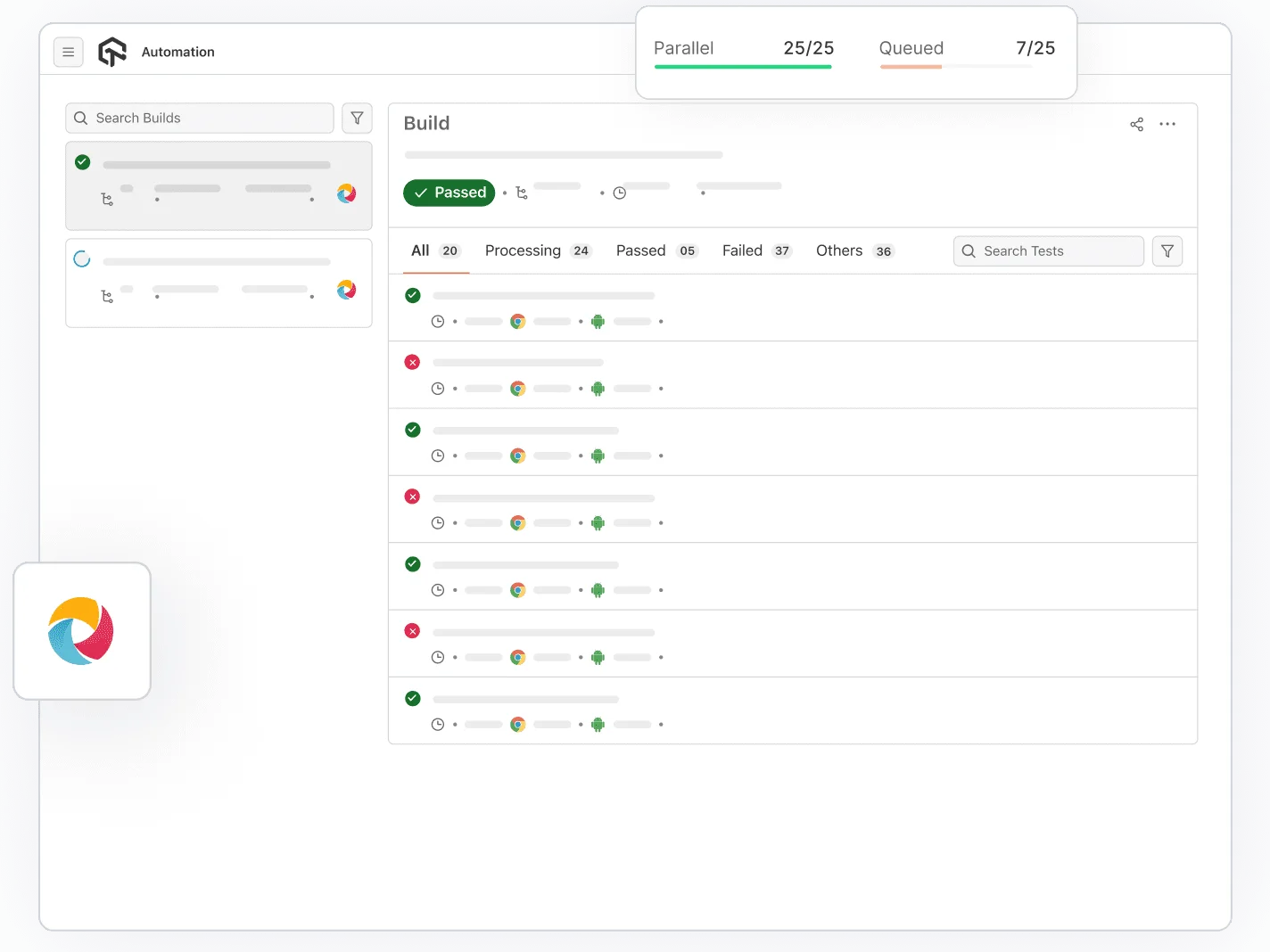
Run Appium mobile tests in parallel across real Android and iOS devices, with feedback in minutes.
Start Free Appium Testing- Execute 10X faster parallel Appium mobile testing at scale.
- CI/CD integration with Jenkins, GitHub Actions, and more.
- Accelerate release cycles with faster feedback loops.

 Real Device Testing
Real Device Appium Testing
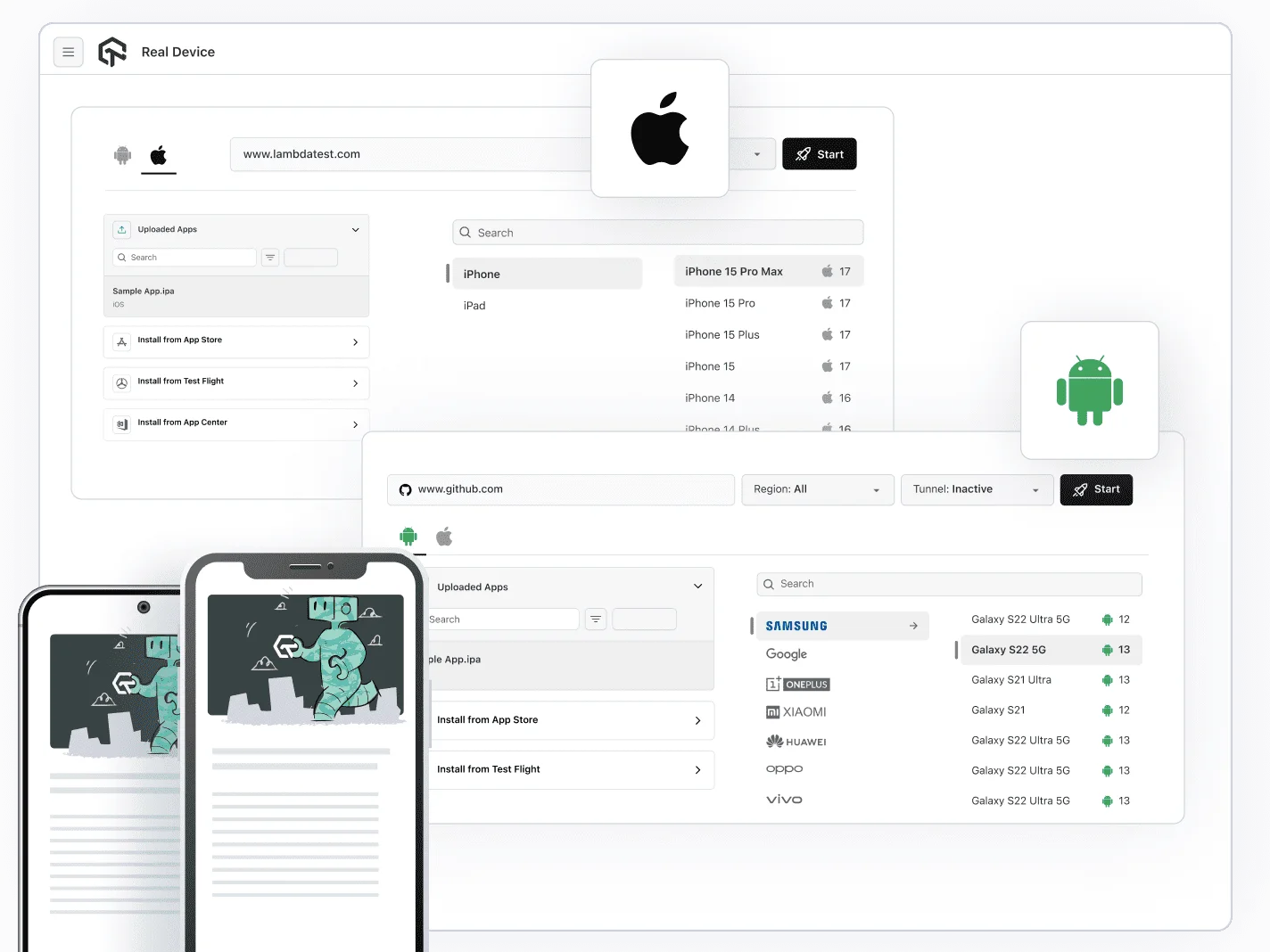
Switch to real hardware with one capability flag, test conditions emulators cannot reproduce.
Run on a Real DeviceWhat's covered out of the box
 Smart Debugging
Debug Appium Tests Faster
Session logs, video, and performance metrics surface root cause without leaving the test run.
See Debugging in ActionLambdaTest (now TestMuAI) elevated our mobile app testing with exceptional support, user-friendly platform, and advanced reporting. Fast, executable, and perfect for us.

Georgije Kundacina,
Senior Software QA Engineer, Snap One
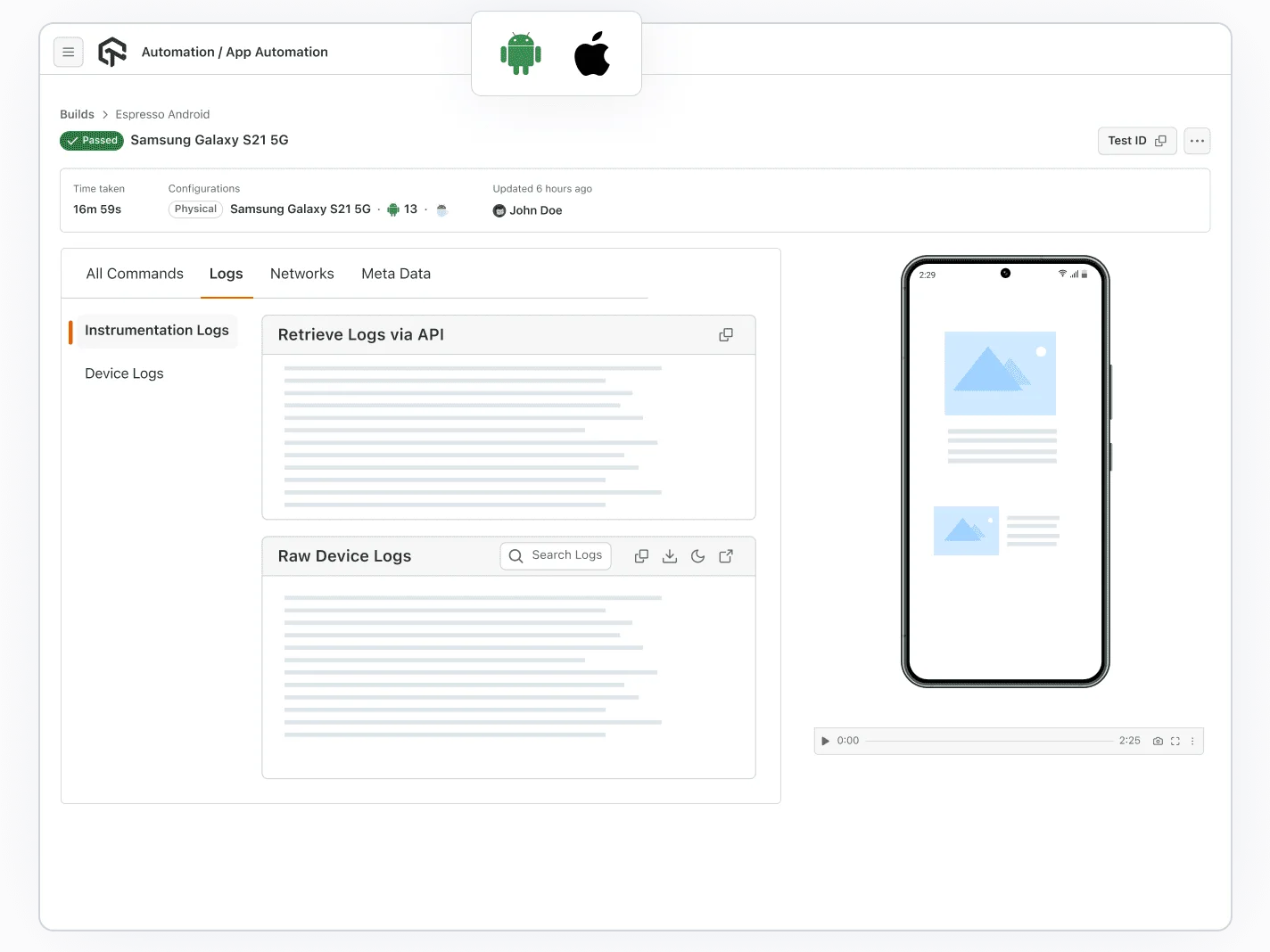
Appium Mobile Testing Made Easy

Natural Gestures
Test natural gestures features such as tapping, scrolling, zooming, and swiping.

App Control
Install new builds, uninstall previous versions, or kill and relaunch your app, all during an ongoing Appium mobile testing

App Uploads
Can upload .aab, .apk, .ipa or install from, play store, app store and firebase.

Session Replays
Replay complete Appium test sessions with video to trace every interaction, identify failures, and debug faster.

Test History
View detailed logs, status, and execution history of every Appium test track trends, spot flaky tests, and compare past runs anytime.

Smart Queuing
Automatically prioritize and queue Appium tests during peak usage, ensuring efficient device utilization without blocking your CI pipeline.
Choose How You Deploy Appium Mobile Testing
Public Real Device Cloud
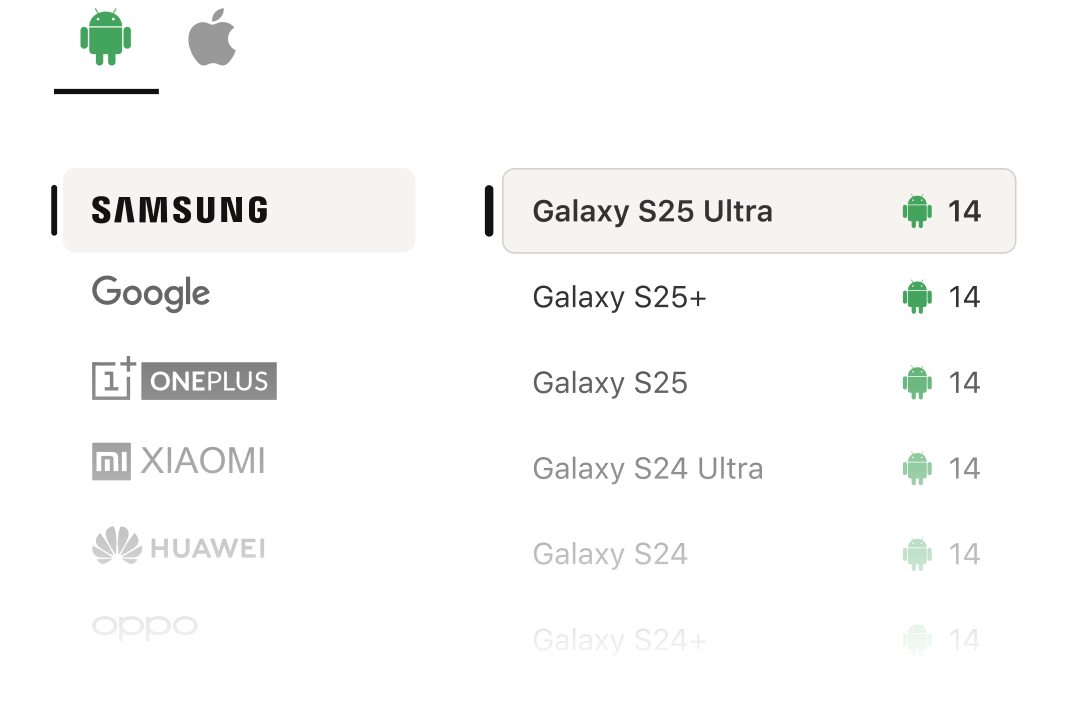
Instant on-demand access to a shared pool of real iOS and Android devices. Run Appium tests with zero infrastructure.
Private Real Device Cloud
Reserved devices for your team only. Custom configurations, pre-installed apps, SLA guarantees, and priority support.
On-Premise Selenium Grid
Use TestMu AI cloud with security behind your firewall. Full data residency control for regulated industries.
TestMu AI (Formerly LambdaTest) Success Stories

50%
reduction in test execution time
“HyperExecute is a highly reliable test execution platform and has excellent customer support.”
Sagar Uday Kumar
Sr. Engineering Manager
Some love from our customers!
Mobile Automated tests work great with Lambda. I love it. It works great. When I have a problem I can chat with a Lambda Engineer at all times. Their customer service is really fast and helpful...
Native App Automation

Spencer Q.

Fixed on Android from what I can tell 😁 For those curious: `keydown` works on iOS in soft keyboards, not on Chrome Android by design[1]. Thanks – amazing service which gave me an Android on demand for free.
Native App Automation

Guillermo Rauch
@rauchg

One of the hardest and most annoying stuff that gets me each time is flushing the cache on iOS 🤦♂️, people has done a great job of integrating developer console on all iPhone models! #javascript #webdev
Native App Automation

Ibrahim Tanyalcin
@ibrhmTanyalcin
More Reasons to Love TestMu AI (Formerly LambdaTest)
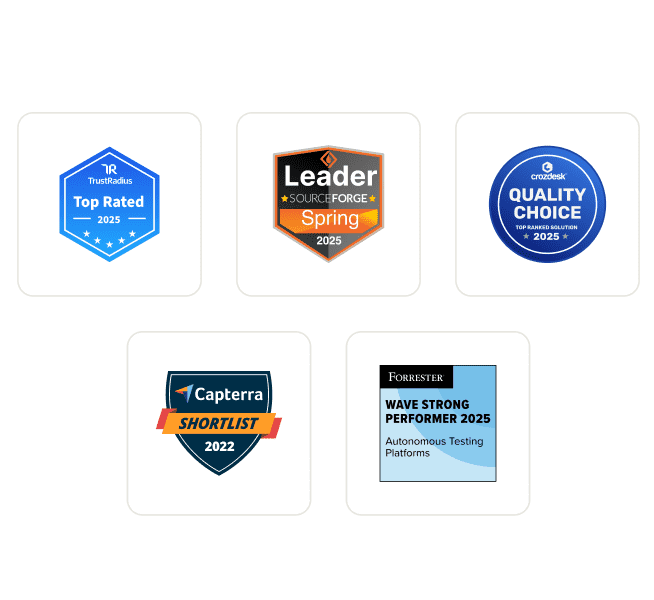
TestMu AI Named a Challenger in the 2025 Gartner® Magic Quadrant™
Read ReportTestMu AI recognized in The Forrester Wave™: Autonomous Testing Platforms, Q4 2025
Read ReportWall of Fame
TestMu AI is #1 choice for SMBs and Enterprises across the globe.
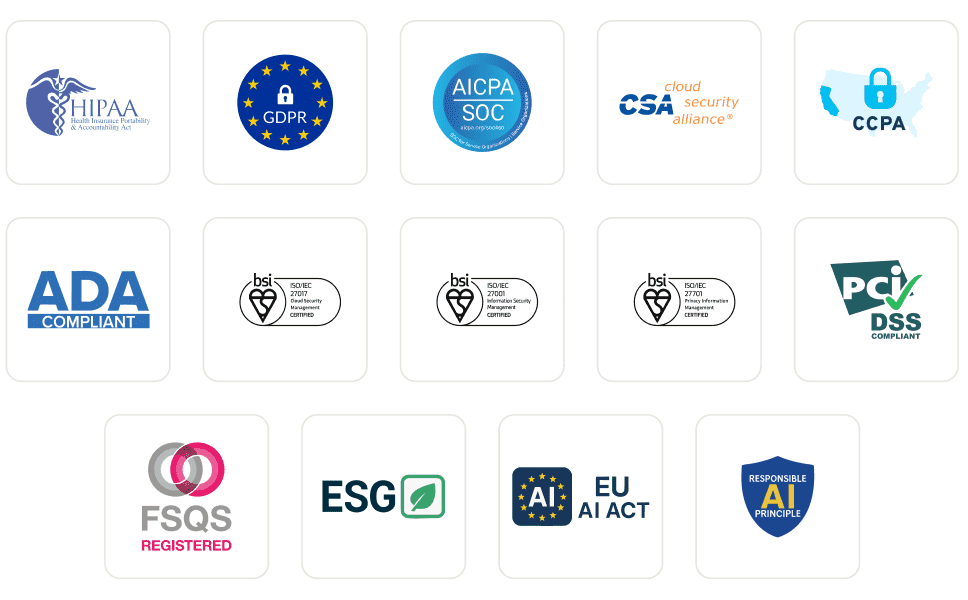
Enterprise-Grade Security
We safeguard your data and AI systems with global security, privacy, responsible AI, and ESG standards.
Integrations
Works where you work, 120+ integrations with the tools your team relies on.
Users
3M+
Tests
1.5B+
Enterprises
18K+
Countries
132
As Seen On
Frequently asked questions
- Set up Node.js on your computer.
- To install Appium globally, open a command prompt or terminal and run
npm install -g appium. - Install Appium Doctor using
npm install -g appium-doctor. - Run the
appium-doctorcommand to verify that all required dependencies are installed. - Install the necessary Appium dependencies based on the target platform (Android or iOS).
- Once all prerequisites are installed, you can start using Appium for mobile app testing.
- Install the Homebrew package manager.
- Open a terminal and run
brew install node. - Install Appium using
npm install -g appium. - Install Appium Doctor with
npm install -g appium-doctor. - Run
appium-doctorto verify dependencies and resolve any issues. - Install additional dependencies based on the target platform (Android or iOS).
- Appium is now ready for mobile app testing on macOS.
TestMu AI forEnterprise
Get access to solutions built on Enterprise
grade security, privacy, & compliance
- Advanced access controls
- Advanced data retention rules
- Advanced Local Testing
- Premium Support options
- Early access to beta features
- Private Slack Channel
- Unlimited Manual Accessibility DevTools Tests