

AI pixel art fixer for GPT Image 2 and Nano Banana
Free Pixel Art Snapper
Get pixel-perfect pixel art from imperfect, messy, or inconsistent AI-generated pixel art.
Clean up AI pixel art

Upload your image
Click to browse files
PNG, JPG up to 10MB
Colors: 16
New

New: AI Pixel Art Generator
Generate professional sprites and animations from a single prompt in minutes.
Create pixel art now
Pixel-perfect scaling for Game Engines









Desktop Edition
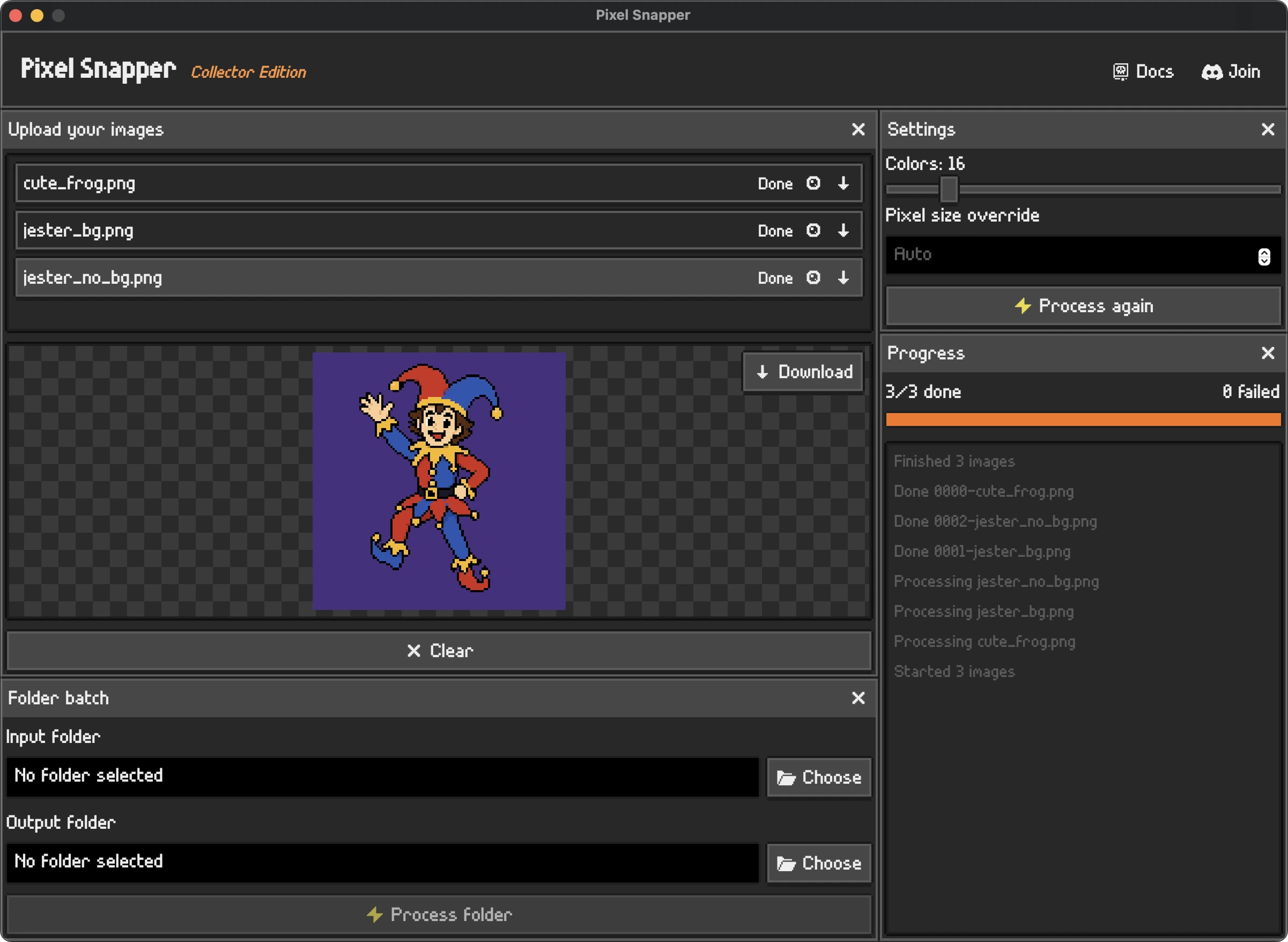
A collector edition of Pixel Snapper with ultra-fast batch processing
Desktop Edition
Limited Time Only
$ 7.99
$ 9.99

Ultra-fast batch processing
-
100% offline desktop app
-
One-time purchase, yours forever!
-
Free lifetime updates
-
Open Source code
-
Works on Mac, Linux, and Windows.
Used by leading Universities, Studios, and Indies.



Fix mixels, get true pixel art
Pixel Snapper is a free and open-source pixel art fixer for messy, blurry, or inconsistent AI-generated pixel art. It cleans inconsistent pixels and snaps the image back onto a crisp pixel grid.
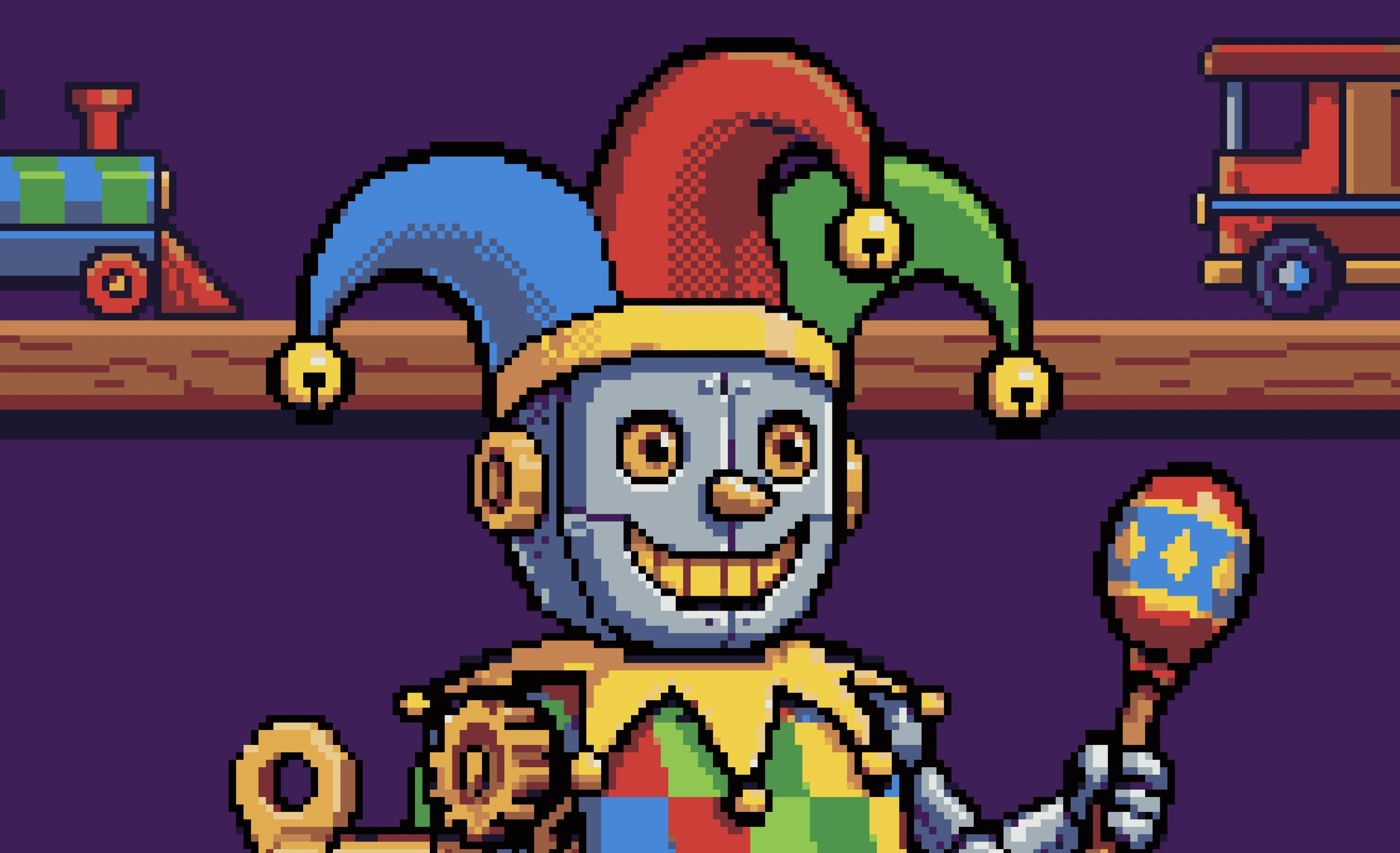
Nano Banana off-grid pixels
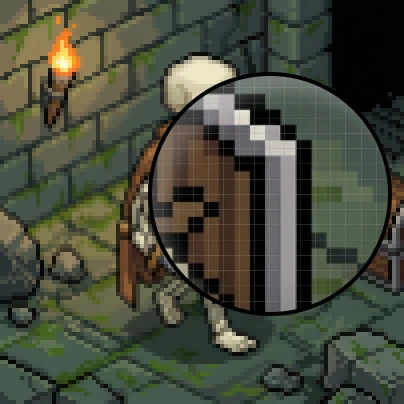
Fixed with Pixel Snapper
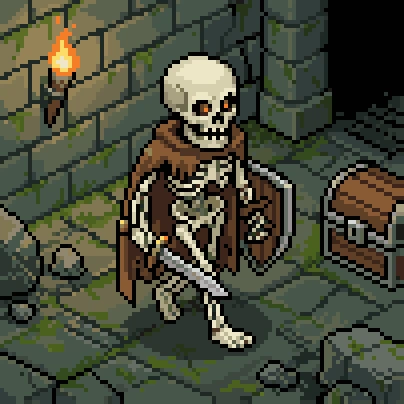
Preserve fine details
Pixel Snapper converts AI-generated pixel art into true pixel art, preserving details like dithering and outlines while removing blur and artifacts.
Preserve details like dithering
Free and open source
Pixel Snapper is free and open source. Feel free to use it and contribute to the project on GitHub.
Web Edition

FREE
-
Source code available on GitHub
-
Hobby projects
-
Commercial projects
-
No account required
Use the web version
Desktop Edition
Limited Time Only
$ 7.99
$ 9.99
-
Ultra-fast batch processing
-
100% offline desktop app
-
One-time purchase, yours forever!
-
Free lifetime updates
-
Open Source code
-
Works on Mac, Linux, and Windows.
Other software
More Sprite Fusion tools for building game-ready pixel art and levels.
Tilemap Editor
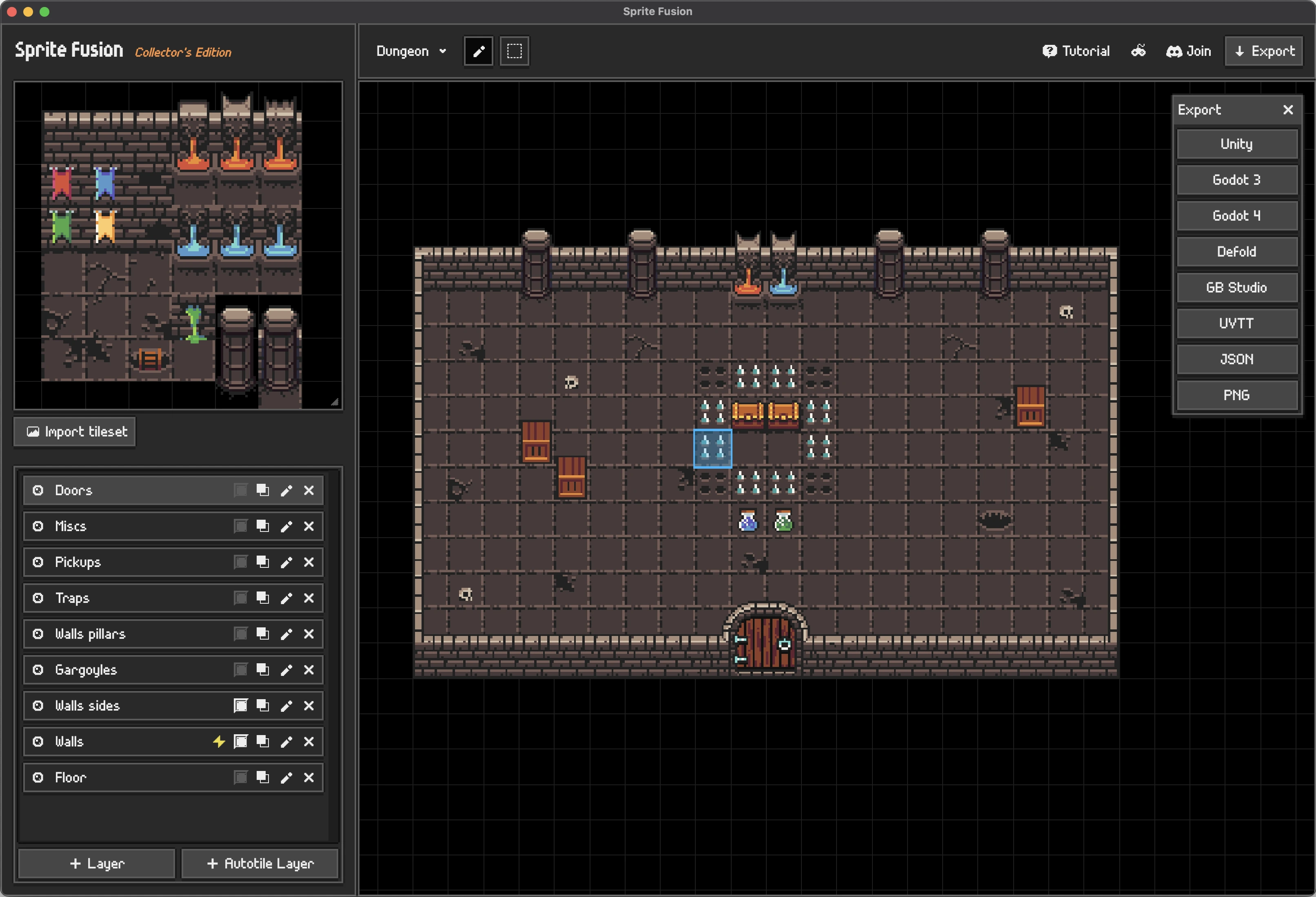
Tilemap Editor
Design 2D levels in your browser with any tileset, then export directly to your game engine.
-
Import any tileset
-
Auto-tiling and collision layers
-
Exports for Unity, Godot, Defold, and more
Discover Tilemap Editor
Pixel Art Generator
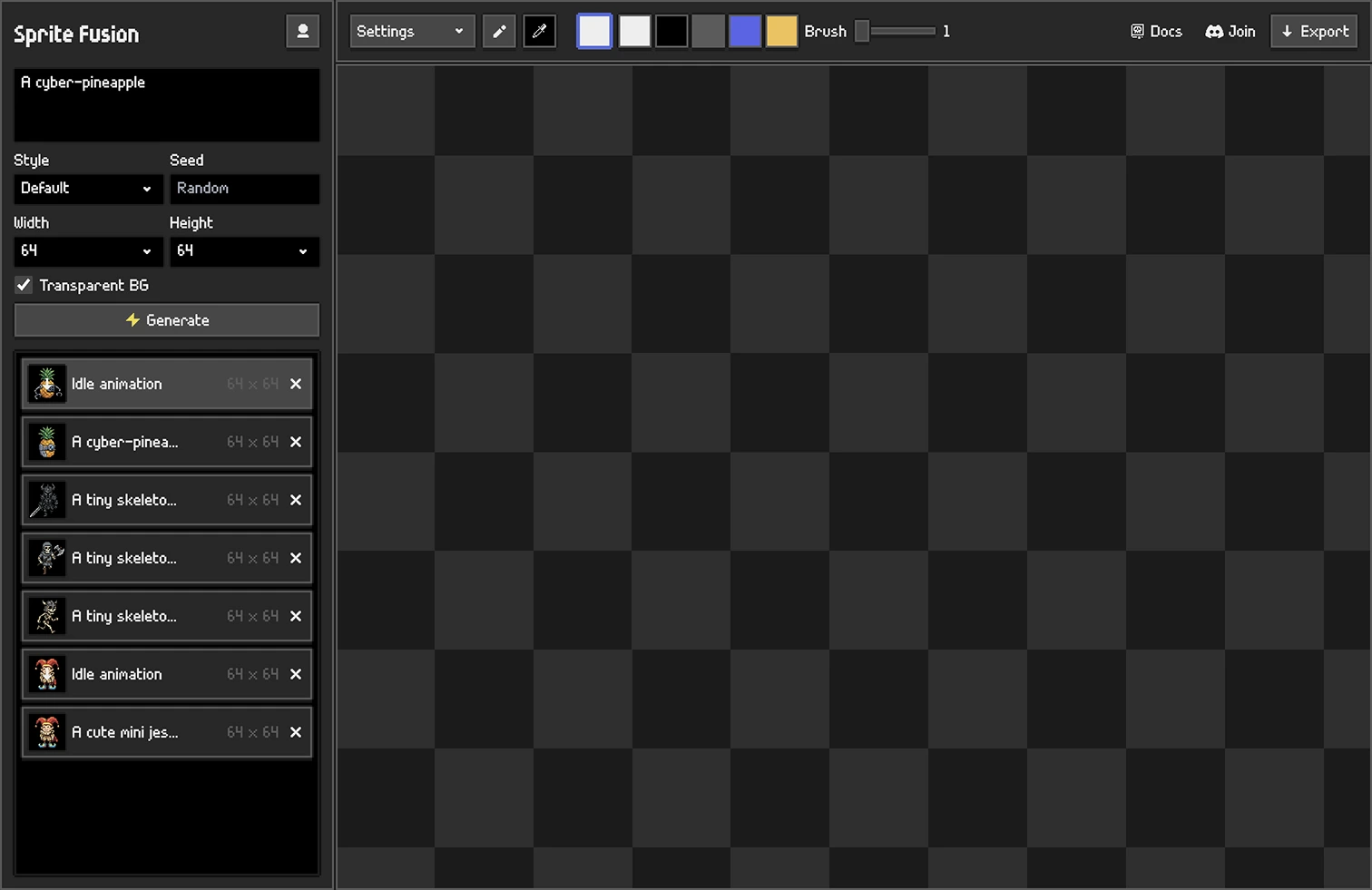
Pixel Art Generator
Generate, animate, and polish game-ready pixel art assets from a complete browser studio.
-
Professional pixel art generation
-
Animation sprites generation
-
Built-in pixel art editor
Generate Pixel Art
Frequently Asked Questions
Check the docs or ask on our Discord server!
What is Pixel Snapper?
Sprite Fusion Pixel Snapper is a free AI pixel art fixer and cleaner. It fixes messy, blurry, or inconsistent pixels and snaps AI-generated pixel art back onto a crisp pixel grid.
How to use Pixel Snapper?
Upload your pixel art by drag and drop or by clicking the upload area. Pixel Snapper automatically cleans the image, fixes off-grid pixels, and saves the result as a new PNG. Read the Pixel Snapper docs or see how Pixel Snapper fixes AI pixel art.
Can I use Pixel Snapper as an AI pixel art fixer?
Yes, that's why we built it! Pixel Snapper fixes mixels, blurry edges, and inconsistent pixels from tools like GPT Image 2, Gemini, and Nano Banana.
Can Pixel Snapper generate pixel art from a prompt?
No. Pixel Snapper is designed to clean and fix existing pixel art, not generate new images from prompts. If you want to create pixel art from a prompt, use Sprite Fusion's AI Pixel Art Generator.
How to generate pixel art with AI?
You can generate pixel art with AI models like GPT Image or Gemini, but they often need cleanup to turn into true pixel art. Sprite Fusion's AI Pixel Art Generator is built specifically for true pixel art generation from prompts.
Is Pixel Snapper a pixel art converter?
Yes. Pixel Snapper converts AI-generated pixel art into true pixel art by cleaning the result, fixing the grid, and preserving details like dithering, curves, outlines, and small shapes.
What are mixels in pixel art?
Mixels are pixels that do not share the same clean grid or pixel size as the rest of the artwork. They often appear in AI-generated pixel art as blurry in-between pixels, soft edges, or inconsistent detail. Pixel Snapper helps clean mixels by snapping the image back to a consistent pixel grid.
Does Pixel Snapper remove anti-aliasing?
Pixel Snapper helps remove unwanted blurry anti-aliasing and off-grid pixels from AI pixel art. It is designed to preserve intentional details such as dithering, curves, and small shapes when they belong to the artwork.
Is Pixel Snapper open source?
Yes. Pixel Snapper is an open-source pixel art fixer. You can use the web version for free and inspect or contribute to the source code on GitHub.
How much does it cost?
Sprite Fusion Pixel Snapper's web version is free to use for both hobby and commercial projects. You can also get the Collector Edition for a one-time purchase if you want ultra-fast batch processing, offline use, and lifetime updates.
Is there a desktop version?
Yes! The Sprite Fusion Pixel Snapper Collector Edition includes ultra-fast batch processing, a 100% offline desktop app, a one-time purchase that is yours forever, free lifetime updates, open source code, and support for Mac, Linux, and Windows.
How can I get input images?
You can get input images from hand-drawn images as well as AI generated pixel art.
Is it compatible with Nano Banana?
Yes, Pixel Snapper is compatible with Nano Banana. You can use it to fix the pixels from your Nano Banana image.
Is it compatible with OpenAI GPT Image 2?
Yes, Pixel Snapper is compatible with GPT Image 2. You can use it to fix the pixels from your GPT Image 2.
Will Pixel Snapper fix everything?
No. Pixel Snapper is not a magic tool that fixes every artwork automatically. It helps you quickly clean inconsistent AI pixels, mixels, and blurry edges, but you may still want to make final manual edits in a tool like Aseprite.
Can I use it for commercial projects?
Yes, you can use Pixel Snapper for commercial projects!
What is Nano Banana?
Nano Banana is an AI model released by Google that is pretty good at generating pixel art.
Does it work on Mac?
Yes, Pixel Snapper is a web-based tool, it works on any modern device.