Roblox Datastore & Purchase System - RBLX Essentials
A downloadable Datastore System
Datastore & Purchase System - RBLX Essentials
Datastore & Purchase System is the persistent data and monetisation backbone for RBLX Essentials. It handles player saves, game pass checks, and developer product callbacks, shared automatically across every pack you install.
✨ Core Features
💾 Persistent player data
Player data is loaded on join and auto-saved on leave. All reads are served from an in-memory cache for zero-latency access mid-session.🎟️ Game pass handling
Pass ownership is checked on join and re-validated on purchase. Grants are applied automatically and persisted.🛒 Developer product callbacks
Register named handlers for any developer product. The system manages the ProcessReceipt loop and receipt history to prevent duplicate grants.🔁 Shared across all packs
Every RBLX Essentials pack reads and writes through a single DataService. No duplicate stores, no conflicting keys.🛡️ Safe defaults & error handling
Missing keys return configurable default values. All DataStore calls are wrapped and retried to handle Roblox throttling gracefully.🧩 Modular codebase
Documented and production-ready. Drop in your own keys without touching any pack internals.⚙️ Setup
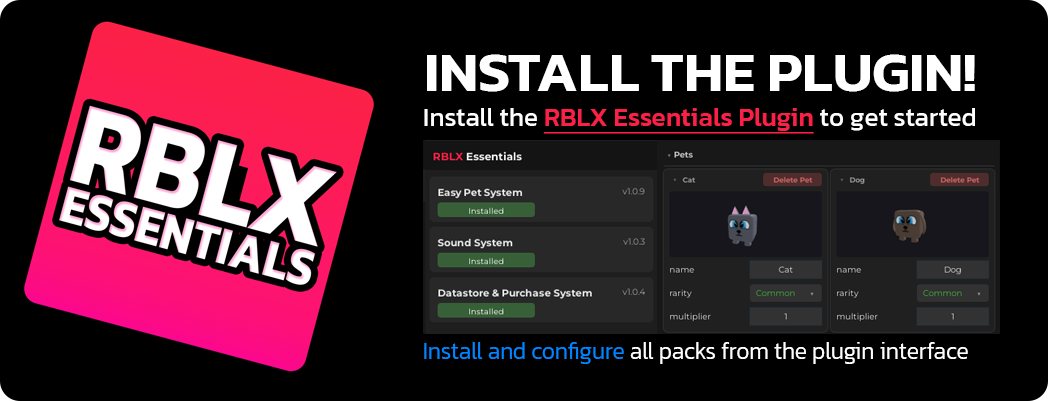
1. Install the RBLX Essentials Plugin into Roblox Studio
2. Drag the .rbxm file to the workspace.
3. In the plugin, install the pack
4. Add your game pass IDs and developer product IDs in the Settings module
Press Play, it just works.
📘 Full documentation, setup guide, API reference, and configuration details are available at rblxessentials.com/docs.
🧩 Developer API
DataService - get & set player data
Read and write any player key from any server Script or ModuleScript.<span style="color:#cba6f7;">local</span> DataService = <span style="color:#89b4fa;">require</span>(ServerScriptService.RBLXEssentials.DatastorePurchaseSystem.DataService)
<span style="color:#6c7086;">-- Read a value (returns default if key has never been set)</span>
<span style="color:#cba6f7;">local</span> cash = DataService.<span style="color:#89dceb;">Get</span>(player, <span style="color:#a6e3a1;">"Cash"</span>)
<span style="color:#6c7086;">-- Write a value</span>
DataService.<span style="color:#89dceb;">Set</span>(player, <span style="color:#a6e3a1;">"Cash"</span>, cash + <span style="color:#fab387;">100</span>)
<span style="color:#6c7086;">-- Increment a numeric key atomically</span>
DataService.<span style="color:#89dceb;">Increment</span>(player, <span style="color:#a6e3a1;">"Cash"</span>, <span style="color:#fab387;">100</span>)
<span style="color:#6c7086;">-- Force an immediate save (auto-save fires on leave)</span>
DataService.<span style="color:#89dceb;">Save</span>(player)PurchaseService - game passes & developer products
Check pass ownership and register product handlers from any server Script.<span style="color:#cba6f7;">local</span> PurchaseService = <span style="color:#89b4fa;">require</span>(ServerScriptService.RBLXEssentials.DatastorePurchaseSystem.PurchaseService)
<span style="color:#6c7086;">-- Check if a player owns a game pass</span>
<span style="color:#cba6f7;">if</span> PurchaseService.<span style="color:#89dceb;">HasPass</span>(player, <span style="color:#fab387;">123456789</span>) <span style="color:#cba6f7;">then</span>
<span style="color:#6c7086;">-- grant perk</span>
<span style="color:#cba6f7;">end</span>
<span style="color:#6c7086;">-- Register a developer product handler</span>
PurchaseService.<span style="color:#89dceb;">RegisterProduct</span>(<span style="color:#fab387;">987654321</span>, <span style="color:#cba6f7;">function</span>(player, receipt)
DataService.<span style="color:#89dceb;">Increment</span>(player, <span style="color:#a6e3a1;">"Cash"</span>, <span style="color:#fab387;">1000</span>)
<span style="color:#cba6f7;">return</span> <span style="color:#fab387;">true</span> <span style="color:#6c7086;">-- return true to confirm the purchase</span>
<span style="color:#cba6f7;">end</span>)🎨 Customisation
Custom data keys & defaults
Define any key with a default value in the Settings module. No schema to register, no migrations needed.Auto-save interval
Configurable periodic save interval alongside the guaranteed on-leave save.Multiple game passes
Register any number of passes. Ownership is cached per-session so repeated checks are instant.Pack compatibility
Easy Pet System and all other RBLX Essentials packs write their data through this service automatically. No extra wiring needed.🔄 Updates
📋 Version history and changelogs for all packs are available at rblxessentials.com/docs#changelog.
Created by RBLX Essentials
Download


Comments
Log in with itch.io to leave a comment.
Pack is very good -- but documentation appears out of date which makes it a little more difficult to include in your own scripting. Overall worth it.
Thanks for the feedback! I'll take a look at the documentation and update it, keeping scripters in mind to make it easier to integrate into custom scripts. I really appreciate you pointing this out!
Hello, before I use this pack in my Roblox game, could you confirm the license terms?
Can I use this asset commercially in a published Roblox game? Can I use it in multiple projects? Are there any restrictions, such as no redistribution or no resale of the asset files themselves?
Thank you.
Hello eling! Yes, you’re free to use the pack however you like.
You can use it commercially in published Roblox games, include it in multiple projects, and there are no specific restrictions on usage. The only general expectation is that you don’t redistribute or resell the asset files on their own.
Hope that helps!