Pricing and Plans

Get started for free and upgrade to get more features!

Upgrade and get a FREE 30-minute tailored onboarding session to help you get started!

PRO

for growing businesses

3.99

per seat Every active or invited user listed on User management page occupies one paid seat. This includes owner, admins and regular members. Deactivated users do not occupy a seat. /month billed annually (or 4.99 if billed monthly)

Upgrade
All FREE features, plus:
Explore
We use your general location to display prices in the most relevant currency for your region. This information is processed in real-time, is not used to identify or track you, and is not stored. You can switch currencies manually at any time.

Compare features across plans

Essentials Unlimited spaces
info
Unlimited spaces

Dedicate virtual areas where teams can collaborate and organize multiple projects.

checkmark
checkmark
checkmark
Unlimited boards
info
Unlimited boards

Visually represent workflows workflows, including items, groups, and fields, and let users track progress, collaborate, and manage projects.

checkmark
checkmark
checkmark
Unlimited items
info
Unlimited items

Organize all work in items, such as tasks, features, milestones, bugs, or requirements.

checkmark
checkmark
checkmark
Fields
checkmark
Fields

Store task info in a customizable data structures, e.g., descriptions, assignees, due dates, etc.

6 per board
Unlimited
Unlimited
Unlimited table and Kanban views
info
Unlimited table and Kanban views

Visualize and manage project data in distinct ways (either table or Kanban view) to gain insights and make informed decisions.

checkmark
checkmark
checkmark
Storage
info
Storage

Get more space to store all of your project-related files, documents, images, and more.

10 MB per file
25 MB per file
100 MB per file
Member and Admin user roles

Assign different user roles in Plaky based on different permissions to allow users to perform various actions.

checkmark
checkmark
checkmark
iOS and Android apps
info
iOS and Android apps

Access tasks and updates anywhere you go and stay informed of the latest progress.

checkmark
checkmark
checkmark
Activity log
info
Activity log

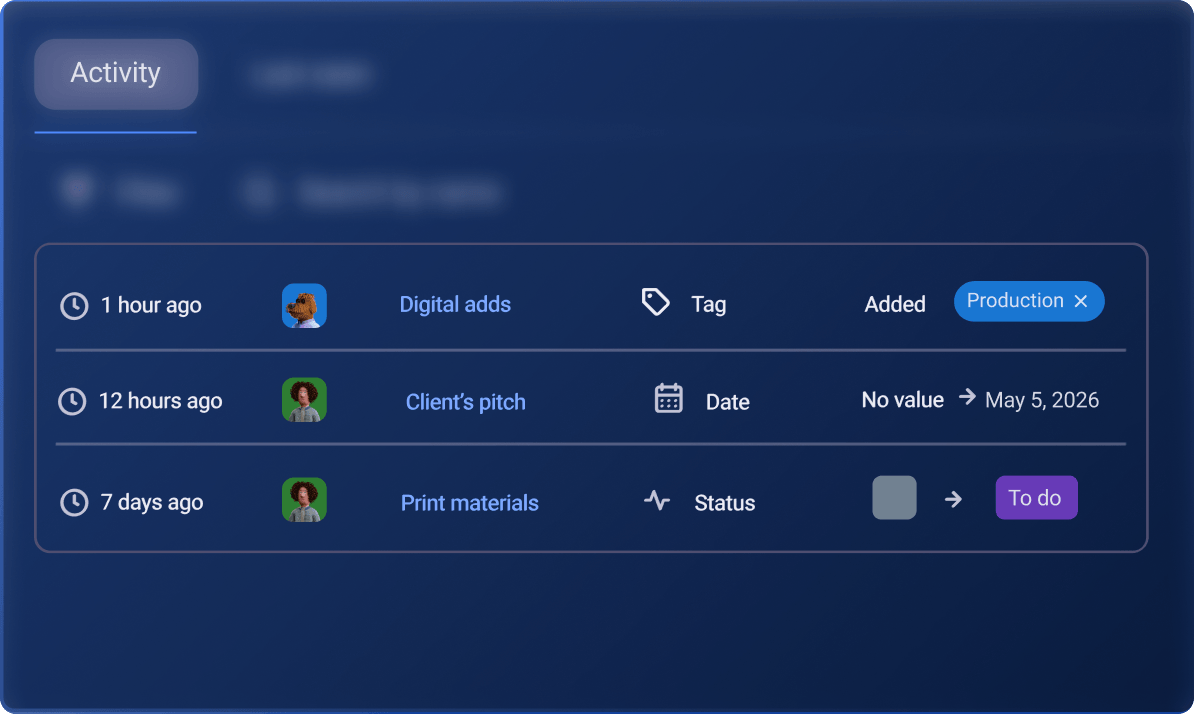
Get a real-time record of all project and task activities that helps you stay informed and engaged throughout the entire project life cycle.

7 days
6 months
Unlimited
Pre-configured industry templates

Use pre-designed board layouts with a structured workflow to quickly organize and start managing projects for different teams and industries.

checkmark
checkmark
checkmark
Task Management Item groups
info
Item groups

Use pre-designed board layouts with a structured workflow to quickly organize and start managing projects for different teams and industries.

checkmark
checkmark
checkmark
Unlimited folders
info
Unlimited folders

Create folders to group related boards together, making it easier to locate and manage projects.

checkmark
checkmark
checkmark
Task checklist
Task checklist

Add action steps to your tasks to simplify the planning and completion of your work items.

Unlimited
Unlimited
Unlimited
Administration Unlimited number of users
info
Unlimited users

Add as many users as your organization needs in your workspace.

checkmark
checkmark
checkmark
Boards owners
info
Boards owners

Give specific users administrative privileges and control over boards.

checkmark
checkmark
checkmark
Closed spaces
info
Closed spaces

Restrict areas within a workspace so they’re available only to specific teams and individuals.

x
checkmark
checkmark
Private boards
info
Private boards

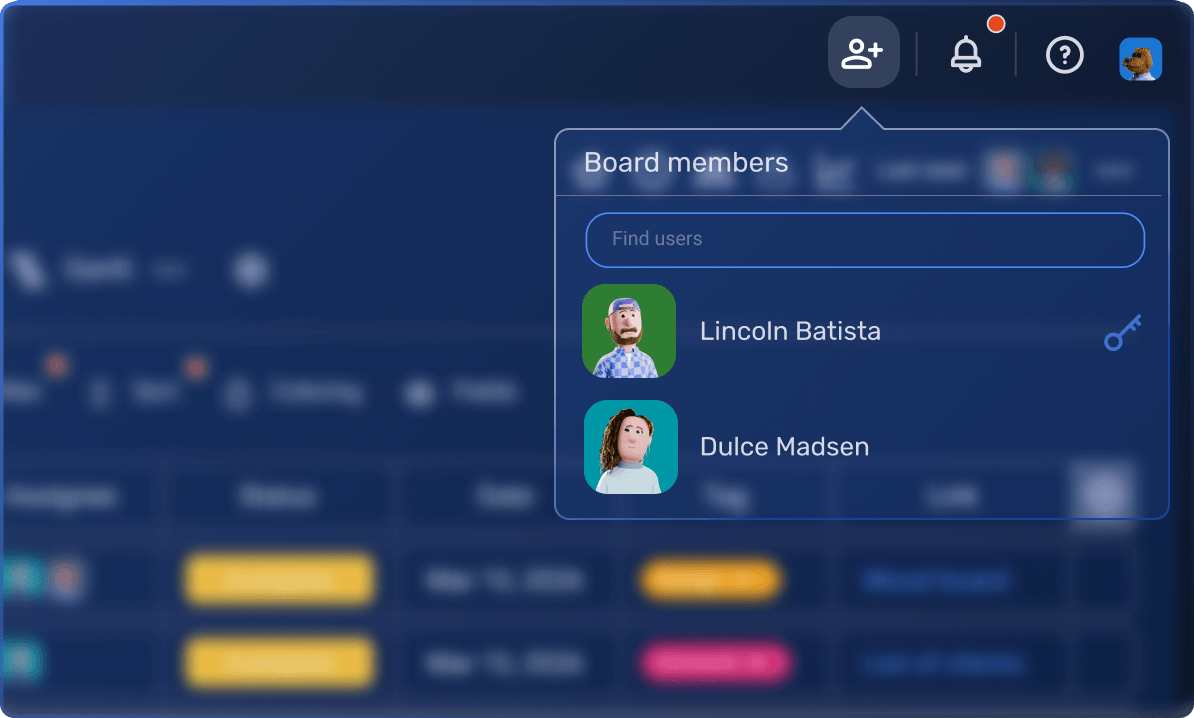
Ensure data privacy with boards accessible only to specific users.

x
checkmark
checkmark
Invite and team permissions
info
Invite and team permissions

Set additional permissions to invite members and manage teams.

x
checkmark
checkmark
Board permissions
info
Board permissions

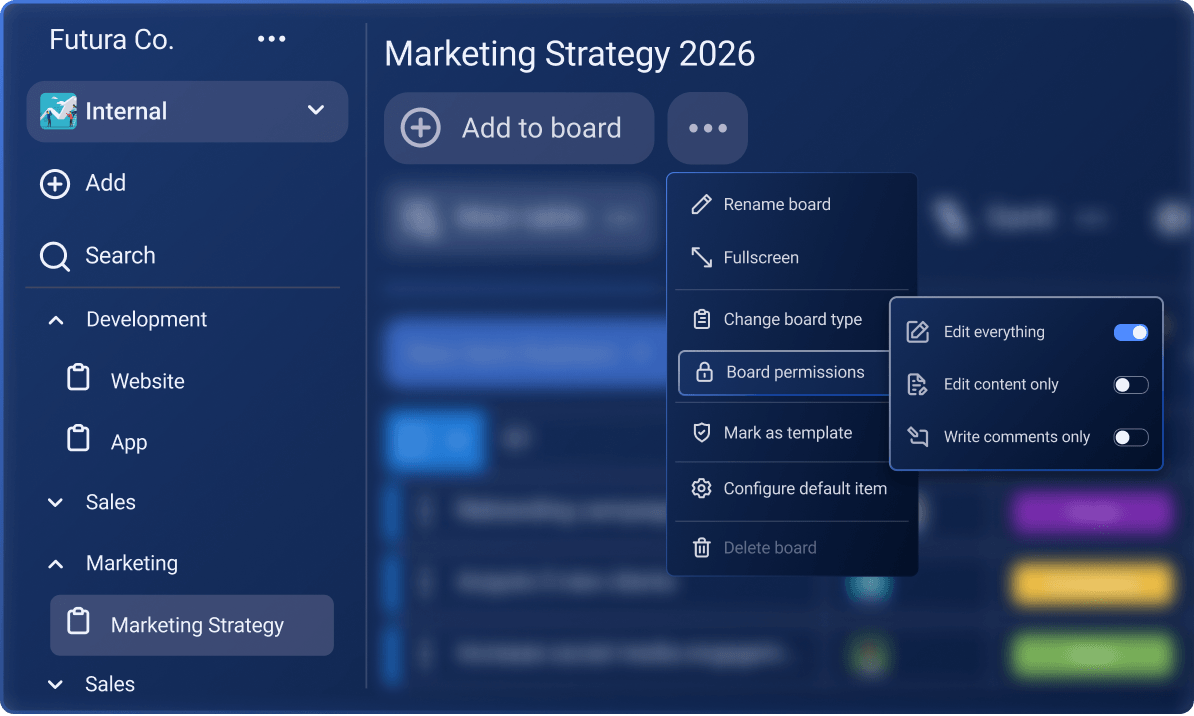
Determine the level of access users have to edit and modify the board's structure, settings, and content.

x
x
checkmark
Manage board ownership
info
Manage board ownership

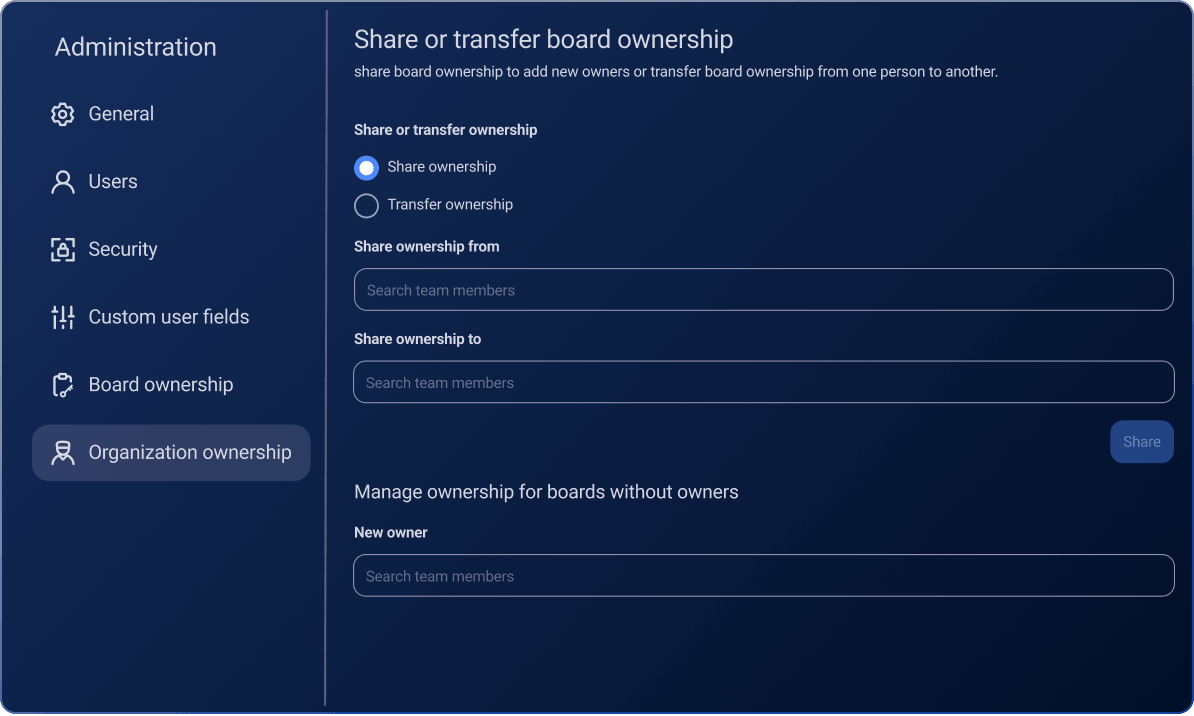
Share or transfer board ownership from one person to another and make sure each board has its owner.

x
x
checkmark
Collaboration Unlimited teams
info
Unlimited teams

Create teams to group together all the individuals working on shared project goals.

checkmark
checkmark
checkmark
Comments
info
Comments

Communicate within specific board items by sharing updates, asking questions, or providing insights.

checkmark
checkmark
checkmark
@mention (user and teams)
info
@mention (user and teams)

Tag specific individuals or whole teams within the comment section of an item to get their immediate attention.

checkmark
checkmark
checkmark
#tag items
info
#tag items

Easily reference another item to contextually connect tasks.

checkmark
checkmark
checkmark
Viewer role
info
Viewer role

Add team members to a space so they can only view the content, but cannot edit or make any changes to it.

x
checkmark
checkmark
Productivity Favorite boards
info
Favorite boards

Save the boards you use the most as favorites and access them quickly whenever you need them.

checkmark
checkmark
checkmark
Archive/Trash
info
Archive/Trash

Save finished projects for later or pause current tasks by moving them to Archive. Access and restore deleted items, item groups, and boards in Trash.

checkmark
checkmark
checkmark
Automations
info
Automations

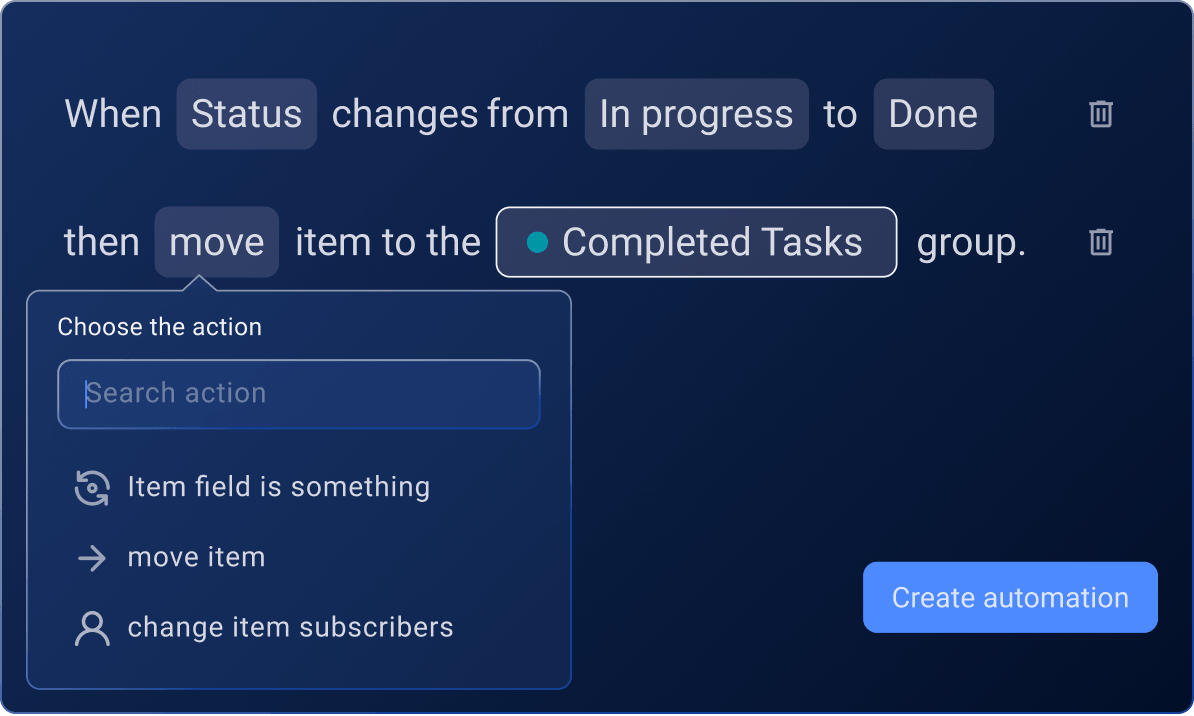
Automate tasks on your board to reduce routine work and get more done.

x
1,000 actions per month
Unlimited
Bulk actions
info
Bulk actions

Edit, duplicate, delete, or move multiple items at once.

x
checkmark
checkmark
Task templates
info
Task templates

Quickly set up specific values that will automatically be applied to all new items on your board.

x
checkmark
checkmark
Custom board templates
info
Custom board templates

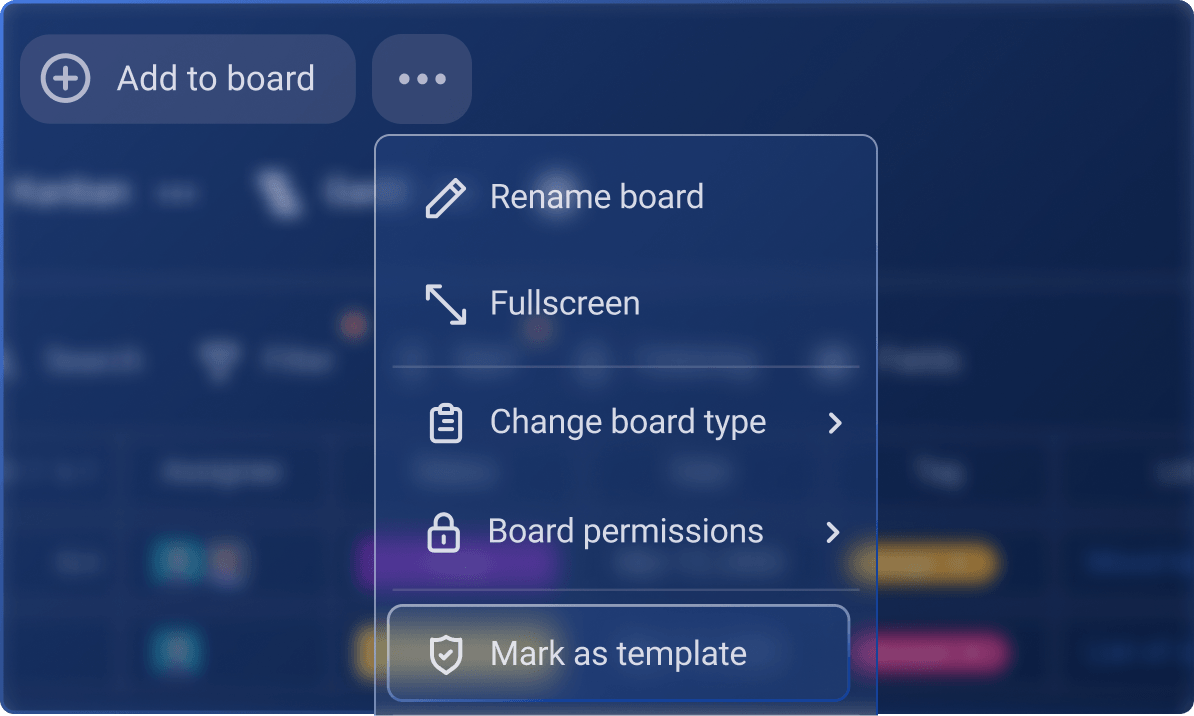
Easily turn the board that you’ve created into a template so you and your team can reuse it multiple times.

x
checkmark
checkmark
Conditional coloring
info
Conditional coloring

Draw attention to fields, items, and item groups based on specific criteria.

x
checkmark
checkmark
Customizations Custom number unit and alignment
info
Custom number unit and alignment

Add custom units to your number fields and choose which number alignment suits you best.

checkmark
checkmark
checkmark
Customized notifications
info
Customized notifications

Choose which set of our pre-defined notifications you want to receive.

checkmark
checkmark
checkmark
Custom workspace name
info
Custom workspace name

Customize your account name whenever you want.

checkmark
checkmark
checkmark
Customized user profiles
info
Customized user profiles

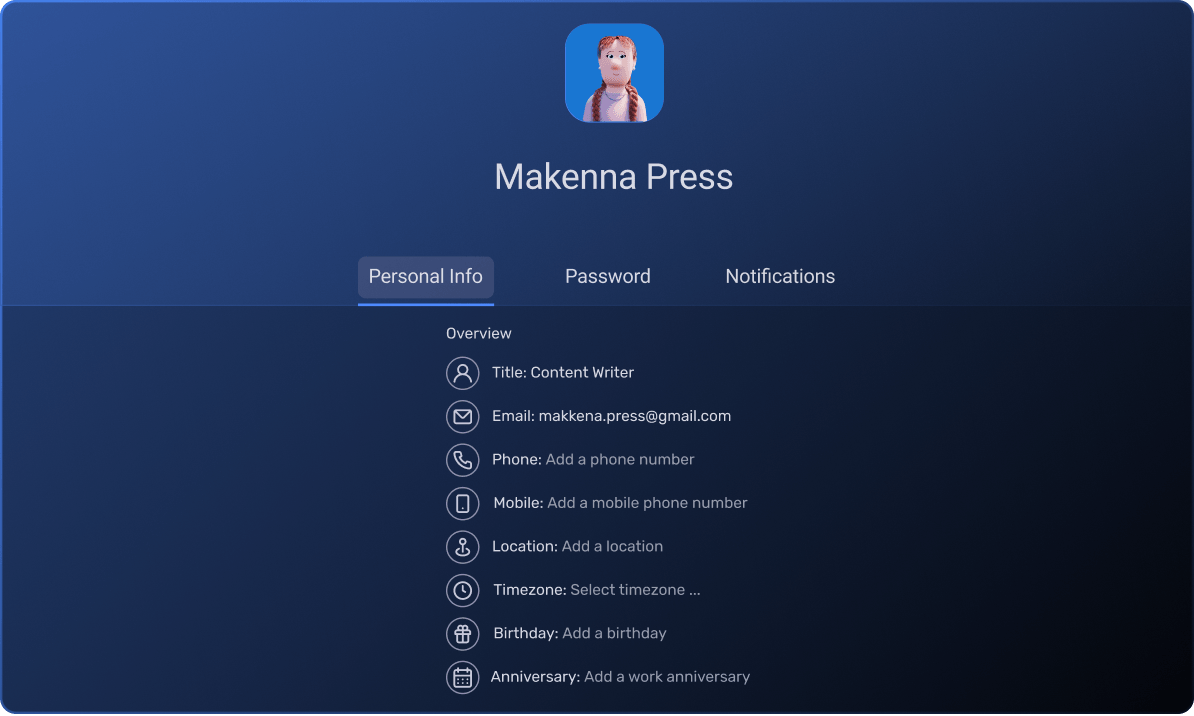
Tailor the information others can see about you in your profile.

x
x
checkmark
Custom workspace subdomain
info
Custom workspace subdomain

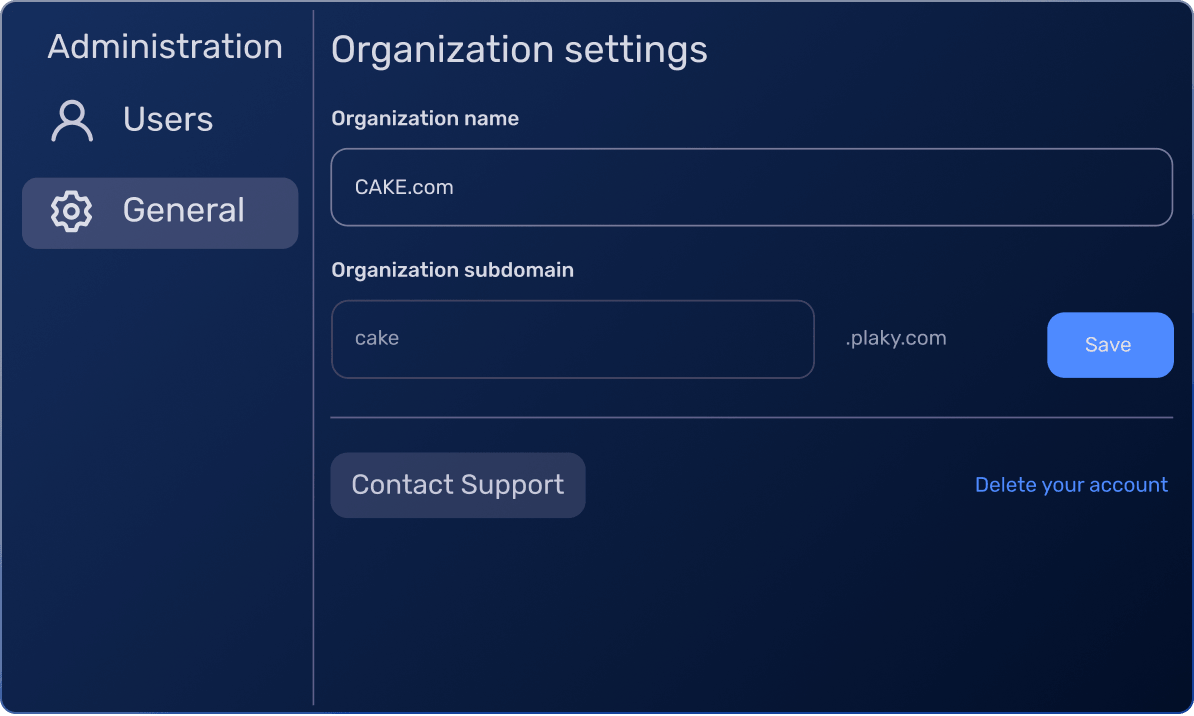
Change a part of the URL to make it specific to your particular workspace.

x
x
checkmark
Views and Reporting Table view
info
Table view

Sort project information into rows and fields into rows and fields, enabling users to view, sort, and track data in a structured table format.

checkmark
checkmark
checkmark
Kanban view
info
Kanban view

Organize tasks by their status or progress and help teams stay aligned with project development.

checkmark
checkmark
checkmark
Chart view
info
Chart view

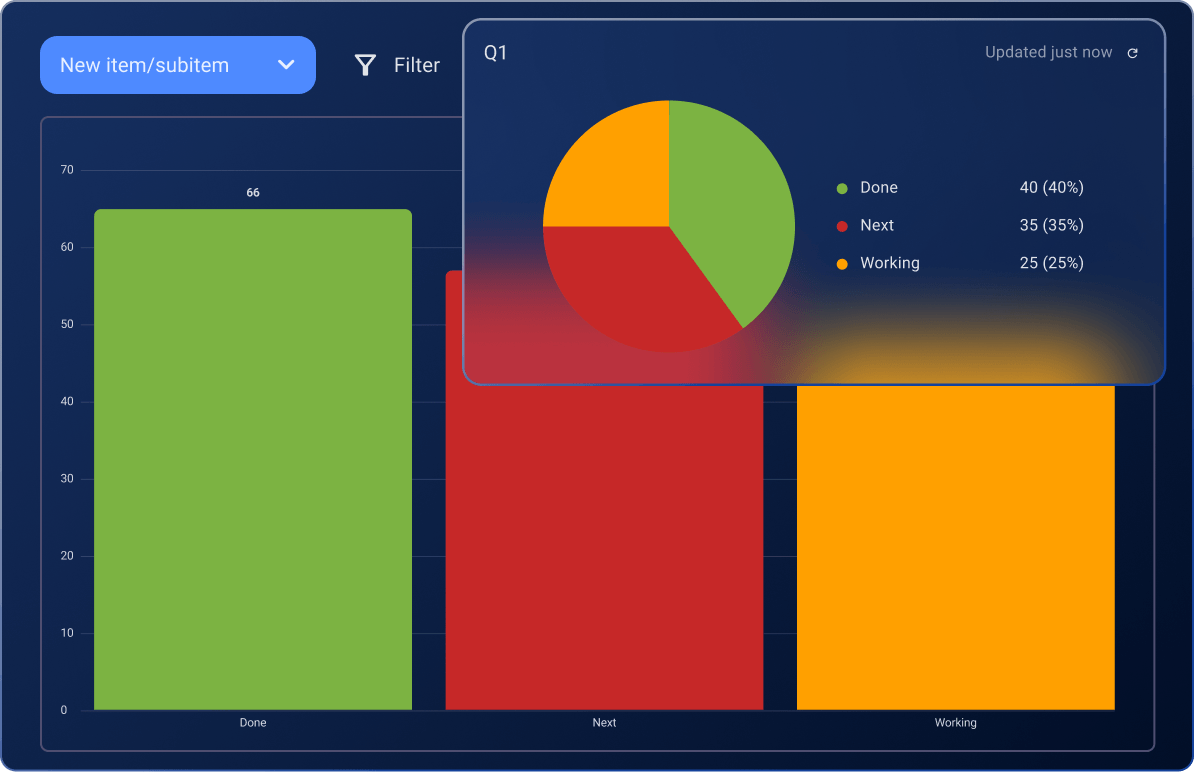
Instantly turn your tasks into clear and interactive pie or bar charts for deeper insights.

checkmark
checkmark
checkmark
Customized summary row
info
Customized summary row

See a summary of the data at the item group level and customize its preview.

checkmark
checkmark
checkmark
Export board
info
Export board

Export the data from your boards in CSV.

checkmark
checkmark
checkmark
Filter
info
Filter

Filter the data on your board according to your needs and preferences.

checkmark
checkmark
checkmark
Sort
info
Sort

Organize tasks in a specific order based on pre-defined criteria.

checkmark
checkmark
checkmark
Homepage
info
Homepage

Stay in touch with recently updated items, views, and spaces.

checkmark
checkmark
checkmark
Gantt view
info
Gantt view

See and plan all your tasks visually on a timeline.

x
checkmark
checkmark
Chart widgets
info
Chart widgets

See more charts as widgets in a board's chart view.

x
checkmark
checkmark
Private view
info
Private view

Create and manage views that are only visible to you.

x
checkmark
checkmark
Support Knowledge base
info
Knowledge base

Browse our collection of articles, case studies, and other original resources to learn how to manage workflows and tasks.

checkmark""
checkmark
checkmark
24/7 support
info
24/7 support

Get in touch with world-class customer support, available 24 hours a day, every day of the week, including holidays.

checkmark
checkmark
checkmark
Dedicated success representative (if qualified)
info
Dedicated success representative (if qualified)

Get concierge services, personalized consultations, and tailored onboarding from a dedicated success agent. We’ll guide you through setup, key features, and best practices while continuously helping you to maximize your Plaky experience. Qualifying criteria for a dedicated success representative: at least 120 seats for the Pro plan, 50 seats for the Enterprise plan, or 30 seats for the Bundle plan.

120+ seats
50+ seats
Security SOC 2 compliance
info
SOC 2

Get security that passes the annual audit certification for Service Organization Controls Trust Services Principles.

checkmark
checkmark
checkmark
ISO 27001
info
ISO 27001

Get a tool that complies with the global security standard for Information Security Management Systems.

checkmark
checkmark
checkmark
Single Sign-On (SSO)
info
Single Sign-On (SSO)

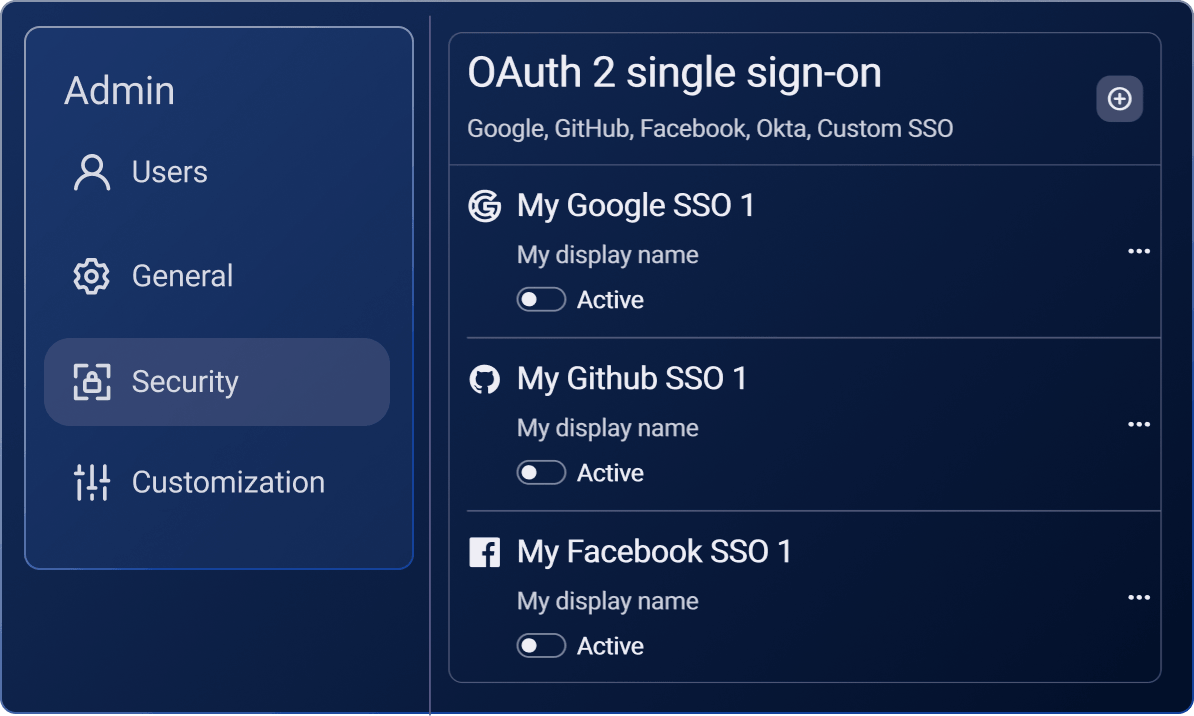
Implement OAuth2 SSO so that everyone has to log in using your secure identity provider.

x
x
checkmark

Manage complex projects with PRO

Optimal features to keep projects and teams on the right track.

Explore the PRO Plan

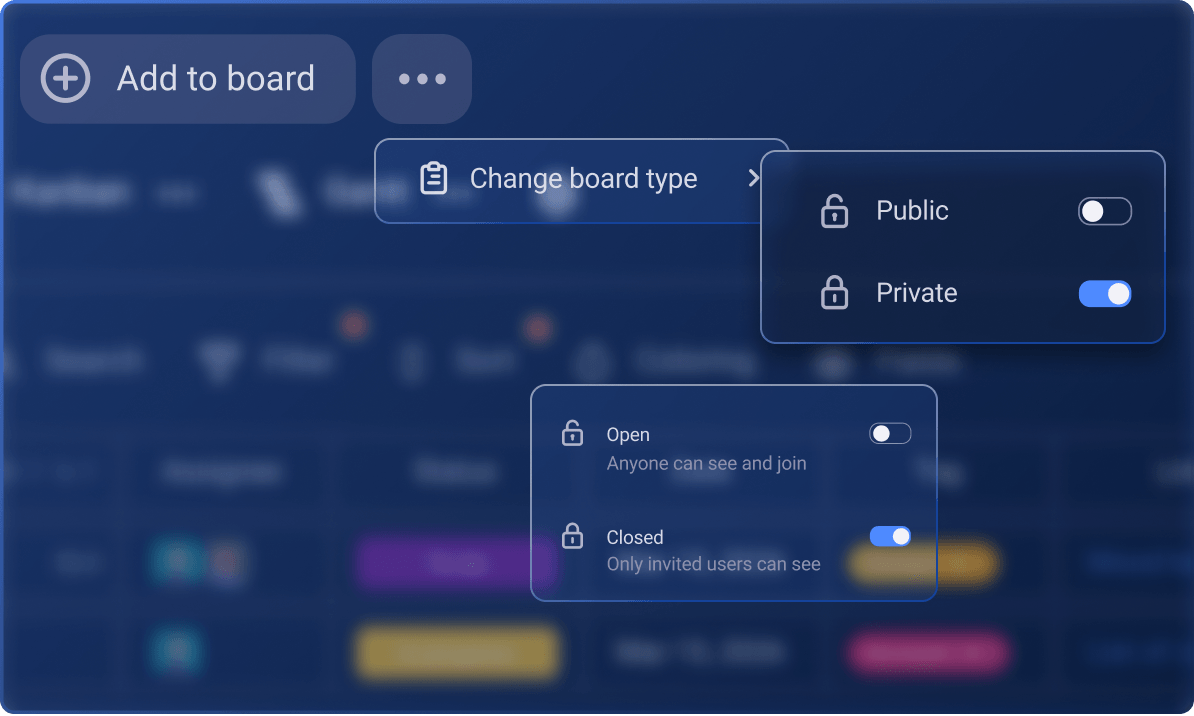
Private boards and spaces

Determine the level of access users have to edit and modify the board's structure, settings, and content.

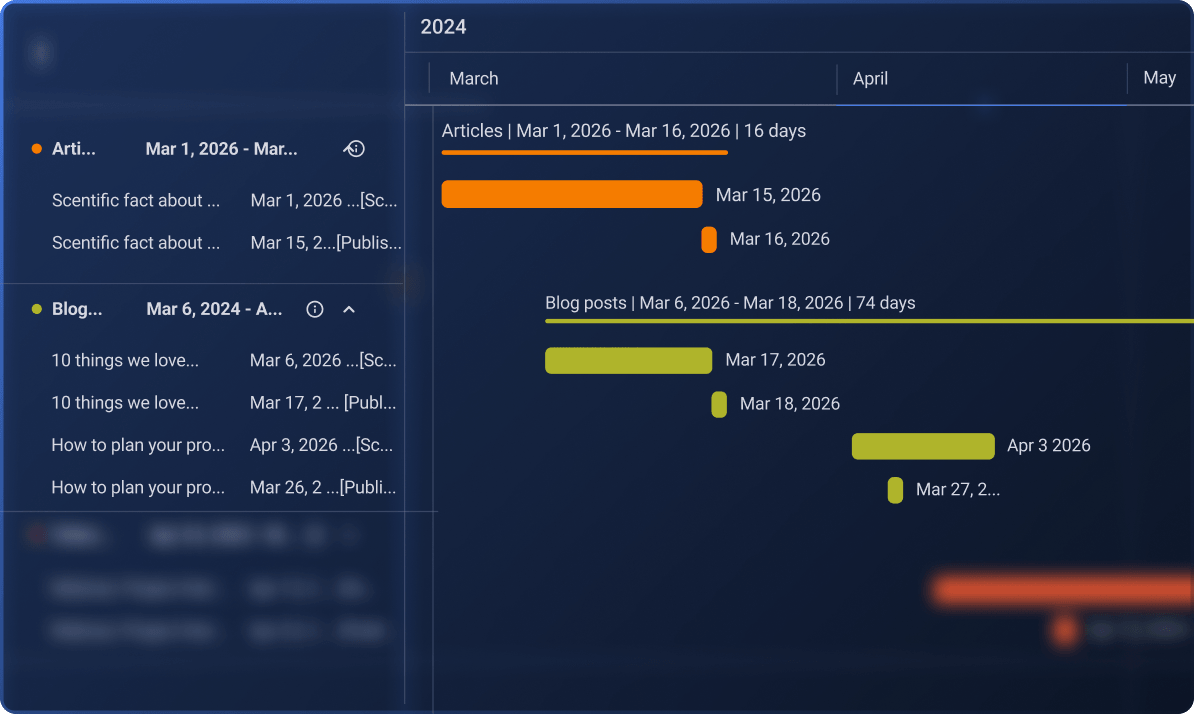
Gantt view

View your board data on a timeline to track tasks or activities across a specific period.

gantt view

Viewer role

Collaborate with external parties or team members who need to review project progress without being able to make any changes.

Viewer role

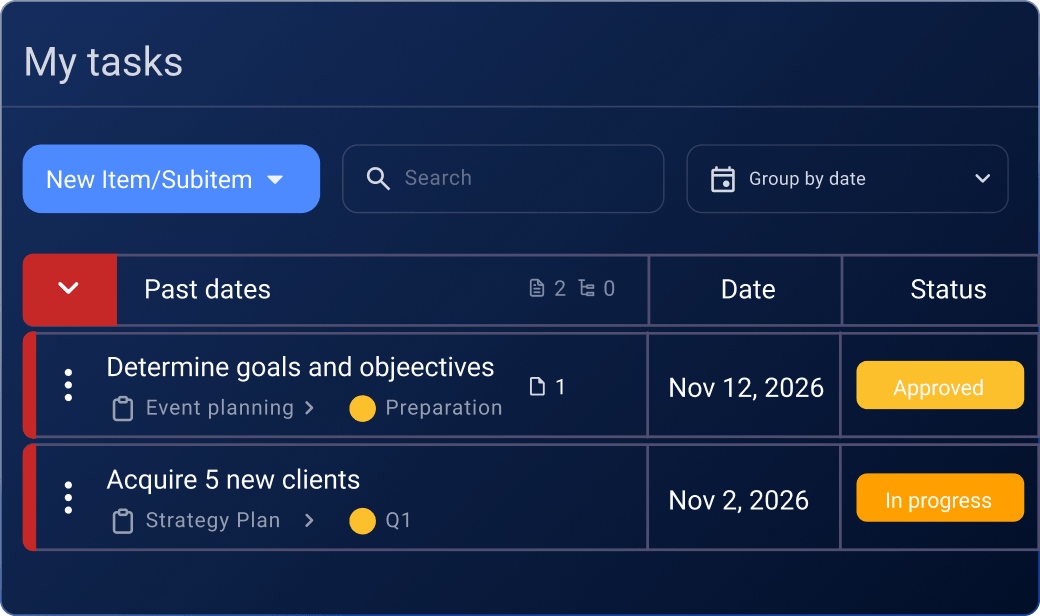
My tasks: View another user's tasks

Use the My tasks view to see which tasks other team members are assigned to.

My tasks: View another user's tasks

Automations

Use 1,000 actions per month to automate repetitive tasks on your board, reduce routine work, and get more done.

Automations

Chart widgets

Create multiple charts as widgets and compare information from them simultaneously.

Automations

Board and task templates

Create templates tailored to your project needs that any team member can access and reuse repeatedly.

Board and tasks templates

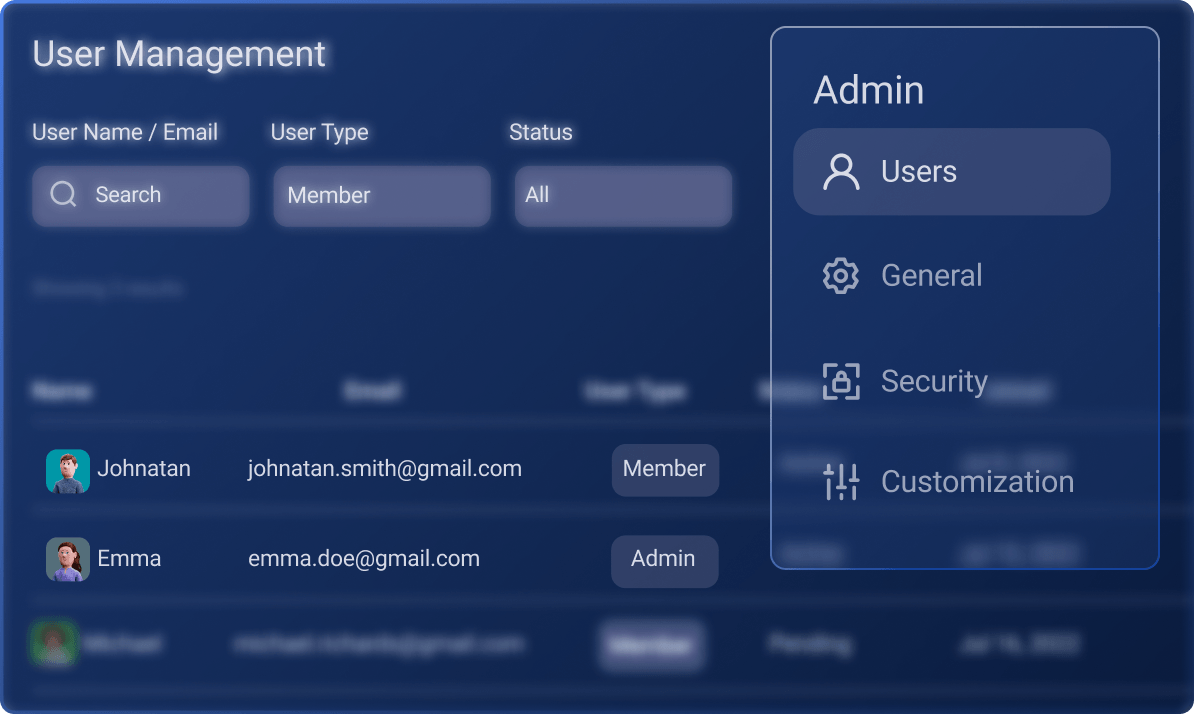
Invite and team permissions

Control who can invite, modify, and remove users from teams.

Invite and team permissions

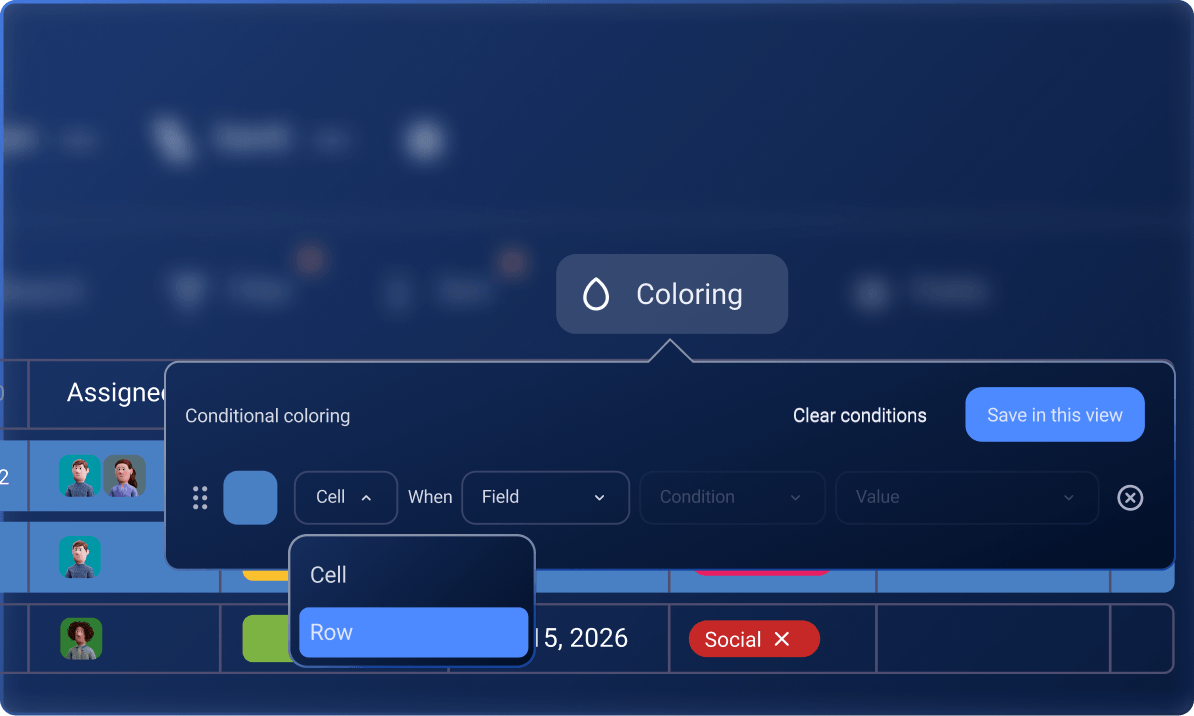
Conditional coloring

Set unlimited conditions in each Table view to highlight certain data on your board.

Conditional coloring<

25 MB storage per file

Plaky sets an optimal limit of 25MB for individual files and documents that can be uploaded or stored within a task.

25MB storage per file

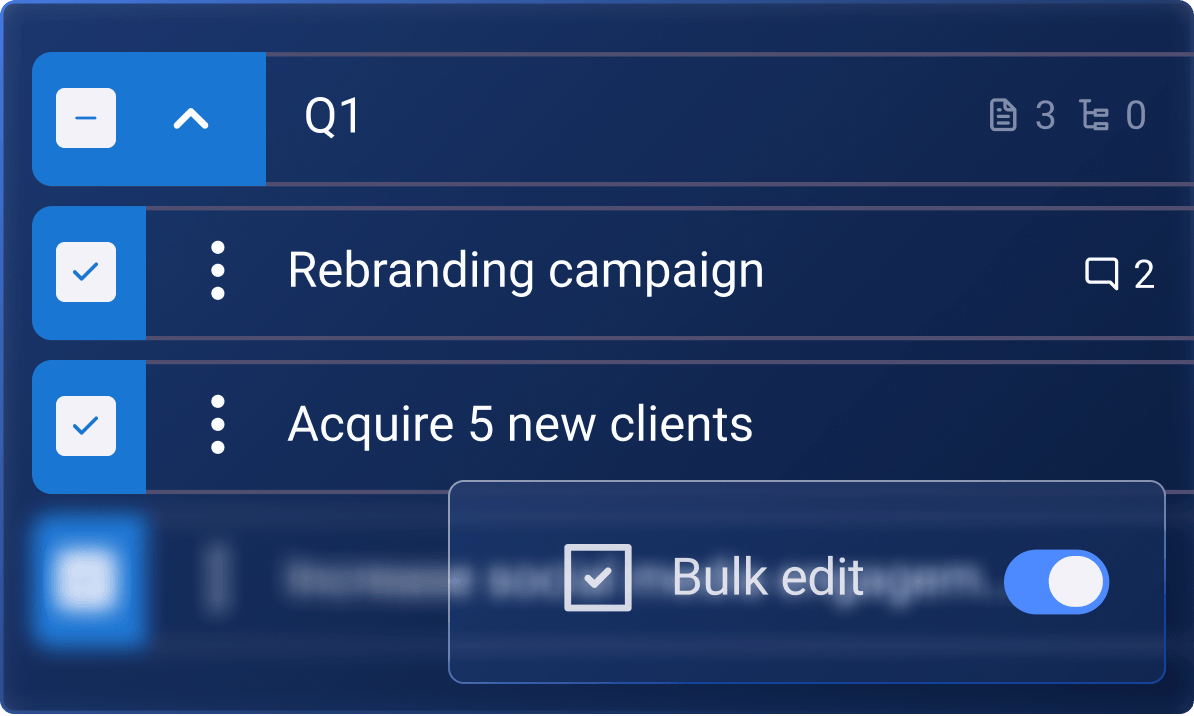
Bulk actions

Edit, duplicate, delete, or move multiple items at once.

Bulk actions

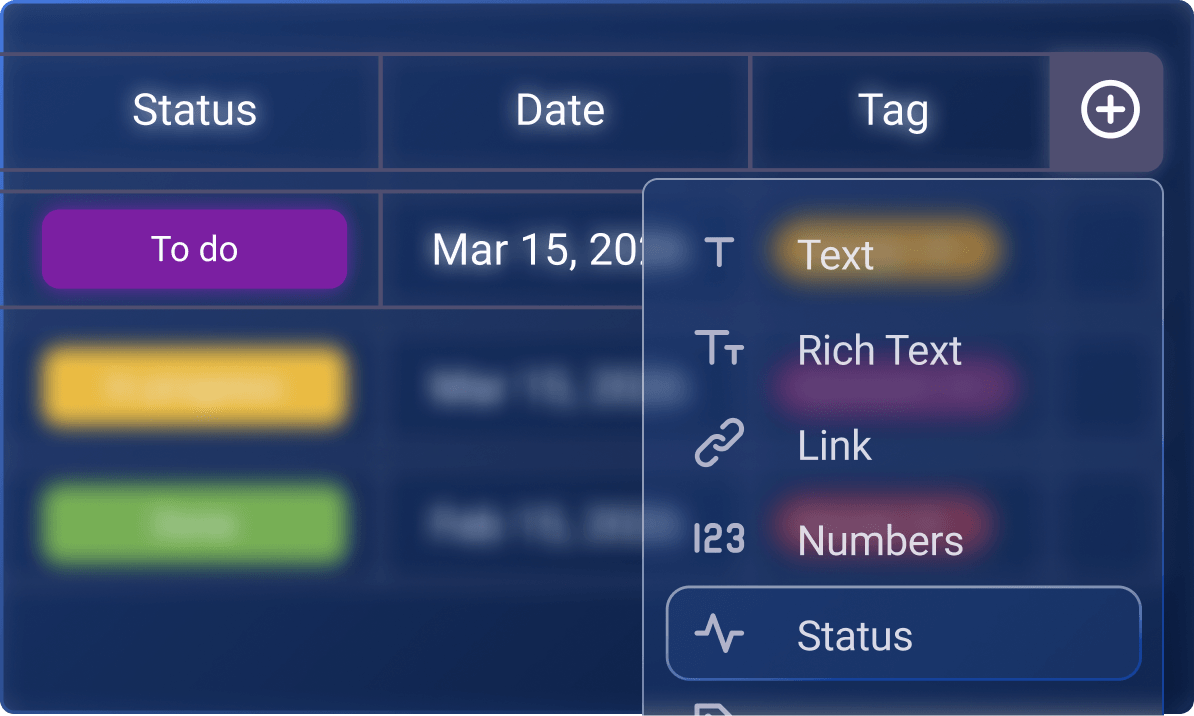
Unlimited custom fields

Tailor your boards according to your project needs. Set a detailed structure of your board data with an unlimited number of custom fields.

12 fields per board

6-month activity log

Get a detailed record of your team’s tasks and all board and item activities for a 6-month period.

6-month activity log

Organize your entire business with ENTERPRISE

Level up your workflows with more security and unlimited features.

Explore the ENTERPRISE Plan

Board permissions

Determine the level of access users have to edit and modify the board's structure, settings, and content.

Board permissions

Unlimited automations

Get an unlimited number of actions to automate repetitive tasks on your board, reduce routine work, and get more done.

Unlimited automations

Unlimited activity log

Stay in the loop and keep track of your team’s board and item activities for an unlimited period.

Unlimited activity log

100 MB storage per file

Upload larger files, share project-related documents, images, or videos, and create a centralized file-sharing hub for your team.

100MB storage per file<

Manage board ownership

Share or transfer board ownership from one person to another and make sure each board has its owner.

Manage board ownership

Single Sign-On (SSO)

Introduce centralized access control with SSO and allow users to log in to multiple apps, including Plaky, with a single set of credentials.

Single Sign-On

Customizable user profiles

Allow team members to customize their profiles and share key data about themselves, including name, job title, contact information, and more.

Customizable user profiles

Custom subdomain

Customize your URL and Plaky account name whenever you want.

Custom subdomain

Frequently asked questions

Is the Free plan really free?

Plaky’s free plan is completely free, with no additional or hidden fees. While some features are available only on PRO and ENTERPRISE plans, all FREE plan features are genuinely available free of charge. Go through the feature comparison table above to get a detailed breakdown of each plan.

Can I try out the paid features?

Absolutely! You can try out all features for free for 7 days, no credit card required. You can activate the free trial on the Upgrade page. If you need more time, be sure to contact our sales team for an extension and a demo.

What is a seat in Plaky?

Each active and invited user on any paid plan requires a user seat, regardless of their role (Member or Admin). When upgrading from the free plan to a paid plan, you need to purchase a seat for each user of your organization, except for Viewers, who don’t need seats. Every organization subscribed to a paid plan can add Viewers at no additional cost.

How will I be billed when I add paid users to a Space?

If you add any new seats to your Organization during the current billing cycle, you’ll be immediately charged a prorated price for the rest of the billing cycle.

Can I switch between plans?

Certainly! You can easily upgrade or downgrade your subscription, as well as switch between monthly and yearly billing periods as per your Organization’s needs. Upgrades take effect immediately, while downgrades are applied at the end of your current billing cycle.

What happens if I cancel?

Don't worry! If you cancel your paid subscription, your Organization will be seamlessly downgraded to our FREE plan after your current billing cycle ends, and you'll still have access to all the features and benefits that our FREE plan offers.

Do you offer refunds?

No, we don't offer refunds. However, if you remove user seats, we calculate a prorated amount for the unused seats and convert it into credit that will be applied to your next invoice, ensuring that you receive the full value of the unused seats.

What types of payments do you accept?

We accept credit card payments for all plans. For larger purchases (e.g., annual multi-seat licenses), we also accept wire transfers and purchase orders — in which case, it is best to contact us at sales@plaky.com.

Are there any additional taxes?

Please note that our prices do not include taxes by default. However, specific taxes applicable to your purchase may be determined based on your country's regulations and included in the overall subscription price.

If you are tax-exempt, please reach out to our billing specialists at billing@mail.cake.com and provide a valid form/document for your exemption. This will allow us to update your account accordingly and ensure accurate billing.

What kind of support do you offer?

You can get in touch with our dedicated, human support 24/7 — over phone, email, or message. In case you run into any challenges while setting up or using Plaky, contact us here.