Chat-based AI Image & Video Generator
Generate studio-quality product photos, covers, thumbnails, and brand visuals by chatting. Refine across multiple turns without restarting. Export up to 4K. No Photoshop, no prompt engineering needed.
What Our AI Image Generator Creates
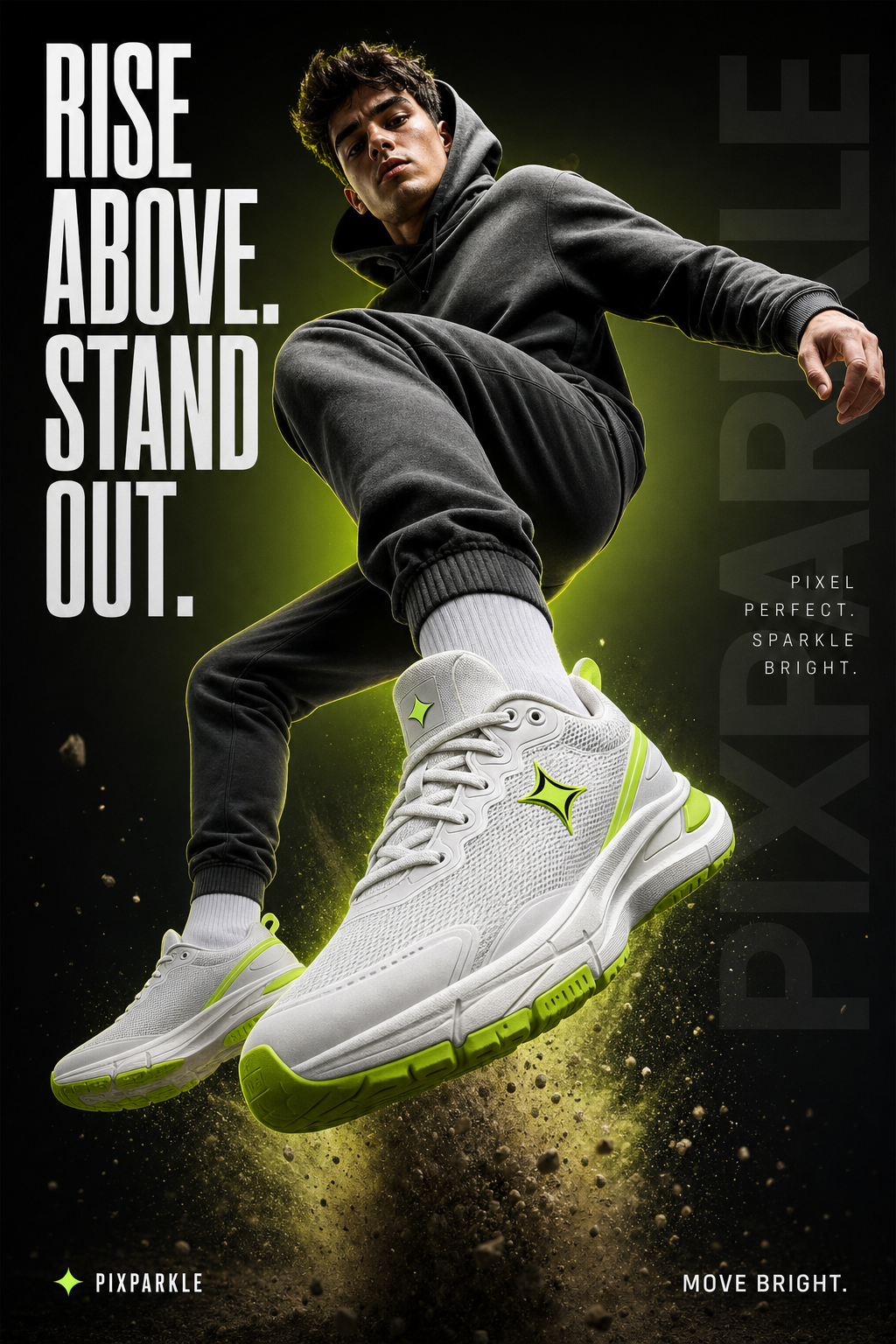
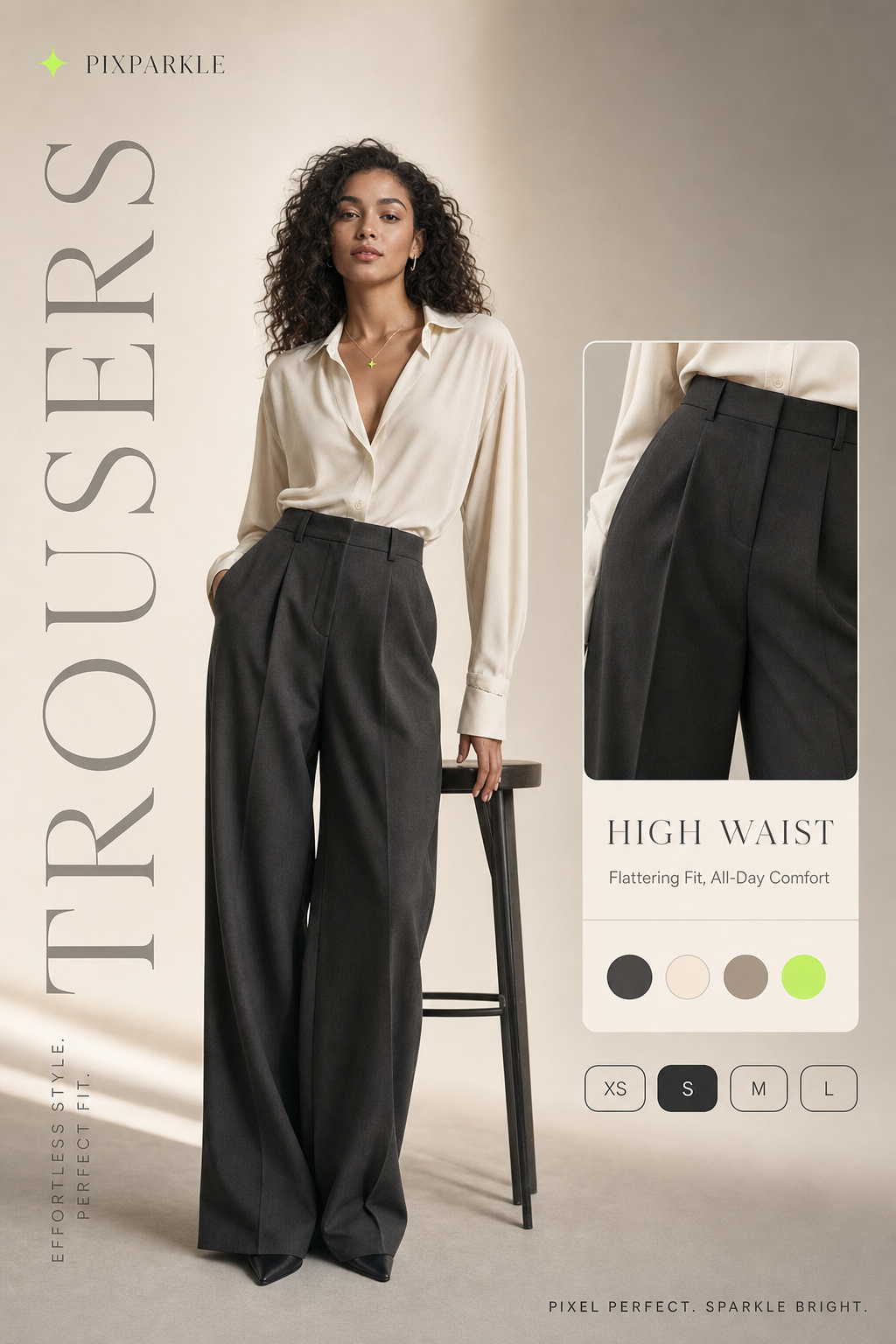
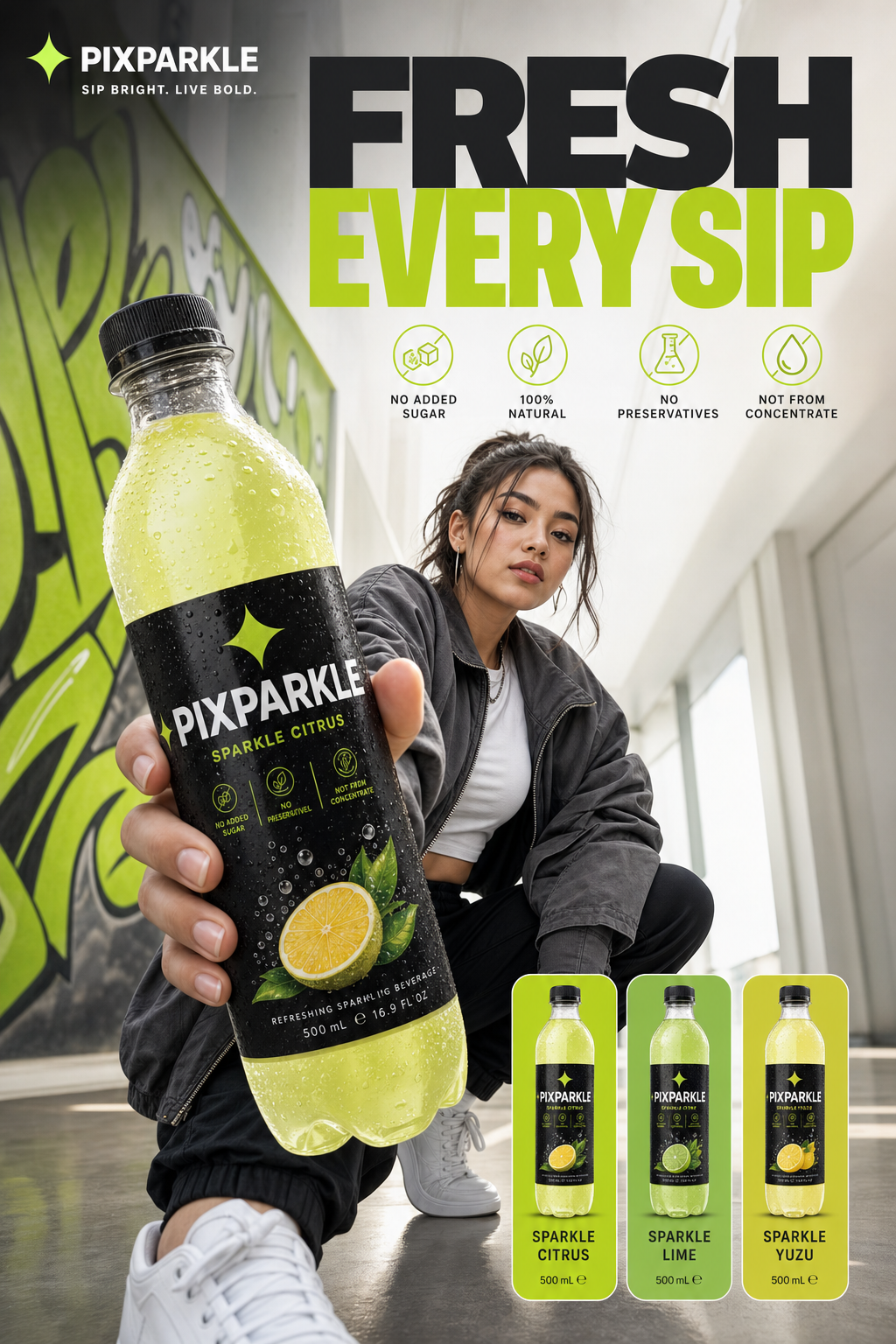
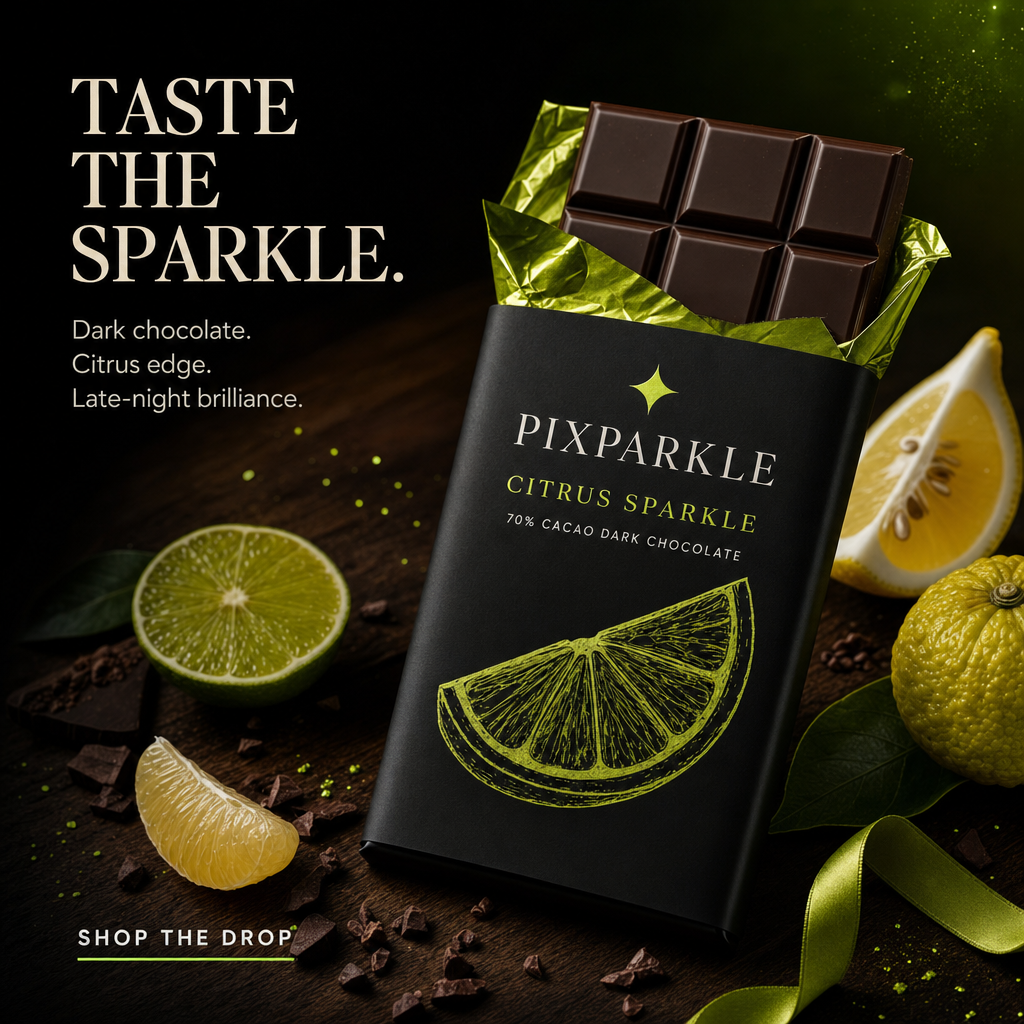
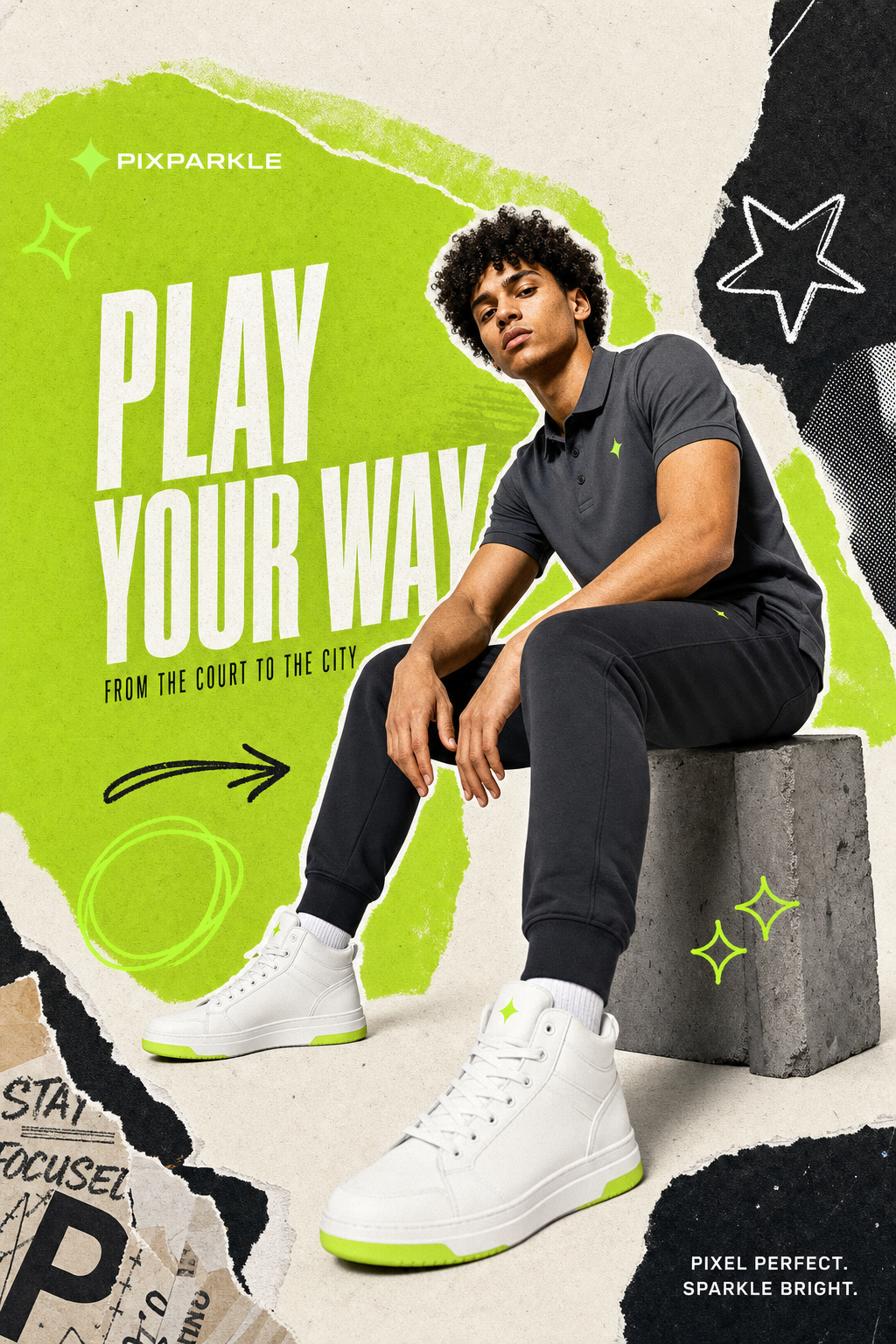
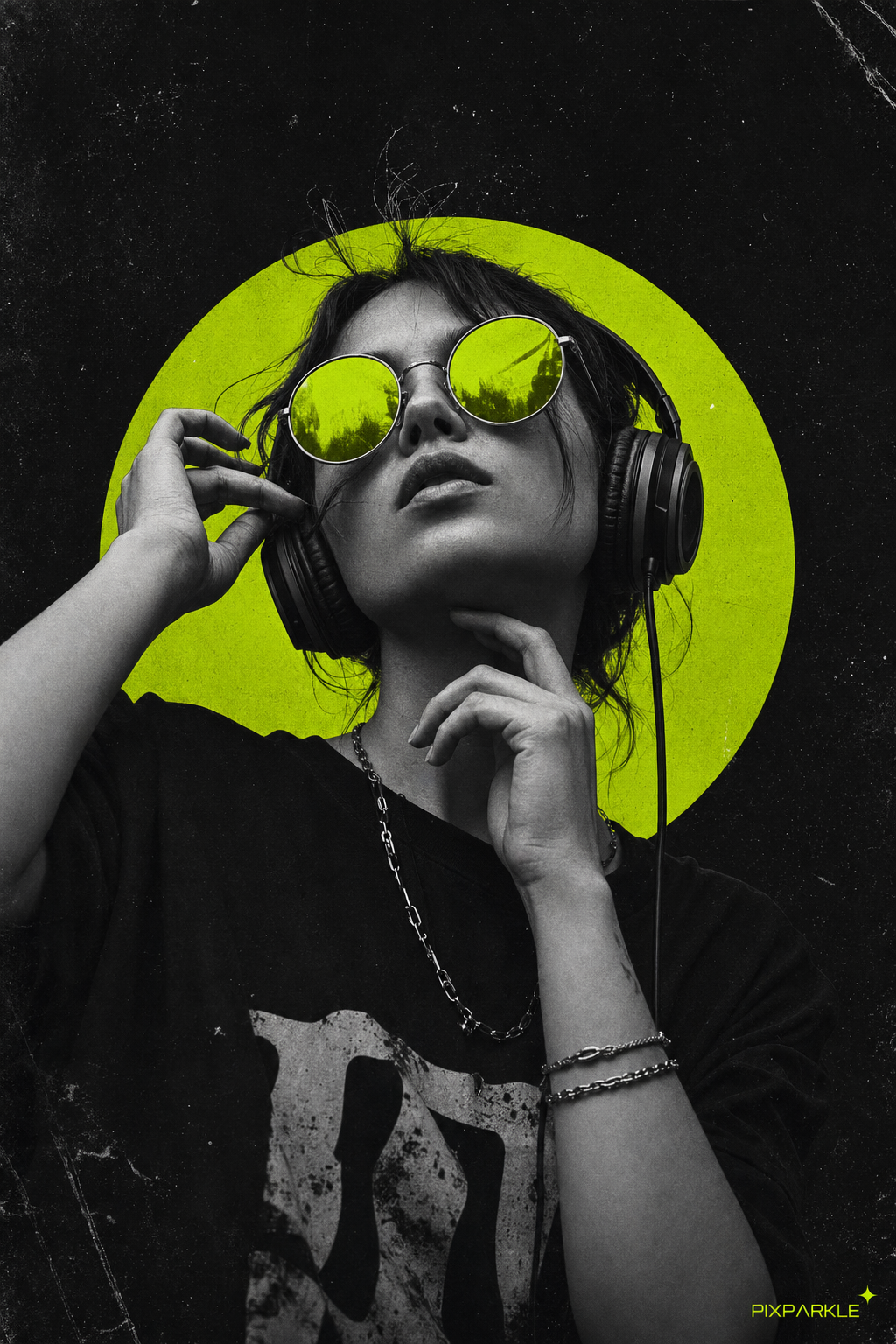
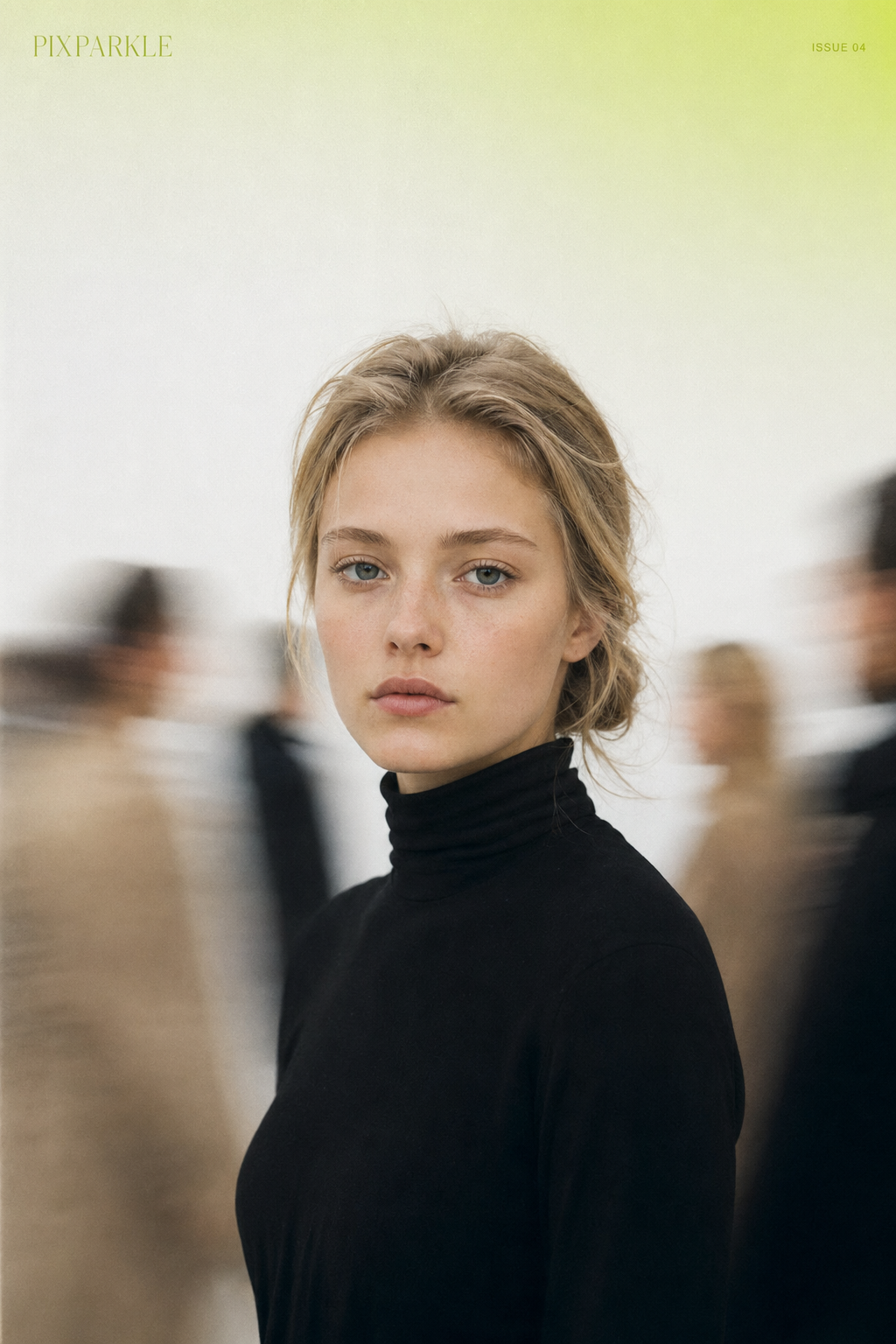
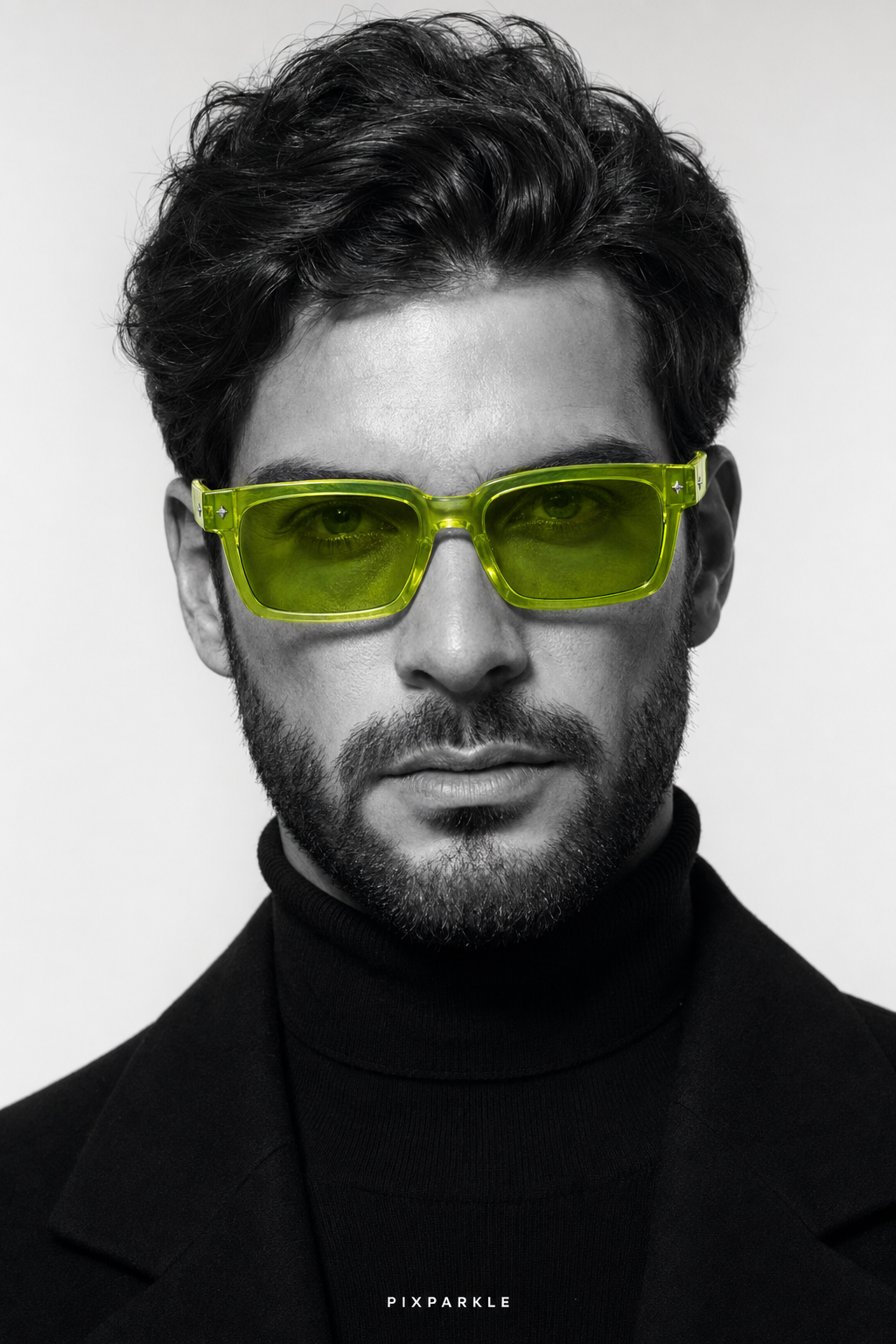
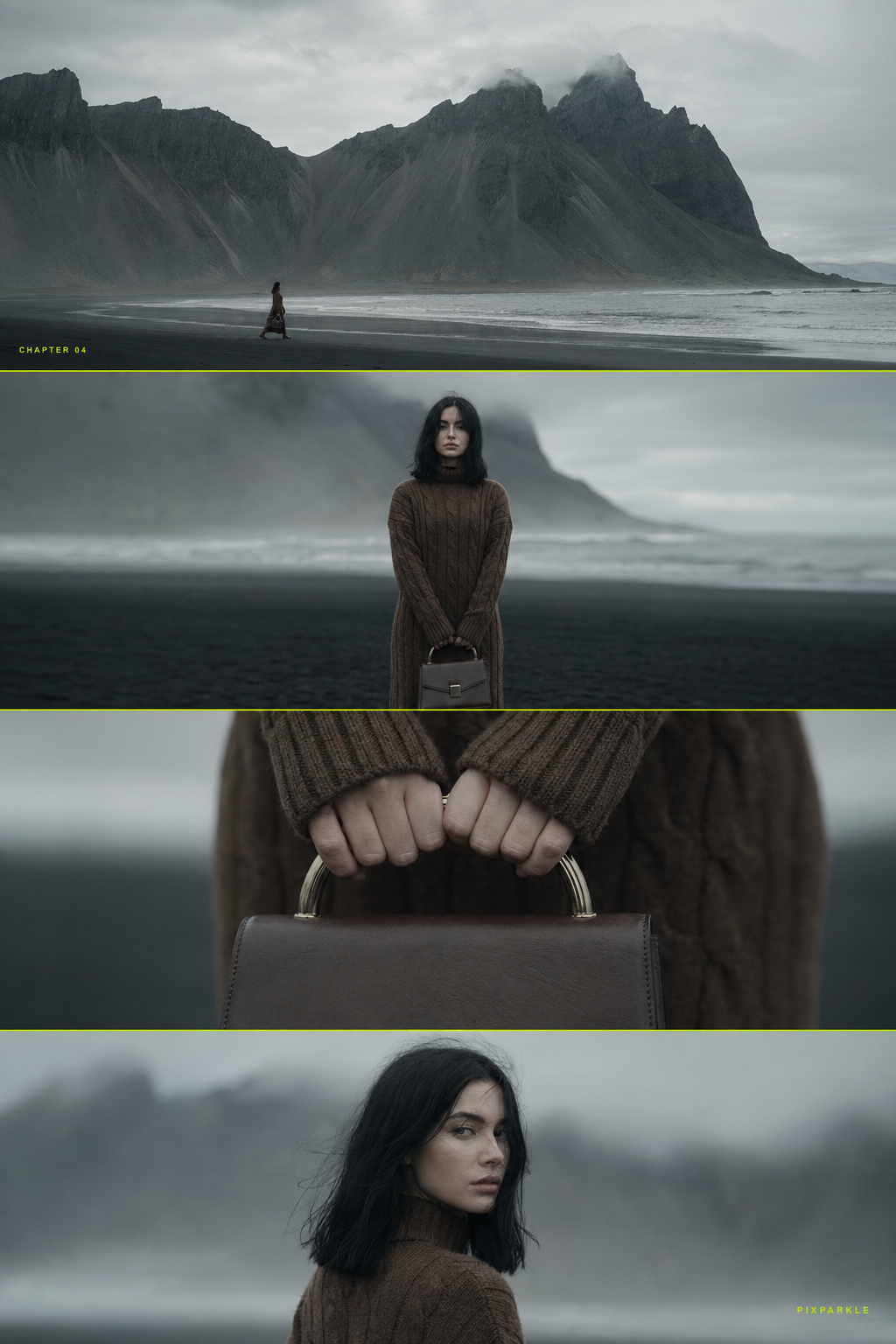
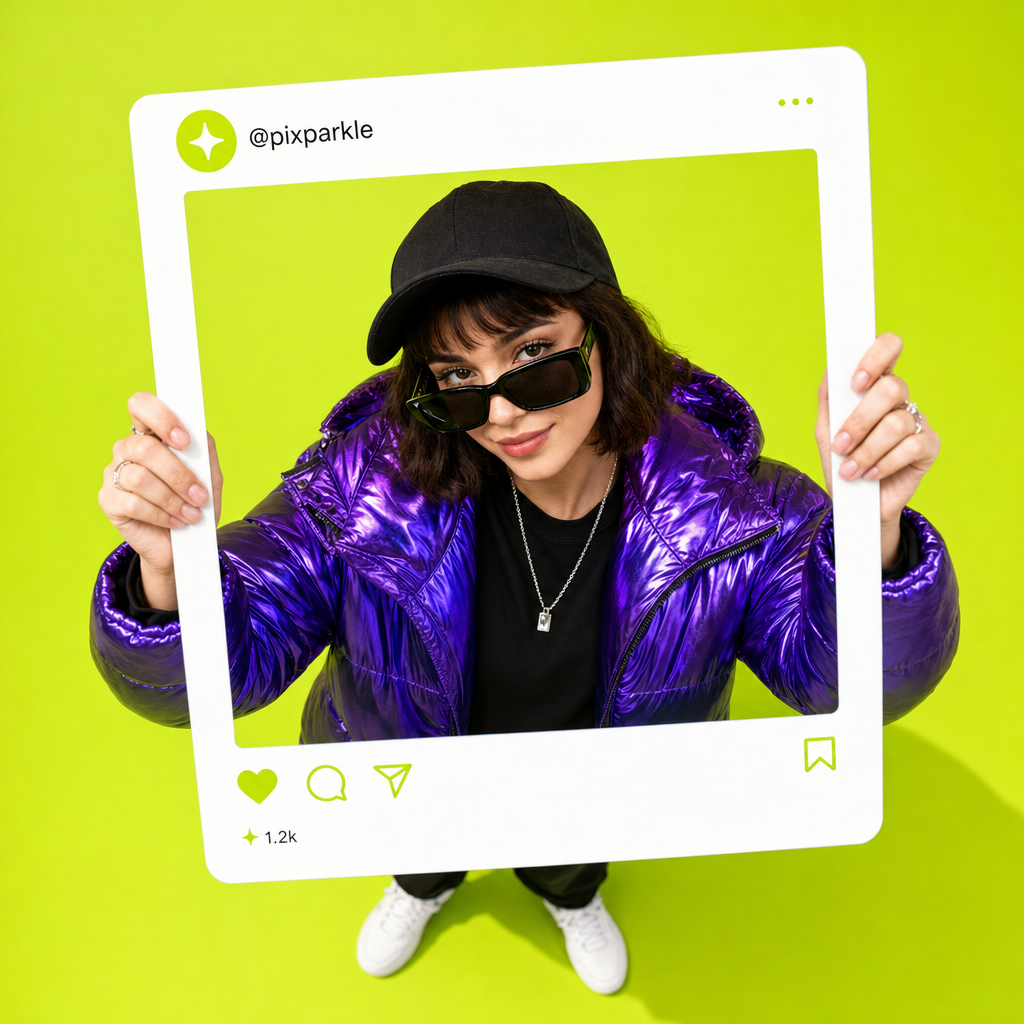
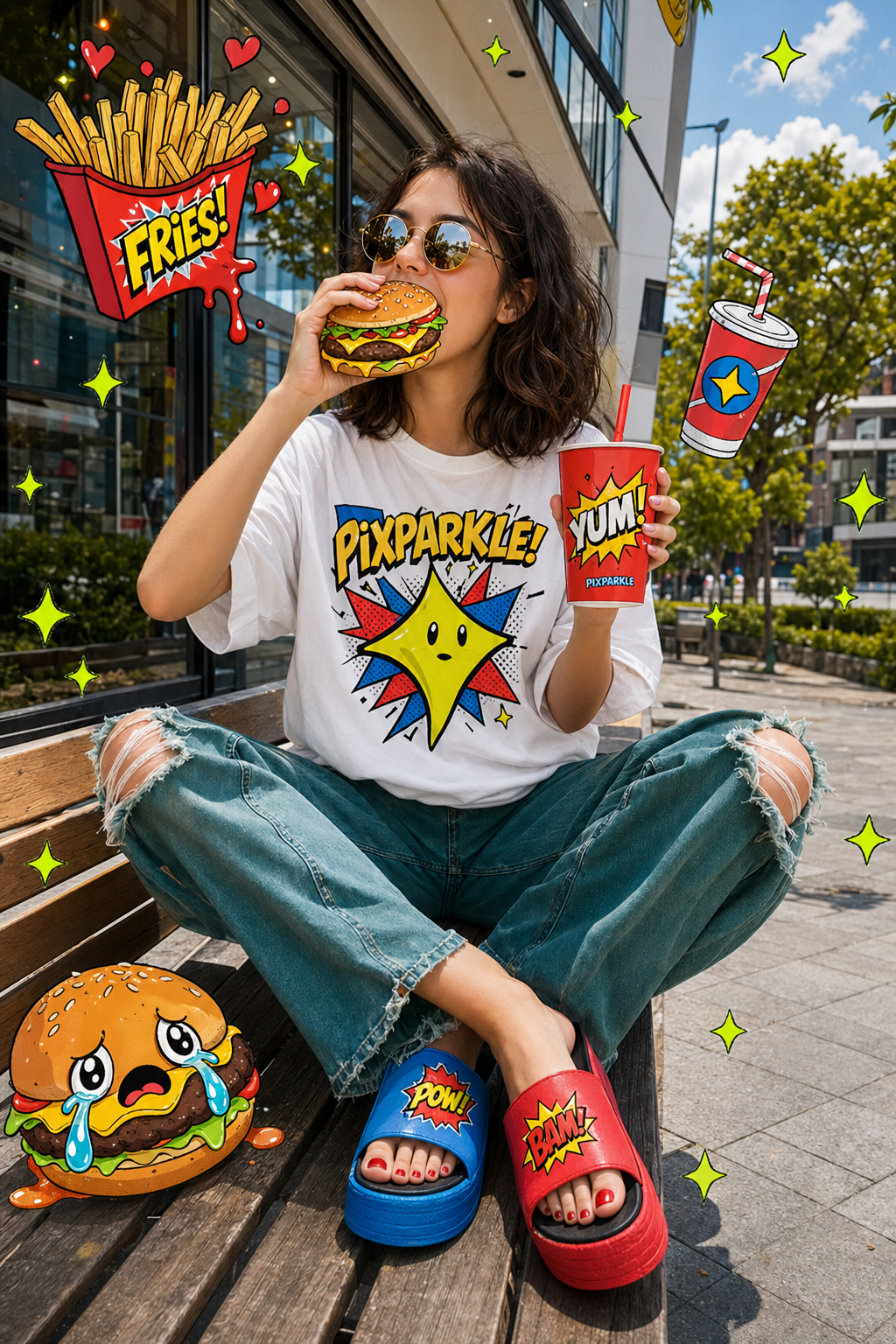
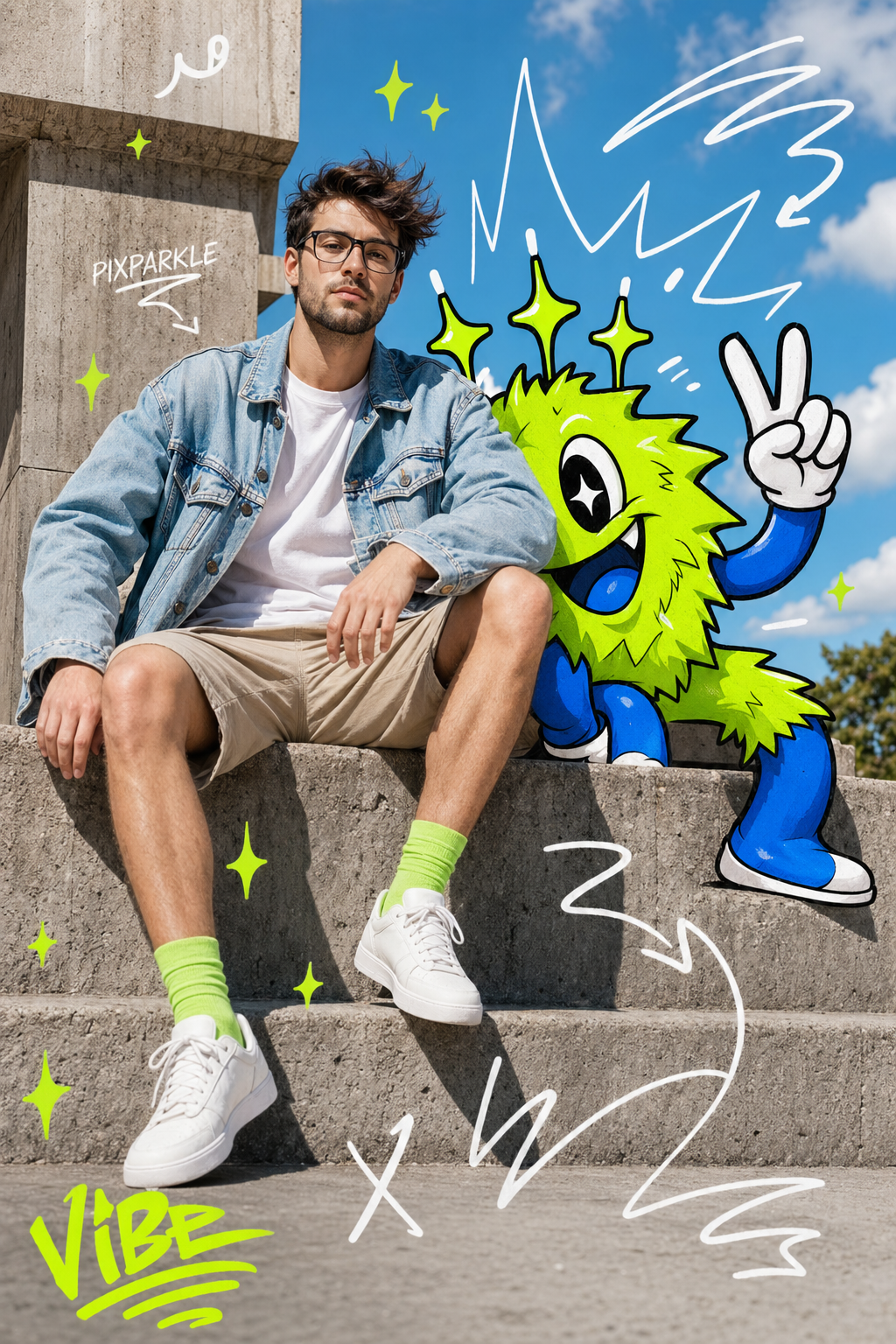
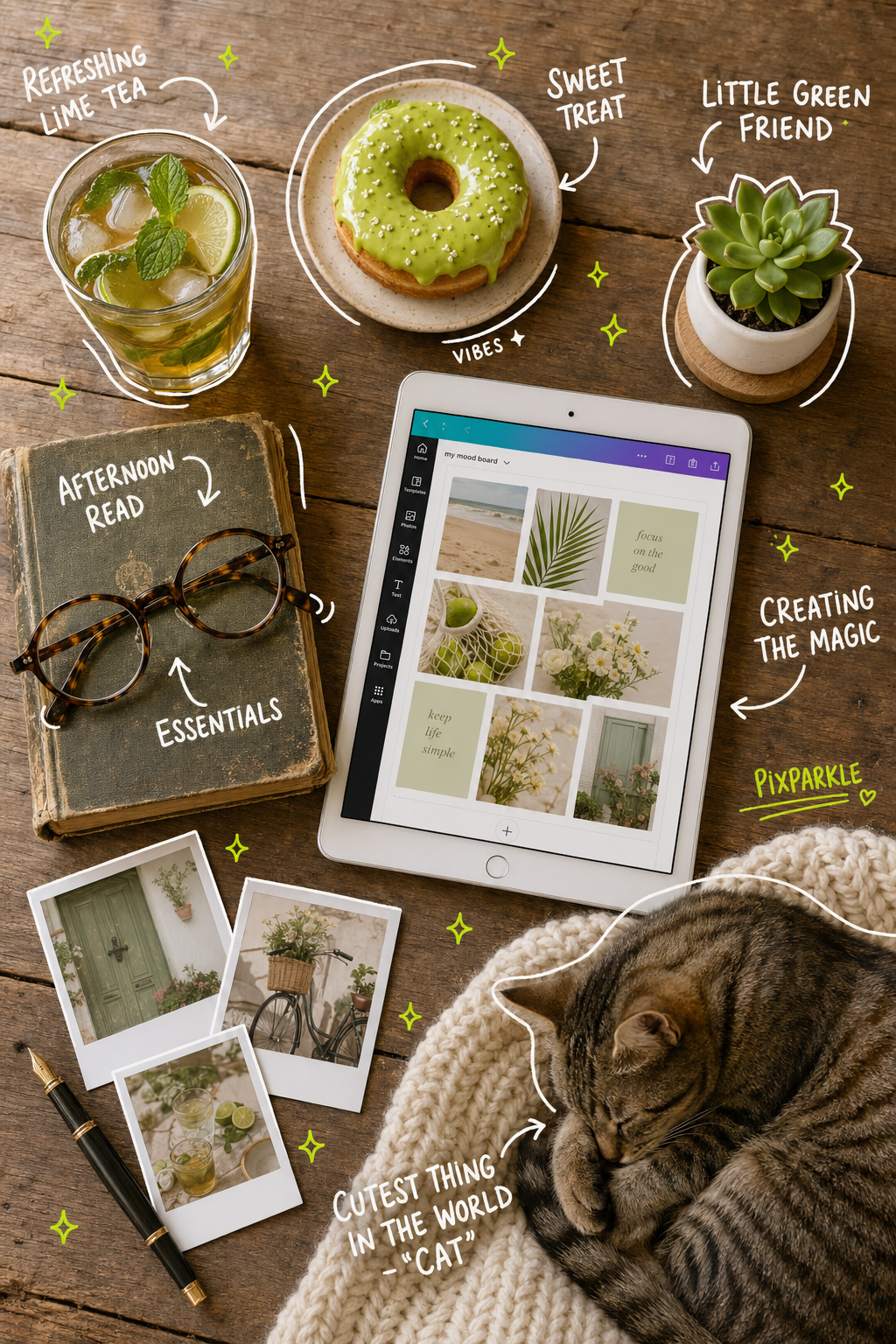
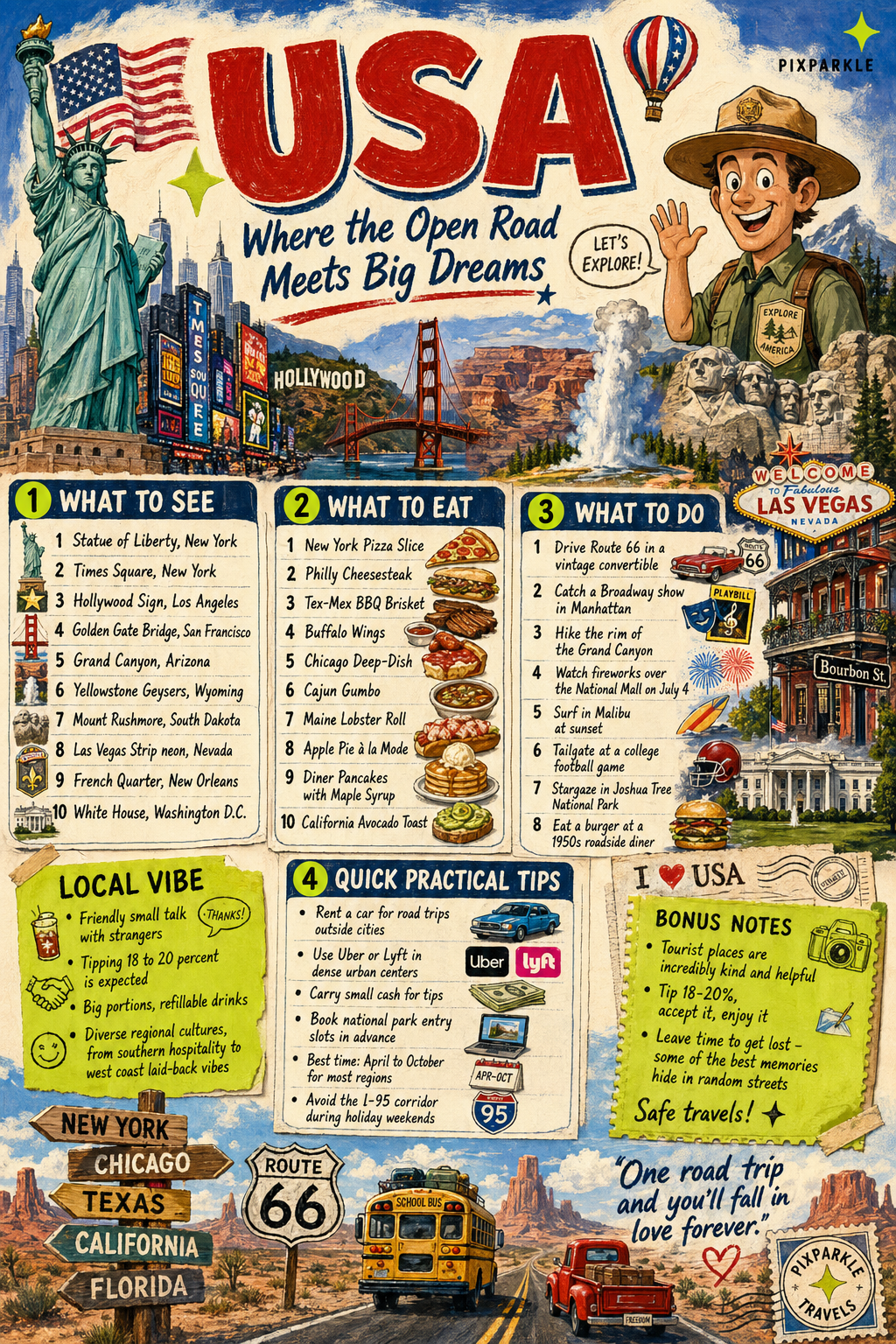
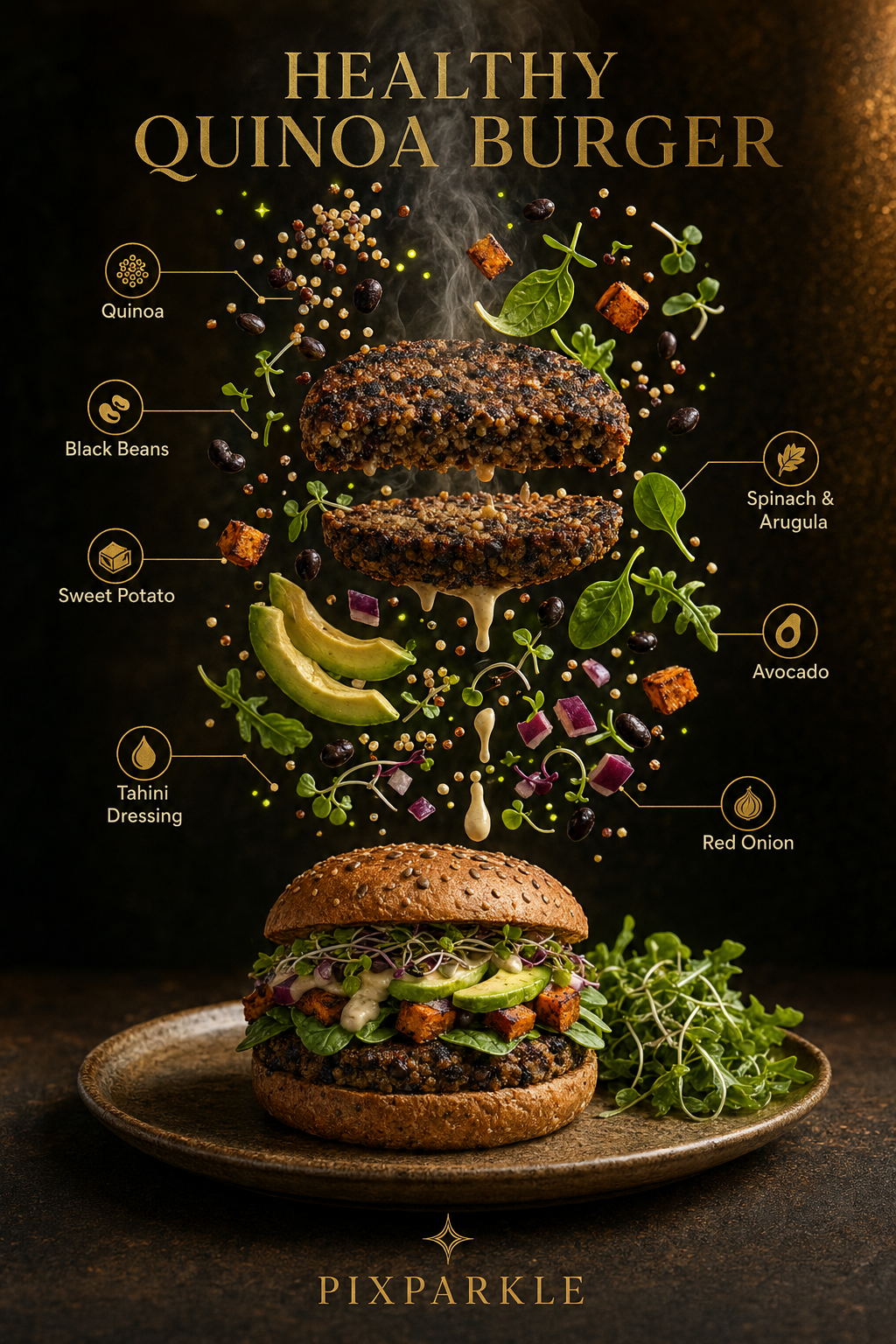
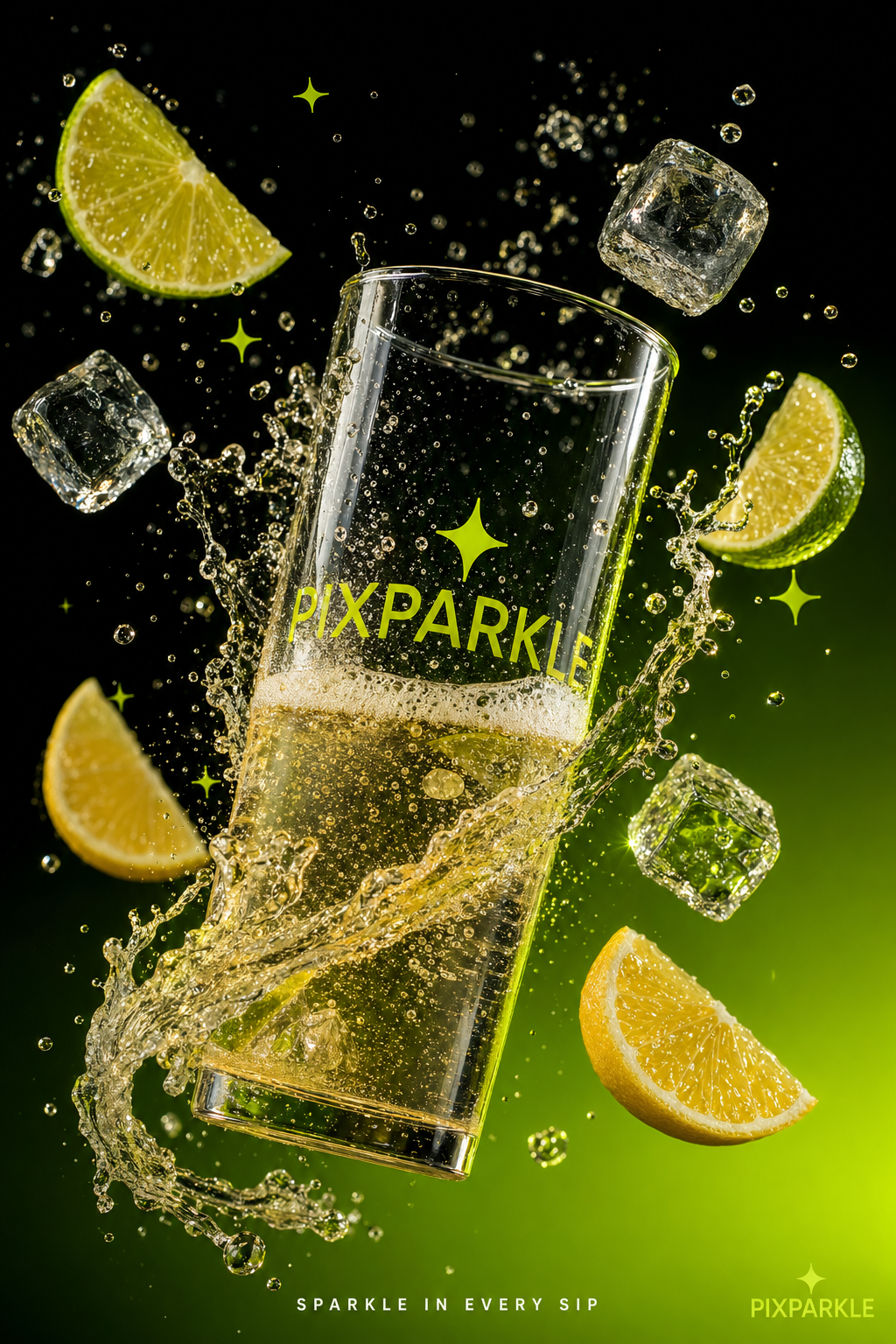
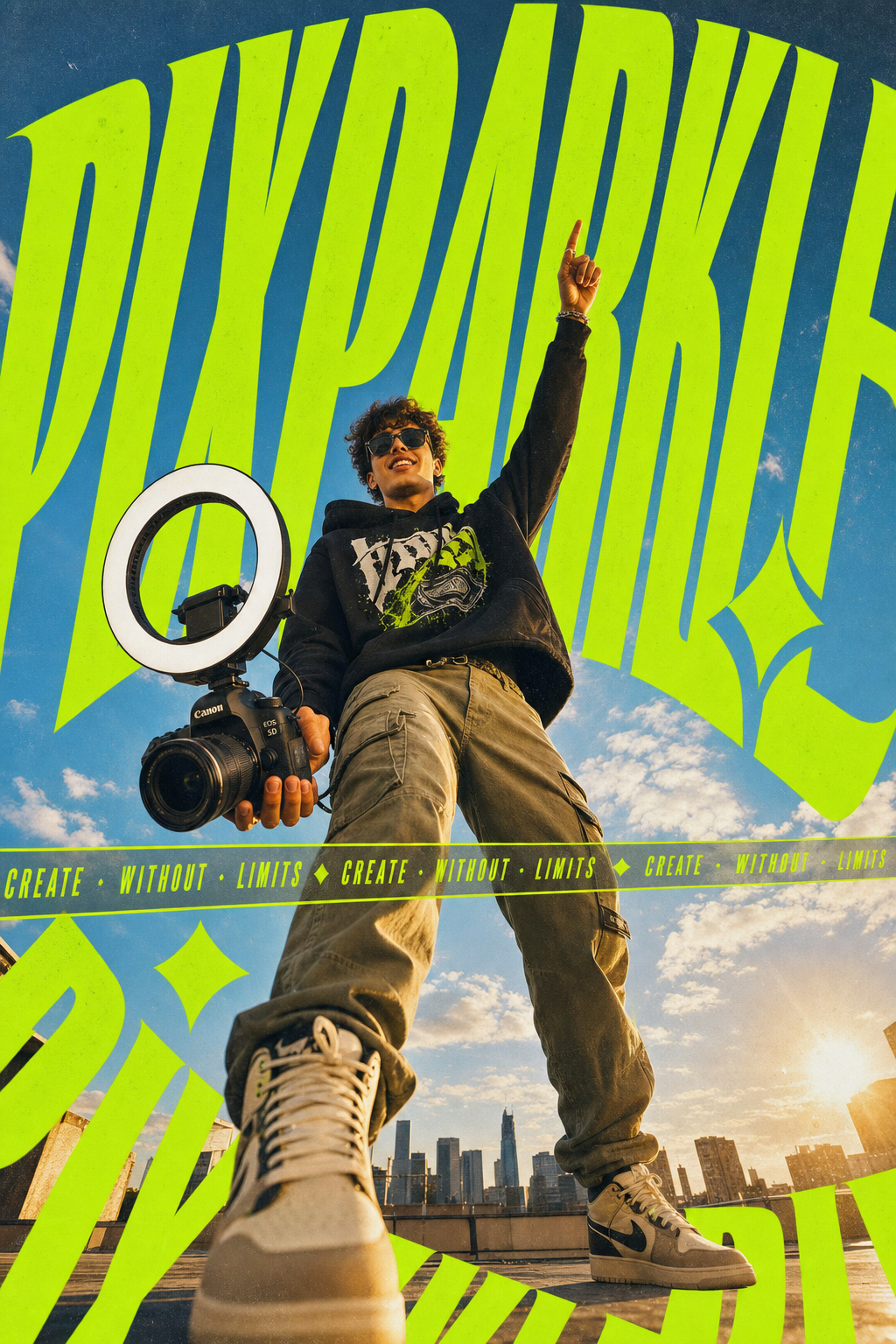
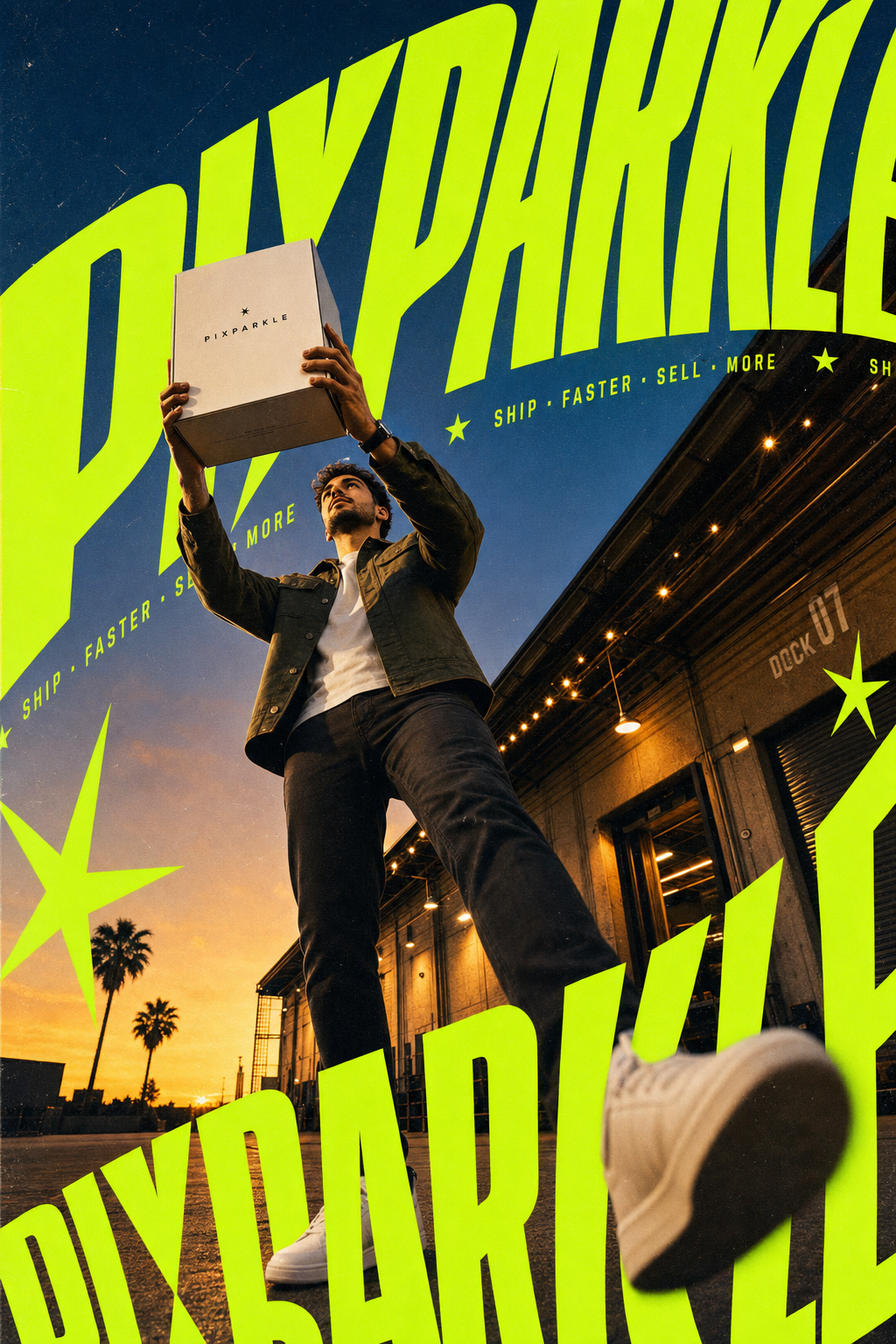
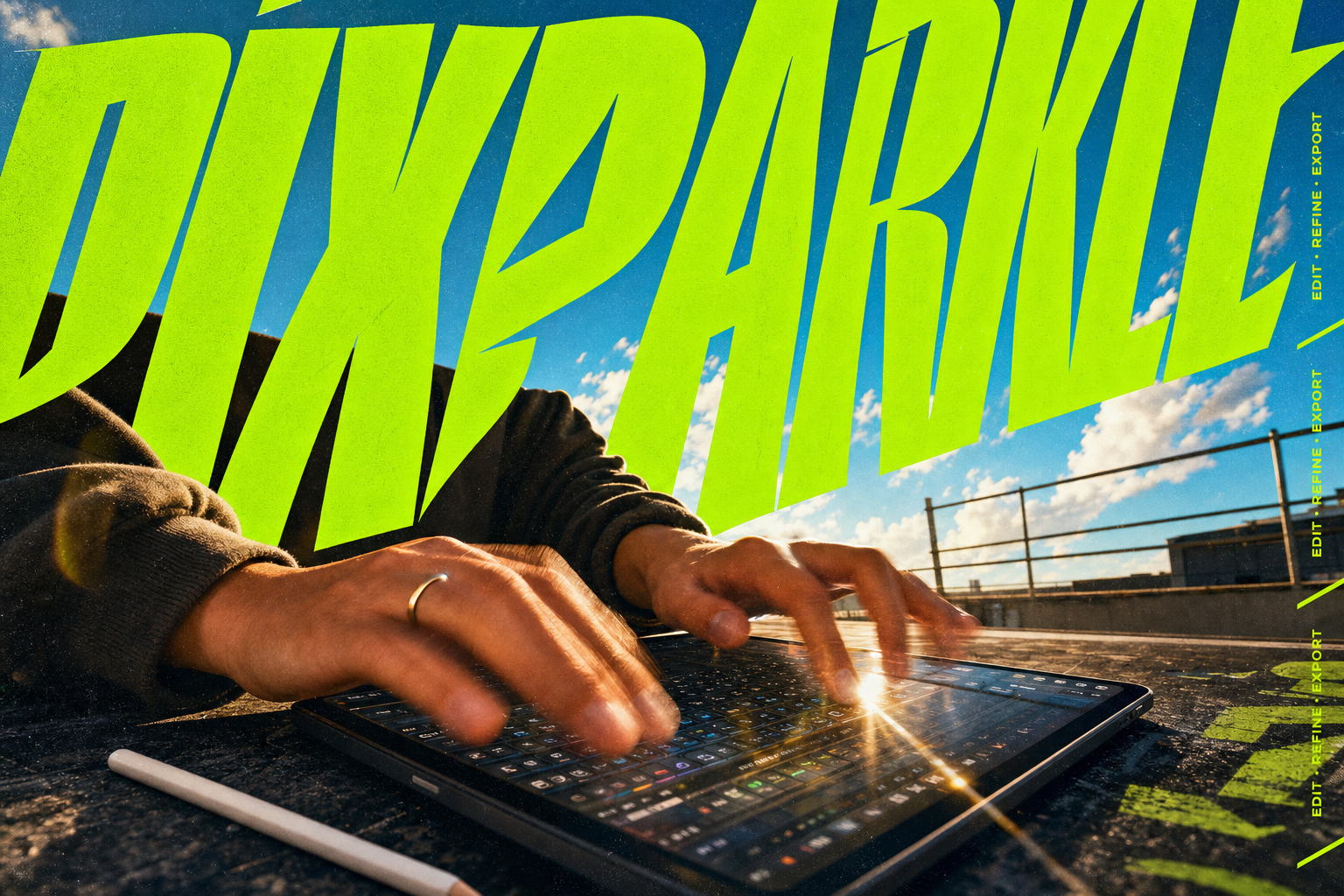
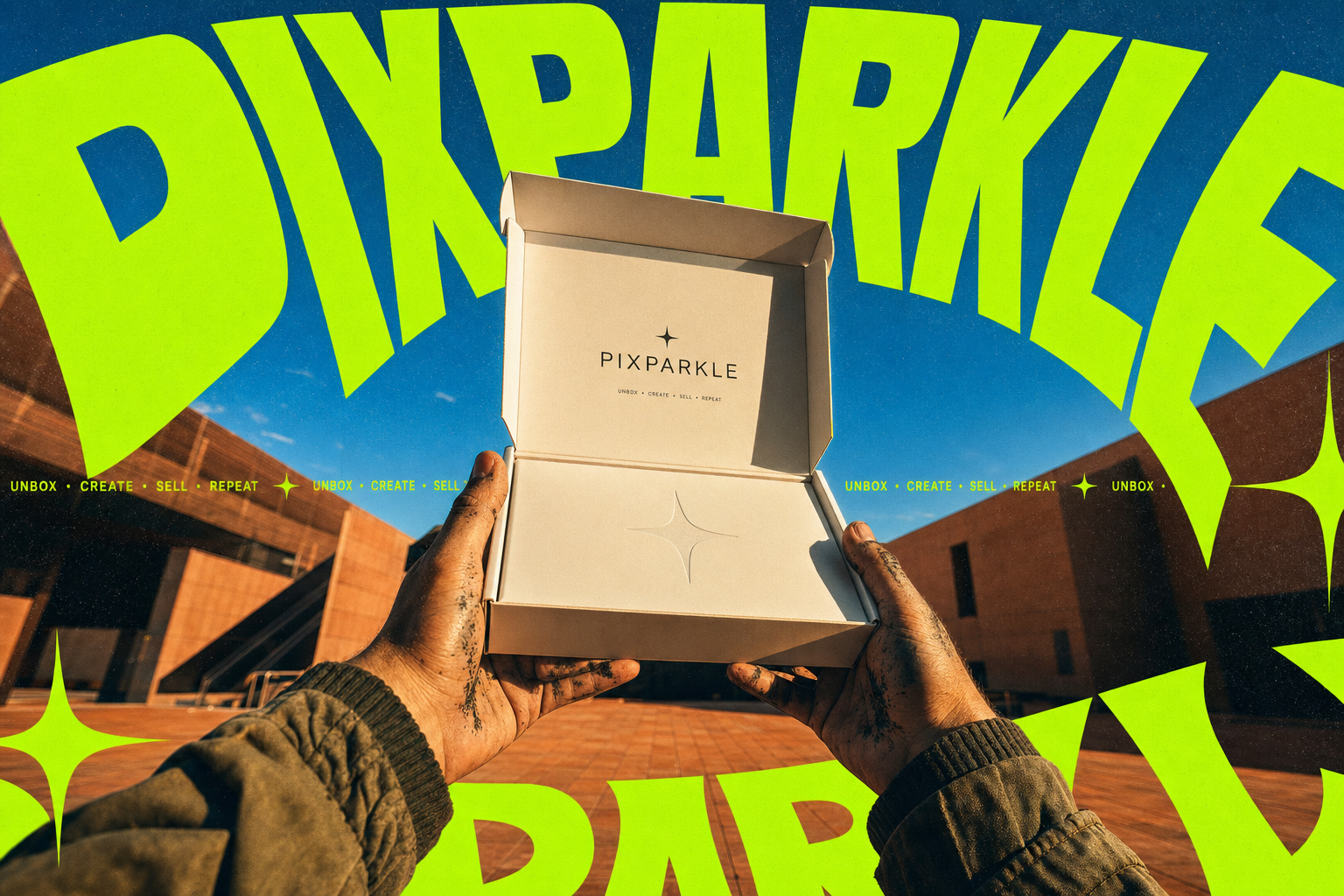
Real outputs from real workflows. Product photos, thumbnails, and social visuals, all generated from plain-language chat prompts by creators, sellers, and social media managers.
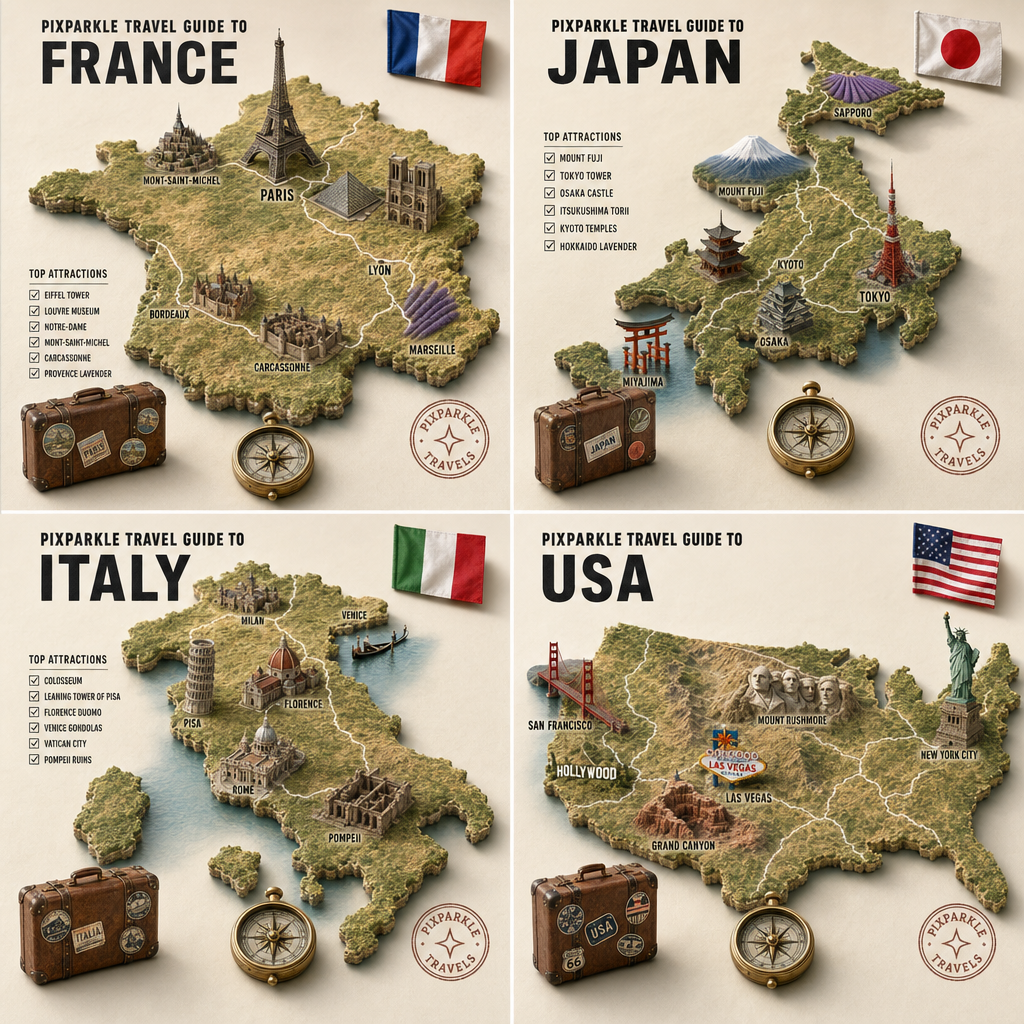
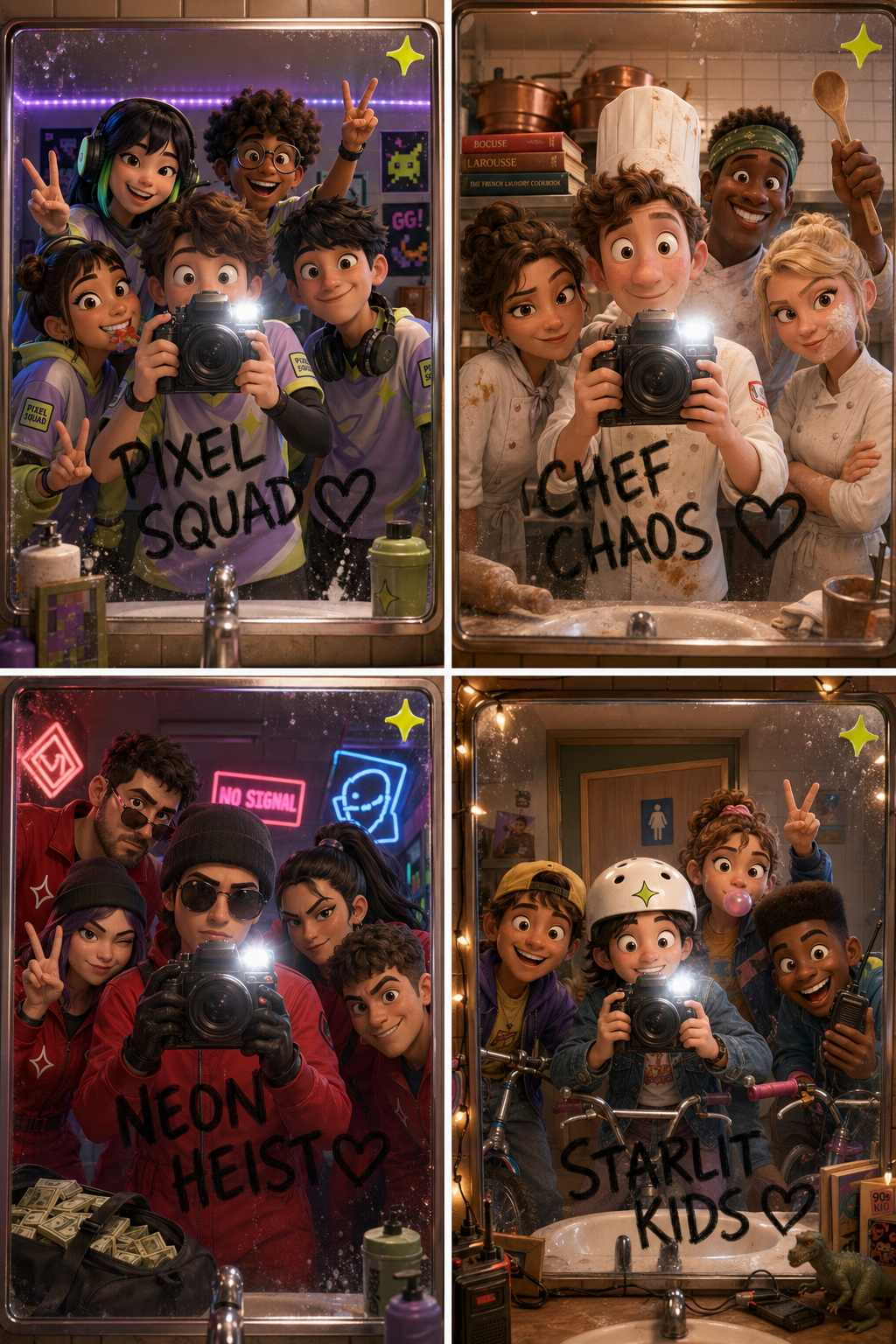
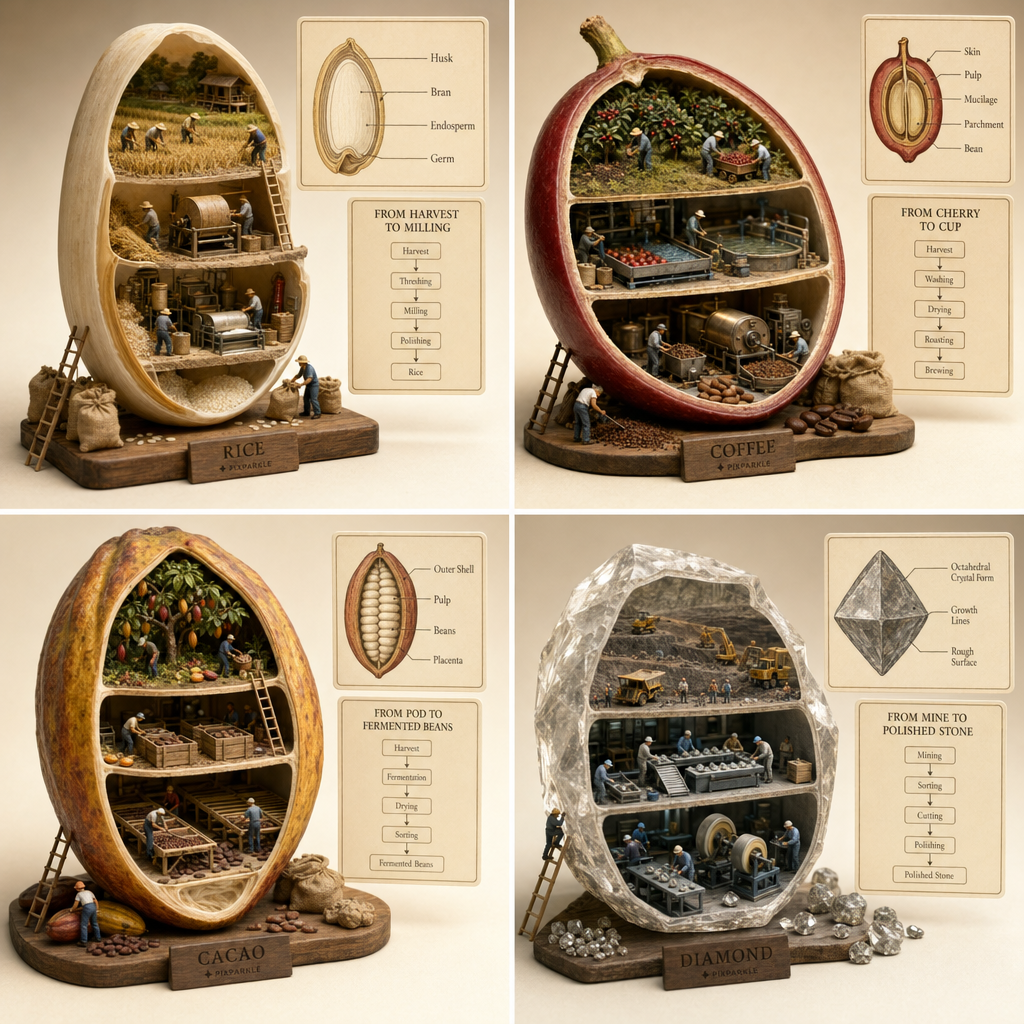
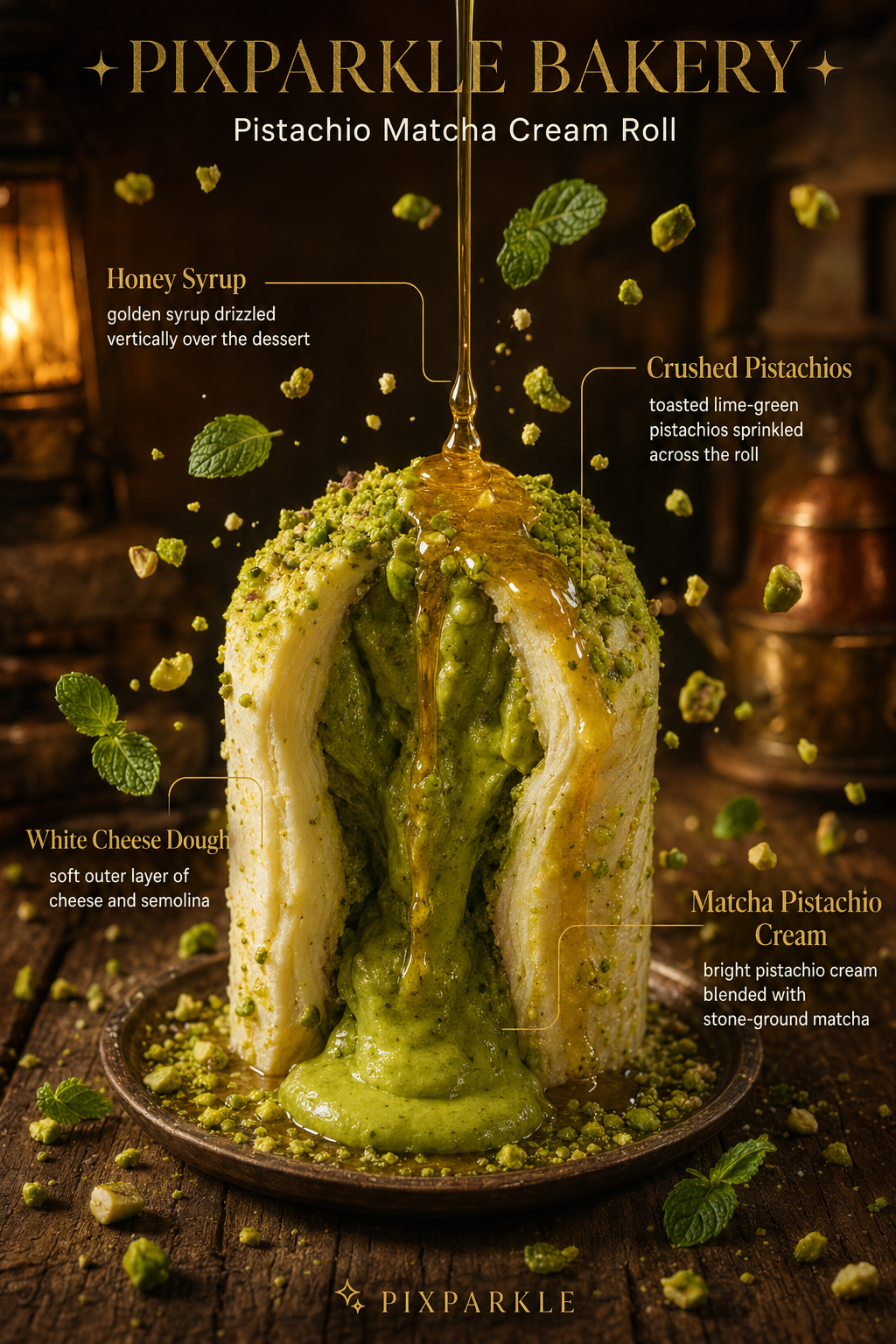
Multi-Turn Chat Editing. Zero Quality Loss.
Watch a real workflow: describe an image, refine it through conversation across multiple turns, and export in 4K without any degradation. No regenerating from scratch. No quality loss between edits.
How Pixparkle Works
From idea to finished image in four steps. No design skills required.

Describe
Type what you need in plain language. “White background product shot of my coffee mug, morning light from the left.” No prompt syntax, no form fields.
Generate
Your AI image generator returns a result in seconds. Choose your model based on speed vs. quality, and generate from text or from an existing image.
Refine in Chat
Not quite right? Say so in chat. “Make the light warmer.” “Add a subtle shadow.” The AI remembers the full conversation, so every edit builds on the last without regenerating from scratch.
Export in 4K
Download your final image in up to 4K resolution. Commercial use is included on every paid plan, with no extra licensing fees and no watermarks.
Trusted by Creators and Sellers
Frontier Models. Smart Conversation. One Workspace.
Three core capabilities that make Pixparkle different from a one-shot prompt box: long multimodal conversations, image-to-video in the same chat, and instant access to the best frontier models on the market.
Long Multimodal Chat Powered by Gemini 3
Pixparkle is built on the frontier Gemini 3 multimodal model, so a single chat can hold dozens of turns of context: your reference photos, your edits, your brand guidelines, your generated outputs. Drop in pictures, paste screenshots, type in plain English. The assistant understands all of it together and keeps every detail consistent across the entire session.
Start a Long Chat FreeFrom Image to Video Without Leaving the Chat
Generate a hero image with text plus reference photos, then ask Pixparkle to turn it into a short marketing video. No platform switching, no re-uploading assets, no copy-pasting prompts. The same conversation that produced your image is the one that drives your clip, so you save hours per asset and stay in flow.
Generate Your First ClipEvery Frontier Model. One Subscription.
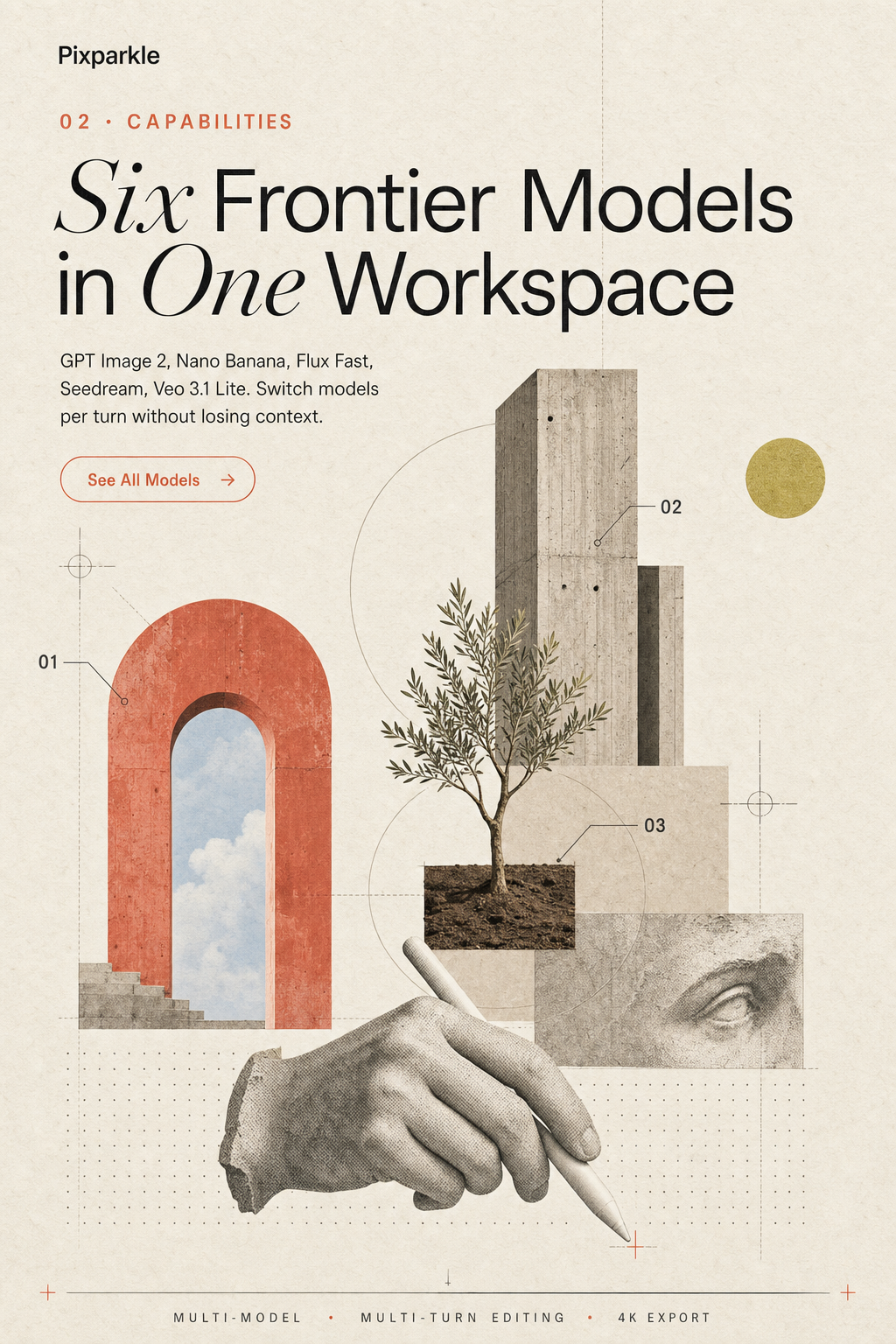
Get instant access to the best AI image and video models in the industry: GPT Image 2 from OpenAI, the full Google Nano Banana family, the Flux Fast series, and Veo 3.1 Lite for video. Switch models per turn to match your task, always work with state of the art, and let Pixparkle absorb every model upgrade for you.
Explore GPT Image 2Everything You Need to Go From Idea to Final Image
Pixparkle is a chat-based AI image generator with native image-to-video, built for real workflows. Powered by Gemini 3 with frontier models including GPT Image 2, Nano Banana, and Veo 3.1 Lite, you can describe ideas in plain language, refine through multi-turn conversation, and export up to 4K. Built for e-commerce sellers, content creators, and social media managers.
Describe It, Get It
Type what you need in plain language and refine through conversation. No prompt engineering, no form fields. Just describe the image like you would to a designer, and the AI delivers.
AI Image Generator from Image or Text
Generate from a text description or upload an existing image as your starting point. Swap backgrounds, change lighting, or restyle your product without losing the details you want to keep.
Multilingual Text Rendering
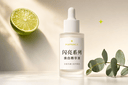
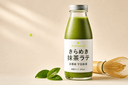
Logos, headlines, and labels render cleanly, including Chinese, Japanese, and Korean characters. If your brand speaks multiple languages, your visuals should too. No more garbled text in AI-generated images.
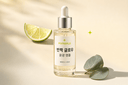
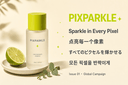
Multi-Turn Editing Without Quality Loss
Every refinement builds on the previous one without regenerating from scratch. “Make the light warmer.” “Tighten the crop.” The AI remembers the full conversation and applies each change cumulatively.
Same Character, Every Scene
Keep faces and styles consistent across scenes. Create a brand character or persona once, then place them across packaging, social media, and campaign assets without losing their identity.
Image to Video in One Session
Go from a static AI-generated image to a short video clip without leaving the chat. Describe the motion you want and the AI handles the rest. Useful for Reels, TikTok, and product demo clips.
How Pixparkle Compares
The only chat-based AI image generator with multi-turn editing, image-to-video, and 4K output in one platform.
| RECOMMENDED | |||||
| Pixparkle | Midjourney | DALL-E | Adobe Firefly | Krea | |
|---|---|---|---|---|---|
| Interface | Chat (conversational) | Web App + Discord | Single-turn prompt | Form-based | Canvas / Form-based |
| Max Resolution | 4K (3840x2160) | ~2K | 1K | ~2K | ~4K |
| Text Rendering | Accurate (incl. Chinese, Japanese, Korean) | Poor | Moderate | Moderate | Moderate |
| Free Tier | No card needed. | Limited | Limited | Limited daily quota | |
| Multi-Model | Multiple models per session | 1 model | 1 model | 1 model | 60+ models |
| Chat-Based Interface | |||||
| Multi-Turn Editing | Zero quality loss. | Limited | |||
| Image to Video | In one session. | Partial |
Built for the Way You Actually Work
Every audience has a different workflow and a different definition of done. Pick yours.
Content Creators
Describe your thumbnail concept in plain English, then refine through chat until the headline, lighting, and crop hit your CTR target. Pull 4 A/B/C/D variants from a single conversation in under 5 minutes (down from 4.2 hours per cover in Photoshop), exported at up to 4K with no quality loss between turns.
No more 2-hour Photoshop grinds per concept. No more manual face cutouts, headline kerning, or gradient tweaks. No more re-exporting one cover into 1:1, 16:9, and 9:16 by hand.
E-Commerce Sellers
Upload one rough product photo, describe the scene, and generate listing-ready white-background, lifestyle, or seasonal shots on demand. Batch a full catalog in one chat, with brand color and product geometry locked across every variant. Outputs are Amazon and Shopify spec compliant out of the box.
No more $30 to $50 studio bookings per SKU. No more shipping samples to a photographer. No more 2-week turnarounds on a seasonal launch you needed yesterday.
Social Media Creators
Drop one brand visual into Pixparkle, then ask for 9:16 Reels, 1:1 Instagram, and 16:9 X variants in one chat. Brand color, typography, and subject identity stay locked across every ratio. Ship a full week of multi-platform content in one session, with multilingual text rendering sharp in CJK characters and Latin alphabets alike.
No more waiting days on a designer brief. No more re-doing the same hero five times for five platforms. No more fonts breaking on Chinese, Japanese, or Korean copy.
Real Results from Real Users
Hundreds of SKUs photographed in days, not weeks. +15% YouTube CTR. 5 brand accounts managed solo. See what our users are building.
I used to spend $30-50 per product photo with my photographer. Now I upload the product, describe the scene I want, and get a usable shot in under a minute. I listed 200 SKUs last quarter at a fraction of the studio cost.
Thumbnail iteration went from a 2-hour Photoshop grind to a 5-minute chat. I describe the vibe, get four options, pick one, upscale it with Pro, done. My CTR is up about 15% since I started testing more variations.
I manage five brand accounts by myself. Before Pixparkle, I was begging the design team for assets every week. Now I generate on-brand visuals in the same chat thread, keep the style consistent, and nobody can tell it is AI.
Simple, Transparent Pricing
Start free with 10 credits. No credit card needed. Upgrade when your workflow demands more.
Starter
For creators and sellers who generate images weekly. All models, full resolution, clean text.
~$0.02 per image. Cheaper than a stock photo.
Everything in Free, plus:
500 credits per month
All AI models including highest quality options
Up to 4K resolution
Accurate text rendering: logos, headlines, multilingual
Up to 14 reference images per generation
Priority generation queue
Pro
Most PopularFor content creators and e-commerce sellers with a high weekly production volume.
~$0.019 per image.
Everything in Starter, plus:
1600 credits per month
Best credit rate: more images per dollar
Ideal for product catalogs, thumbnail batches, social content libraries
Premium
Best ValueFor agencies and high-volume sellers producing images daily across multiple brands.
~$0.015 per image.
Everything in Pro, plus:
6500 credits per month
Highest volume rate, lowest cost per image
Ideal for agencies, multi-brand sellers, and daily campaign production
Free
Try the AI image generator with no commitment. No credit card required.
No card needed. Start generating in under a minute.
10 free credits. Generate your first image right now
Access to all AI models
Generate from text or image
Commercial use allowed
Up to 4K resolution
Priority generation queue
Frequently Asked Questions
You can start generating immediately with 10 free credits. No credit card, no software install, no app download. Pixparkle is fully browser-based and works on desktop and mobile. The free AI image generator tier includes access to all models with commercial use rights and produces realistic photo-quality output. Create an account to save your work and continue beyond the trial credits. Paid plans available when you need more credits. See pricing below.
Pixparkle’s AI image generator works with both inputs in one chat. For text-to-image, type a description in plain language and the AI generates the result in seconds (for example: “White background product shot of a matte black coffee mug, soft morning light from the left”). For image-to-image, upload any photo and describe what to change: swap the background, adjust lighting, restyle the subject, or add elements. The AI preserves everything you do not mention. You can use up to 14 reference images per generation for style matching, character consistency, or product editing. If a result is not exactly right, reply in the chat (“Make the light warmer”, “Tighten the crop”) and every message builds on the previous one.
Yes. The highest-quality model supports output up to 4K (3840x2160). This is suitable for large-format printing, product packaging, billboard-scale marketing materials, and high-resolution displays. High-resolution AI image generation uses more credits per image, and the option is available on paid plans (see pricing below).
The core difference is the chat-based interface with multi-turn editing. Midjourney, DALL-E, and Adobe Firefly are all form-based or single-turn tools. You submit a prompt and get a result. If you want to change something, you start over. Pixparkle works like a conversation: describe what you want, refine it through replies, and every change builds on the previous one without quality loss. Pixparkle also supports image-to-video generation in the same session, which none of those tools offer natively.
Pixparkle integrates multiple models so you can choose based on speed, quality, and cost. The lineup includes GPT Image 2 for precise text rendering and photorealistic output; Nano Banana and Nano Banana 2 for fast generation with strong visual quality; Flux Fast for rapid low-cost drafts; and Seedream 5 and Veo 3.1 Lite for video generation. You can switch between models in one chat session without losing context.
Yes. This is one of the most important things Pixparkle does differently. Traditional AI image tools require you to regenerate the image from a new prompt each time you want a change, which means every iteration starts fresh and quality is unpredictable. Pixparkle keeps the full conversation history, so each edit refines the existing image rather than replacing it. You can make 10 or 15 rounds of edits and the output quality stays consistent throughout.
Yes. Accurate multilingual text rendering is a specific capability of the higher-tier models in Pixparkle. Chinese characters, Japanese kana and kanji, and Korean hangul all render cleanly at full resolution. This matters for social media creators making content for Asian markets, brands producing bilingual packaging, and marketers running campaigns where the image contains text in multiple languages. Most AI image generators handle Latin text poorly and fail almost completely with CJK characters.
Pixparkle is used by Amazon sellers to generate white-background product shots that meet Amazon listing image requirements. Upload your product photo, describe the scene, and the AI returns a clean studio-style image on pure white with proper product fill and no props. You can also generate lifestyle shots for secondary images. The output is export-ready for product listings. At Pro tier credit cost, generating 200 product images works out to under $5 in compute.
Multimodal image editing means an AI tool can take both text and images as input simultaneously, instead of only text prompts. In Pixparkle, you can paste a reference photo, attach a brand color swatch, and type “make my logo match this style” (all in one chat turn). The AI processes the visual context and the language instruction together, which is why fewer words are needed than in pure text-to-image tools. Pixparkle uses Gemini 3 for multimodal context understanding, plus frontier image models like GPT Image 2 and Nano Banana for the actual generation.
ChatGPT generates images with a single model (DALL-E or GPT Image 2) and does not support image-to-video. Pixparkle gives you six frontier models in one subscription (GPT Image 2, Nano Banana, Nano Banana 2, Flux Fast, Seedream 5, and Veo 3.1 Lite for video) and you can switch between them in one chat session without losing context. Pixparkle also renders Chinese, Japanese, and Korean text accurately, which most chat-based generators get wrong. For users who only need occasional image generation, ChatGPT can be enough; for creators, brands, and e-commerce sellers shipping multiple visuals per day, Pixparkle replaces three or four separate tools.
You can cancel anytime from your account settings, no lock-in and no cancellation fee. After cancellation you keep access until the end of your current billing period, then drop to the free tier. The free tier preserves your account and all generated images. Annual plans are cancellable on the same terms (no refund for unused months on annual).
No. Pixparkle does not use your uploaded images, generated outputs, or chat content to train any AI model. Your inputs are sent to the underlying generation models (such as GPT Image 2 via OpenAI) only for the purpose of producing your image, and we do not retain them for training. This matters most for e-commerce sellers and brand teams uploading proprietary product photos: your visuals stay yours, with full commercial usage rights on the output.
You see a clear message before generation starts, with no surprise charges. You can either wait until your monthly credit allotment refreshes, top up additional credits, or upgrade to a higher plan. There is no auto-charge beyond your subscribed plan. Free tier users get 10 credits one time, then need to subscribe to continue generating. Paid plans refresh credits monthly across multiple tiers (see pricing below). Unused credits do not roll over month to month.
Start free, 10 credits, no card needed. Generate your first AI image in under a minute.
Start Free. 10 Credits. No Card Needed.
Studio-quality product photos for the price of a stock image. Thumbnails in 5 minutes. A full week of social content in one session. The AI image generator that works the way you think.