
Multi-Cam MAX
Studio Solution
Instantly View Fixed Camera Video on Your iPad
Video from your fixed cameras appears in the Onform app on your iPad in seconds. Coach right beside your athlete, move between bays, or step outside. All while staying connected to your cameras and every Onform tool you already use.
Supports Multiple Coaches and Multiple Bays
Coaches aren’t locked to a single bay. Any coach can tap to connect to any bay on their iPad, so your whole staff can move freely, whether you have two bays or twenty.
Use Existing Cameras or Start Fresh
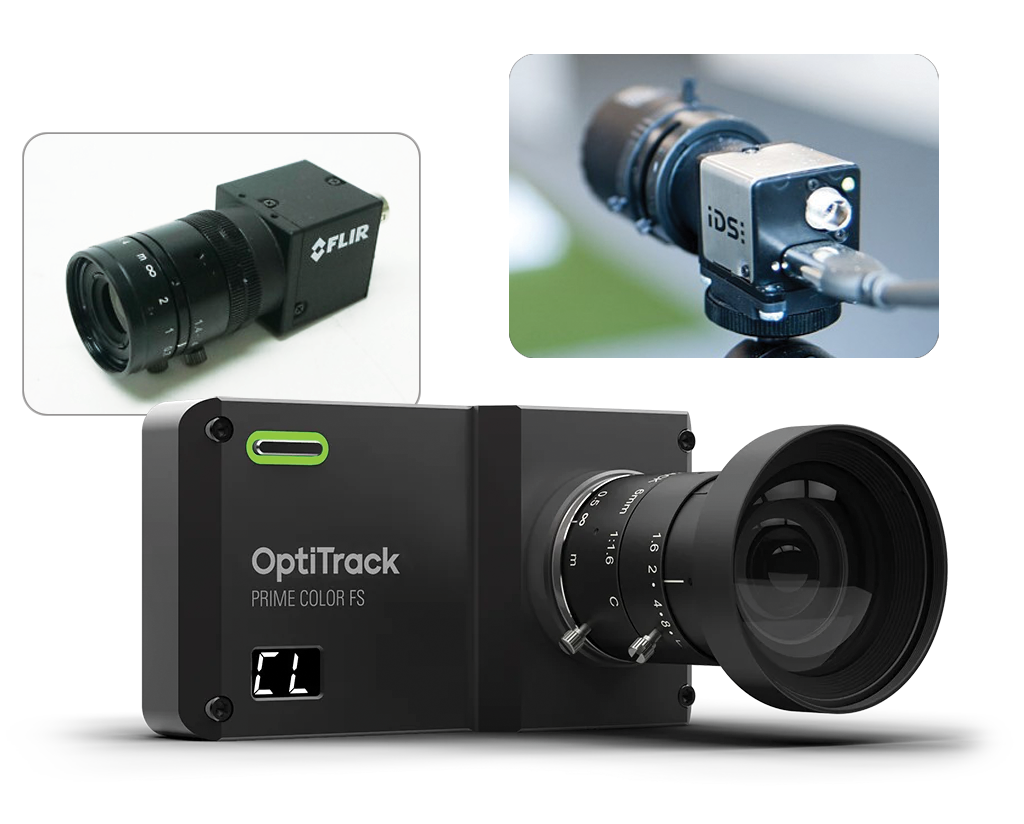
Already have cameras installed? Multi-Cam MAX works with OptiTrack, FLIR, and IDS systems right out of the box. Starting from scratch? Onform can provide a complete hardware solution tailored to your facility.
Software + Hardware Bundle Options
Everything you need to get your studio up and running, or upgrade your existing studio. All options support multi-coach use, and each coach will need their own Onform Coach account.
Upgrade
Want to take your existing fixed camera studio wireless?
Get started today for as little as:
$499
Connect your fixed cameras to a Windows PC running the Onform Camera connector app
New Install
Onform can outfit your studio with everything you need.
Single camera solutions starting at:
$999
Choose from 3 fixed camera configurations all connected to a Windows PC running the Onform Camera connector app
Interested in Multi-Cam MAX for your facility?
Multi-Cam MAX is officially available July 1. Join the pre-order list and we’ll be in touch with pricing, availability, and next steps for your club or academy.

Break Free From Your Desk
Break free from your desk and use your fixed cameras wirelessly on your iPad. Record from multiple angles, review every swing instantly, and keep all your student videos in one place without the need to import footage from another app.
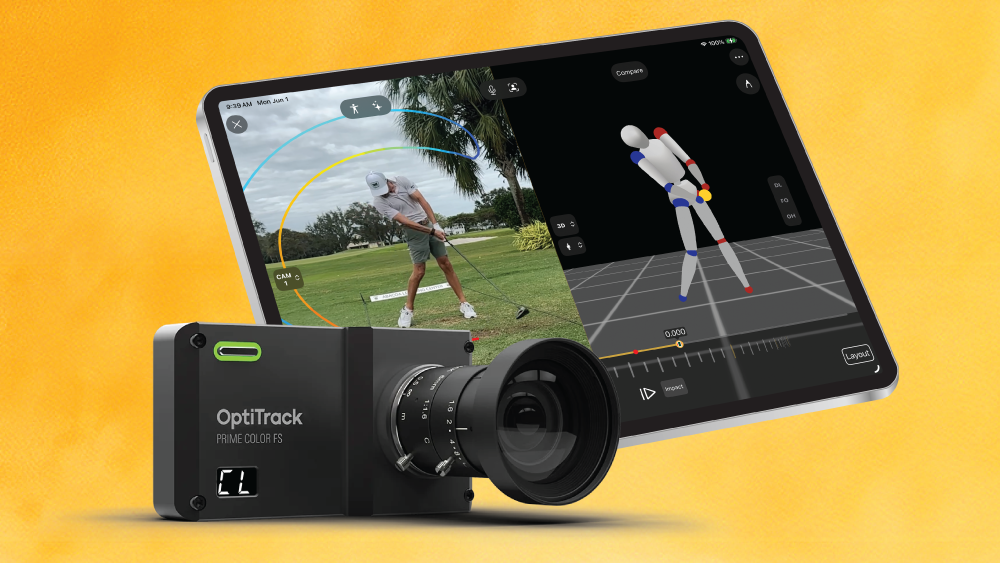
Onform Launches Multi-Cam MAX, Bringing Fixed-Camera Video Capture to the iPad Wirelessly
For Immediate Release Multi-Cam MAX gives golf coaches wireless access to their fixed cameras from…
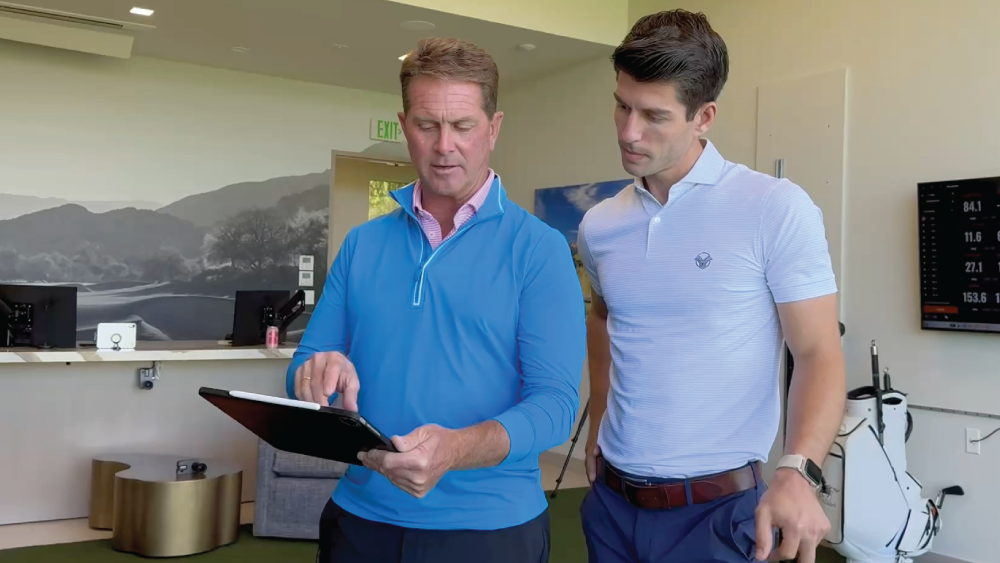
Case Study: How Vintage Club Uses Multi-Cam MAX Studio Solution
Fixed cameras are a powerful tool within a hitting bay. They provide golf instructors with…
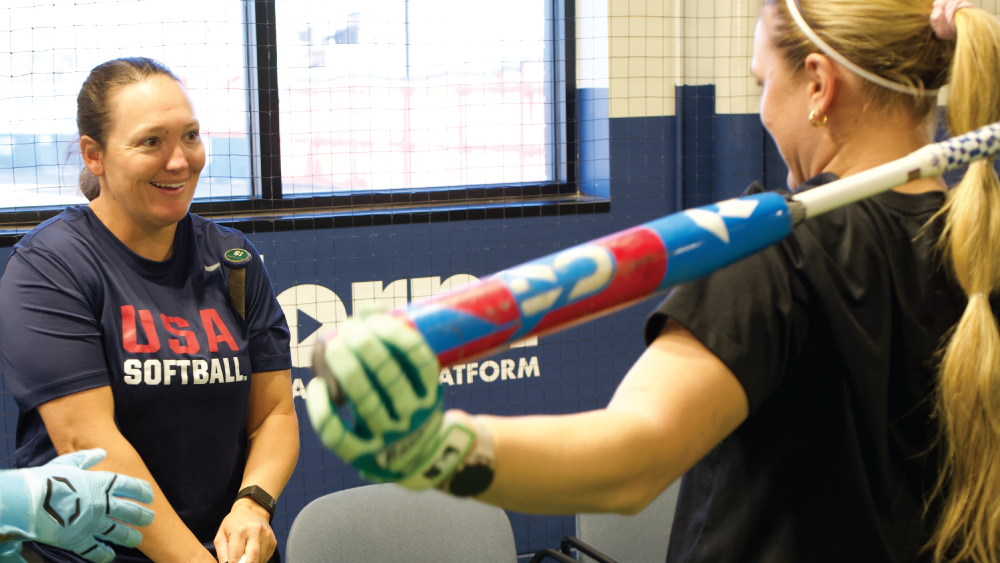
Onform’s Multi-Cam MAX Debuts for World’s Best Softball Hitters
Before it was showcased to golf coaches at the PGA Show in Orlando, Onform’s Multi-Cam…
Frequently Asked Questions
Will Multi-Cam MAX work with my existing studio/camera set-up (V1, Swing Catalyst, Trackman)?
It depends on your current setup. Multi-Cam MAX is compatible with OptiTrack, FLIR, and IDS cameras, which are commonly found in V1 and Swing Catalyst studios. Reach out and we’ll take a look at your current setup to confirm.
Do I need an Onform account?
Yes. Multi-Cam MAX works with your Onform Coach Standard or Coach Pro account. It’s an add-on that unlocks fixed-camera access directly from your iPad. Your students can also use it with their own account and their own iPad. Provide access to anyone in the organization.
How many cameras and coaches does it support?
Up to 4 fixed cameras per bay. Multi-bay and multi-coach setups are fully supported — coaches can switch between bays and connect with just a tap. While one coach is using the cameras, no other user can connect to them, ensuring you have dedicated use during a lesson.
When can I start using Multi-Cam MAX?
For anyone looking to upgrade or install a new installation, Multi-Cam MAX will be available starting July 1. Join the pre-order list to lock in your spot.
Is it available for sports other than golf?
Yes, Multi-Cam MAX will work for any sport. It provides coaching freedom in baseball and softball training facilities, swimming and diving, gymnastics, you name it!
How much does Multi-Cam MAX cost?
Starting at $499 per bay if you already have compatible cameras installed. If you need cameras, Onform offers custom pricing packages based on your setup and preferred camera system. Reach out and we’ll put together the right solution for your facility.
Schedule a Free 1:1 Zoom Demo
We’ll show you how Onform’s Multi-Cam MAX can help you and your studio coach more effectively.