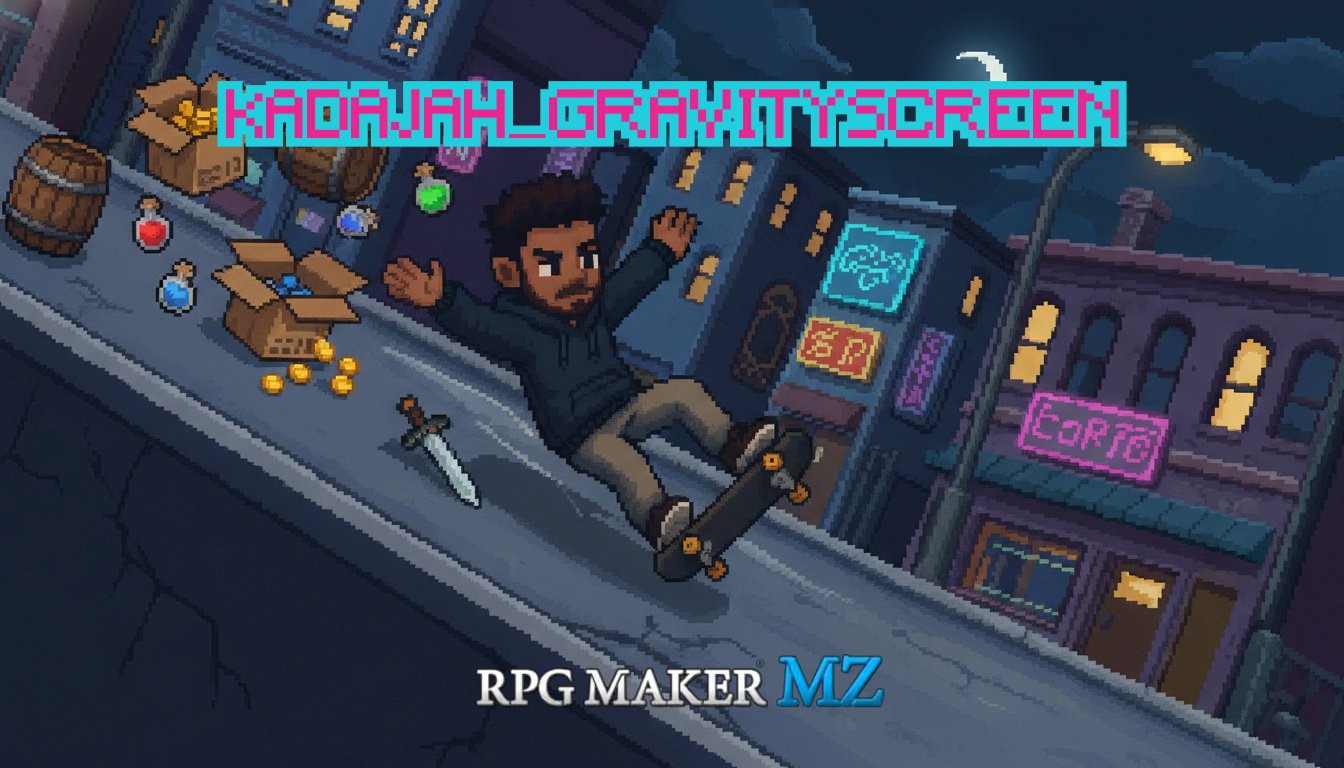
Kadajah's Gravity Screen for RPG Maker MZ
A downloadable tool
Kadajah's Gravity Screen for RPG Maker MZ
Bend the World, Control Gravity, and Redefine Screen Angle in RPG Maker MZ.
Kadajah Gravity Screen (v1.1) is a powerful plugin designed to bring dynamic camera rotation and tile-based gravity physics to your RPG Maker MZ projects. It allows you to rotate the entire game screen, automatically adjusting the camera zoom to hide black borders, and applies a smart gravity system that pulls characters towards the "new" bottom of the screen.
Forget complex calculations for character movement or manual screen adjustments. This plugin handles the entire visual and physical experience seamlessly. Characters will gently "fall" and snap to the nearest tile, ensuring your pixel-perfect maps remain perfectly aligned.
Total Control: You define rotation angles, durations, gravity strength, and even custom gravity directions independent of screen rotation. The plugin also provides robust switch integration to control activation and monitor the screen's rotation state.
Add adaptive gravity to your games, set the gravity direction and screen angle, and watch the magic happen to events on your map.
Features
- Smooth Camera Rotation: Rotate the entire game screen to any angle (0, 90, 180, -90 for cardinal directions, or any custom value) with a configurable duration.
- Auto-Zoom on Rotate: Automatically zooms the camera during rotation to hide unsightly black borders, creating a polished, immersive effect.
- Dynamic Tile-Based Gravity: Characters (Player and Events) are pulled towards the current "down" direction relative to the screen's rotation or a custom angle. Movement is tile-aligned for precise grid-based physics.
- Player Input Priority: Gravity for the player character automatically pauses when they provide directional input, ensuring responsive control without fighting the physics.
- Global & Local Control:
- Physics Switch ID: A global switch to activate or deactivate all gravity effects.
- Rotation Switch ID: Controls if screen rotation is allowed. If off, the screen automatically resets to 0 degrees.
- Map Note Tags: Disable gravity or override its power for specific maps.
- Event Note Tags: Make individual events immune to gravity or set custom gravity intervals for them.
- Custom Gravity Direction: Choose between 'Sync with Screen' (gravity follows camera rotation) or 'Custom Direction' (set a fixed gravity angle regardless of screen rotation).
Controls & Configuration
The plugin is configured via simple Plugin Commands and easy-to-use Parameters.
- Plugin Commands:
- Rotate Screen: Set target angle and duration for screen rotation.
- Set Gravity: Enable/disable gravity, adjust its power, and choose between syncing with the screen or a custom direction.
- Parameters:
- Physics Switch ID: Global switch for gravity activation.
- Rotation Switch ID: Global switch for screen rotation.
- Auto Zoom on Rotate: Toggle the automatic zoom feature.
- Default Power: Set the default falling speed/force.
Creative Gameplay Mechanics
While amazing for visual flair, this plugin unlocks incredible potential for level design:
- Design a dungeon where rotating the screen fundamentally changes the map. A wall becomes a floor, and what was once a ceiling now presents a path. Players must rotate the screen to navigate complex environments, solving puzzles by changing their perspective.
- "Wall-Walking" Puzzles:
Utilize the Rotate Screen command to make the player "walk" on walls or ceilings. This can be combined with switch-activated rotations to open new areas, allowing players to traverse spaces previously inaccessible. - Dynamic Environmental Hazards:
Imagine a room filled with falling spikes. Rotate the screen 90 degrees, and those spikes now move horizontally across the screen, requiring entirely different dodging strategies. Gravity can turn static hazards into dynamic challenges. - "Zero-G" Areas (with custom direction):
Use the 'Custom Direction' gravity mode to simulate specific "pulls." Perhaps a map section has an an upward pull, or a diagonal force, challenging players with unique movement patterns. You can also temporarily disable gravity for "zero-g" sections. - Event-Based Physics Challenges:
Create events that are affected by gravity, acting as moving obstacles or platforms. When the screen rotates, their movement direction changes, forcing the player to adapt and react to a dynamic environment.
Game Examples
Not sure if this fits your project? Here are 5 game genres that benefit perfectly from Kadajah Gravity Screen:
- Puzzle Platformers: Ideal for creating mind-bending levels where changing gravity is the core mechanic.
- Action Adventures: Introduce sections where the player must fight enemies while the world rotates around them, adding a new layer of challenge.
- Mystery/Exploration Games: Use rotation to reveal hidden passages or alter the perception of a familiar environment.
- Sci-Fi Settings: Simulate artificial gravity shifts on a space station or a planet with unusual physics.
- Horror Games: Create a disorienting atmosphere by subtly rotating the screen, making players feel off-balance and vulnerable.
Terms of Use
- Commercial and non-commercial projects.
- You are NOT permitted to resell or redistribute this plugin, either on its own or as part of a bundle.
- You ARE permitted to edit the plugin's code for your own project's use. However, you are NOT permitted to redistribute the edited version of the plugin.
Purchase
In order to download this tool you must purchase it at or above the minimum price of $2.99 USD. You will get access to the following files:


Comments
Log in with itch.io to leave a comment.
This plugin seems really cool! Is it compatible with DotMovement/could you potentially make it compatible?
Thank you very much. I performed tests with the Dot Movement System v2.2.4 and my 8D plugin with pixel-by-pixel motion correction, and it worked normally. The gravity plugin doesn't fundamentally alter the "Movement" of the events, so it's compatible with most systems that specifically modify those classes.
Thank you for your interest. Feel free to ask any questions.