Hello again, and thank you for the detailed feedback!
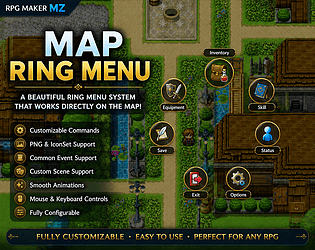
I understand the issue now. Since the plugin currently handles menu input separately from RPG Maker MZ’s default menu system, the built-in “Control Menu Access” command does not affect the ring menu.
Your suggestion makes a lot of sense, especially for cutscenes or event-heavy gameplay where menu access needs to be tightly controlled.
I think adding an option to disable opening the ring menu via the default Esc/Menu key (while allowing only custom keys or script/event calls) would be a useful improvement. I’ll also look into supporting RPG Maker’s native menu access control.
Since I have my main work to focus on as well, I can’t promise an exact schedule, but I’ll review and aim to address this issue for release within this week.
Thank you again for the thoughtful feedback, and I hope you’re having a great weekend as well!
This plugin was originally something I made just for my own use, so I was honestly a little worried when I decided to release it publicly.
From your feedback, it sounds like you’d like to open the ring menu via events and also expand the key mapping for closing the menu. I’ll look into adding those features along with some other improvements I’m currently working on.
I can’t promise an exact timeline, but I’ll review your feedback as soon as possible.
First of all, thank you for creating such a great plugin.
While using it, I came up with a couple of features that I believe would improve the UI editing experience.
When designing UI layouts by dragging elements around, it can be quite difficult to align them precisely. It would be very helpful if the editor could display an optional grid overlay, similar to those found in design tools, to make positioning and alignment easier.
Additionally, it would be great if selected UI elements could be moved using keyboard input (such as the arrow keys) for more precise adjustments.
Thank you for considering these suggestions, and I appreciate all the work you've put into this plugin.