Top 20 best no-code platforms: key features and pricing
May 18, 2026
/
Simon L.
/
18 min Read

No-code platforms let you build apps, websites, and internal tools without writing a single line of code. Instead of hiring developers or learning programming languages, you use visual editors, drag-and-drop interfaces, and AI-powered builders to bring your ideas to life.
These tools handle everything from frontend design and backend logic to database management and deployment.
No-code solutions have become especially popular with startups launching minimum viable products (MVPs), small businesses automating operations, creators building personal brands, and non-technical teams who need custom tools.
The key is matching the right tool to your use case. A platform that’s great for building complex web apps might be overkill for a simple landing page, while a website builder won’t help you create a native mobile app.
Here are our top picks at a glance:
- Best overall platform: Hostinger Horizons, AI-powered app creation with hosting included
- Best for complex web apps: Bubble, deep visual logic and a massive plugin ecosystem
- Best for mobile apps: Adalo, native iOS and Android publishing from one codebase
- Best for websites: Hostinger Website Builder, affordable AI-assisted site creation with bundled hosting
- Best for databases and internal tools: Airtable, flexible relational data with automation
Best no-code platforms for web apps
1. Hostinger Horizons
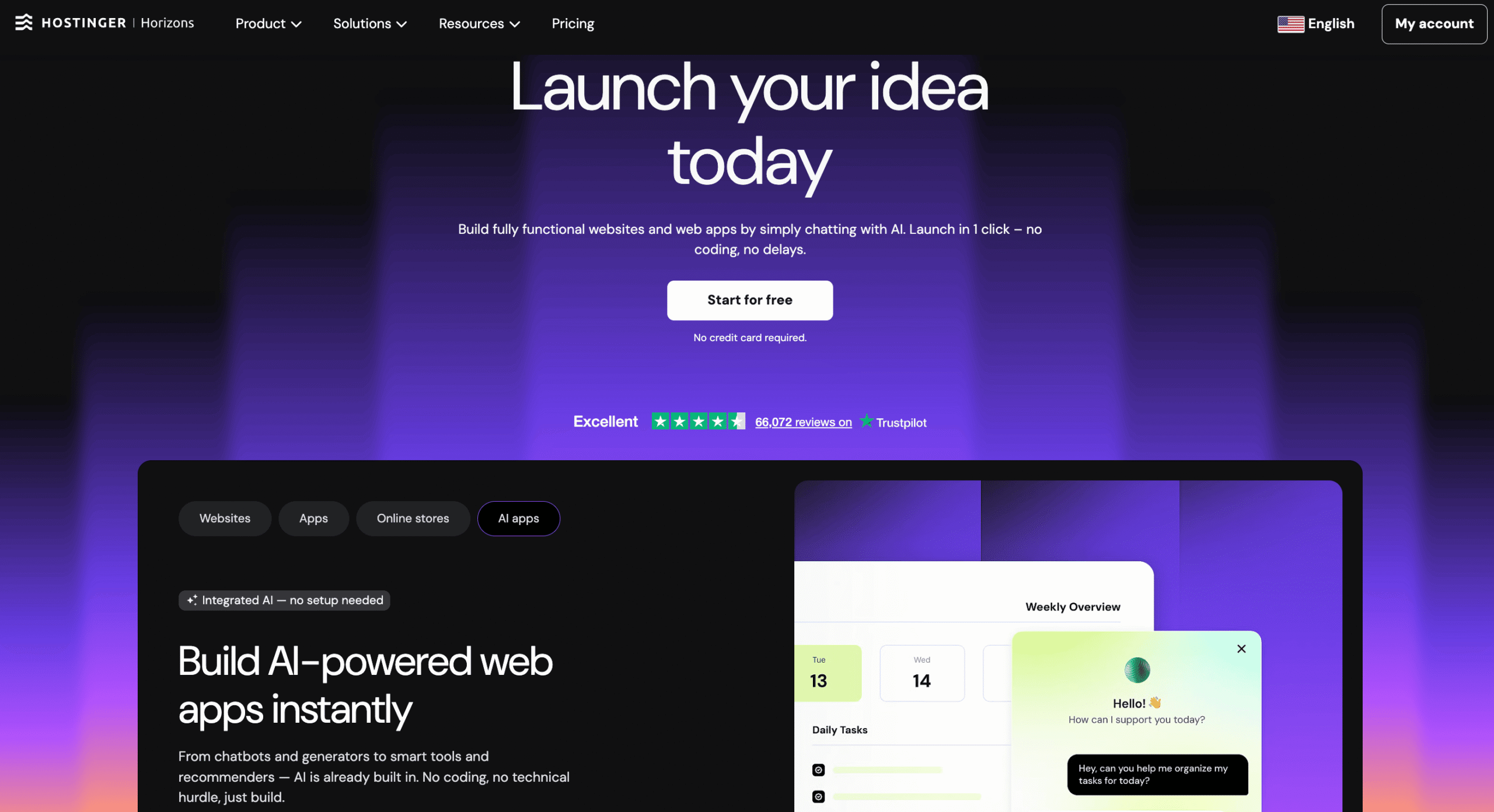
Most no-code builders still ask you to drag elements around a canvas and wire up logic manually. Hostinger Horizons skips all of that.
You describe what you want in plain language, and the AI generates the structure, design, features, and even the content. It feels more like talking to a developer than using a builder.
It’s made for entrepreneurs, small businesses, and creators who want the simplest path from idea to a live, working web app. Common use cases include dashboards, customer portals, lightweight SaaS tools, and interactive websites.
What makes it stand out is the all-in-one approach: hosting, custom domain, SSL certificates, global content delivery network (CDN), professional email, and integrated databases are all bundled in. You don’t need to stitch together separate services or worry about deployment.
If you’re a non-technical founder looking to build no-code web apps and test your idea quickly, Horizons removes more friction than most options on the market.
Hostinger Horizons pros:
- Fast setup with AI-generated app structures. Describe your idea and get a working prototype in minutes.
- Bundled hosting, deployment, and domain registration. No need to manage infrastructure separately.
- Integrated backend out of the box. Authentication, databases, and logic are built in – no need to wire up third-party services for most use cases.
Hostinger Horizons cons:
- Despite integrated databases and authentication, more complex backend logic or advanced data modeling may still benefit from a dedicated service like Supabase or Xano.
- Credit-based AI usage means heavy iteration can burn through your monthly allocation. If you’re the type who tweaks endlessly, watch your credits.
Hostinger Horizons pricing:
Subscription plans start at $6.99/month, with higher tiers offering more AI credits, code editor access, and additional features.
2. Bubble
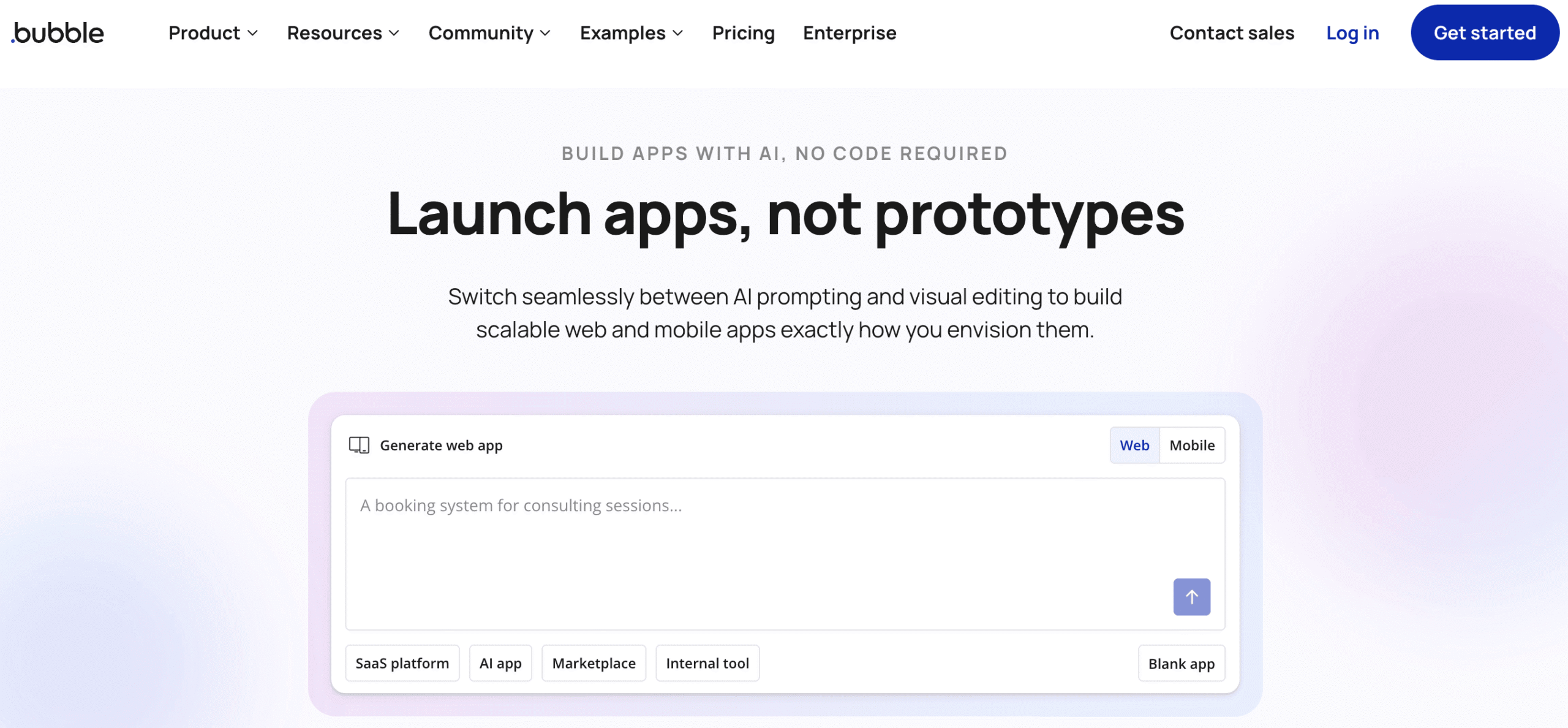
Bubble is the platform people graduate to when they realize their idea is too complex for simpler tools. It has its own database, a visual workflow system, and a drag-and-drop editor that gives you granular control over your app’s logic, design, and data structure.
That power comes at a cost, though. The learning curve is genuinely steep, so expect to spend weeks watching tutorials and rebuilding things before the platform clicks.
Once your app gains users, you’ll also need to think carefully about performance optimization because Bubble’s workload-based pricing means inefficient apps get expensive fast.
If you’re evaluating web app builders like Bubble, know that it sets the bar for what’s possible without code, but it demands more from you than most alternatives.
Bubble pros:
- Genuinely powerful logic engine. You can build complex apps with relational databases, conditional workflows, API connections, and user permissions that rival custom-coded solutions.
- Massive plugin ecosystem with thousands of community-built extensions.
Bubble cons:
- Steep learning curve that can take weeks to overcome. Many users describe the first month as frustrating before things start to click.
- Workload unit pricing punishes poorly optimized apps. You’ll need to learn database query optimization even in a “no-code” environment, which is ironic but real.
Bubble pricing:
Free plan for development only (no live apps). Paid plans for web and mobile start at $59/month and go up to $549/month, billed annually. Costs scale with workload units, so a busy app can cost significantly more than the base plan suggests.
3. WeWeb
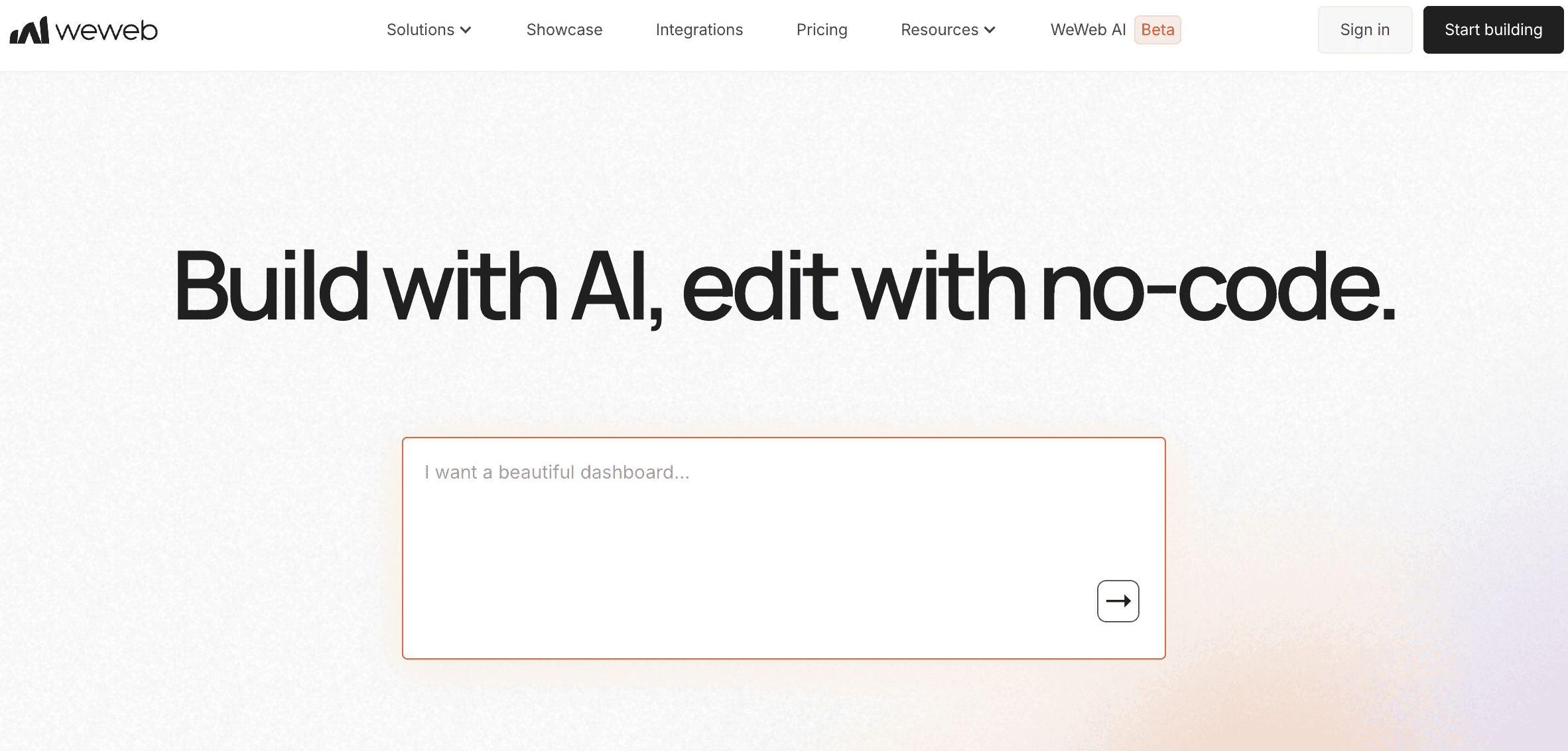
WeWeb occupies an interesting middle ground. It gives you the visual, Figma-like design experience of a no-code tool with the technical flexibility that developers usually demand.
You can connect it to virtually any backend through APIs, and it also has its own native backend with a Postgres database and built-in authentication.
The sweet spot for WeWeb is teams that already have data somewhere (in Supabase, Xano, Airtable, or their own API) and need a polished frontend for it. SaaS interfaces, authenticated portals, and internal dashboards are where it shines.
It’s also one of the few no-code platforms that lets you export your source code and self-host, which means you’re never locked in.
WeWeb pros:
- Exceptional frontend flexibility. The editor feels like Figma, and you can connect to almost any data source.
- Code export and self-hosting options eliminate vendor lock-in entirely.
WeWeb cons:
- Understanding data binding between frontend and backend requires a learning investment. Plan on a few tutorial sessions before you’re productive.
- While the new native backend is promising, it’s still young compared to dedicated tools like Xano for complex backend logic.
WeWeb pricing:
Seat-based pricing starting at $20/month, with separate hosting plans based on bandwidth and sessions.
4. Builder.io
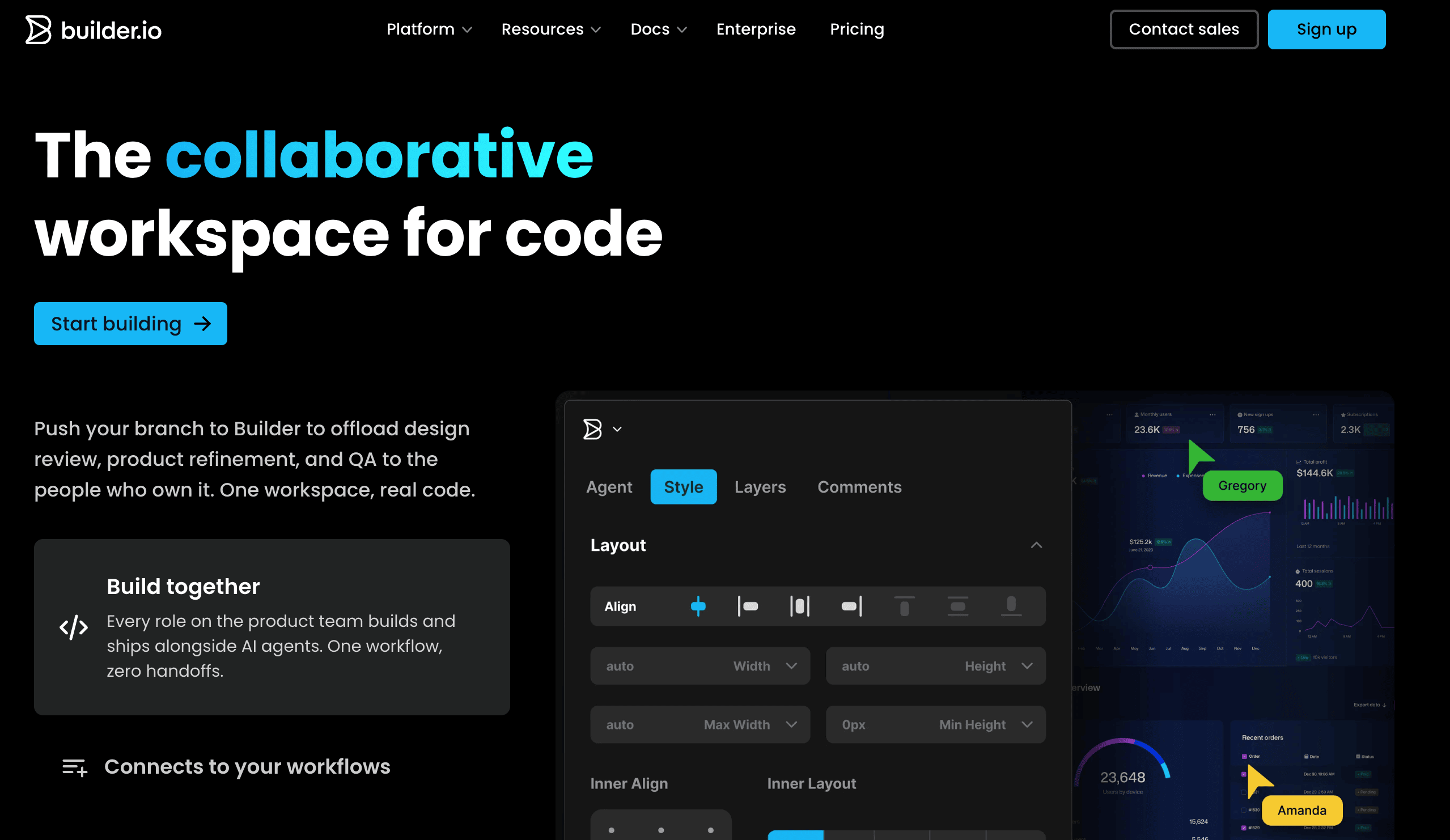
Builder.io isn’t really a no-code builder in the traditional sense. It’s a collaboration layer that sits on top of your existing codebase.
Developers define reusable components, and then marketers, designers, and product managers use a visual drag-and-drop editor to build pages, run A/B tests, and manage content without opening a code editor.
This makes it a great fit for teams that already have a React or Next.js stack and want to speed up their content workflow. It’s less relevant for someone starting from scratch with no development resources, since the initial setup requires real engineering work.
Builder.io pros:
- Bridges the gap between developers and non-technical teams without either side compromising. Developers keep code control, marketers ship pages independently.
- Built-in A/B testing, personalization, and Figma-to-code AI features add real value for growth-focused teams.
Builder.io cons:
- Requires developer involvement for initial setup and component configuration. This isn’t a tool you can hand to a non-technical person on day one.
- Pricing feels steep if you’re not actively using the AI and experimentation features.
Builder.io pricing:
Free plan available. Paid plans start at $24/user/month, with usage-based pricing tied to AI agent credits.
5. Glide
Glide is the fastest way to turn existing spreadsheet data into a working app. Connect your Google Sheet with product inventory, and within an hour, you’ve got a searchable catalog your warehouse team can use on their phones.
Then hook up a client list, and you’ve got a portal where customers can check their order status. That’s the magic of Glide: it meets your data where it already lives.
The templates look great out of the box, the learning curve is almost nonexistent, and the results look professional enough that people won’t guess you built them from a spreadsheet.
The main limitation to know upfront is that Glide produces web apps only, so if you need a presence in the App Store or Google Play, you’ll need a different tool.
Glide pros:
- Unmatched speed for spreadsheet-to-app workflows. If your data already exists, you can skip the setup entirely.
- Clean, professional-looking default designs that don’t scream “I made this with a no-code tool”.
Glide cons:
- Row limits and data caps on lower plans become painful as you scale. The 25,000-row cap means you’ll outgrow it if your data grows steadily.
- Design flexibility is limited. You can customize within Glide’s component system, but you can’t go fully off-script the way you can in WeWeb or Bubble.
Glide pricing:
Free plan available. Paid plans start at $19/month for individuals, with team plans at $199/month for multiple editors.
Best no-code platforms for mobile apps
6. Adalo
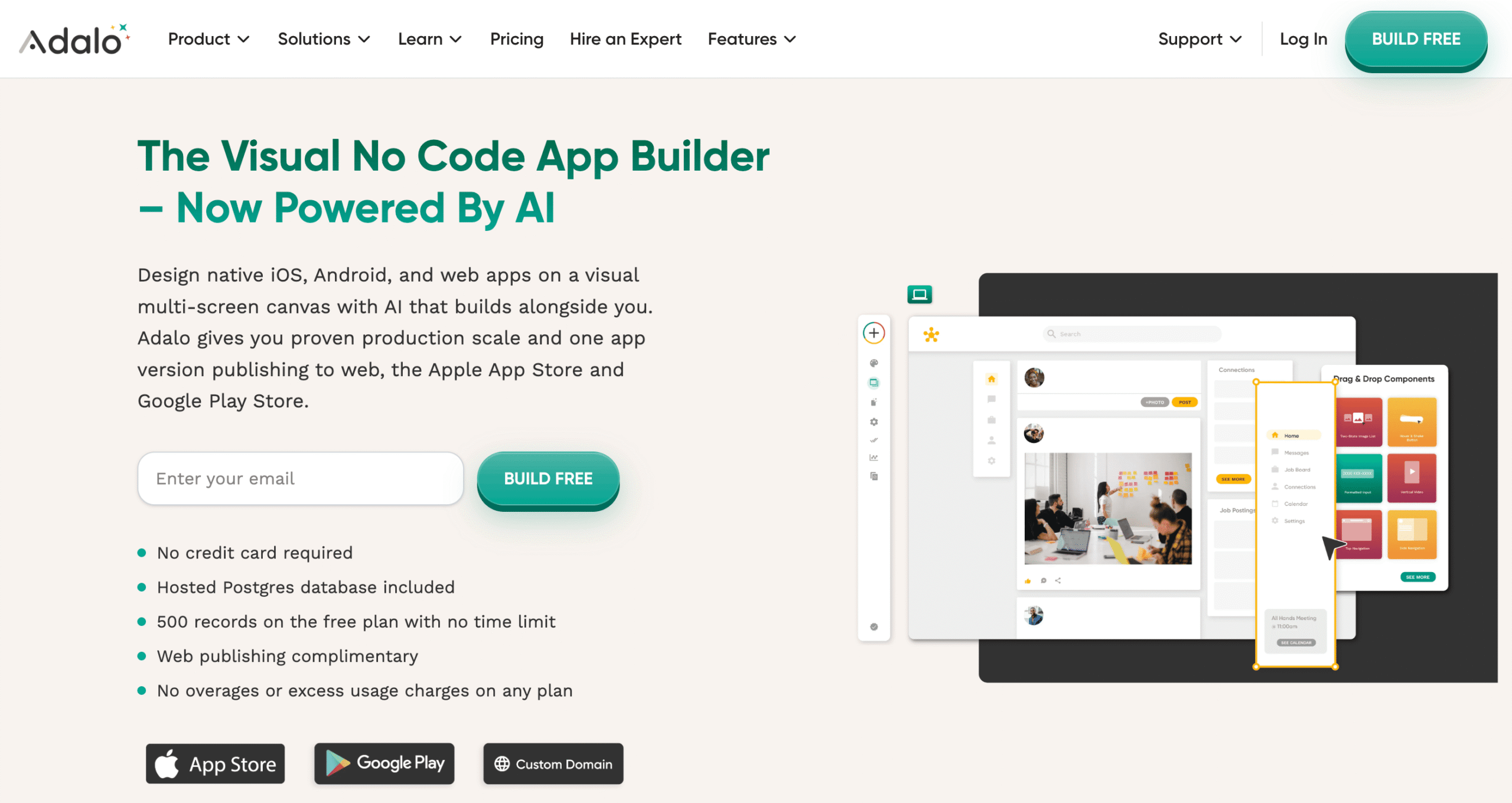
If your goal is getting a native app into the App Store and Google Play without learning Swift or Kotlin, Adalo is the most direct path.
Unlike platforms that produce web wrappers disguised as mobile apps, Adalo builds real App Store–ready apps rather than web wrappers.
The visual builder comes with a built-in database, user authentication, push notifications, and over 50 standard UI components. AI features like Magic Start let you describe your app and get a complete foundation (database structure, screens, user flows) generated automatically.
For entrepreneurs testing a mobile-first idea, you can realistically go from concept to published app in days rather than months.
Adalo pros:
- True native iOS and Android app publishing from a single codebase. One codebase, no web wrappers, published to both stores.
- Flat-rate pricing with unlimited usage on paid plans. No surprise bills as your app grows.
Adalo cons:
- Not the best choice for complex apps with heavy custom logic. You’ll hit the ceiling faster than with Bubble or a coded solution.
- Web app capabilities are secondary. If your primary product is a web app, look elsewhere.
Adalo pricing:
Free plan for prototyping. Paid plans start at $36/month with unlimited database records and no usage-based charges.
7. Thunkable
Thunkable takes a different approach to mobile app building. While it now includes an AI builder for generating app foundations from prompts, its distinguishing feature is the block-based logic layer underneath – similar to MIT’s Scratch – where conditions, loops, variables, and API calls snap together like puzzle pieces rather than requiring you to write syntax.
This makes it particularly popular in educational settings and among indie builders who want to understand how app logic actually works, not just get a result. It’s a genuine learning tool that also produces real, publishable apps.
Thunkable pros:
- Block-based logic makes programming concepts tangible. Great for learning while building something real.
- Cross-platform publishing (iOS, Android, web) from a single project.
Thunkable cons:
- UI customization is limited compared to design-focused tools. Your app will look functional but not necessarily polished.
- Fewer third-party integrations than competitors like Adalo or Bubble, which limits what you can connect your app to without workarounds.
Thunkable pricing:
Free plan for getting started. Paid plans range from $19/month for private projects and AI tokens to $189/month for unlimited published apps and priority support, billed annually.
8. Bravo Studio
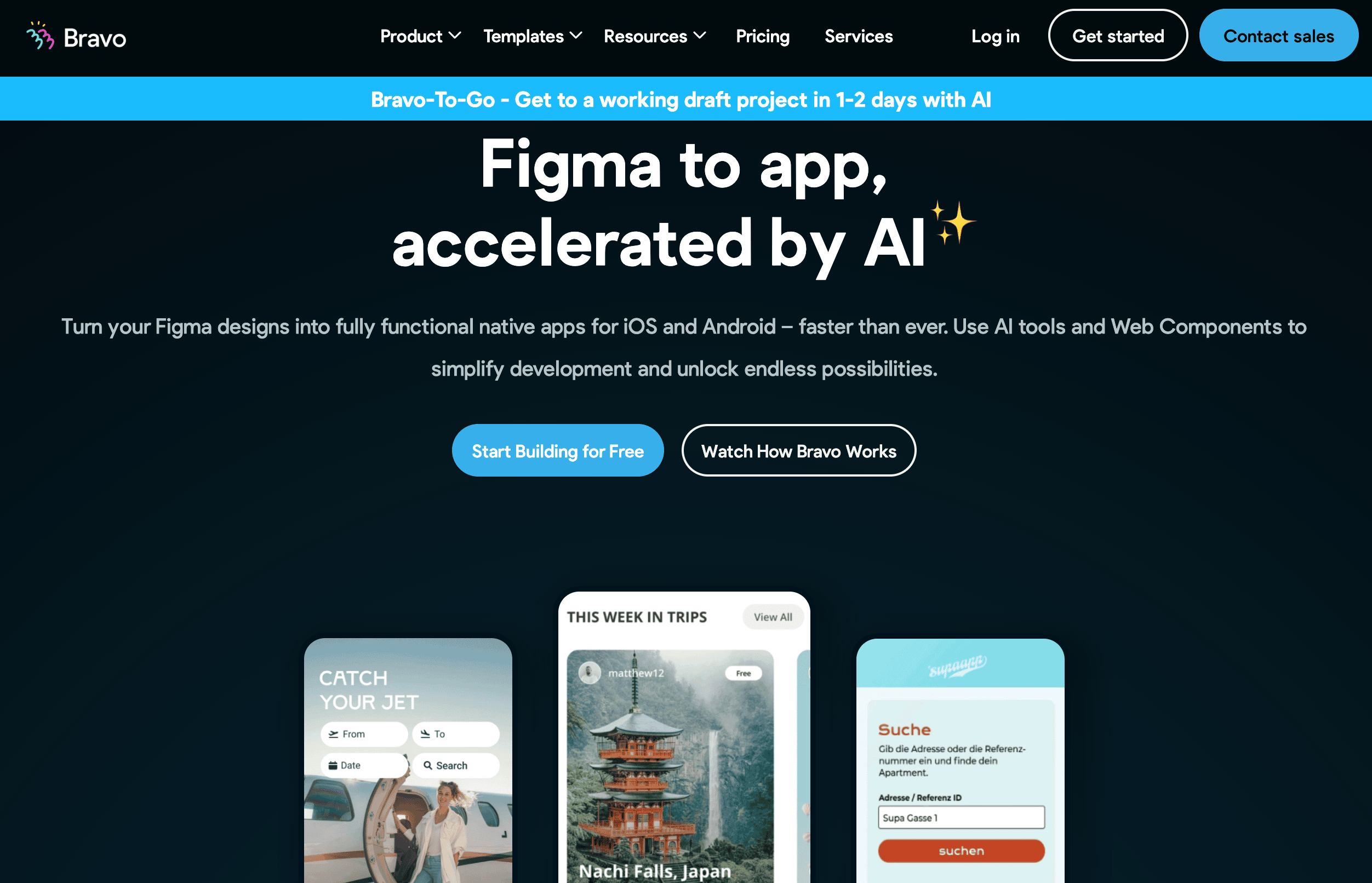
Bravo Studio exists for one specific audience: designers who live in Figma and want their designs to become real native apps without involving a developer.
You design your screens in Figma (with Bravo’s tagging conventions), connect APIs or Firebase for data, and Bravo compiles everything into native iOS and Android apps.
The result is pixel-perfect. Your app looks exactly like your Figma file, which is something most no-code builders can’t promise. The catch is that you absolutely need Figma skills to use Bravo, and you’ll need an external backend for any serious data handling.
Bravo Studio pros:
- Design fidelity that other platforms can’t match. What you design in Figma is exactly what ships.
- Supports native features like push notifications, in-app purchases, and multiple authentication methods.
Bravo Studio cons:
- Figma experience is a hard prerequisite, not a nice-to-have. If you don’t design, this isn’t your tool.
- Backend logic depends entirely on external services, which adds complexity and cost to every project.
Bravo Studio pricing:
Free plan available, although it’s capped to 15 screens and doesn’t include app store publishing. Paid plans start at $22/month for unlimited projects with up to 30 published screens.
Best no-code platforms for website building
9. Hostinger Website Builder
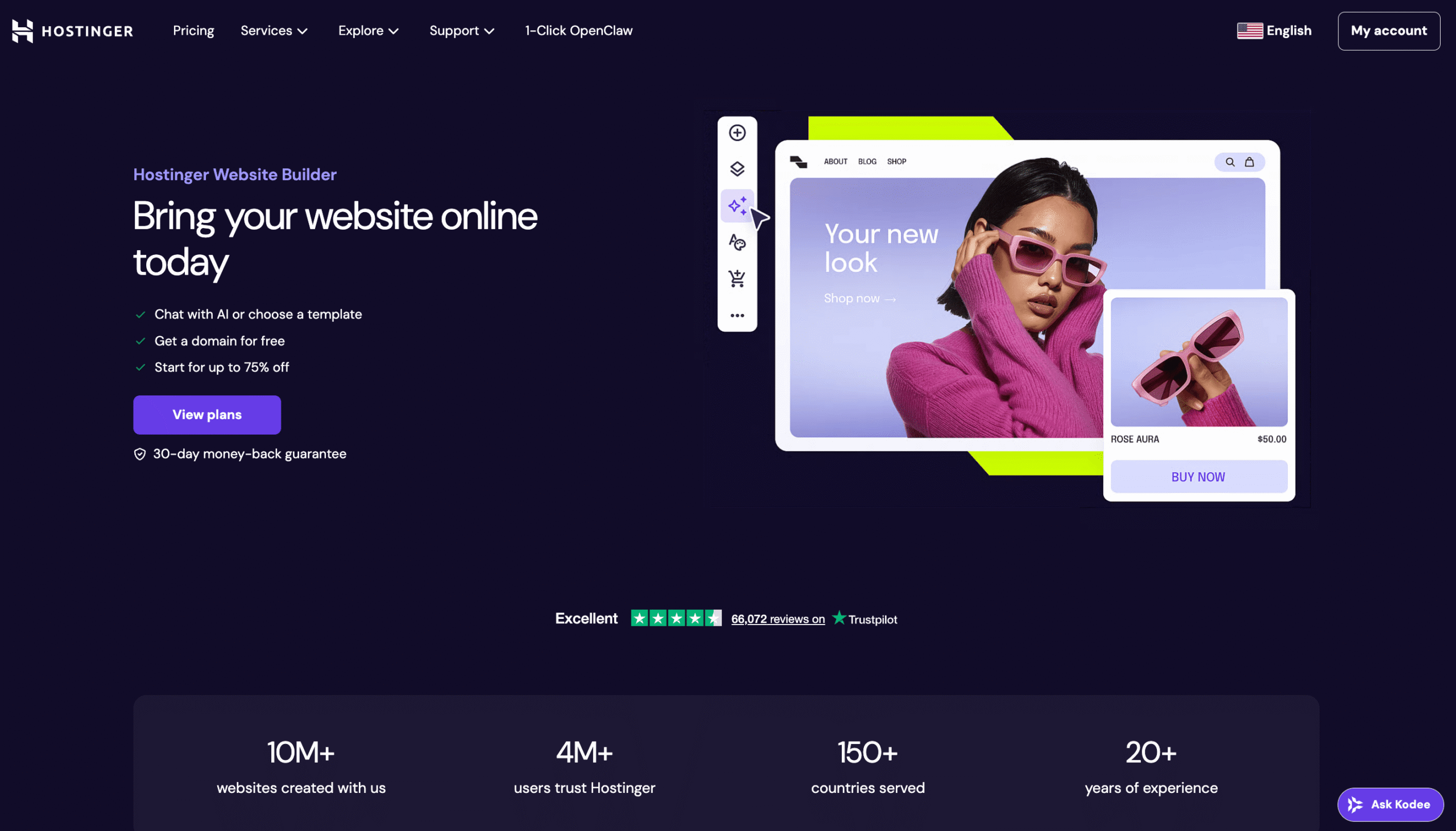
Not every project needs a complex app builder. Sometimes you just need a professional website that’s live today, looks good on mobile, and doesn’t cost much. That’s exactly what Hostinger Website Builder is built for.
The AI generates a full site layout from a short business description, then you customize everything with a drag-and-drop editor. Hosting, a free domain, SSL, and even email are all included.
It’s particularly strong for business websites, restaurants, portfolios, blogs, and landing pages. If you need a simple website builder that handles the basics without overwhelming you, this is a reliable pick.
Hostinger Website Builder pros:
- AI-assisted site creation that generates layouts, text, and images from a description of your business.
- One of the most budget-friendly all-in-one packages on the market, with hosting, domain, SSL, and ecommerce bundled in.
Hostinger Website Builder cons:
- Limited advanced customization. If you want granular design control, Webflow might be a better fit.
- Shared hosting means performance may dip under heavy traffic. Not ideal for high-traffic sites without upgrading to cloud hosting.
Hostinger Website Builder pricing:
Plans start at $2.99/month on long-term commitments, with the Business plan at $3.99/month adding ecommerce and AI blogging tools.
10. Webflow
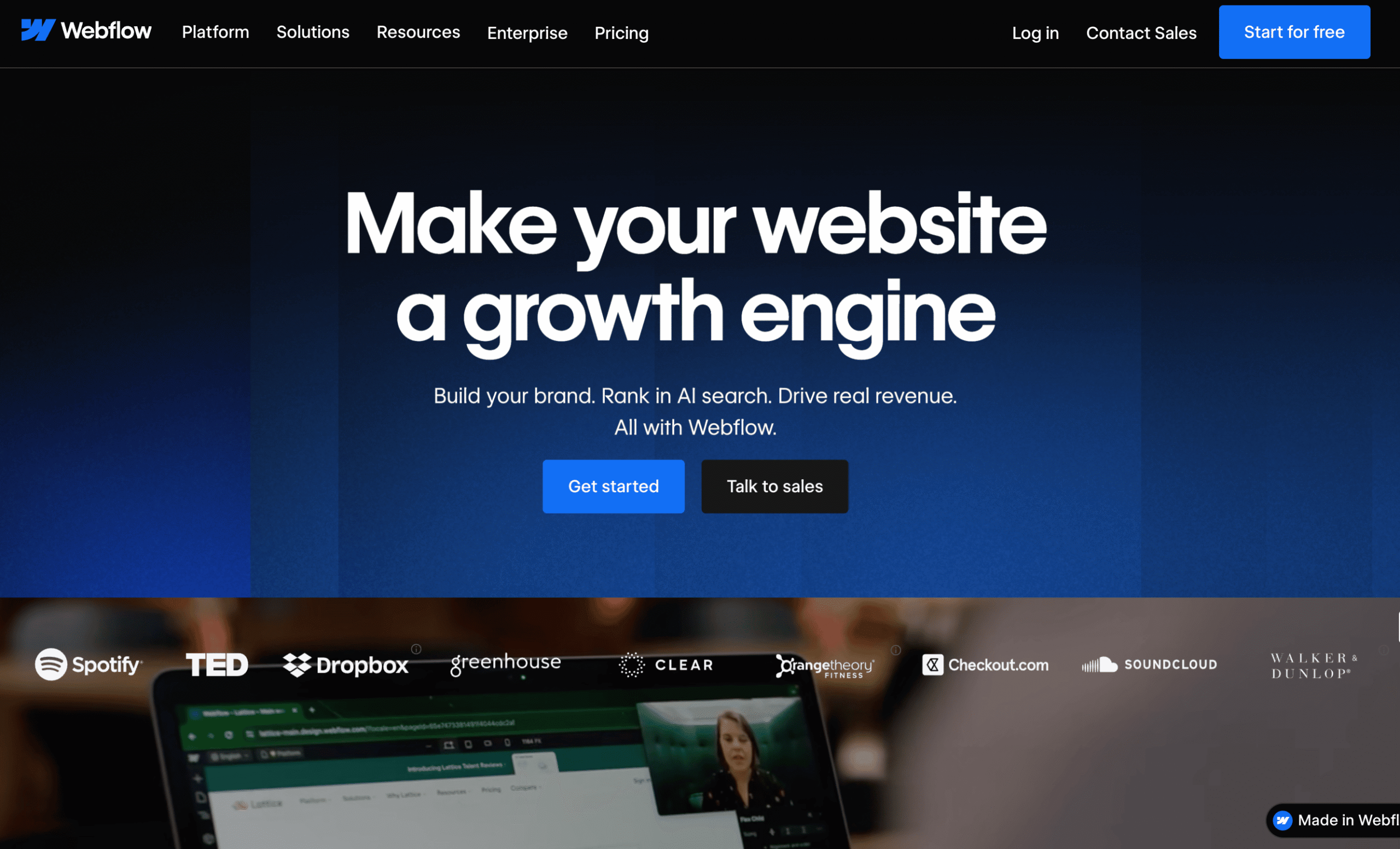
Webflow is essentially a visual interface for writing HTML and CSS, which means the design possibilities are virtually unlimited.
Designers love it because they can create exactly what they envision without waiting for a developer to implement it. Agencies love it because they can build client sites that look custom-coded at a fraction of the development time.
The built-in CMS handles blogs, directories, and content-heavy marketing sites well. But Webflow demands respect. The learning curve is real, and understanding how HTML and CSS work makes the difference between a frustrating experience and a powerful one.
If you’re considering alternatives to Webflow, it’s worth knowing that very few no-code tools offer the same level of design control.
Webflow pros:
- Pixel-perfect design control with responsive breakpoints, custom interactions, and animations.
- Flexible CMS for dynamic content. Blogs, directories, and content-driven sites work particularly well.
Webflow cons:
- The learning curve is steep enough that many users recommend taking a course before starting a real project. This isn’t a “sign up and build in an afternoon” tool.
- Limited app-style logic. If you need user accounts, complex forms, or database-driven features, you’ll quickly outgrow what Webflow offers natively.
Webflow pricing:
Free starter plan. Site plans start at $14/month and go up to $39/month. Workspace plans for team collaboration are separate and start at $19/month.
11. Carrd
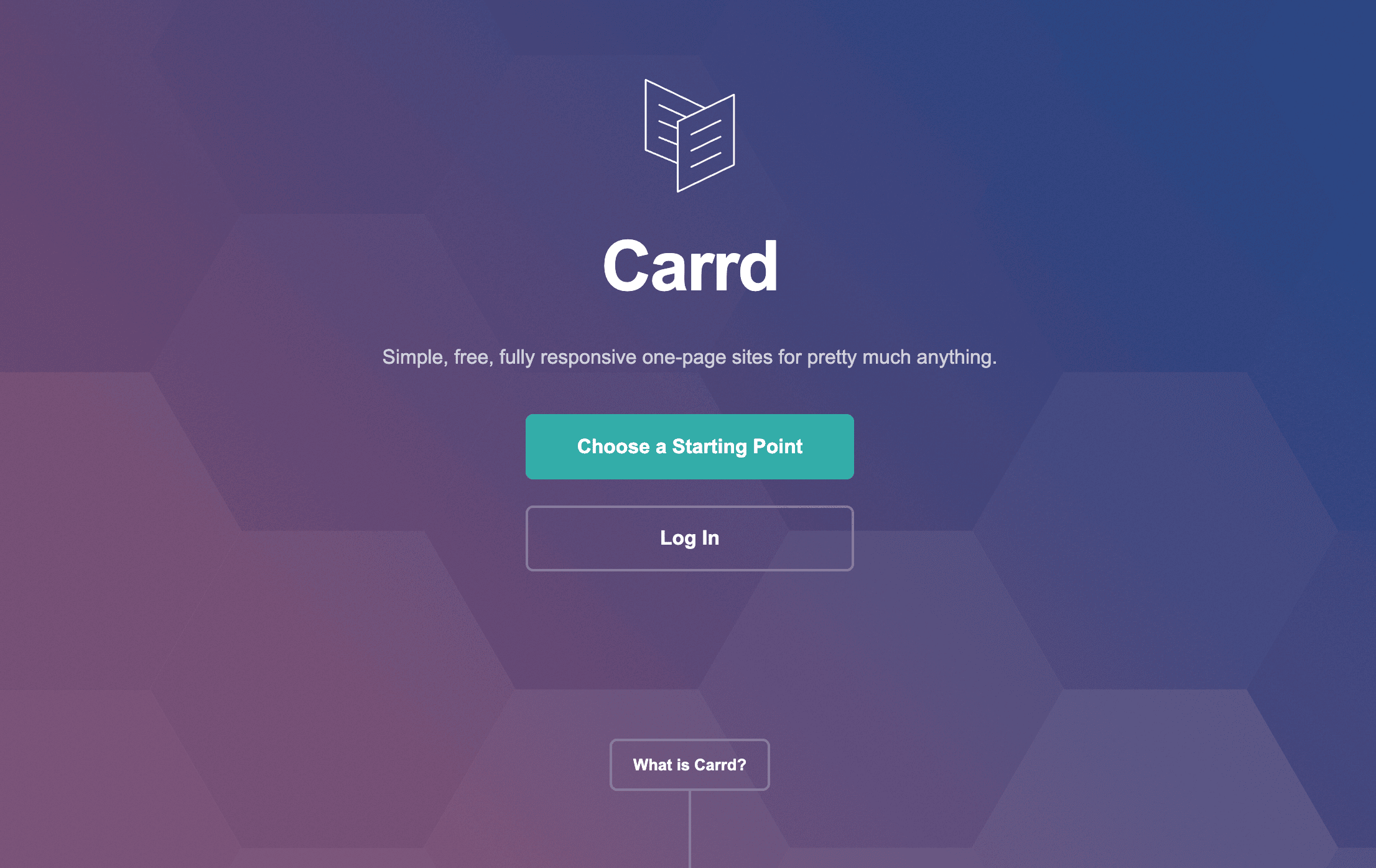
Carrd does one thing, and it does it cheaper than anyone else: one-page websites. Personal sites, link-in-bio pages, landing pages, product launch teasers, event pages. If it fits on a single page, Carrd can have it live in 15 minutes for less than the price of a coffee.
There’s no CMS, no multi-page sites, no complex logic. And that’s the point. Carrd deliberately stays simple so it can stay fast, affordable, and easy to use.
Carrd pros:
- The most affordable website builder on the market. The starter plan costs $9/year (not per month, per year) for three sites.
- Clean editor with attractive templates. You won’t spend hours fighting the interface.
Carrd cons:
- Strictly one-page websites. If you need a blog, multiple pages, or any kind of content management, you need a different tool.
- Minimal SEO capabilities and no native ecommerce. You can embed Stripe or PayPal for basic payments, but there’s no product catalog or cart.
Carrd pricing:
Entry-level plan for up to three sites costs $9/year, with higher-priced tiers up to $49/year for up to 25 sites.
12. Canva
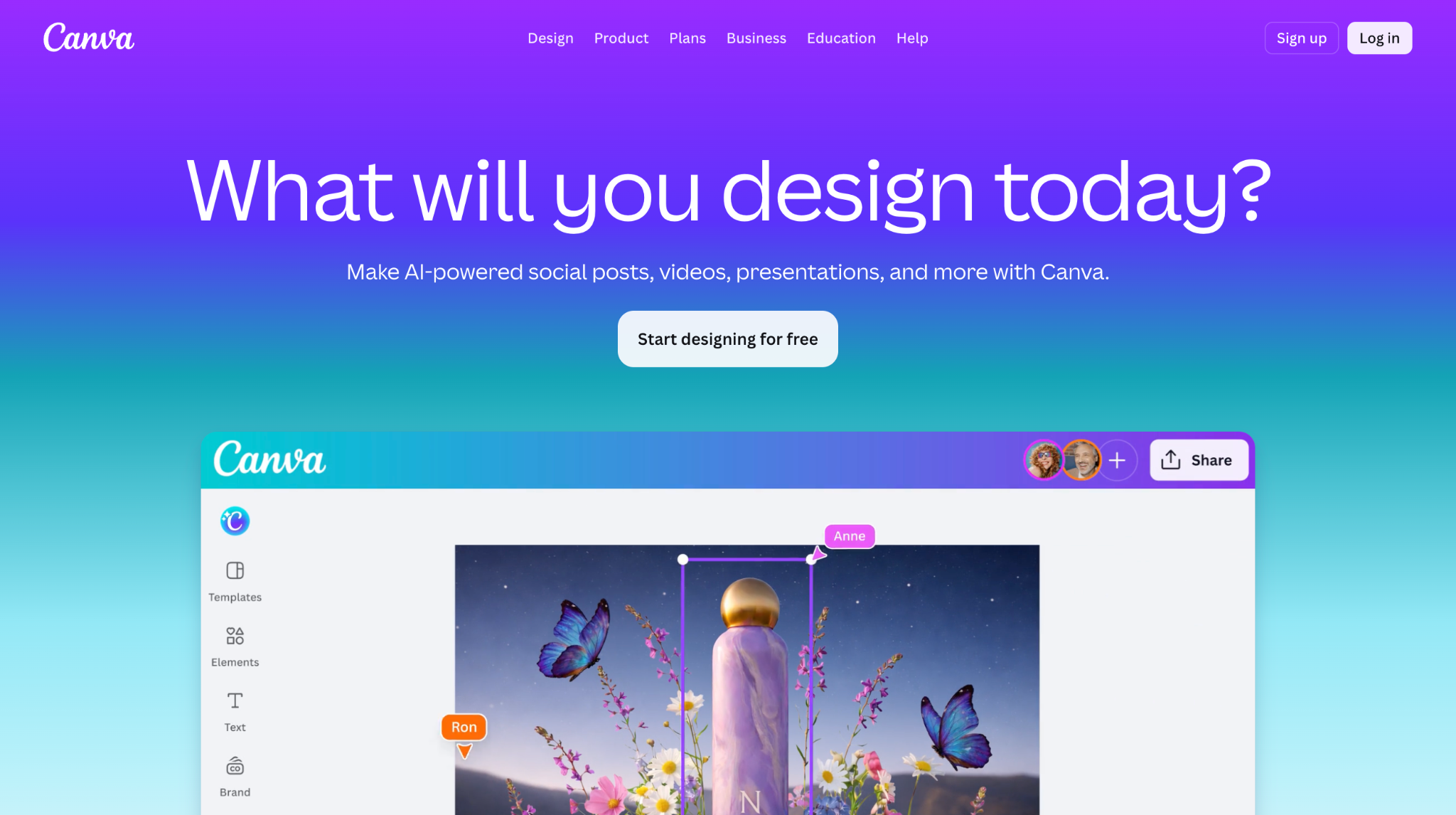
You probably already use Canva for social media graphics or presentations. The website builder is a natural extension of that workflow: pick a template, customize it visually, and publish. It’s familiar, fast, and produces visually polished results.
But as a website builder, it’s genuinely limited. There are no forms for collecting emails, no proper heading tags for SEO, no CMS, and no dynamic content.
The mobile editor is missing too, so changes you make on desktop can break the mobile layout with no easy way to fix it.
For anyone exploring alternatives to Canva for website building specifically, a dedicated builder will give you much more functionality. Canva Websites makes sense if you already pay for Canva Pro and just need a quick, attractive page.
Canva pros:
- Zero learning curve if you’ve used Canva before. The website builder works exactly like the rest of the platform.
- Enormous template library with consistently good design quality.
Canva cons:
- Missing basic website features like forms, proper headings, and a mobile editor. It’s a design tool with publishing, not a real website builder.
- Custom domains require a full Canva Pro subscription at $144/year, which is expensive when Hostinger Website Builder offers more functionality for a fraction of the price.
Canva pricing:
Free plan available. Custom domains and branding removal require Canva Pro at $144/year (includes the full Canva design suite).
Best no-code platforms for databases and internal tools
13. Airtable
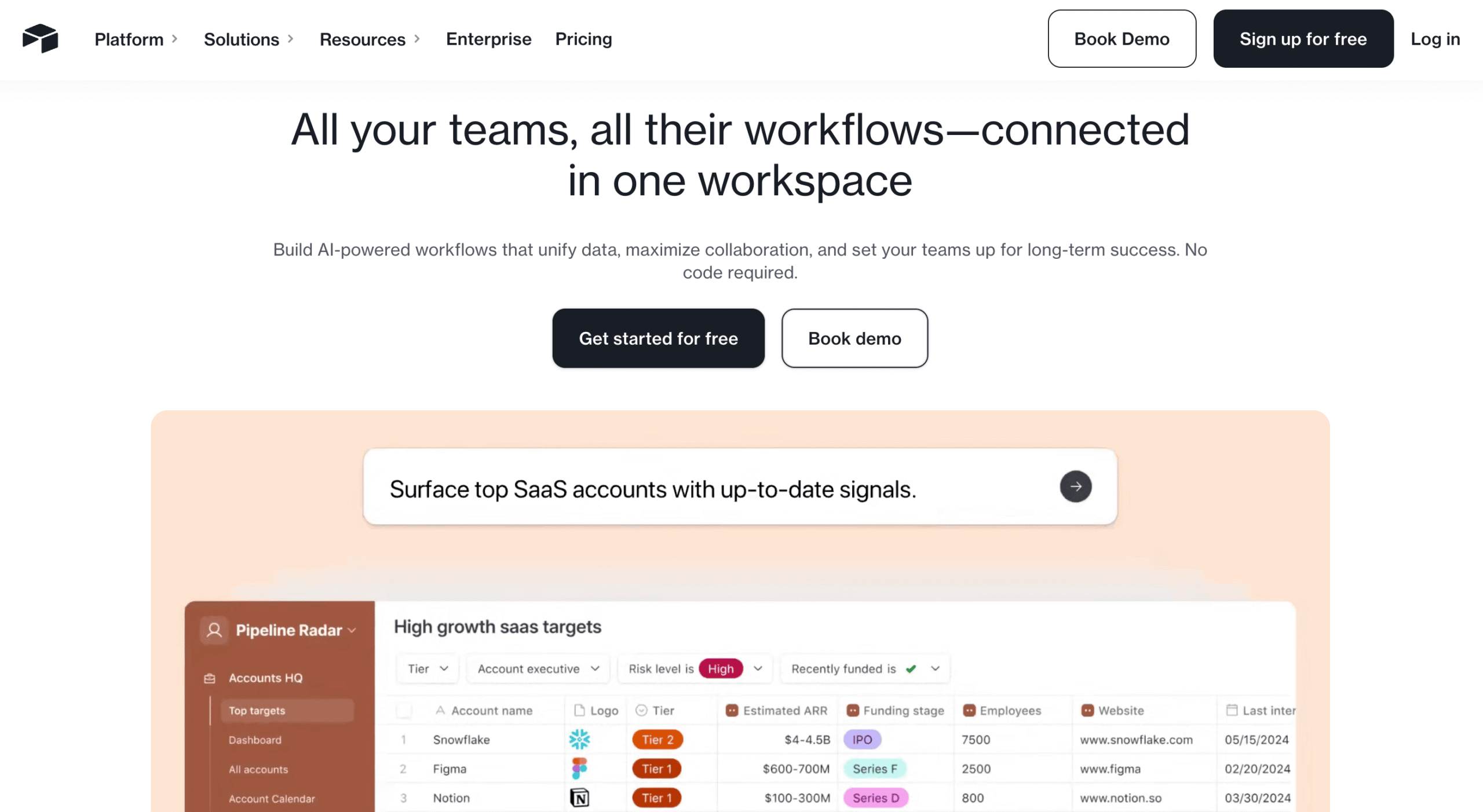
Airtable looks like a spreadsheet but thinks like a database. You can link tables together, create rollup calculations across relationships, and build automation workflows.
The same data can be visualized as a grid, Kanban board, calendar, Gantt chart, or gallery, all without writing SQL or configuring a server.
The Interface Designer even lets you put a clean dashboard on top of all this data so stakeholders see exactly what they need and nothing they don’t.
One important limitation is that Airtable is built for internal use. The frontend tools work well for the dashboards your team uses, but they can’t compete with more advanced alternatives to Airtable for anything customer-facing.
Airtable pros:
- Flexible data modeling with relational features that rival traditional databases. Linked records, rollups, lookups, and formulas work across tables seamlessly.
- Built-in automation builder with conditional logic, scheduled triggers, and integrations with external services.
Airtable cons:
- Not designed for customer-facing applications and can’t compete with dedicated frontend builders for anything your users or customers will interact with directly.
- For large datasets, you’ll need to split data across multiple bases or invest time in optimizing your views and filters.
Airtable pricing:
Free plan available. Team plan at $20/user/month, Business at $45/user/month. Enterprise pricing is custom.
14. Retool
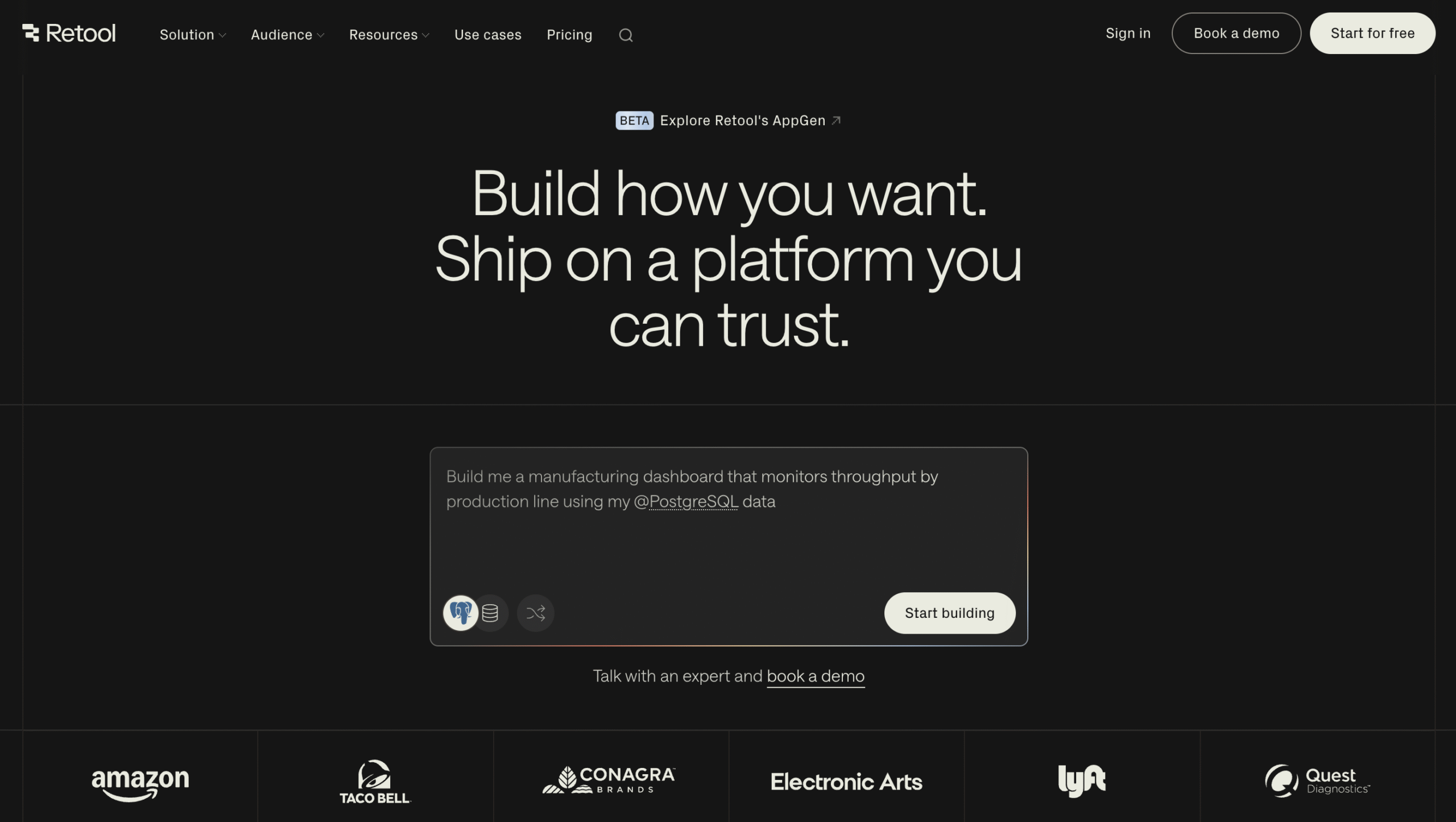
Instead of building one-off admin panels, dashboards, and internal workflow tools from scratch, Retool connects directly to your existing databases (Postgres, MySQL, MongoDB), APIs, and SaaS platforms. From there, you assemble production-quality interfaces with drag-and-drop components.
The key difference from other no-code tools is that Retool works with your real data in place. No migration, no importing CSVs, no recreating your schema in a new system.
That said, Retool is built for internal tools, and while it’s marketed as no-code, non-developers will find the experience much smoother if they’re comfortable writing a bit of JavaScript.
Retool pros:
- Direct connections to your existing databases and APIs. Build on top of your real infrastructure instead of duplicating it.
- Component library that looks and feels production-ready. Charts, tables, forms, and custom components don’t look like a no-code project.
Retool cons:
- Building for external or public-facing users is possible but requires Business or Enterprise tier and is clearly an afterthought – this is a tool designed for internal audiences.
- The learning curve assumes technical comfort. You won’t need to write code for everything, but you’ll hit walls without it.
Retool pricing:
Free tier for up to 5 users. Team plan at $10/user/month for builders and $5 per internal user.
15. AppSheet
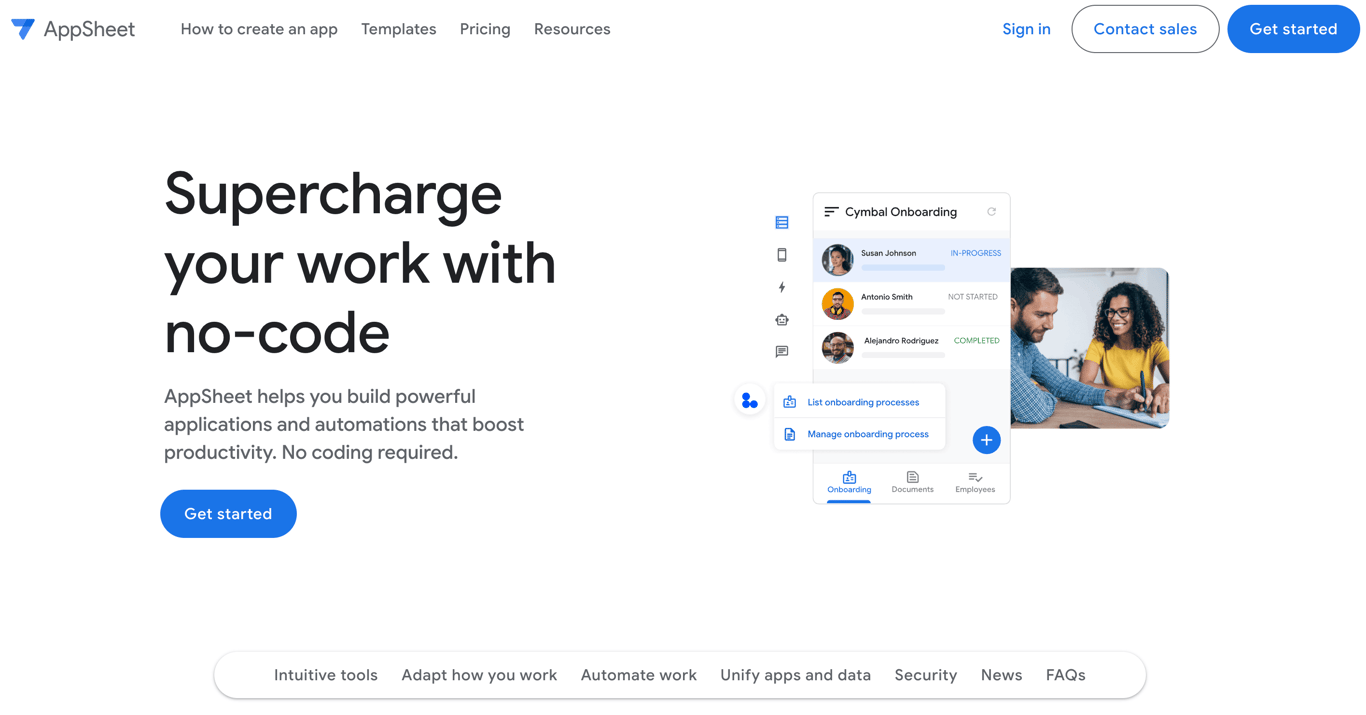
If your team already runs on Google Workspace, AppSheet is the path of least resistance for building workflow apps.
It connects natively with Sheets, Drive, Gmail, and Calendar, which means your existing data and processes become the foundation of your app without any migration.
The tradeoff is that AppSheet’s interface looks and feels like a Google product from a few years ago. The apps it produces are functional but won’t win any design awards, and the configuration gets surprisingly complex once you move beyond basic data entry into conditional logic and calculated fields.
AppSheet pros:
- Native mobile apps with offline mode. Field teams can capture data, complete forms, and run workflows without a connection – everything syncs automatically when they’re back online.
- Seamless Google Workspace integration. If your data lives in Sheets and your team uses Gmail, AppSheet feels like a natural extension.
- Solid automation capabilities for business processes like approvals, notifications, and scheduled data validation.
AppSheet cons:
- The interface and the apps it produces feel dated. If visual polish matters to your users, they’ll notice.
- Conditional logic and complex expressions use AppSheet’s own formula syntax, which has a learning curve that catches people off guard.
AppSheet pricing:
Included with some Google Workspace plans. Standalone pricing starts at $5/user/month.
16. Notion
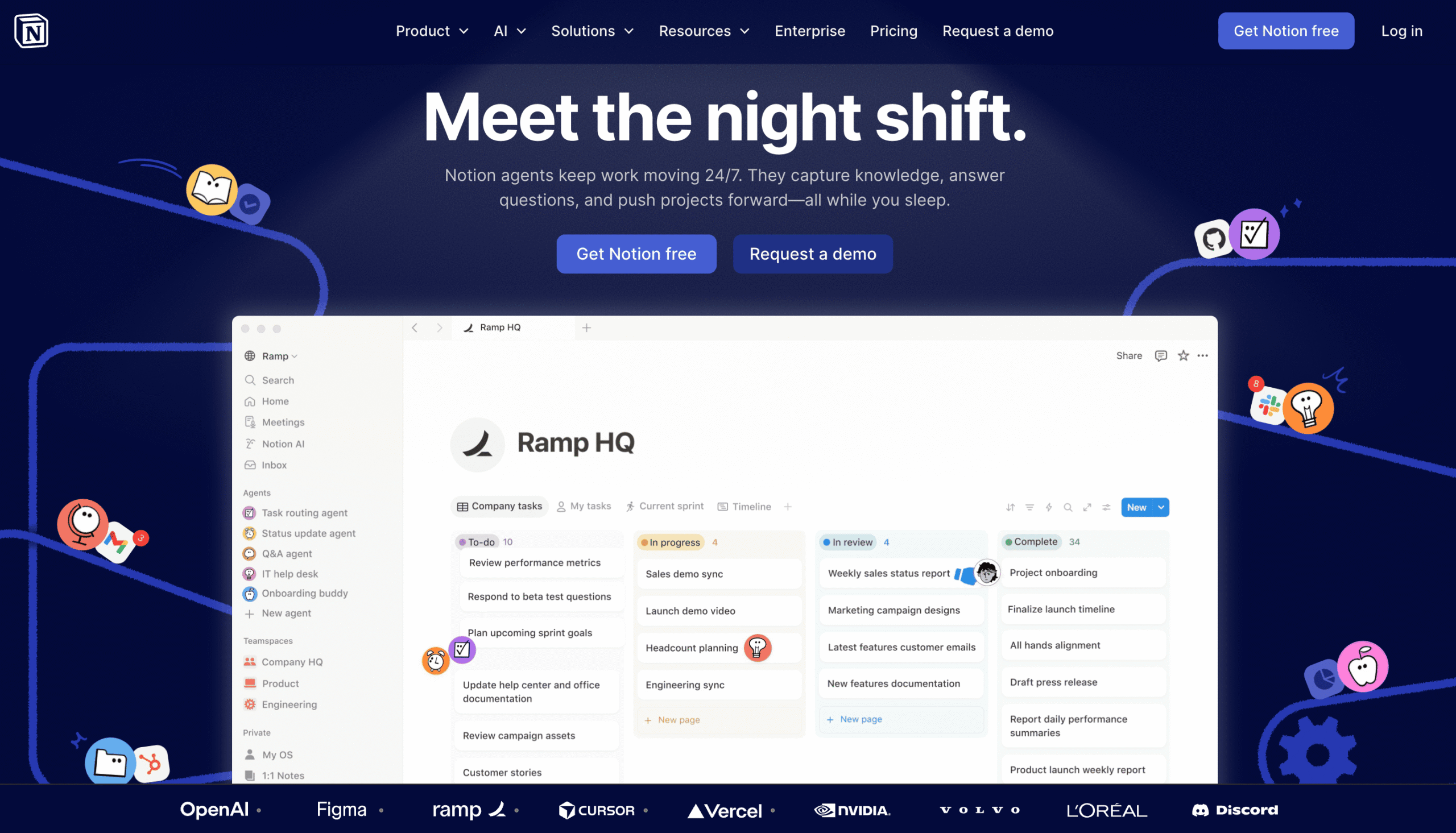
Notion isn’t a traditional no-code builder, but it’s become the default workspace for so many teams that its database features deserve a spot on this list.
The template ecosystem is massive, and the learning curve is much gentler than database-first tools like Airtable.
Where Notion hits a wall is scale. Load a database with more than 5,000 records and you’ll notice pages slowing down. Embed multiple databases on a single page and initial load times can stretch to several seconds.
The automation features are also basic compared to anything else in this category. For teams exploring alternatives to Notion, the real question is whether you need a flexible workspace that does a bit of everything, or a structured database that does data really well.
Notion pros:
- Incredibly versatile workspace where databases, documents, and project boards coexist naturally.
- Gentle learning curve compared to database-first tools. Most people pick up the basics in a day, and the massive template ecosystem means you rarely have to start from scratch.
Notion cons:
- Not built for heavy data work. Performance degrades noticeably with large datasets, and there’s no equivalent to Airtable’s relational rollups or Gantt views.
- Permissions are page-level only. You can’t restrict access to specific fields or rows within a database, which becomes a real problem when different team members should see different slices of the same data.
Notion pricing:
Free plan with unlimited pages and blocks. Paid plans start at $9.50/user/month to unlock more integrations and features.
17. Make
Make is the automation platform you switch to when Zapier gets too expensive or too limited for your workflows.
Its visual scenario builder lets you map out complex, multi-step automations with branching logic, error handling, data transformation, and parallel processing in a way that Zapier’s linear Zaps can’t always match.
It also integrates with over 3,000 apps and lets you see exactly how data flows between each step, which makes debugging and optimizing much easier than working with text-based automation logs.
Make pros:
- Granular workflow control with a visual builder that shows exactly how data flows between steps. You can see, debug, and optimize every connection.
- Dramatically more cost-effective than Zapier for high-volume or complex automations.
Make cons:
- Steeper learning curve than Zapier. The visual builder is powerful, but new users will be challenged by the number of options.
- Support is limited on Free, Core, Pro, and Team plans. If you get stuck, you’re largely relying on community forums and documentation.
Make pricing:
Free plan available. Core plan at $9/month, Pro plan at 16/month (billed annually), with pricing based on credits.
18. Zapier
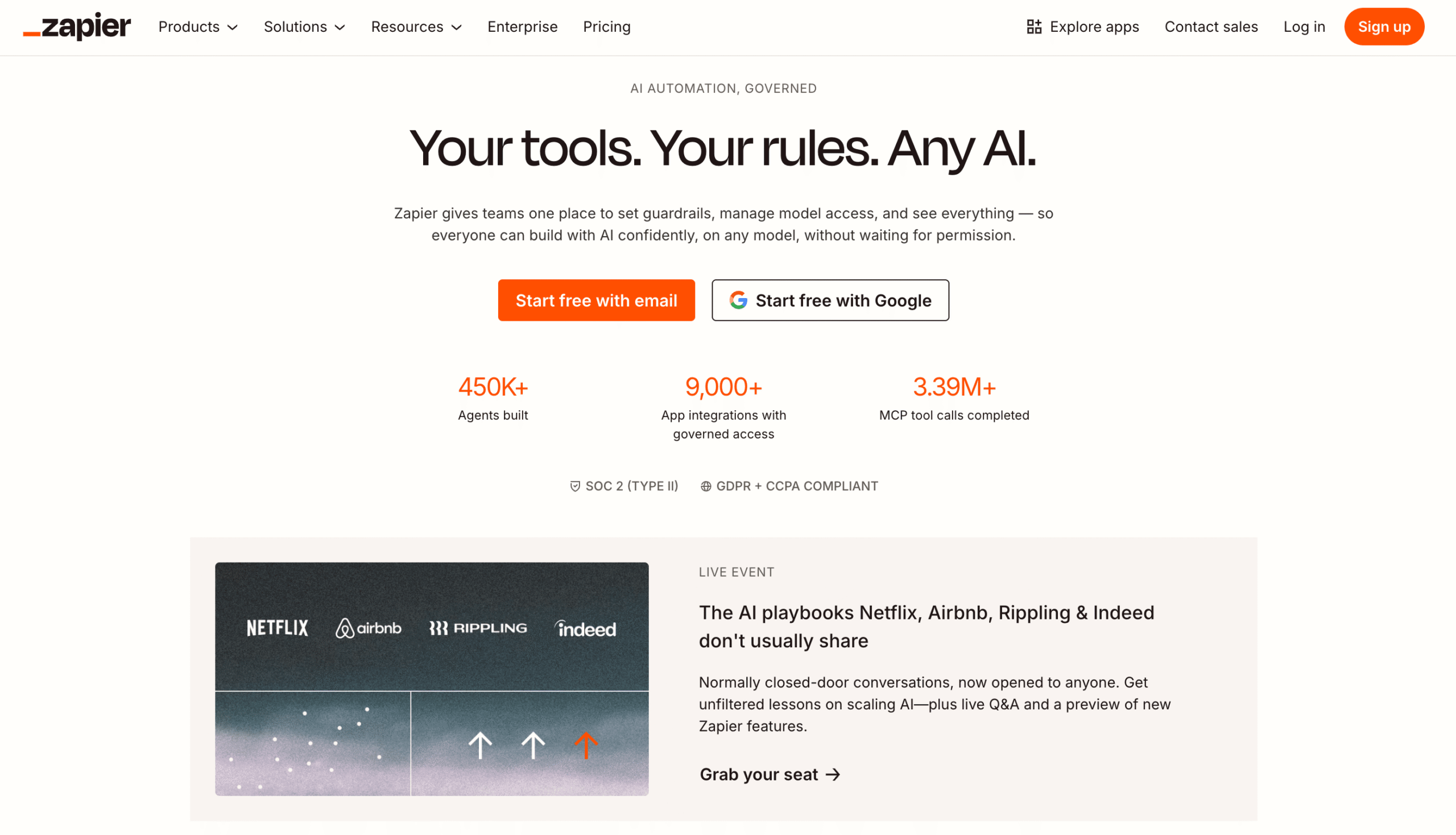
Zapier connects over 8,000 apps, which is more than any other automation platform. If a SaaS tool exists, Zapier almost certainly has a connector for it.
For straightforward automations like “when a form is submitted, add a row to my spreadsheet and send a Slack notification,” nothing is faster to set up.
Zapier has grown to include Tables (a lightweight database), Interfaces (custom forms and portals), and AI Chatbots, all bundled into its pricing tiers.
The tradeoff remains pricing: each action in a workflow counts as a separate task, so a 6-step automation running 1,000 times costs you 6,000 tasks. That model can punish complexity.
For simple workflows and teams already exploring an automation tool like Zapier, it’s still the most accessible option. For anything high-volume, check Make first.
Zapier pros:
- Largest app integration library at 8,000+ connections. The breadth of what you can connect is unmatched.
- Extremely easy to set up. Non-technical users can create their first automation in minutes, and the AI copilot helps build workflows from natural language descriptions.
Zapier cons:
- Task-based pricing scales aggressively. A moderate number of multi-step workflows can push you into expensive territory quickly.
- Less capable than Make for complex, branching automations with error handling and parallel paths.
Zapier pricing:
Free plan with 100 tasks/month. Paid plans start at $19.99/month for unlimited access and multi-step workflows.
19. Xano
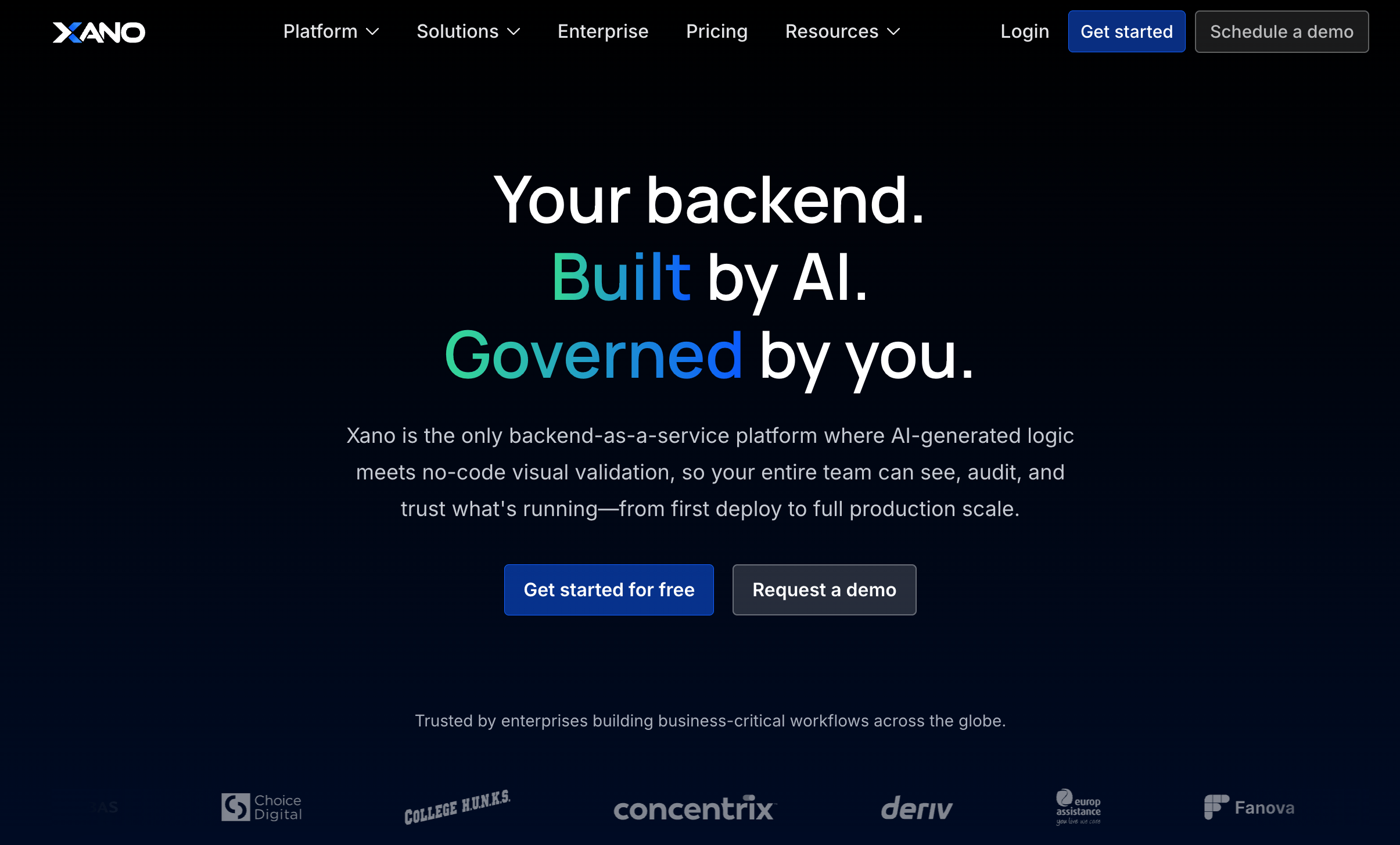
Xano is the backend that most no-code frontend builders don’t include. It gives you a PostgreSQL database, a visual API builder, server-side logic, scheduled tasks, and file storage, all without writing code.
Pair it with WeWeb, FlutterFlow, Adalo, or even a custom React frontend, and you have a full-stack application.
The visual logic builder is Turing complete, meaning it can handle any computational task you throw at it. That said, this power comes with expectations. You need to understand database schemas, API design, and how data flows through a system.
Xano isn’t a tool you’ll pick up in an afternoon if you’ve never thought about backend architecture before.
Xano pros:
- Full backend scalability with PostgreSQL, custom API endpoints, scheduled tasks, and serverless functions. Sub-200ms query times on well-structured data.
- Open API architecture with no vendor lock-in. Migrating away from Xano means changing API endpoints, not extracting trapped data from a proprietary system.
Xano cons:
- No frontend tools whatsoever. Every project requires a separate builder or framework for anything the user sees, which adds cost and complexity.
- The learning curve assumes you understand how databases and APIs work. If terms like “foreign key” or “REST endpoint” are unfamiliar, you’ll need to learn those concepts first.
Xano pricing:
Free plan for experimentation. Paid plans start at $85/month with dedicated infrastructure and 100GB storage. Higher tiers scale with compute resources.
20. OutSystems
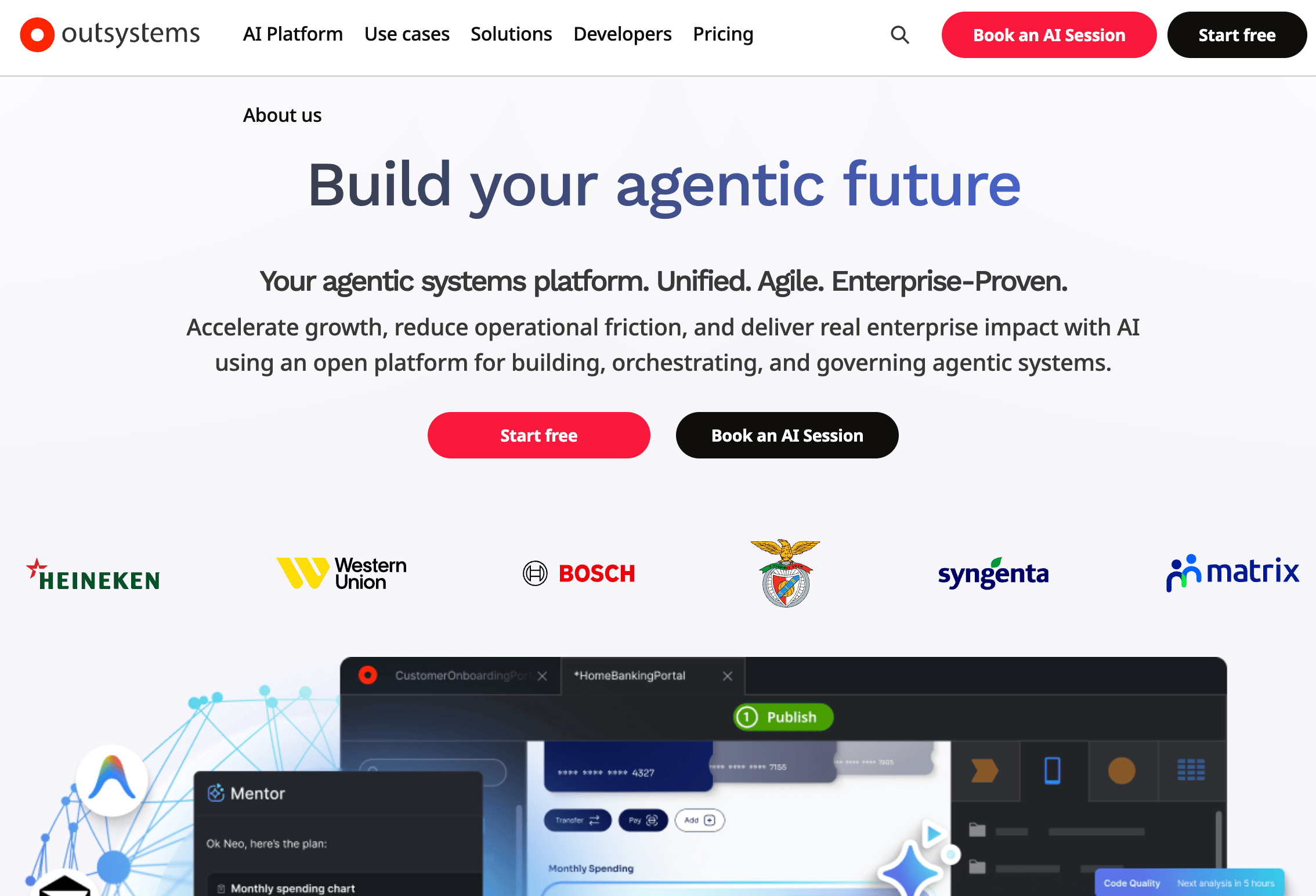
OutSystems plays in a completely different league from everything else on this list. It’s an enterprise low-code platform designed for large organizations that need to build, deploy, and govern complex internal systems at scale.
We’re talking about companies with compliance requirements, multi-team development workflows, and applications that integrate with legacy enterprise infrastructure.
If you’re a solo founder or a small team, this isn’t for you, and the price tag makes that immediately clear. But for enterprise IT departments that would otherwise spend millions on custom development, OutSystems can dramatically accelerate delivery while maintaining the governance and security controls that large organizations require.
OutSystems pros:
- Enterprise-grade tooling with strong security, compliance, lifecycle management, and governance features.
- Can handle highly complex applications with sophisticated business logic and integrations with legacy systems.
OutSystems cons:
- Overkill for small teams or simple projects. The platform is built for enterprise-scale complexity, and the setup, features, and infrastructure requirements reflect that.
- Complex to learn and implement. Most organizations bring in consultants or go through formal training programs.
OutSystems pricing:
Enterprise licensing starts at $36,300/year with custom quotes for larger deployments.
How to choose the right no-code platform by use case
Choosing the right no-code platform depends on what you’re building, how complex your data needs are, your team’s technical comfort level, and how much you expect to scale. Here are the key factors to consider:
Start with what you’re actually building. This sounds obvious, but it’s the mistake most people make. A solo founder building a booking app for the App Store needs Adalo or Thunkable, not Bubble. A marketing team launching landing pages needs Hostinger Website Builder, not Retool. Match the tool to the output, not to the feature list.
Think about your data. If you’re managing simple lists, Glide or Notion will do. If you’re building relational data models with linked records, automations, and calculated fields, Airtable is the right foundation. If you need a production-grade backend that a separate frontend connects to, that’s when Xano enters the picture.
Be honest about your team’s technical skill. Hostinger Horizons and Glide are built so anyone can start building immediately. Bubble, WeWeb, and Retool assume you’re comfortable with logic, data structures, and at least some technical concepts.
Factor in total cost, not just the sticker price. Per-seat pricing on tools like Airtable and Retool adds up quickly as your team grows. Usage-based models like Bubble’s workload units and Zapier’s task counting can surprise you at scale. Run the math for your actual expected usage before committing annually.
Common mistakes when selecting a no-code platform
Even with a clear use case in mind, there are a few traps that catch people off guard. Most of them come down to not thinking far enough ahead.
Picking a tool based on today’s needs without thinking about tomorrow. A platform might work perfectly for 50 users and 500 records, but what happens at 5,000 users and 50,000 records? Check data limits, performance benchmarks, and the pricing jump between tiers before building your core product on any platform.
Underestimating how many integrations you’ll need. Almost every real project eventually requires a payment processor, an email service, analytics, or an external database. A platform that looks perfect in isolation can become a headache if it doesn’t connect to the tools your business depends on. Verify integrations before you commit, not after.
Committing to an annual plan before validating your use case. Most platforms offer free tiers or trials. Use them. Build a rough version of your actual project and stress-test it with real data and real scenarios. The limitations that matter most only reveal themselves when you try to build something real.
Ignoring vendor lock-in until it’s too late. Some platforms don’t let you export your data, your code, or your designs. That’s fine when you’re prototyping, but it becomes a serious problem if you need to migrate later.
Platforms like WeWeb export clean, portable code. Xano takes a different approach: its open API architecture means migrating away is a matter of switching endpoints, not extracting trapped data.
Before you build anything mission-critical, ask yourself: if this platform disappeared tomorrow, how hard would it be to move?
When to combine multiple no-code platforms
Very few projects live entirely within a single platform, and that’s completely fine. In practice, the most effective no-code setups combine specialized tools that each handle one layer well.
Here’s what that looks like in practice:
A startup building a SaaS product might use WeWeb for the frontend, Xano for the backend and database, Stripe for payments, and Make to automate onboarding workflows. Total monthly cost: roughly $50-150, compared to $5,000+ for a developer.
An operations team at a mid-sized company might pair Airtable for data management with Retool for custom admin dashboards and Zapier for connecting everything to Slack, Gmail, and their CRM. Each tool does what it’s best at, and the integrations handle the glue.
A non-technical founder testing an idea might start with Hostinger Horizons to build and launch an MVP in a day, then migrate to a custom stack if the concept gains traction and needs more complex functionality.
The tradeoff is always between simplicity and flexibility. All-in-one platforms like Hostinger Horizons reduce the number of tools you manage but may not cover every complex edge case. Multi-tool stacks give you maximum power but require more setup and maintenance.
The best approach: start with fewer tools and add complexity only when you hit a genuine limitation, not when you imagine one. And if you’re still figuring out where no-code fits into your workflow, it helps to understand what no-code automation really means.
All of the tutorial content on this website is subject to Hostinger's rigorous editorial standards and values.

Simon is a dynamic Content Writer who loves helping people transform their creative ideas into thriving businesses. With extensive marketing experience, he constantly strives to connect the right message with the right audience. In his spare time, Simon enjoys long runs, nurturing his chilli plants, and hiking through forests. Follow him on LinkedIn.
