








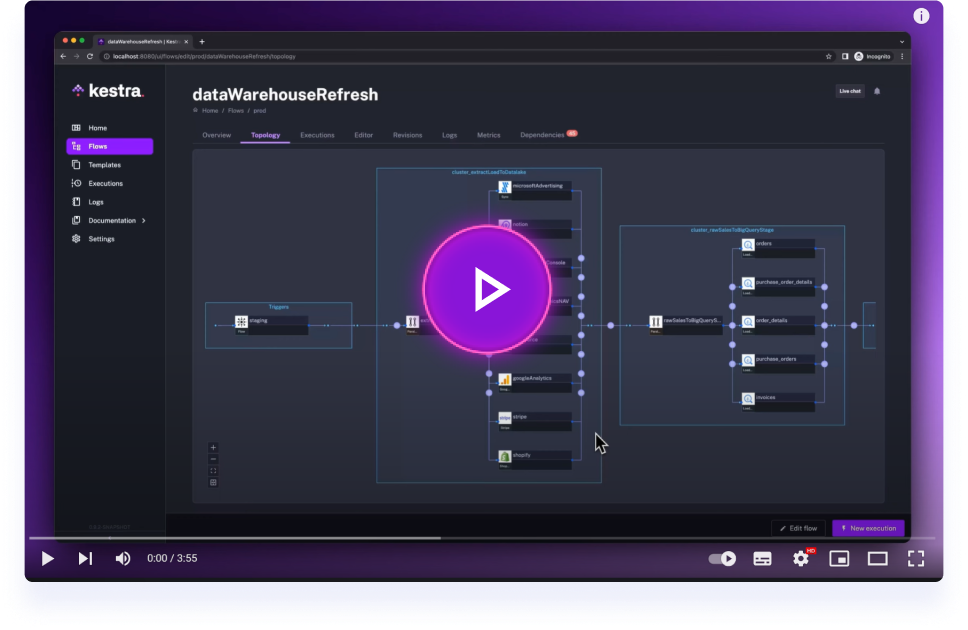
Get started with Kestra in 4 minutes.
Plugin to orchestrate dbt models and tests using dbt core or dbt Cloud.
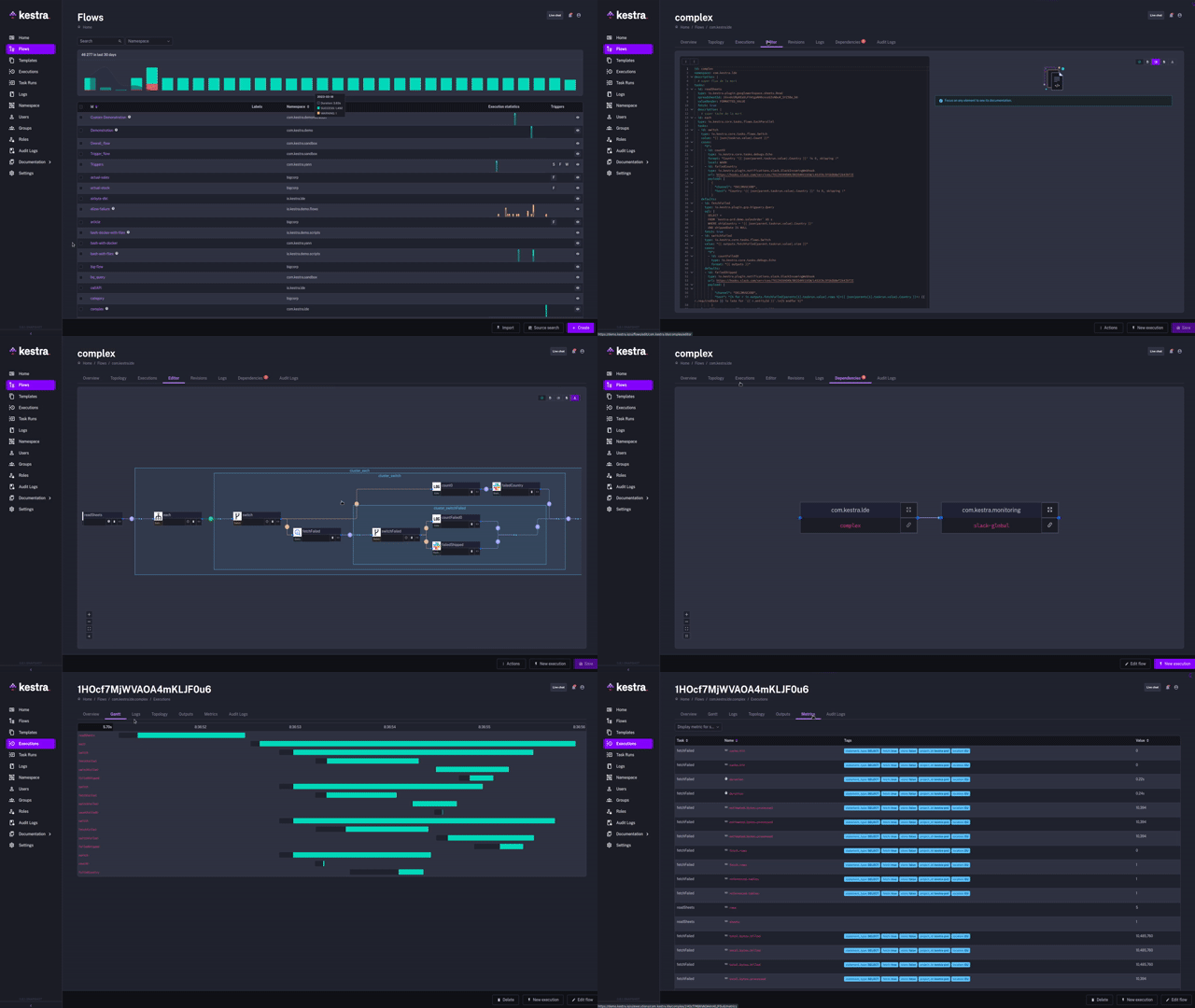
- Full documentation can be found under kestra.io/docs
- Documentation for developing a plugin is included in the Plugin Developer Guide.
Apache 2.0 © Kestra Technologies
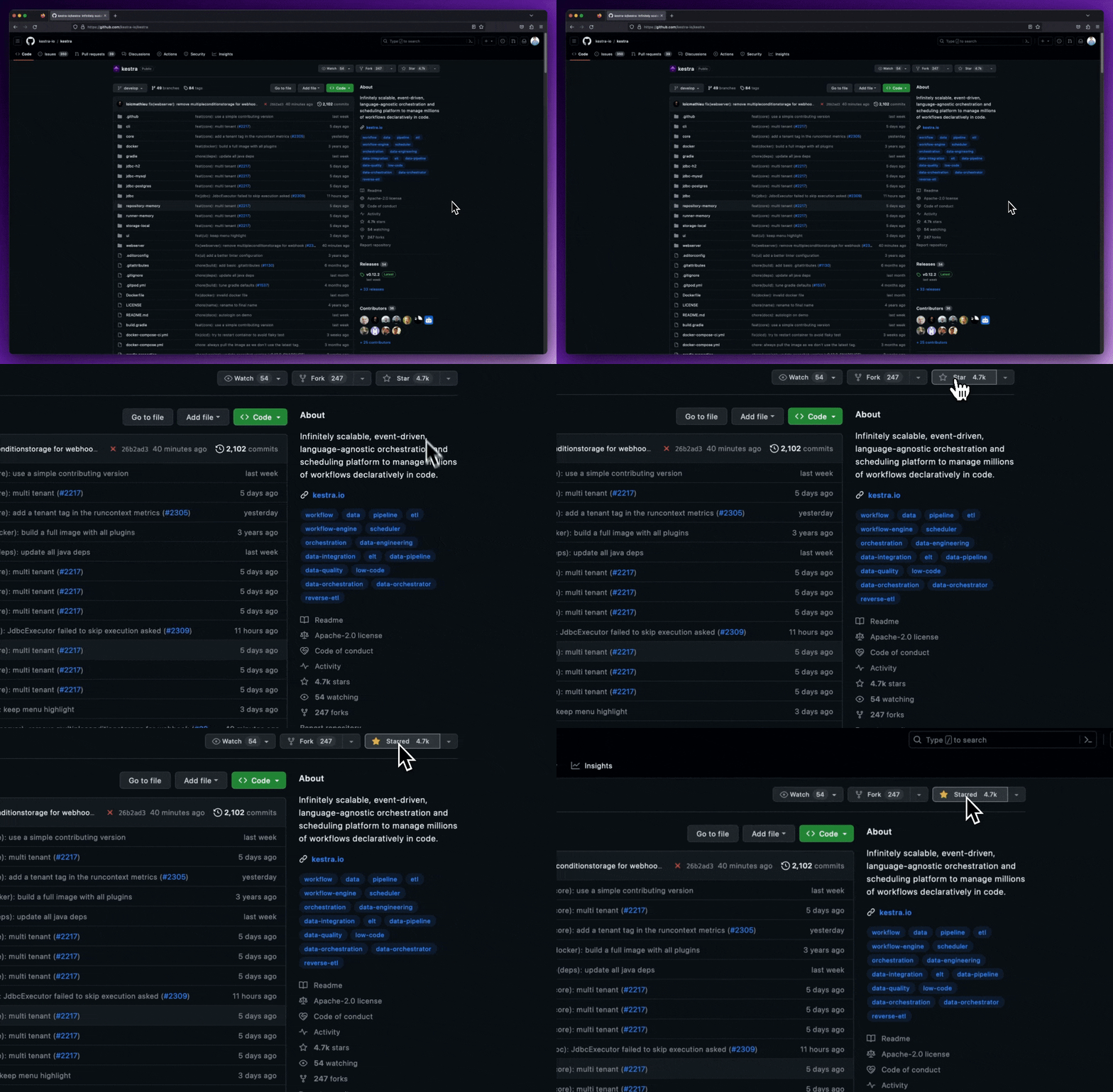
We release new versions every month. Give the main repository a star to stay up to date with the latest releases and get notified about future updates.
You can pin the dbt package version used in the built Docker images by providing the DBT_VERSION build arg at build time. The Dockerfiles in dockerfiles/ accept ARG DBT_VERSION and will pin the dbt adapter packages when supplied.
Local build example (pin to 1.9.1):
docker build \
  --build-arg DBT_VERSION=1.9.1 \
  -t ghcr.io/kestra-io/dbt-duckdb:dbt-1.9.1 \
  -f dockerfiles/dbt-duckdb.Dockerfile .
GitHub Actions
packages.yml(runs on Dockerfile changes) supportsworkflow_dispatchwith an optionaldbt_versioninput; this is passed as the build arg and the image will be taggeddbt-<version>(e.g.ghcr.io/kestra-io/dbt-duckdb:dbt-1.9.1). Withoutdbt_version, images are taggedlatest.packages-update.ymlis manual (workflow_dispatch). It accepts a requiredimage_tagand an optionaldbt_versioninput. Whendbt_versionis provided, an additionaldbt-<version>tag is added for each image.
Note: Some Dockerfiles use external installer scripts (like dbt-fusion.Dockerfile) and may require a different approach to pinning the dbt version; check the installer script for a supported --version argument and adapt the Dockerfile if needed.