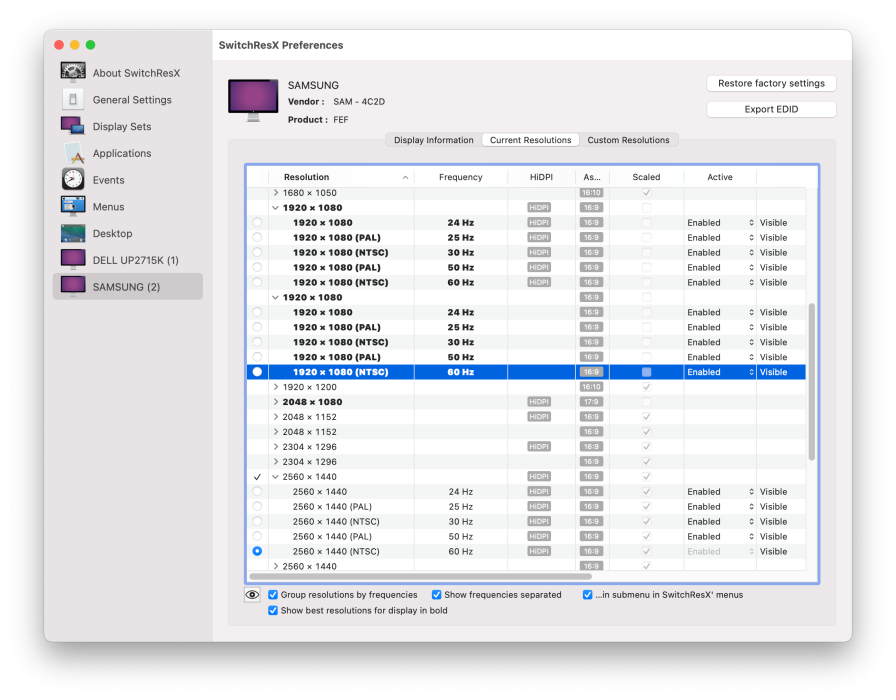
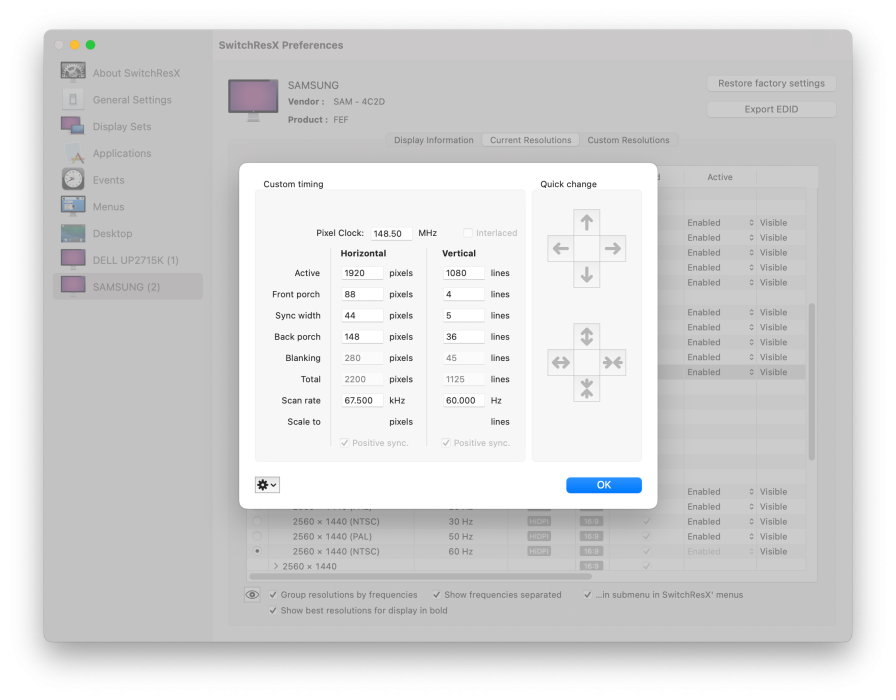
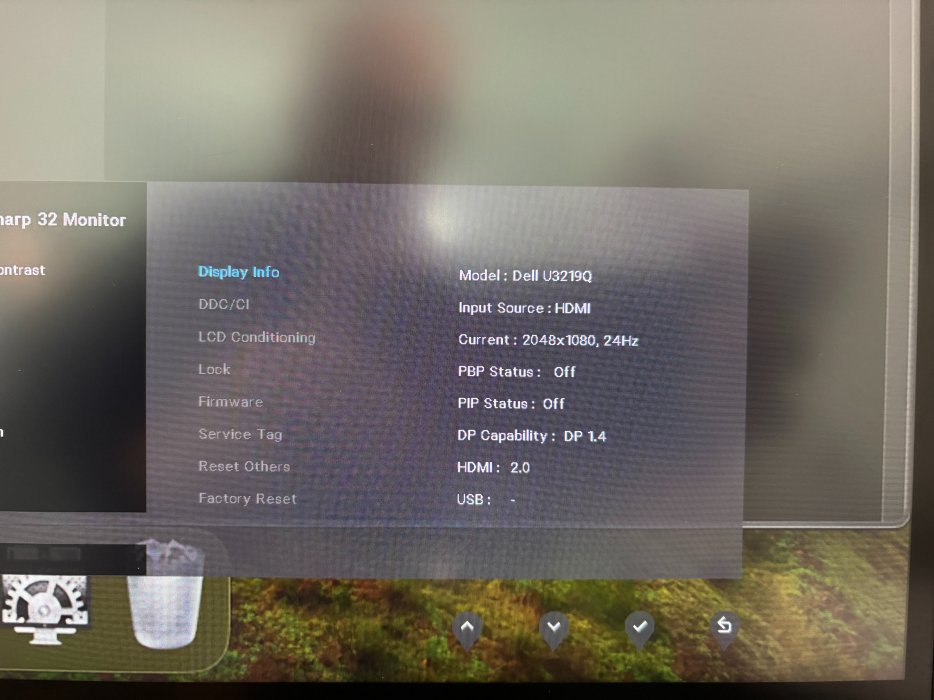
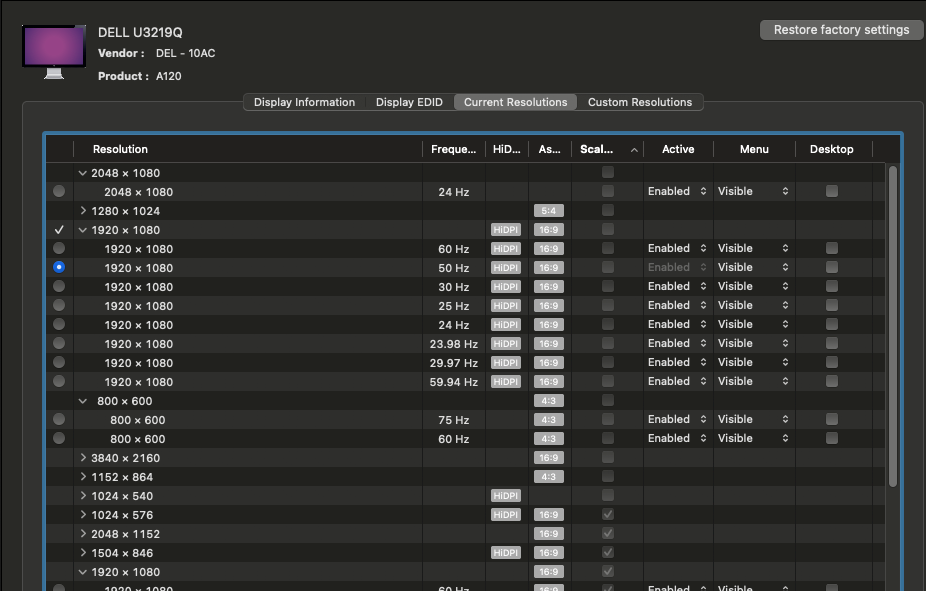
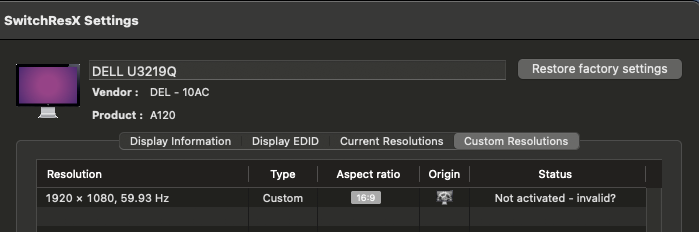
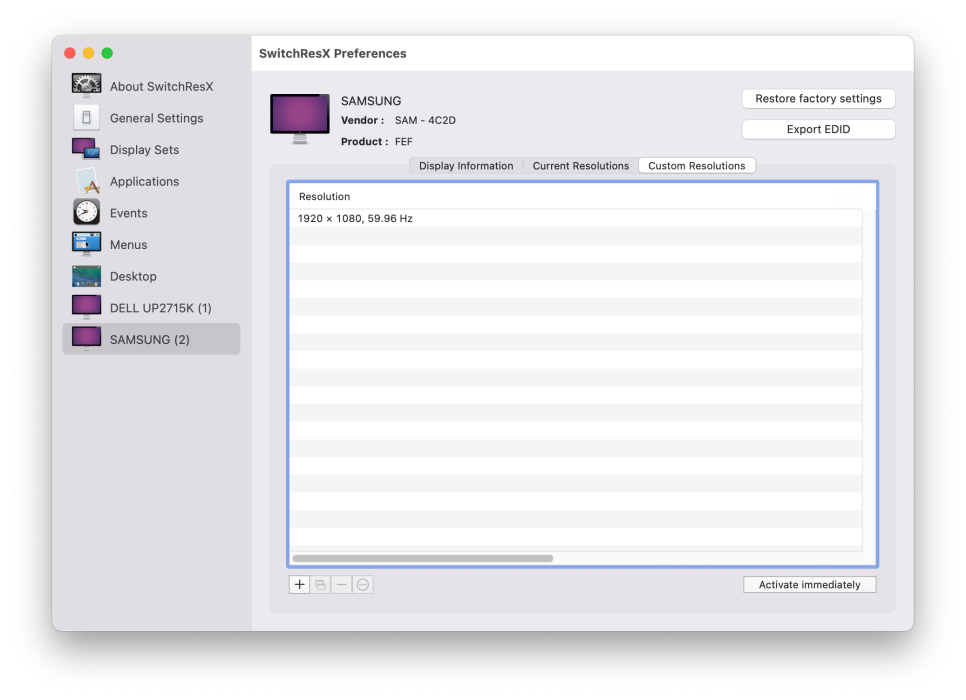
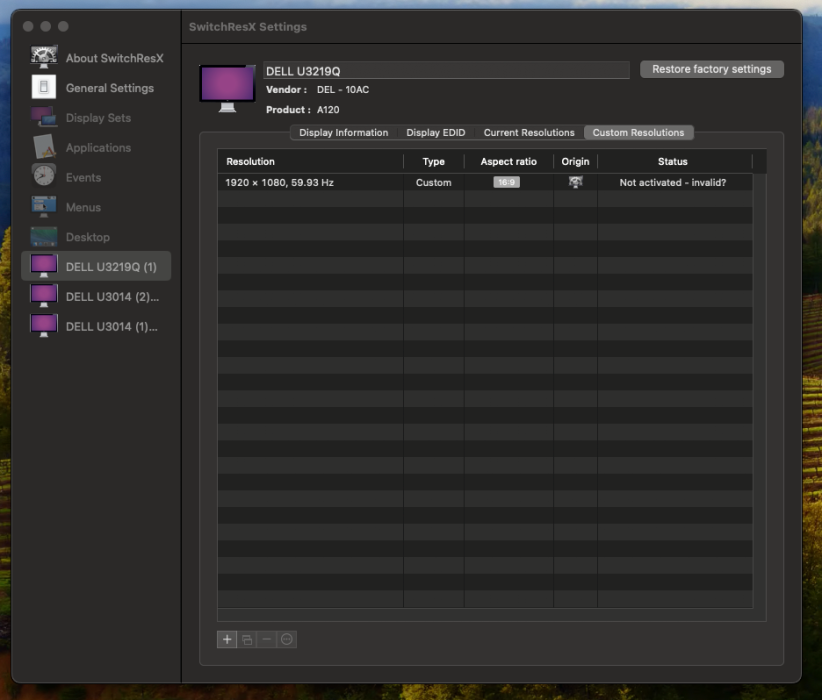
All files zipped and attached - not sure why my main monitor is now called SwitchRes etc.
Yes, an EDID box will work but won't work for me. Mainly because I don't want another piece of equipment to carry around + the setup time etc.
Not to mention an extra power supply (and socket to be found) and $199 for something that windows does for free. 🙂
If there is a simple way to change the resolution via an app, great. If not, I'll just keep in mind that whenever a video output is required, macOS is out of the game.
The output from
BetterDisplay get -n="19" -displayModeList is missing useful info. I can't tell the difference between scaled and not scaled modes.
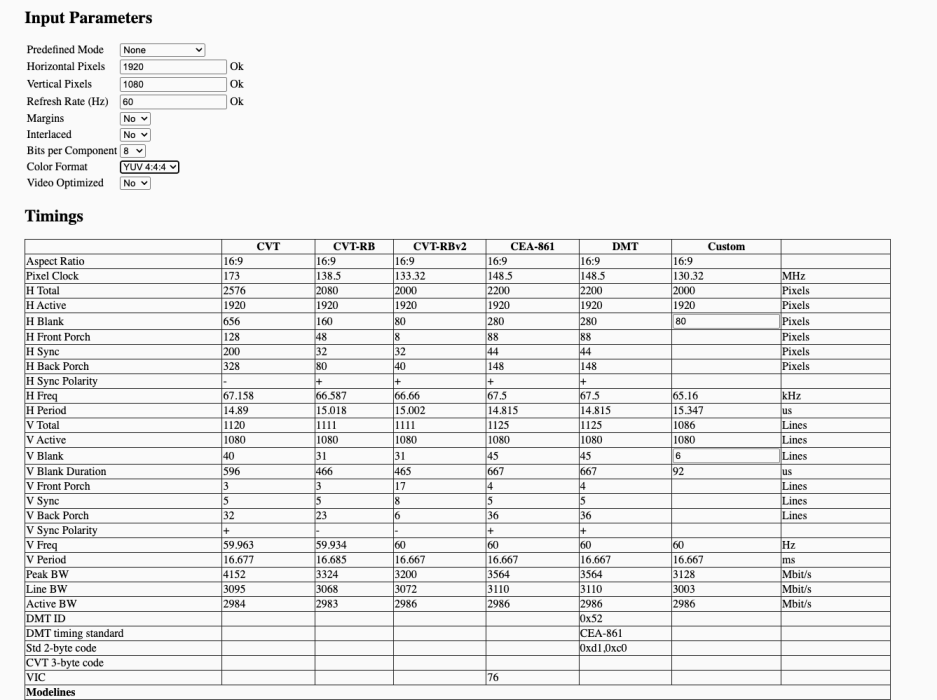
@waydabber , Is there a command line to include timing info for each mode so we can tell the difference between a HDMI mode and a CVT-RB mode?
For example, mode
99 - 2048x1080 24Hz 10bpc which in the SwitchResX list is shown to be not scaled.
AllRez in the "ALL MODES" section also cannot tell the difference between a scaled and non-scaled mode. It does show the difference between HiDPI (dens=2.0) and not-HiDPI (dens=1.0) modes.
The BetterDisplay mode numbers and info appears to match the mode numbers and info in the AllRez "ALL MODES" section. I guess BetterDisplay is using the same API that AllRez uses to get this mode list. Timing info (pixel clock, sync width, etc) must be obtained elsewhere.
AllRez shows all the timing info for all the modes in the "TimingElements" list but it doesn't know how to map between those and the modes in the "ALL MODES" section.
AllRez does not have parsing/formatting/de-duplicating code for the "TimingElements" section like it does for info from Intel Macs. It could be made much more concise.
More info at
https://forums.macrumors.com/threads/diy-5k-monitor-success.2253100/post-32093817
The EDID shows 1920x1080 60Hz HDMI timing as a standard timing and as a CEA mode.
In the TimingElements, ID 72 and 19 both appear to be 1920x1080 60Hz HDMI timings. The first one is not virtual and is promoted and has a score and has a finite set of valid pixel encodings.
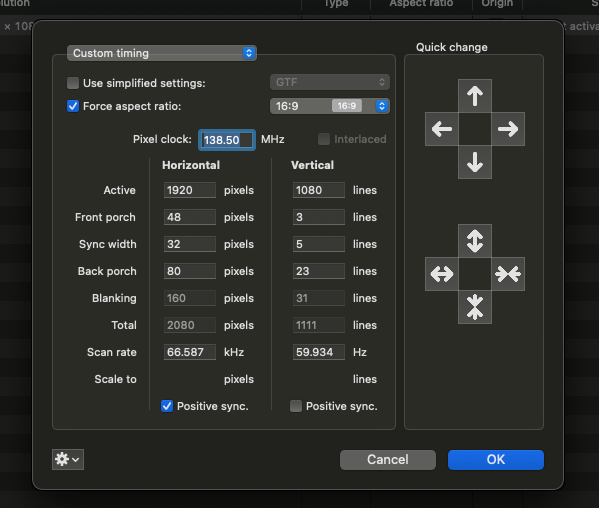
The EDID shows the custom mode that you created (1920x1080 55Hz) which appears to match ID 101 in the TimingElements (hint: SyncRate needs to be divided by 65536 to get a floating point value for horizontal kHz or vertical Hz). This means the EDID is the overridden version created by SwitchResX. Getting the real EDID requires a different method (e.g. connect the display to an Intel Mac and use AllRez from there).
The custom mode exists in the "ALL MODES" list and the BetterDisplay displayModeList output as ID 90. This mode is the basis for mode 8 (960x540@55Hz HiDPI).
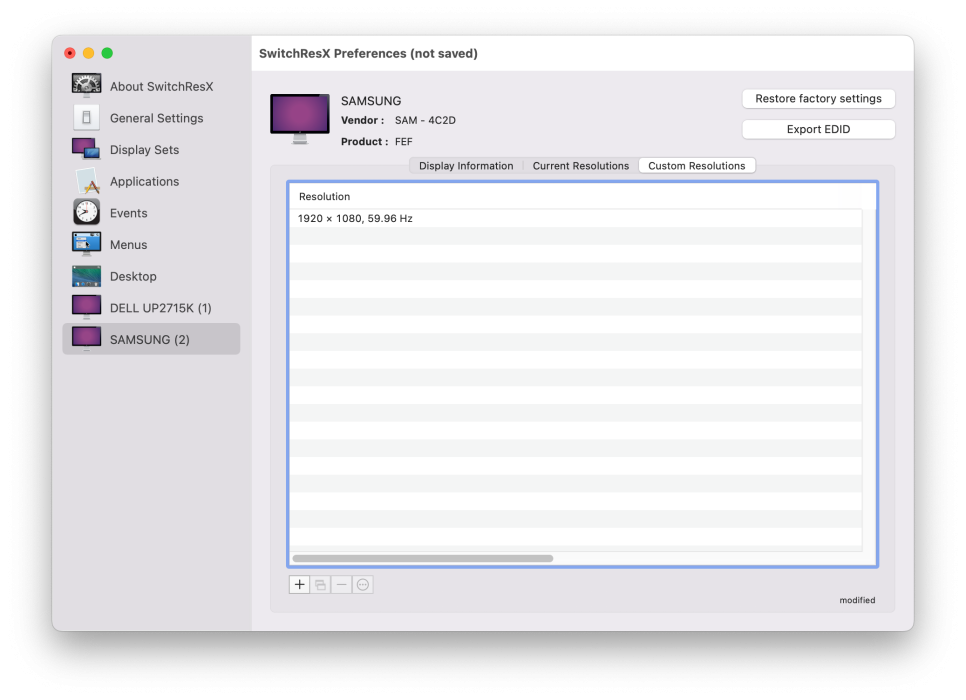
Do you not see this custom mode 1920x1080 55Hz in SwitchResX and BetterDisplay?
Did you read the link I posted at
https://forums.macrumors.com/thread...een-resolution-in-macos.2482428/post-34595597 ?
Does BetterDisplay have these options?
- "Allow resolutions marked as invalid"
- "Show display modes marked as unsafe or invalid"
Try this command:
Code:
./BetterDisplay set -n="19" -displayModeNumber=90
Does it do 1080p55?
What does the low level mode list look like?
Code:
./BetterDisplay set -n="19" -connectionModeListAll