TTL: A network diagnostic CLI tool that goes beyond the Traceroute and Ping commands

TTL is a network diagnostic CLI tool that goes beyond the simple Traceroute command, as it is capable of MTU/NAT detection, and more.

TTL is a network diagnostic CLI tool that goes beyond the simple Traceroute command, as it is capable of MTU/NAT detection, and more.

A detailed description of the categories and functions of the code blocks that are currently available in Scratch 3.0.

From Scratch 1.0 in 2003 to Scratch version 3.29.1 in 2026, this educational app has changed its GUI a lot. Let us show you what it looks like today!

There isn't an updated installer for Ubuntu and Debian, but there is a way to install the latest stable version of Scratch Desktop. Come and find out how.

The Scratch Foundation keeps its flagship application, the Scratch Software, available and ready to install in a web version and in its latest stable version.

Explore part four of our current Tutorial to learn about Kdenlive, one of the most important and popular video editors in the Linux universe.

Explore the third part of our new Tutorial to learn about Kdenlive, one of the most important and popular video editors in the Linux universe.

Install Firefox .deb from the official Mozilla repository on Ubuntu and block Snap forever with correct APT configuration.

Explore the second part of our new Tutorial to learn about Kdenlive, one of the most important and popular video editors in the Linux universe.

Explore the first part of our new Tutorial to learn about Kdenlive, one of the most important and popular video editors in the Linux universe.

GAVI: It is a graphical app designed for the inclusion and accessibility of users, which allows interaction with the Distro through voice commands.

Learn how to install COSMIC Desktop on Ubuntu 24.04, its risks, advantages, and how to revert changes step by step.

Install Firefox Nightly on Ubuntu using APT, Flatpak, or tarball. Separate profiles, language packs, and easy step-by-step updates.

Ubuntu is one of the most widely used GNU/Linux distributions in the world. And to master it completely, there's the Ubuntu CLI Cheat Sheet, a command guide for the terminal.

Hypersomnia is a fun and exciting cross-platform, free and open-source, top-down competitive shooter video game available for Linux.

Using Ubuntu PPA repositories on Debian is something many people need to do. Come and learn how you can do it today, on Debian 13 "Trixie".

Cubic application 2025.06.93 is the current version (2025) of the graphical wizard focused on creating custom Ubuntu or Debian ISO images.

Explore our handy little 2025 Penguin Eggs Quick Start Guide to learn how to create (remaster and redistribute) your own GNU/Linux distro.

With Microsoft's official UUP files, you can create ISO files from the Linux Terminal using the UUP dump website. Learn how!

Have you installed a program using the dpkg -i command and don't know how to uninstall it? We'll explain how to uninstall such a program.

In the year 2025 for Linux there is a good Top of Parental Control apps such as CTparental, E2Guardian, Host Minder, Mint Nanny, Privoxy and Timekpr-nExT.

Meet Clippy, a modern and lightweight AI chatbot available for Linux, which looks exactly like the MS Office 1997 assistant.

Using a VPN connection for web browsing and Linux terminal is essential in many cases, and RiseUpVPN is ideal for this.

Come learn about a useful graphical app called OpenVPN GUI that will allow you to manage your VPN “.ovpn” files quickly and easily on Linux.

Do you like LibreOffice, but want to try something a little different? Learn how to install Collabora Office Desktop on Ubuntu.

Pulsemixer is a useful third-party software that offers terminal-based volume control, plus a CLI mixer and Curses for PulseAudio.

Onefetch is a Fetch CLI tool with the added benefit of allowing the viewing of technical information related to a Git Repository.

When installing Linux Mint or other similar Distros, we may encounter sound problems, and some of them can be fixed using the CLI command called Alsamixer.

Yes, you are still one of those who still do not use or know Linux Mint 22 with Cinnamon, but you are about to update, we invite you to read this interesting post.

Since last July, you can now download and install the Linux Mint 22 version with Cinnamon. And here we will show you how it is done!

In this new quick guide on configuring an Ubuntu 24.04 Samba Server, the steps will be given to go from a simple one to a complete one.

Enable USB boot on your Raspberry Pi 3B. Download the system to your microSD and follow the instructions to perform the...
In this new quick guide we will address the necessary steps to successfully implement a simple Samba Server on Ubuntu 24.04.

Are you using Ubuntu 24.04 and want to use LibreOffice through AppImage instead of going the Snap route? Well, here we will teach you how to do it.

MySpeed is a useful web tool that allows us to track or monitor the speed of our Internet connection.

Speek Chat is one of the most secure cross-platform instant messaging apps available today, and includes useful features.

Mission Center is a desktop app for monitoring computer elements, which for version 0.5.1 brings us many new features.

Losing files/disks is a very bad thing! And here you will know which Linux programs are available to recover data and repair disks.

Among the most beautiful web browsers is Opera GX, and therefore, today we will teach you how to customize Firefox with this style.

Do you already know how to customize the Prompt (PS1) of your Linux Terminal with colors? In this tutorial we will teach you another good trick for this.

Would you like to customize the Linux Terminal prompt with many colors? Yeah! Then come learn how to add color easily.

Creating a website from scratch can be a real headache if we are not clear about the steps to follow. Here we are going to explain everything to you!
The Distros come with a previous version of Python, and today you will know 2 methods to install the latest version in Ubuntu and Debian.
Wine 9.0 is the new stable version of Wine for this year 2024. Come see what's new and how it is installed and used on GNU/Linux.
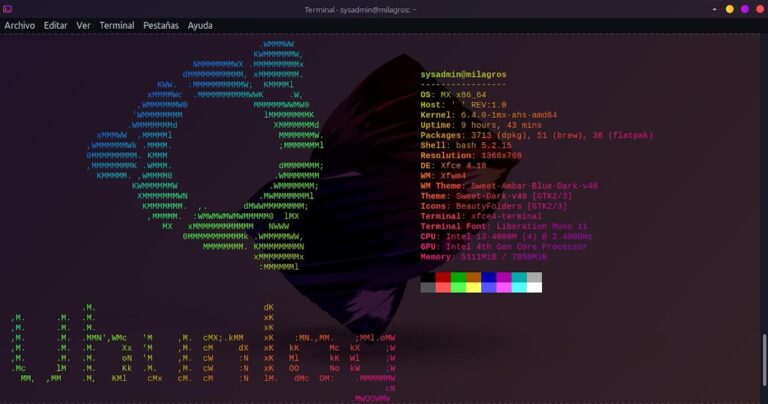
Showing a screenshot of our desktop with our Distro's logo in Neofetch is fun. And, today we will teach you how to customize said logo.
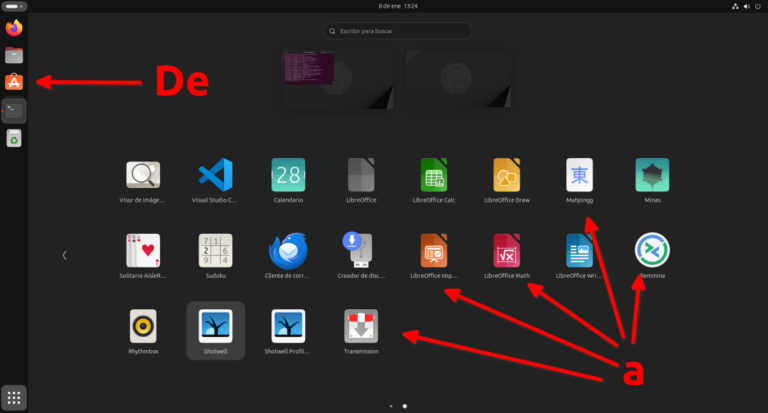
We teach you the simple process to convert a minimal Ubuntu installation into a normal one with all the recommended software.
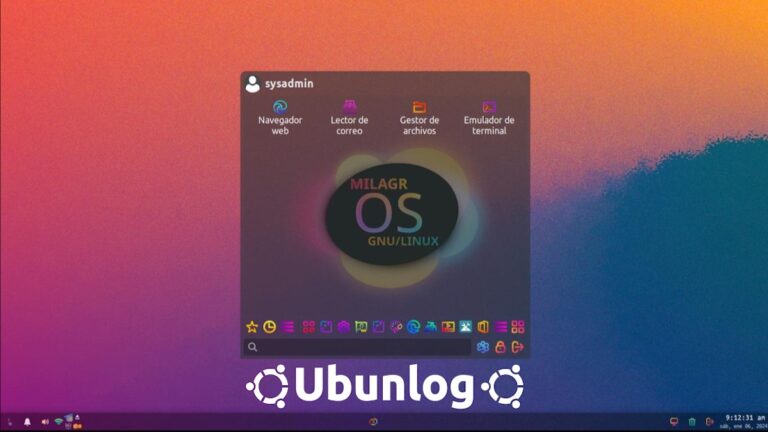
Unlike the Plasma and GNOME Menu, the Whisker Menu for XFCE does not have as many options, but it can certainly be customized very well.
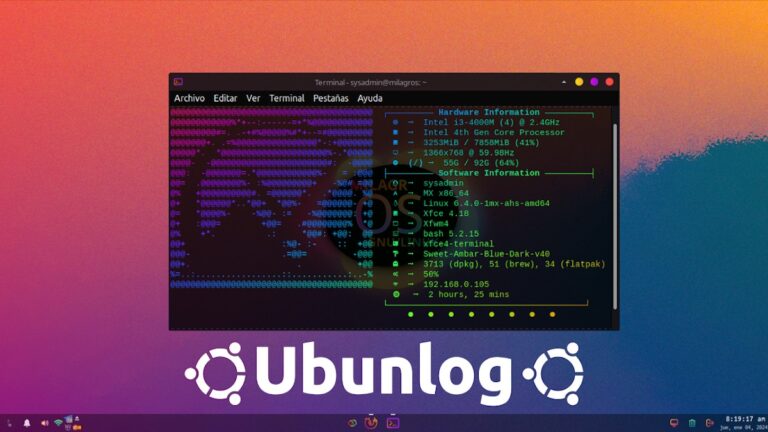
If we Linux users love something, it is customization, especially customizing the Terminal with Neofetch. And here we will tell you how to do it!
CoolerControl is a GUI app that allows you to view the temperature and processing sensors of your computer, among other things.
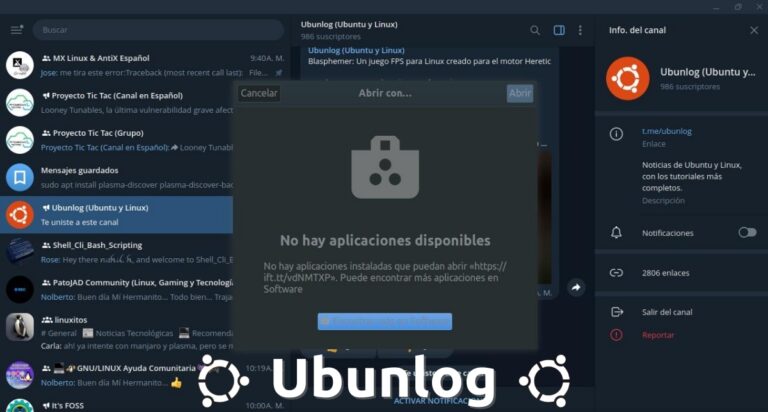
Do you use Telegram from Linux? So, it is important that you know how to correct the error when opening "http/https" or other different links.
If you have the LibreOffice office suite prior to version 7.4, you can still use LanguageTool through an available oxt extension.
Do you like to customize everything in your Distro? Then try Dark Matter GRUB and DedSec GRUB, 2 Themes for Linux GRUB created by Vandal.
XanMod is an alternative and improved Linux Kernel for various uses, which offers custom configurations and new features.
Liquorix is an alternative Linux kernel with low consumption and latency that makes it ideal for OS focused on multimedia management and gaming.
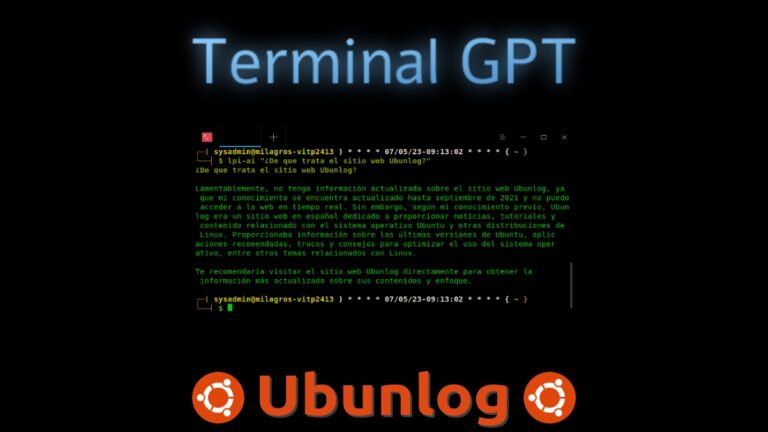
Today we will learn how to use Terminal GPT (TGPT) to use ChatGPT 3.5 in Linux Terminal without needing OpenAI API Keys.
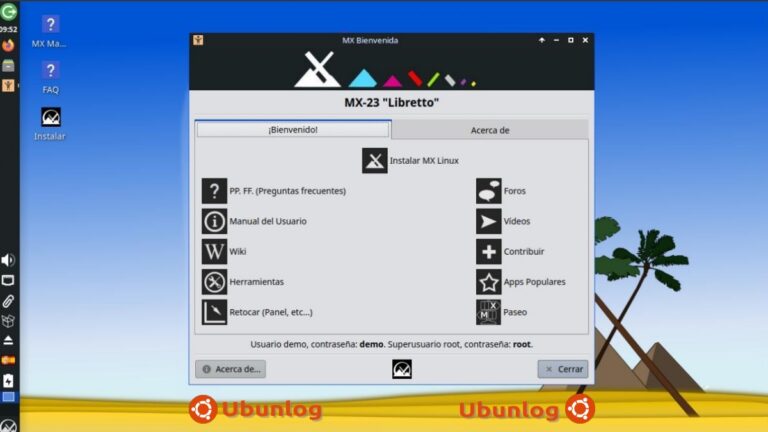
Now that Debian 12 has been released, the stable MX version will be out soon. In the meantime, we invite you to discover beta 1 of the MX-23 Libretto beta

Here's what to do if you've received the message "thunderbird couldn't find your email account settings"
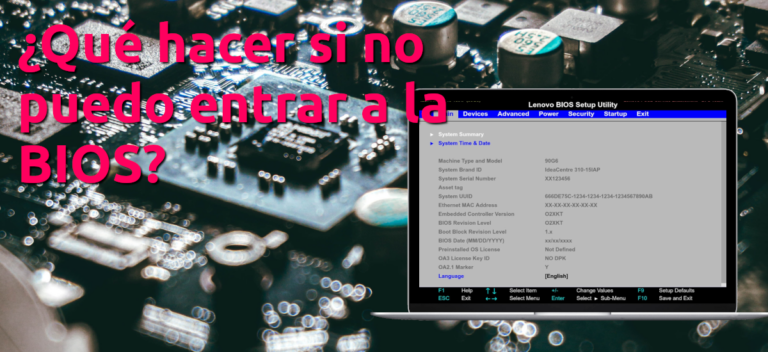
What to do if I can't enter the BIOS? We explain some procedures that you can do yourself before calling the technician.
Penguins eggs is a CLI application that allows you to remaster your system and redistribute it as live images on USB sticks or via PXE.
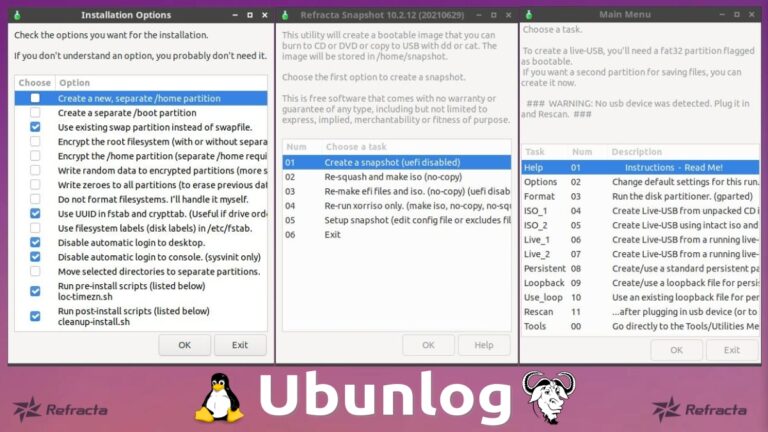
Refracta Tools is a set of tools that allow anyone to customize their installation and create a Live-CD or Live-USB of their OS.
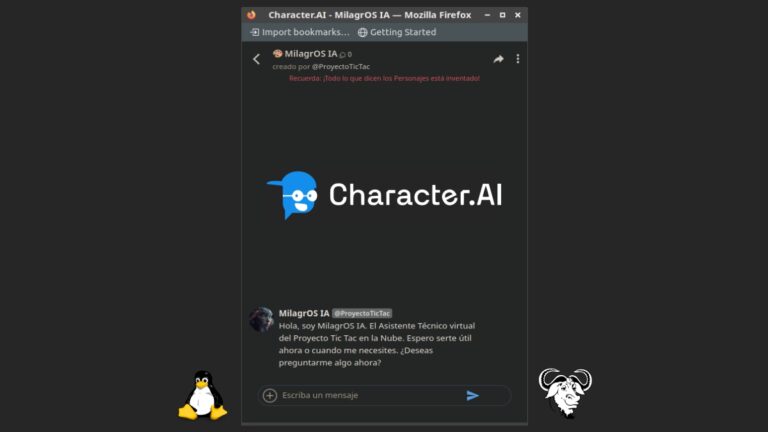
Today, we will learn how to create your own useful ChatBot for Linux with Artificial Intelligence, using the web Character AI and WebApp Manager.
Defragmentation allows parts of files to be arranged contiguously on a disk. And defragment partitions in Linux, it is possible.

OpenSSL is a useful open source cryptography software library. Therefore, it is useful to know how to install the current stable version.
We teach you how to install Ubuntu from USB, that is, from a flash drive so that you can do it without any effort.
We resolve any doubts you may have when trying to install deb in Ubuntu, the native package type of the operating system.
VLC 4.0 was shown at the beginning of 2019 as a future breakthrough, but although it has not been released, it can be tested via PPA Repositories.
In this article we show you how to install MySQL in Ubuntu, so that you can manage your databases from phpMyAdmin, among others.
A useful list of basic terminal commands, ideal for those new to Debian and Ubuntu based GNU/Linux Distros users.

Shell Scripting – Tutorial 10: One more post, where we will continue going from theory to practice, executing useful commands.
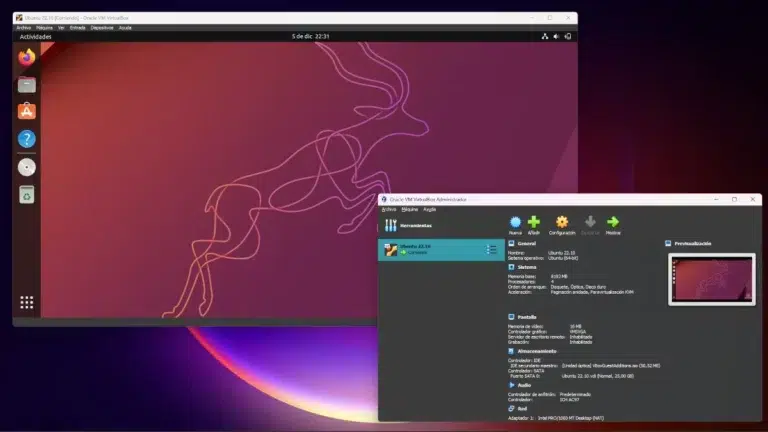
We teach you how to install Ubuntu in VirtualBox, which will undoubtedly be your first (and hopefully not last) steps in the Linux world.
A small quick guide to be able to compile any version of a Linux Kernel on the Distros based on Debian, Ubuntu and Mint.
Shell Scripting – Tutorial 09: One more post, where we will continue going from theory to practice, executing useful commands.

KDE Plasma is one of the best and most used DE, and today we will cover a little about what it is, its current features and its installation.
Entry about Ubuntu repositories. How to open and edit our Sources.list file to have a more updated and secure Ubuntu.
Shell Scripting – Tutorial 08: One more post, where we will continue going from theory to practice, executing useful commands.
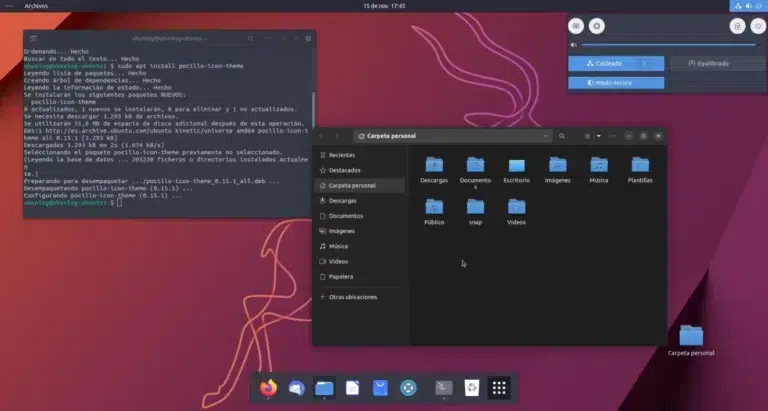
Small tutorial on how to install three elegant themes in our Ubuntu via repositories so that they are updated when the creator does it remotely.
Guide in which we show you how to install programs or packages in Ubuntu, from the graphical environment to the command line.
First article in a series of articles in which we will teach how to go from Windows XP to Ubuntu. In this post we talk about which flavor to choose to install.

Guide in which we show you how to record an image on a compact disc or on a pendrive device from the Ubuntu operating system.
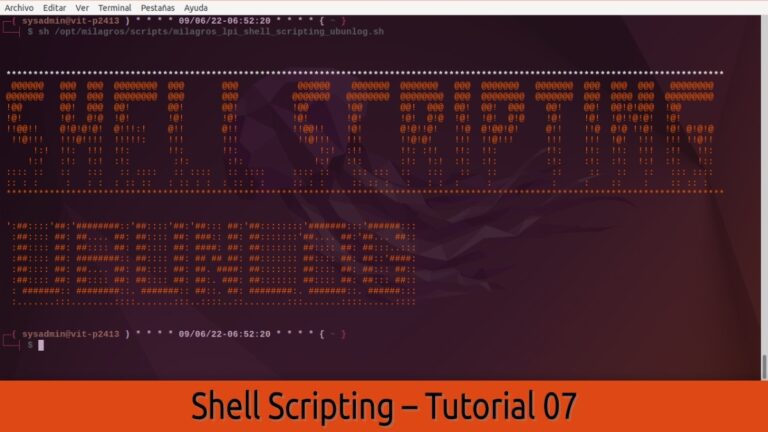
Shell Scripting – Tutorial 07: A new post in this series, where we will go from theory to practice, executing useful commands.
Small guide on how to install Ubuntu step by step. A simple and straightforward process for veteran users or for novice users ...
Shell Scripting Tutorial 06: A sixth of several tutorials on some online resources where we can perfect our use of Shell Scripting.
Shell Scripting Tutorial 05: A fifth tutorial of several with some good practices to make great Scripts created with Bash Shell.
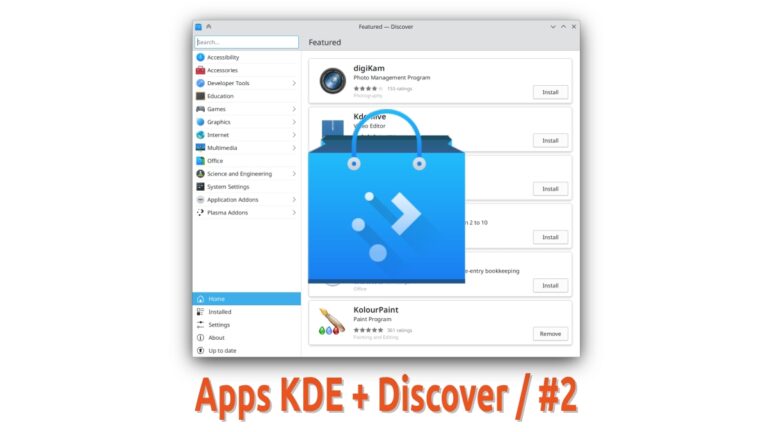
We continue with part 2 of this series of posts about the more than 200 existing KDE applications, which can be installed with Discover.
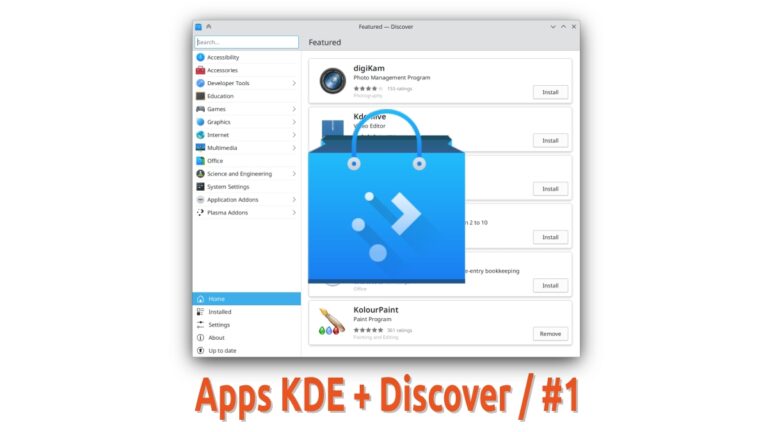
With this part 1 of this series, we will introduce you to the more than 200 existing KDE applications, which can be installed with Discover.
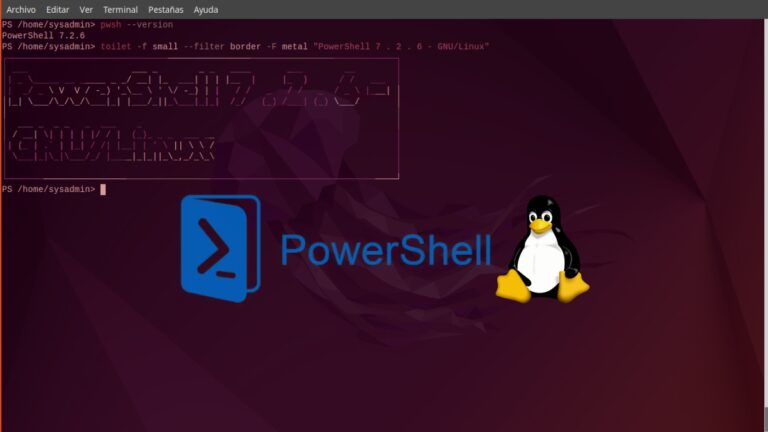
A continuation of our last Linux PowerShell post. To learn more about the use of equivalent commands between both OS.
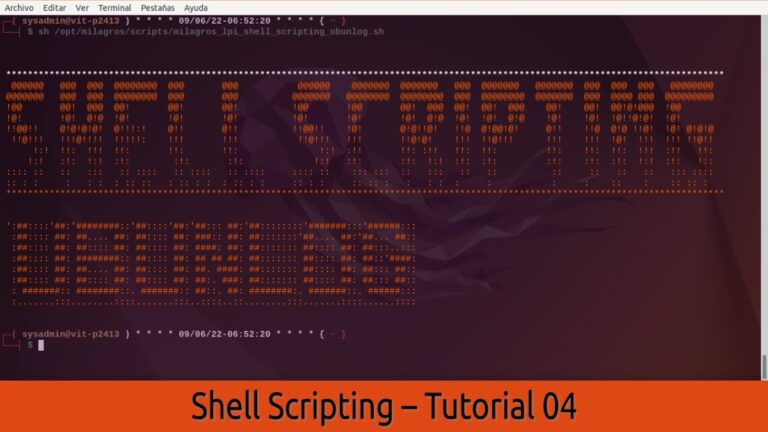
Shell Scripting Tutorial 04: A fourth tutorial of several to fully master the Scripts created with Bash Shell in a Linux Terminal.
A first look at PowerShell in its current stable version for GNU Operating Systems, testing commonly used Linux and Windows commands.
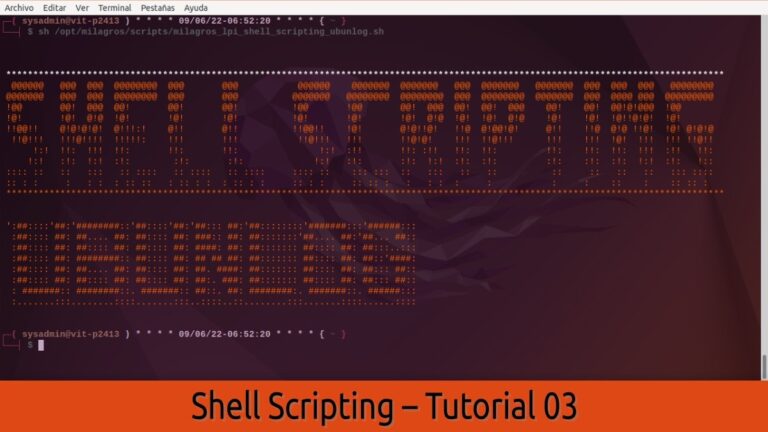
Shell Scripting Tutorial 03: A third tutorial of several to fully master the Scripts created with Bash Shell in a Linux Terminal.

In this seventh exploration of GNOME Circle + GNOME Software we will get to know the apps: Metadata Cleaner, Metronome, Mousai and NewsFlash.
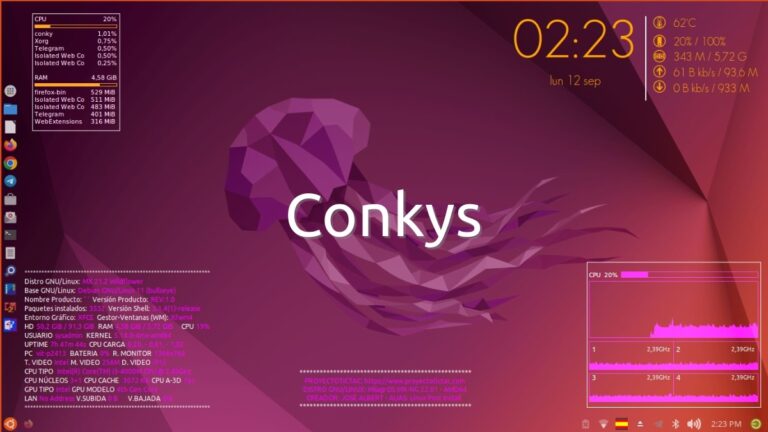
A second installment on the art of customizing GNU/Linux, using Conkys. Continuing with the example where we use the Conky Harfo.
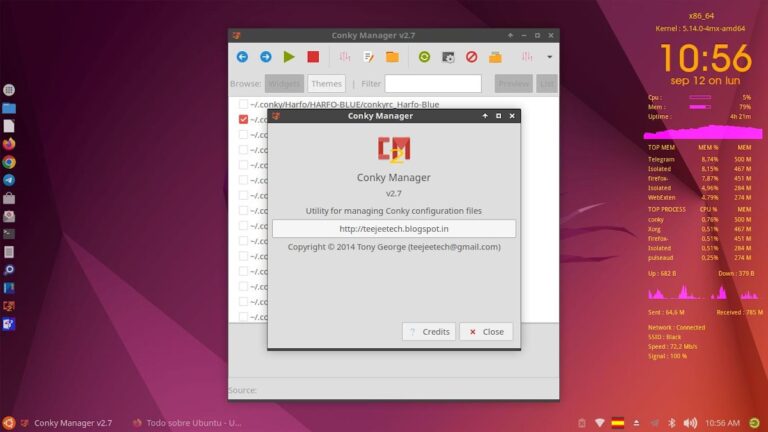
For many, having an original GNU/Linux is a fun thing to do. Therefore, there is the art of customizing GNU/Linux, for example, using Conkys.
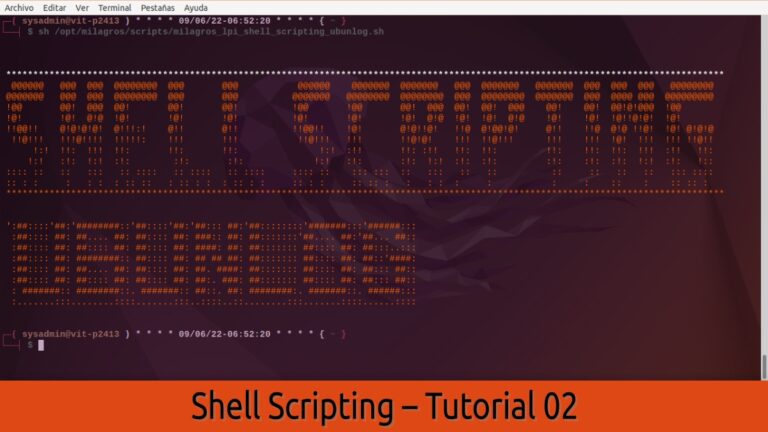
Shell Scripting Tutorial 02: A second tutorial of several to learn how to create and use Bash Shell Scripts in a Linux Terminal.
In this sixth exploration of GNOME Circle + GNOME Software we will get to know the apps: Junction, Khronos, Kooha and Mercados.
Twister UI is a program that offers an advanced and varied visual theme (Windows, macOS and others), for various GNU/Linux Distros with XFCE.
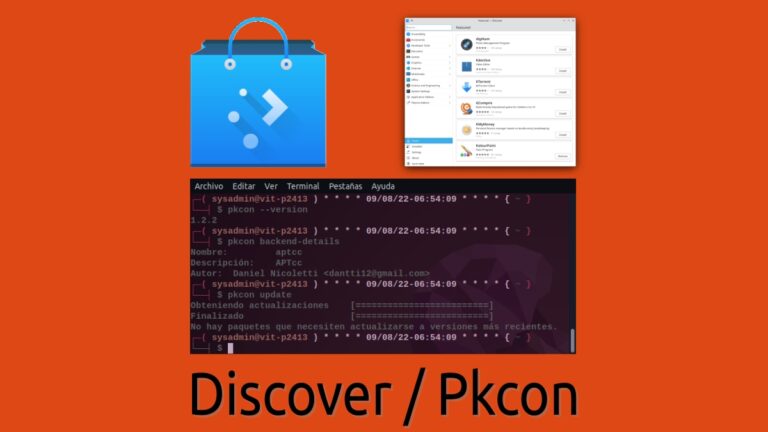
A little look at the Plasma Discover Software Store and the CLI package manager called Pkcon, which are proprietary to the Plasma Desktop.
In this fifth exploration of GNOME Circle + GNOME Software we will get to know the apps: Fragments, Gaphor, Health and Identity.
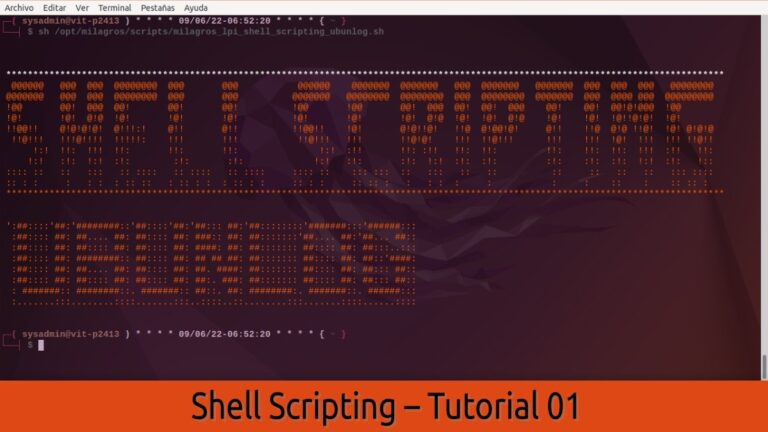
Shell Scripting Tutorial 01: A first tutorial of several to learn how to create and use Bash Shell Scripts in a Linux Terminal.
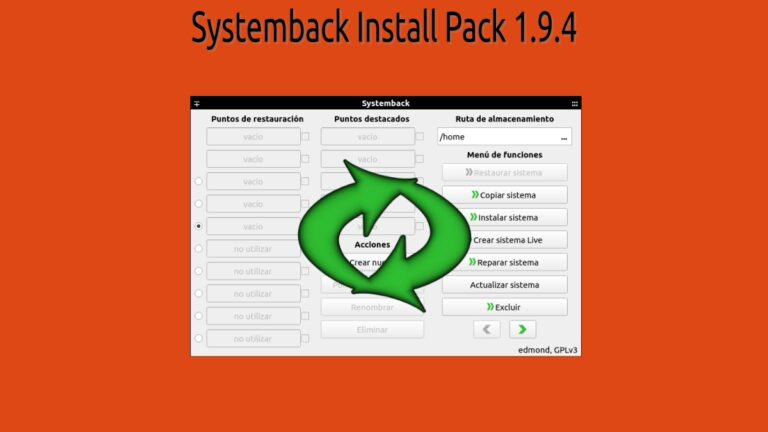
After the official development of Systemback ended years ago, said SW has been kept usable through forks, such as Systemback Install Pack.

Flutter is Google's UI toolkit for making beautiful apps. And today, we will learn how to install Flutter on Linux.
