

API Keys
API Keys are used to authenticate you for using Command Code.
You can get your API key by following these steps:
Login
Login to your account on Command Code.
Navigate
Navigate to your API keys page.
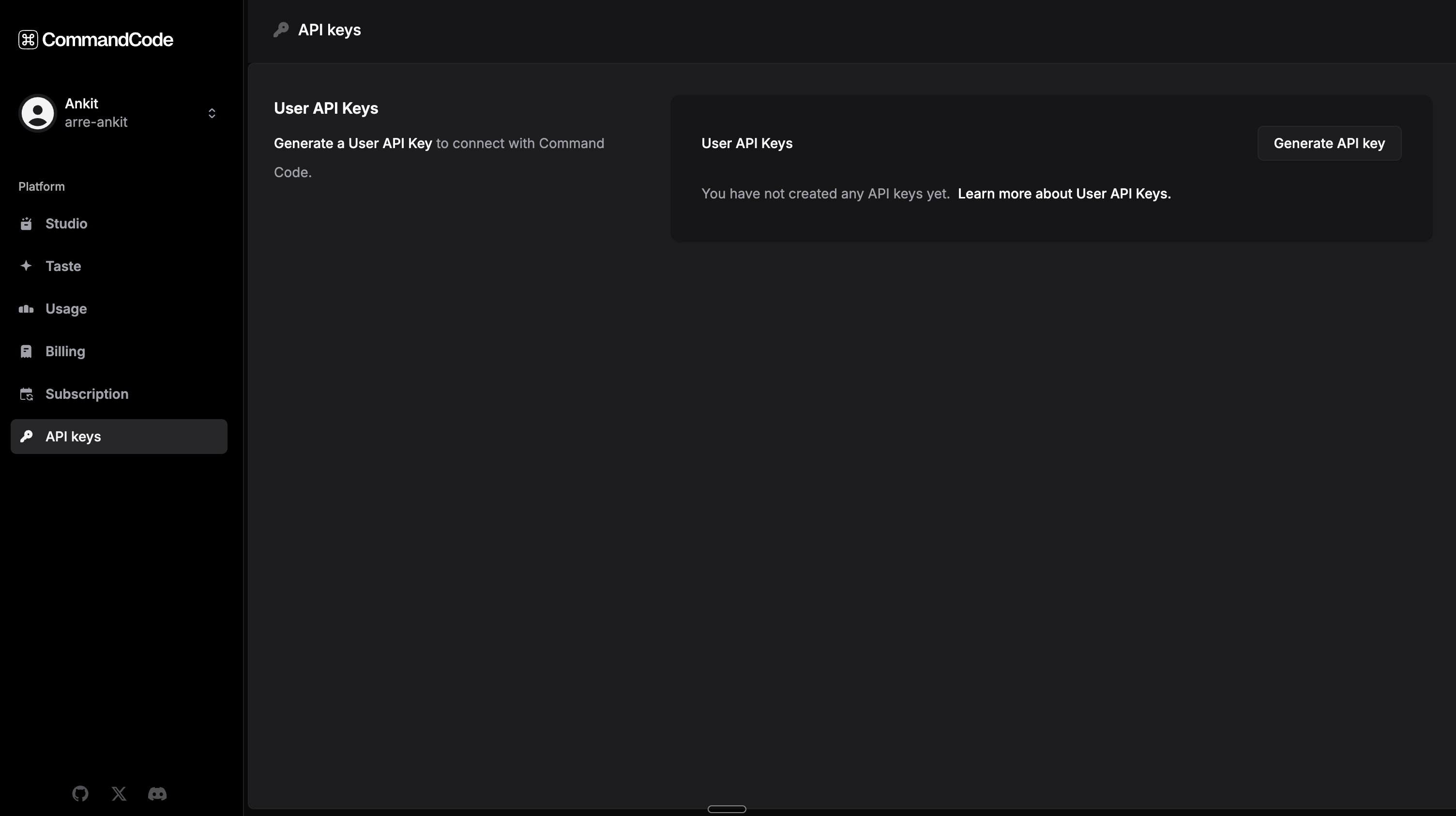
Generate
Click on the Generate API key button to generate a new API key.
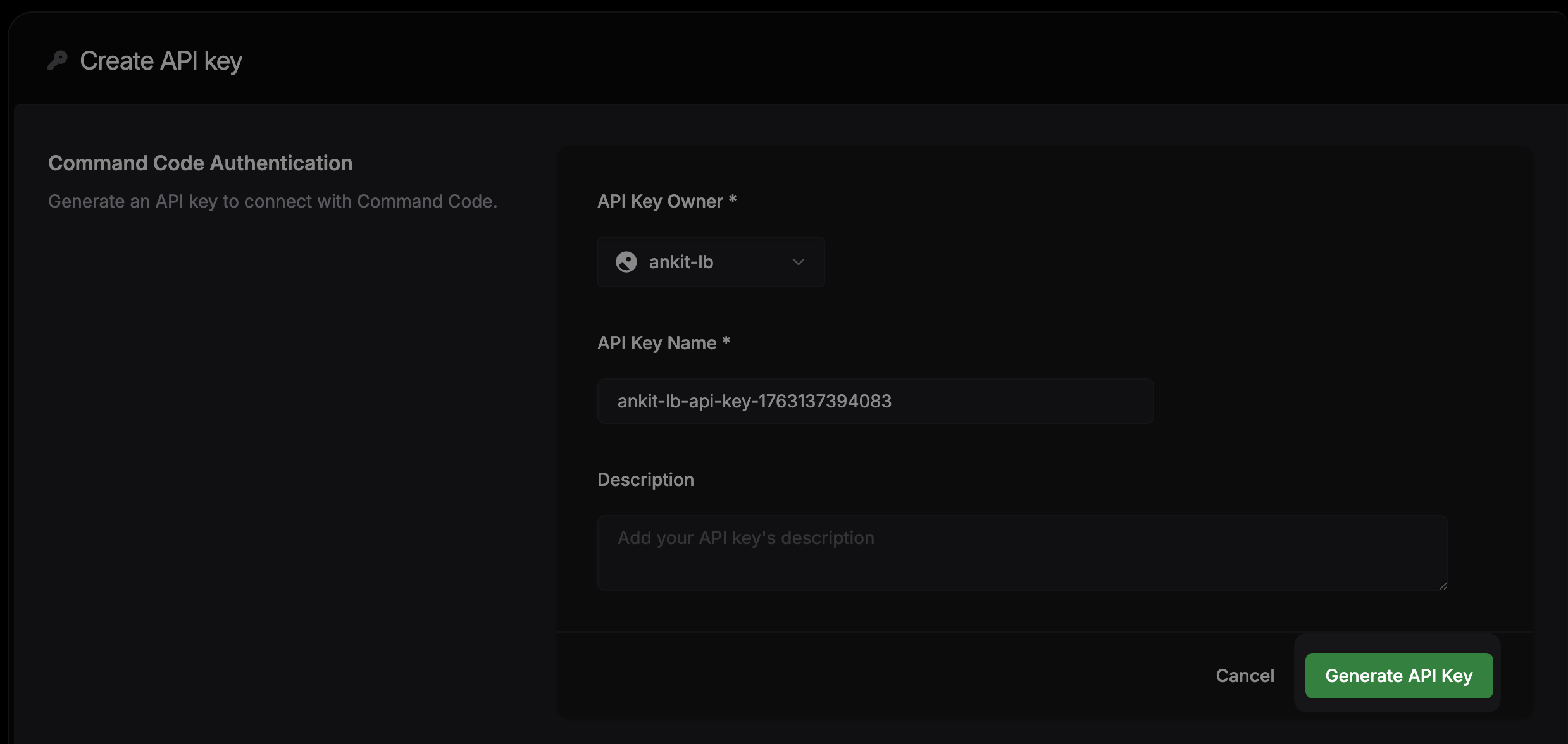
Manage
From here you can manage your existing API keys.
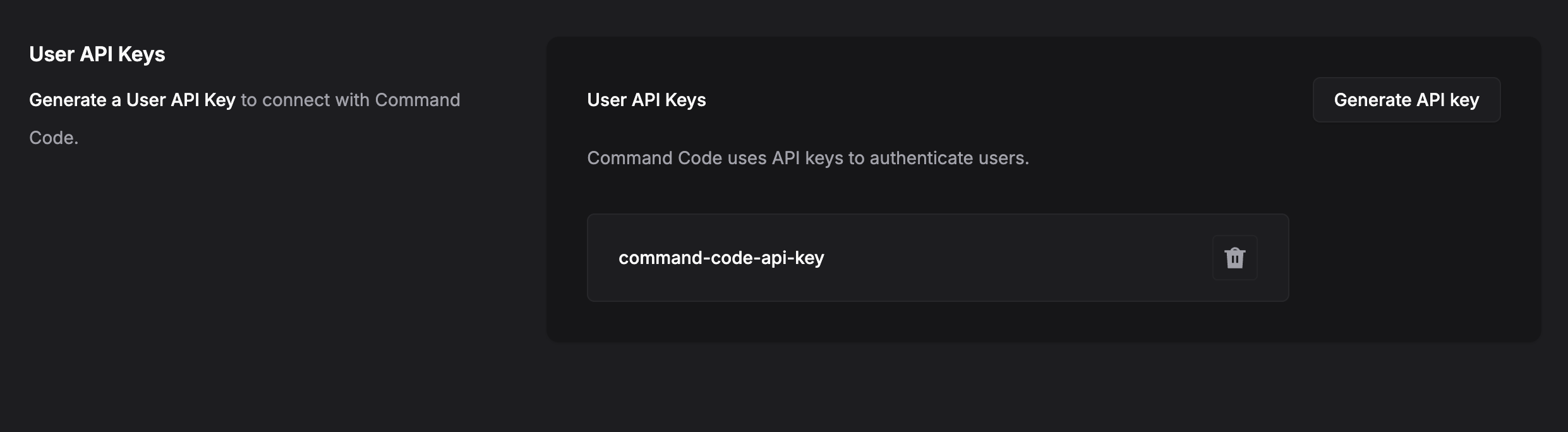
For non-interactive environments (CI pipelines, Docker images, scheduled
jobs), export the Command Code API key as the COMMAND_CODE_API_KEY environment
variable. The CLI reads the env var at startup and uses it as the auth token. No need to run cmd auth login or pre-write an auth.json file to login with Command Code.
The env var takes precedence over ~/.commandcode/auth.json. It
overrides any local authentication method.
Run cmd auth status to confirm the output which will show Source: $COMMAND_CODE_API_KEY
when the env var is the active credential.
Treat the key as a secret: use your CI provider's encrypted-secrets store (GitHub Actions secrets, GitLab CI variables, etc.) rather than committing it to the repo.
- Read Quickstart, a guide to get you up and running with Command Code in minutes.
- Join our Discord community for feedback, requests, and support.