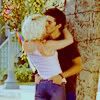
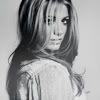
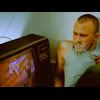
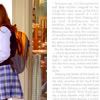
So this is my first tutorial.
1. Open your base and duplicate it. Set the layer to
screen.
The brighter your picture, the lesser the opacity, obviously.
2. New layer -> Curves.
INPUT: 120
OUTPUT: 133

3. New layer -> Selective Coloring
REDS: -5; -31; +51; +17
NEUTRALS: -16; -7; +8; -4
4. Now new layer, again, fill it with #F61010,
exclusion, opacity 30%.
5. New layer, fill it with #AFCED5,
softlight, opacity 100%
6. New layer, stamp visible [CTRL+Shift+ALT+E]
7. New layer -> Hue/Saturation
-4; +20; -10
8. New layer -> Selective coloring, again.
REDS: +11; +6; -6; +31
YELLOWS: -4; -3; -21; +31
WHITES: +4; +10; +3; +22
NEUTRALS: +16; +2; -3; -4
And you're done :]