08
Markdown Preview
Write docs with a live side-by-side preview. No more switching to a browser to see how your README actually renders.
Run Claude Code, Codex, and Gemini side by side across every repo. Switch projects in one click. Stop juggling a dozen terminal tabs.
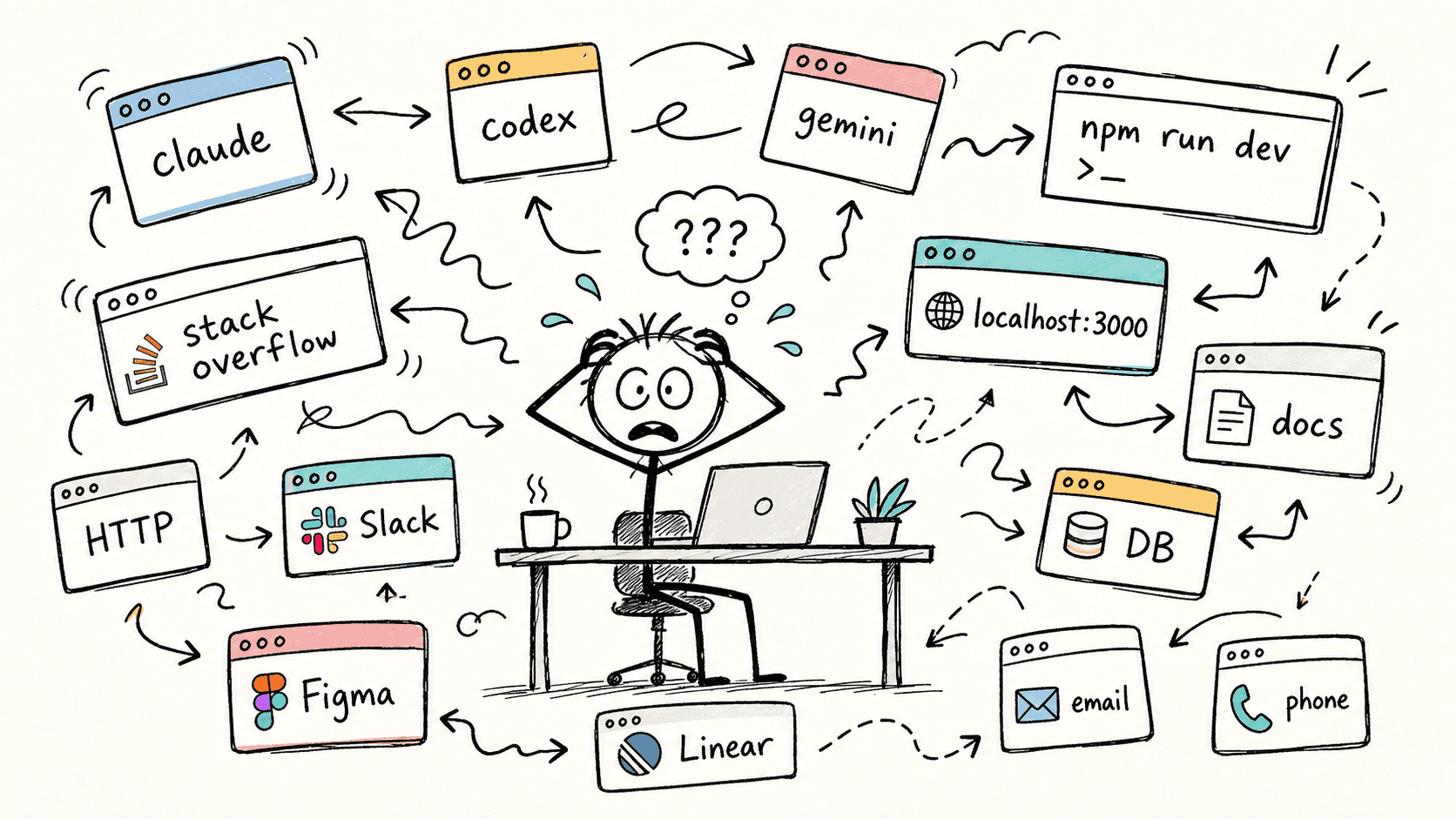
A typical Tuesday afternoon
Copy-pasting errors into ChatGPT. Switching between Chrome, terminal, and Notes. Re-opening everything after a restart. These tiny interruptions add up to hours every week. 1DevTool eliminates them.
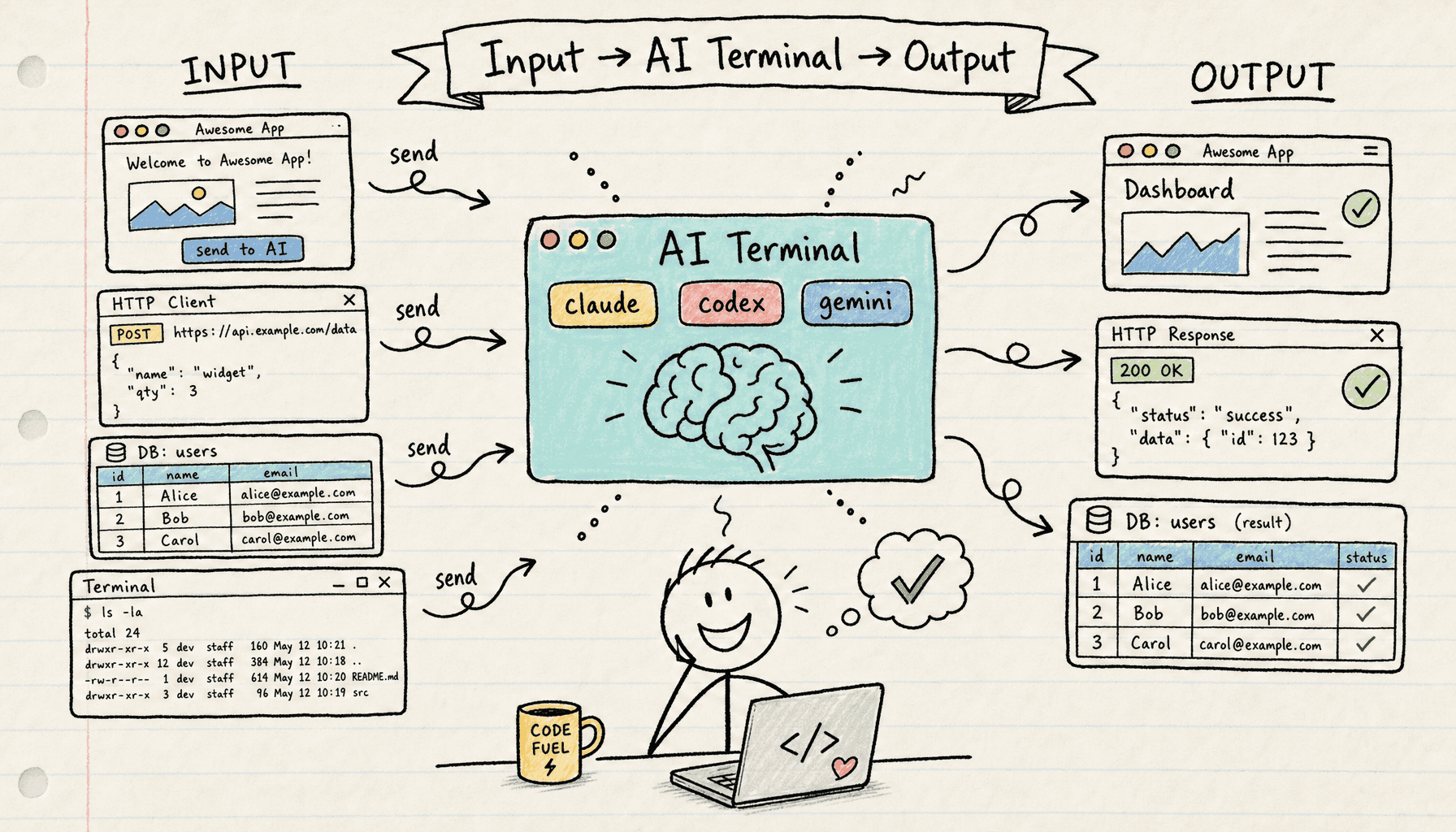
The same Tuesday — fixed.
One click sends console logs, network requests, errors, and screenshots straight to your AI agent. No more switching between Chrome and your terminal 20+ times a day.
Free to start. No credit card, no signup. Just open your project and start shipping faster.
IDE, terminal, browser, API client, database, Git, markdown preview, AI logs — all in a single window. Your AI agent gets full context without you copy-pasting anything.
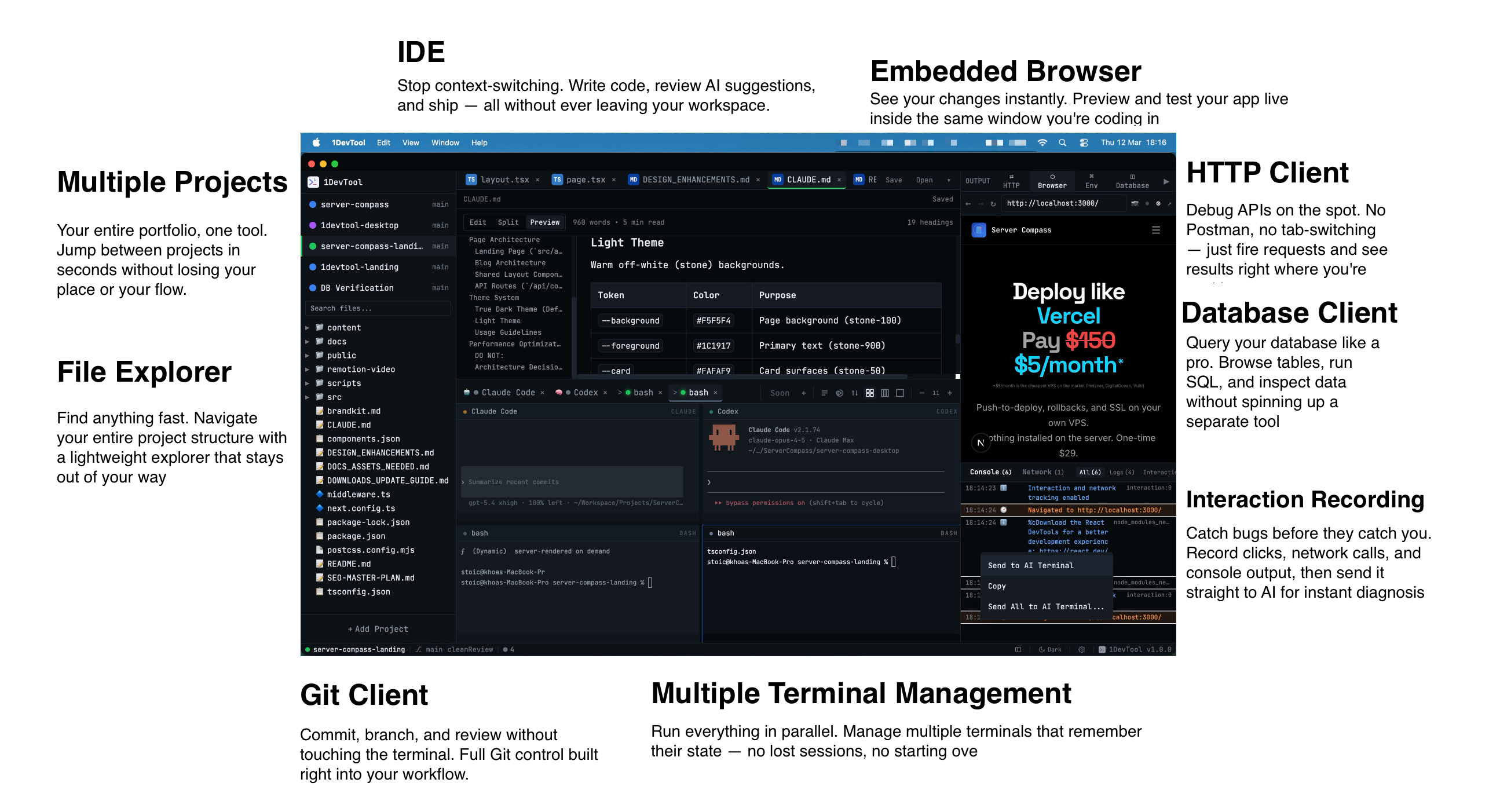
Write docs with a live side-by-side preview. No more switching to a browser to see how your README actually renders.
Full Monaco editor with syntax highlighting, multi-tab support, and autocomplete. No need to run VS Code on the side.
Preview your app, test endpoints, and read docs without Alt-Tabbing to Chrome. One less window fighting for screen space.
Navigate, create, and manage files with a tree view that stays docked. No Finder or file manager cluttering your workspace.
Craft requests, inspect responses, and save API collections. No Postman subscription required.
Connect and query SQL or NoSQL databases without spinning up TablePlus or pgAdmin. Your data lives next to your code.
Capture browser interactions and console output. Send logs directly to AI agents for instant, context-aware debugging.
Stage, commit, branch, diff, and merge visually. No GitKraken, no Tower, no separate app eating memory.
Spin up unlimited terminal sessions side by side. All sessions persist across restarts — no re-running commands after a crash.
Write docs with a live side-by-side preview. No more switching to a browser to see how your README actually renders.
Full Monaco editor with syntax highlighting, multi-tab support, and autocomplete. No need to run VS Code on the side.
Preview your app, test endpoints, and read docs without Alt-Tabbing to Chrome. One less window fighting for screen space.
Navigate, create, and manage files with a tree view that stays docked. No Finder or file manager cluttering your workspace.
Craft requests, inspect responses, and save API collections. No Postman subscription required.
Connect and query SQL or NoSQL databases without spinning up TablePlus or pgAdmin. Your data lives next to your code.
Capture browser interactions and console output. Send logs directly to AI agents for instant, context-aware debugging.
Stage, commit, branch, diff, and merge visually. No GitKraken, no Tower, no separate app eating memory.
Spin up unlimited terminal sessions side by side. All sessions persist across restarts — no re-running commands after a crash.
tmux, VS Code, Postman, TablePlus, Sublime Text — every tool in your dev stack lives in its own window. 1DevTool fuses them into one workspace with AI built in.
Most devs glue together a stack of single-purpose apps: tmux + iTerm for terminals, VS Code or Sublime Text for editing, Postman for HTTP, TablePlus for databases. 1DevTool combines all five into one workspace — with parallel AI CLIs, rich prompts, and cross-tool context built in — for a one-time $29. No subscriptions, no per-tool seats.
"Finally, a tool that gets it. I run Claude Code and Codex simultaneously — 1DevTool keeps them organized without any setup."
"$29 one-time? I was paying more than that monthly for tools that did less. The project switching alone saves me hours every week."
"Switched from tmux + iTerm. The per-project persistence is a game changer. My agents are exactly where I left them."
Claude Code, Codex, Gemini CLI, Amp, OpenCode, Cline, Qoder, plus bash, zsh, and PowerShell. You can also define custom commands — if it runs in a terminal, it works in 1DevTool.
Yes. macOS (Apple Silicon + Intel), Windows 10/11 (NSIS installer + portable exe), and Linux (AppImage + .deb). Full PTY terminal support on all platforms. Tmux-based session persistence is available on macOS and Linux.
No subscription — one-time payment. Your license includes 1 year of free updates. After that, the app keeps working forever — you just won't receive new feature updates unless you renew. Licenses are per-device (1, 3, or 5 devices depending on your plan) and you can deactivate and move them anytime.
If the model has a CLI interface, you can run it as a terminal in 1DevTool. There's no built-in integration with Ollama or LM Studio specifically, but any command-line tool works as a custom agent.
26 database engines across SQL (PostgreSQL, MySQL, MariaDB, SQL Server, CockroachDB, ClickHouse, TimescaleDB, Neon, Supabase, Amazon Redshift), NoSQL (MongoDB, Elasticsearch, CouchDB, Cassandra), cache (Redis, Valkey, KeyDB), vector/multi-model (SurrealDB, Weaviate), and specialized (InfluxDB, Apache Kafka). Each has schema browsing, query execution, and export support.
Pipelines let you chain AI agents together across multiple terminals. You can set up conditional branching (regex match, contains), delay and checkpoint nodes for human approval, output capture modes (full, regex, last N lines), and transform operations between steps. Great for multi-step workflows like Plan → Review → Revise with different AI agents at each stage.
Yes — a permanent free tier with no time limit. You get unlimited prompts to AI terminals, 1 project, 4 terminals, 1 browser tab, 3 multi-agent channels, 1 database connection, 5 saved HTTP requests, 5 AI diffs per day, and 7-day prompt history & memory. All platforms supported. No credit card required.
7-day money-back guarantee, no questions asked. Processed through Lemon Squeezy. If 1DevTool isn't right for you, contact us for a full refund.
The embedded browser can capture screenshots (including lazy-loaded content and JS state), annotate them with a built-in markup tool, and send the annotated screenshot plus URL context and console logs directly to any AI agent running in your terminals — all in one click.
1DevTool adds project-level persistence with named agent sessions, a file tree, a built-in database client supporting 26 engines, an HTTP client, an embedded browser with screenshot annotation, Send-to-AI integration, agent pipelines, and smart notifications. tmux doesn't know what project you're in — 1DevTool does.
Your AI agent sees your console, API responses, and database — without you copy-pasting anything.
Try free. $29 one-time when you're ready.