Node.js Stream readable.setEncoding() Method15 Feb 2025 | 5 min read In this article, we will discuss the Node.js Stream readable.setencoding() method with their syntax, parameters, and examples. What is the Node.js Stream readable.setEncoding() method?The method "readable.setencoding()" sets the encoding type for a file. In node.js, it is used to read the "Readable" stream. While reading data from a file, the character encoding is applied to the data present in the file. This method is used mainly for text files. Syntax:It has the following syntax: Here the encoding is the string, which represents the type of the encoding. Some of the character encoding to use are "utf8", "ascii", and "base64". etc. Advantages of using this method
General applications where this method is used:
Example 1:Let us take an example to illustrate the setEncoding method in Node.js: Example.txt fileOutput:  Explanation:The above program opens the example.txt file, reads the file, encodes the data into the "base64" encoding type, and displays the data in the console. Example 2:Let us take a simple node.js application to illustrate the setEncoding method: Index.htmlServer.js fileConsole output: 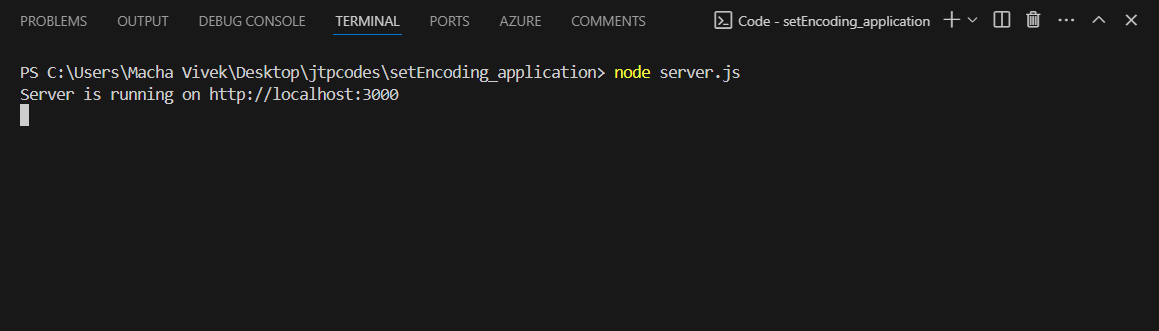 Application interfaces Steps to create and run this application:
Explanation for html code:This html file represents a simple web application called "Text Encoder". This page contains one "textarea" field, options to select the encoding type and a submit button. Here, the user will give some text as input for the textarea field, and the user will select the encoding type. When the user clicks on the submit button, the output is shown after encoding. When the input form is submitted, it prevents the default submission behavior of the form, but it sends the input data to the server endpoint "/encode" using a POST request. There is some JavaScript code in the script section of the HTML page that handles the form submission. The input data is sent to the server after getting the response from the server. That response is the encoded form of the input that will be displayed on the web page. There is the style section where different styling properties are used to style the html page. Explanation for JavaScript code:The script imports the required modules like express, body-parser, fs, and path. After that, an express application instance is created, a body-parser is used as middleware for the application, and GET and POST routes are defined. The GET route for the URL "/" will serve the "index.html" file, and the POST route for the URL "/encode". The POST request extracts the text and encoding type from the request body. After that, it writes the data to some file and, after using the readable stream, is specified with the "encoding" method for some encoding type. Now, the encoding data is concatenated to the data variable. This data is sent back as a response. The server is listening on port 3000. |
Subscribe to Tpoint Tech
We request you to subscribe our newsletter for upcoming updates.

We provides tutorials and interview questions of all technology like java tutorial, android, java frameworks
Contact info
G-13, 2nd Floor, Sec-3, Noida, UP, 201301, India
Follow us


