Register now



December 10, 2025
December 10, 2025
December 10, 2025
December 10, 2025
Optimizing AWS costs involves balancing cost, performance, and availability. Traditional scripts often cut costs at the expense of performance. Real savings come from continuous optimization, combining AI-driven automation, FinOps principles, and intelligent scaling. Tools like Sedai use multi-agent systems to simulate changes and ensure resource adjustments meet performance and SLA thresholds, delivering lasting cost reduction without sacrificing reliability.
Engineering teams today lean heavily on AWS because it promises agility, scalability, and the kind of efficiency you simply can’t build in a data center without burning years of budget.
However, without a structured cost management approach, you can overspend by up to 33% on AWS cloud resources.
This overspend shows up as real trade-offs: less budget for innovation, slower hiring, and projects that stall before they launch. While cost reduction is top‑of‑mind, optimization is about balancing cost, performance, and availability.
Customers won’t tolerate laggy apps, and your CFO won’t tolerate wasted resources. Relying on traditional scripts or one-off cost-cutting exercises often ends up hurting performance or reliability.
That’s why real savings come from continuous optimization that brings together FinOps principles, deep engineering insight, and AI-driven intelligent automation.
In this blog, you’ll explore top optimization tools and strategies that matter in 2026, helping you use and implement them to achieve long-lasting results.
When we talk about AWS optimization, we’re not talking about cutting costs for the sake of a lower bill. AWS optimization is the ongoing process of matching cloud resources to application needs, ensuring that every dollar spent delivers business value.
Consider a web application running on EC2 instances. The app sees heavy traffic during weekdays but much lower activity on weekends. Without optimization, you could keep all EC2 instances running at full capacity all week, resulting in unnecessary costs.
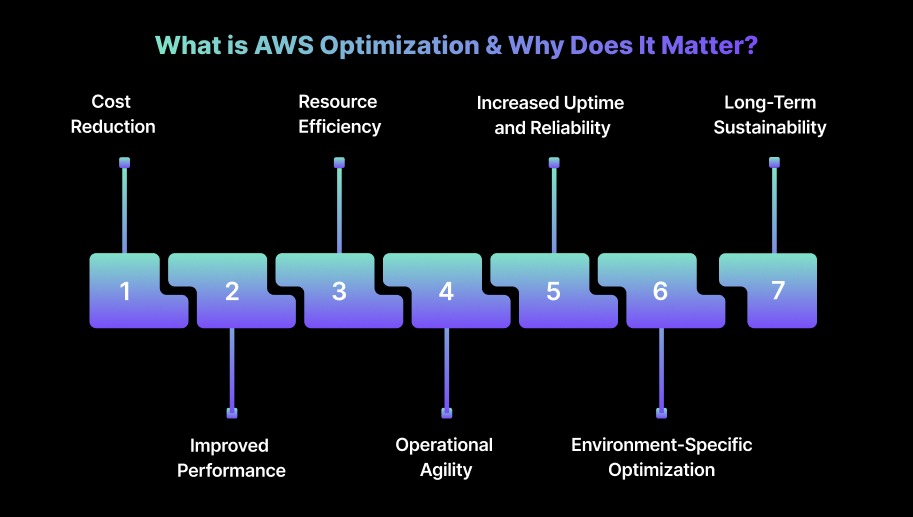
Here’s why AWS optimization matters:
Unoptimized AWS resources often lead to over-provisioning, where you end up paying for more compute, storage, or bandwidth than necessary. You can prevent this waste by rightsizing EC2 instances, using reserved or spot instances, and choosing the right storage classes.
Continuously optimizing resources based on workload demand ensures applications run efficiently. Right-sizing instances and using auto-scaling can reduce latency, improve throughput, and optimize compute and memory allocation.
Over-provisioned resources waste both money and cloud capacity. AWS optimization helps you fine-tune resource allocation, ensuring only the necessary resources run and are scaled as needed. This reduces operational costs and prevents resource contention
AWS environments are dynamic, and workloads change frequently. Optimization tools let you automate scaling and resource allocation, reducing manual intervention. This frees up time for higher-priority work and ensures systems adapt to demand in real time.
Proper optimization keeps resources available when needed, without performance drops. By managing scaling, load balancing, and failover automatically, AWS optimization helps teams meet Service Level Objectives (SLOs) and uptime goals.
AWS optimization tailors configurations for specific use cases, whether it’s serverless functions (AWS Lambda), containerized workloads (ECS, EKS), or storage management (S3, EBS). This targeted approach increases efficiency across environments.
As workloads grow, AWS costs can spiral without proper monitoring. Optimization helps you build scalable systems while keeping costs under control.
By continuously monitoring and adjusting resource allocation, your team can maintain predictable cloud spending even as usage scales.
Suggested Read: Strategies for AWS Lambda Cost Optimization
One of the fastest ways AWS costs spiral is by picking the wrong pricing model. Understanding how to choose the right pricing model can have a significant impact on how much we spend on AWS services.
AWS offers several pricing models that allow you to tailor your cloud spend to your specific needs. The key pricing models include On-Demand, Reserved Instances (RIs), Spot Instances, and Savings Plans.
We’ve seen firsthand how the right choice of pricing model can reduce costs drastically. One of the most common mistakes we’ve seen is teams defaulting to On-Demand because it “feels safe,” only to discover months later that their 24/7 workloads could have been running on Reserved Instances at half the cost. It’s the kind of oversight that doesn’t show up in sprint planning but definitely shows up in the CFO’s office.
Reserved Instances and Savings Plans work best when you know your baseline. If you can commit, the savings are undeniable. We’ve had organizations lock in multi-year commitments for steady workloads like databases and save more compared to On-Demand.
On the other hand, Spot Instances can be highly cost-effective for batch jobs or development environments, but if you try to run production on them, you’re essentially betting your uptime against AWS’s spare capacity.
The real work here isn’t choosing a single pricing model. It’s learning how to blend them without tripping over the trade-offs.
Cost efficiency that ignores performance leads to slower applications. Aggressive savings that ignore availability lead to unhappy customers. The balance is delicate, and static scripts or one-off cost cuts almost always break it. Real optimization means treating pricing models as tools in a kit, not switches you flip once and forget.
Once you have figured out the best pricing model for our workloads, the next step is to understand the main cost drivers in AWS. AWS bills rarely fail because they’re unclear. They fail because they’re sprawling.
To optimize effectively, engineering leaders need to understand where the majority of costs originate and why they creep upward over time. Three major drivers that contribute to AWS spend are:
By mapping spend to these categories using native tools (Cost Explorer and Trusted Advisor) or third‑party platforms, teams can target optimization efforts where they matter most.
Over the years, we’ve seen engineering teams obsess over the wrong things: scrambling to cut a few idle EC2 instances while missing massive waste elsewhere. Cost optimization isn’t a one-off exercise. It’s a continuous discipline.
The following strategies highlight the approaches that consistently deliver measurable savings in real-world AWS environments.
Cost optimization often breaks down when engineering teams rely only on tools and scripts without shared ownership. The FinOps model brings finance, operations, and engineering together, ensuring everyone is accountable for making cost-aware decisions.
How to optimize:
Tip: Align your FinOps process with quarterly business reviews to keep cloud spending aligned with changing business goals.
Over-provisioning EC2 instances or RDS databases frequently leads to inefficiency. Effective rightsizing depends on understanding usage patterns, peak demand, and acceptable latency levels.
How to optimize:
Tip: Always test performance under load before switching to smaller instances. Simulations help prevent performance issues while reducing costs.
Relying on On-Demand instances for every workload can drive up costs quickly, especially for stable, predictable workloads.
How to optimize:
Tip: Consider AWS Savings Plans when you need flexibility across multiple services and instance families, something traditional RIs don’t offer.
Static provisioning or manual scaling rarely keeps up with changing demand, leading to unnecessary cloud costs. Automation ensures resources run only when needed.
How to optimize:
Tip: Use AWS Instance Scheduler to automate start/stop schedules for non-production environments and cut unnecessary off-hour costs.
Storage and data transfer inefficiencies often stay unnoticed until the bill jumps. Misaligned storage classes quietly drive a large portion of cloud spend.
How to optimize:
Tip: Review S3 access patterns regularly and use lifecycle policies to transition unused data to lower-cost tiers automatically.
Good visibility depends on proper tagging and allocation. A strong tagging strategy helps track and optimize costs across teams, projects, and environments.
How to optimize:
Tip: Maintain a centralized tagging guideline so all teams use consistent and meaningful tags.
Modernizing workloads can improve cost efficiency, but correct configurations and tuning are crucial to avoid hidden costs.
How to optimize:
Tip: Continuously monitor cold-start times and memory allocation for serverless functions to maintain performance while keeping execution costs low.
Zombie resources, unused backups, and idle services often increase costs without appearing clearly in dashboards.
How to optimize:
Tip: Use AWS Config to automatically identify unused resources and misconfigurations for faster cleanup.
Manual monitoring can’t keep pace with changing cloud environments. AI-powered tools catch cost anomalies early.
How to optimize:
Tip: Combine Cost Anomaly Detection with CloudWatch for automated responses to cost spikes.
Manually tracking cloud spend becomes impractical in large or multi-account environments. Automation ensures ongoing visibility without extra effort.
How to optimize:
Tip: Use AWS Lambda to automate cost adjustments when budget alerts trigger.
Databases often account for a major share of cloud spending. Optimizing database architecture and usage can significantly reduce costs.
How to optimize:
Tip: Audit database performance and query plans regularly to avoid unnecessary provisioned throughput.
Multiple accounts can create fragmented billing and low visibility. Consolidating bills simplifies reporting and unlocks volume discounts.
How to optimize:
Tip: Consolidate only related accounts to ensure volume discount thresholds are realistically met.
Managing cross-region setups effectively helps control data transfer costs and minimize latency.
How to optimize:
Tip: Periodically review region distribution to balance cost savings and performance needs.
AWS environments evolve quickly, making it essential to review utilization frequently to avoid over-provisioning or underuse.
How to optimize:
Tip: Automate recurring usage audits to catch inefficiencies early and retire unused resources proactively.
Once you are familiar with the top strategies to reduce AWS costs, the next step is to use the top AWS optimization tools to optimize your AWS bill.
Also Read: AWS Fargate: Features, Pricing & Cost Optimization
Top 22 AWS Cost Optimization Tools in 2026
As AWS environments continue to scale and become more complex, maintaining cost efficiency goes beyond occasional manual reviews. It calls for a strong, dependable toolkit.
Here’s a curated list of 22 AWS cost optimization tools that you should know in 2026 to keep cloud spend under control and strengthen financial discipline.
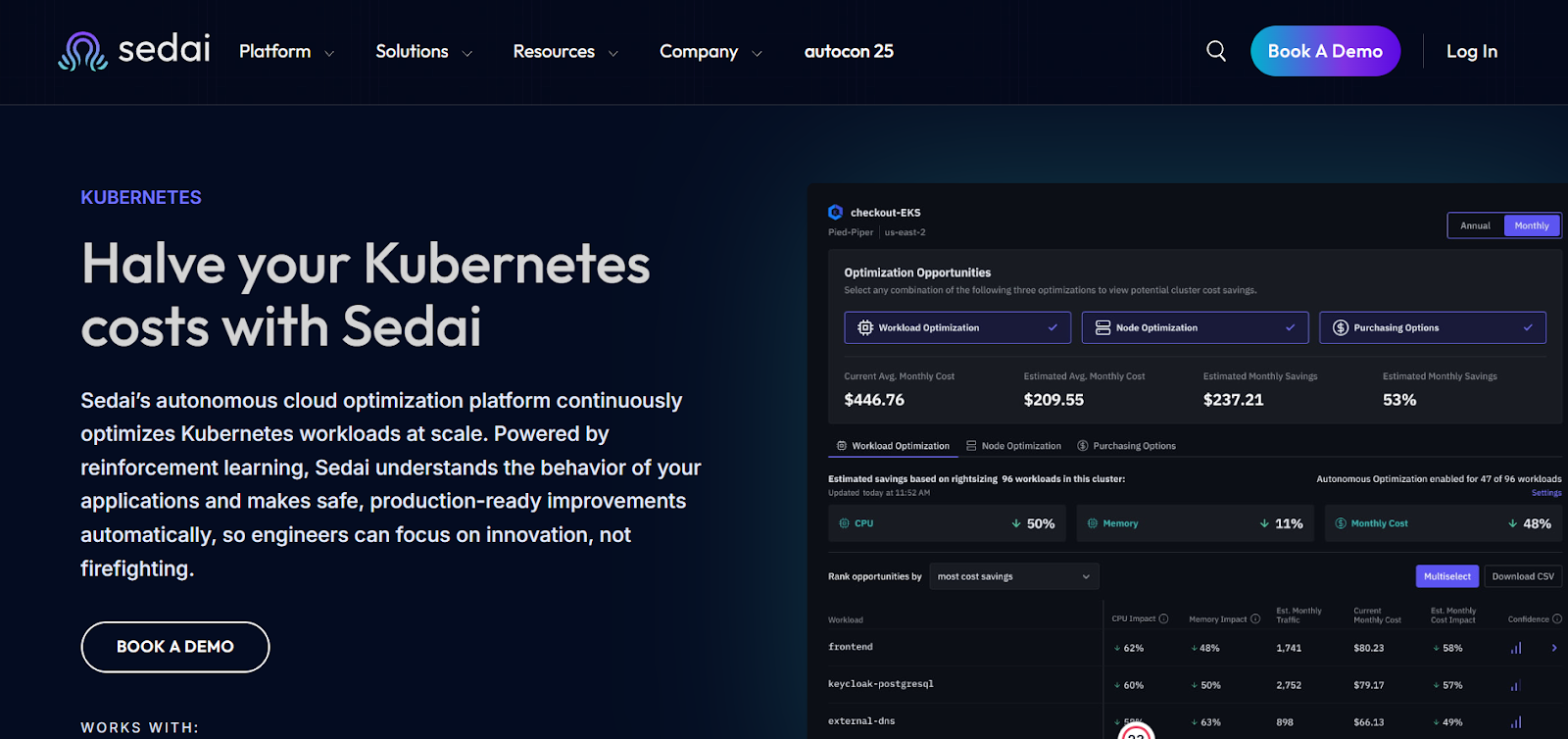
Sedai provides an autonomous optimization layer for AWS environments, using machine learning (ML) and artificial intelligence (AI) to continuously fine-tune cloud resources, cut costs, and enhance performance.
The platform evaluates real-time workload behavior and automatically adjusts AWS resources, ensuring compute, storage, and networking are always used efficiently, without engineers needing to step in.
Its closed-loop optimization engine studies how applications behave in production and aligns the cloud infrastructure to match those usage patterns.
By automating day-to-day cloud resource management, Sedai eliminates the need for constant manual tuning, performance adjustments, or cost tracking.
This allows engineering teams to focus more on innovation and product development, while Sedai quietly manages ongoing cloud optimization in the background.
Key Features:
Here’s how Sedai delivers value:
Best For:
Sedai is well-suited for engineering teams managing large, fast-changing AWS environments, especially cloud-native architectures, microservices, and Kubernetes workloads.
It’s a strong fit for organizations that need ongoing AWS optimization for cost and performance but prefer to avoid manual intervention.
If you’re looking to instantly quantify the savings and performance improvements that Sedai can deliver, try our ROI calculator to estimate how much you could save on AWS with automated optimization.
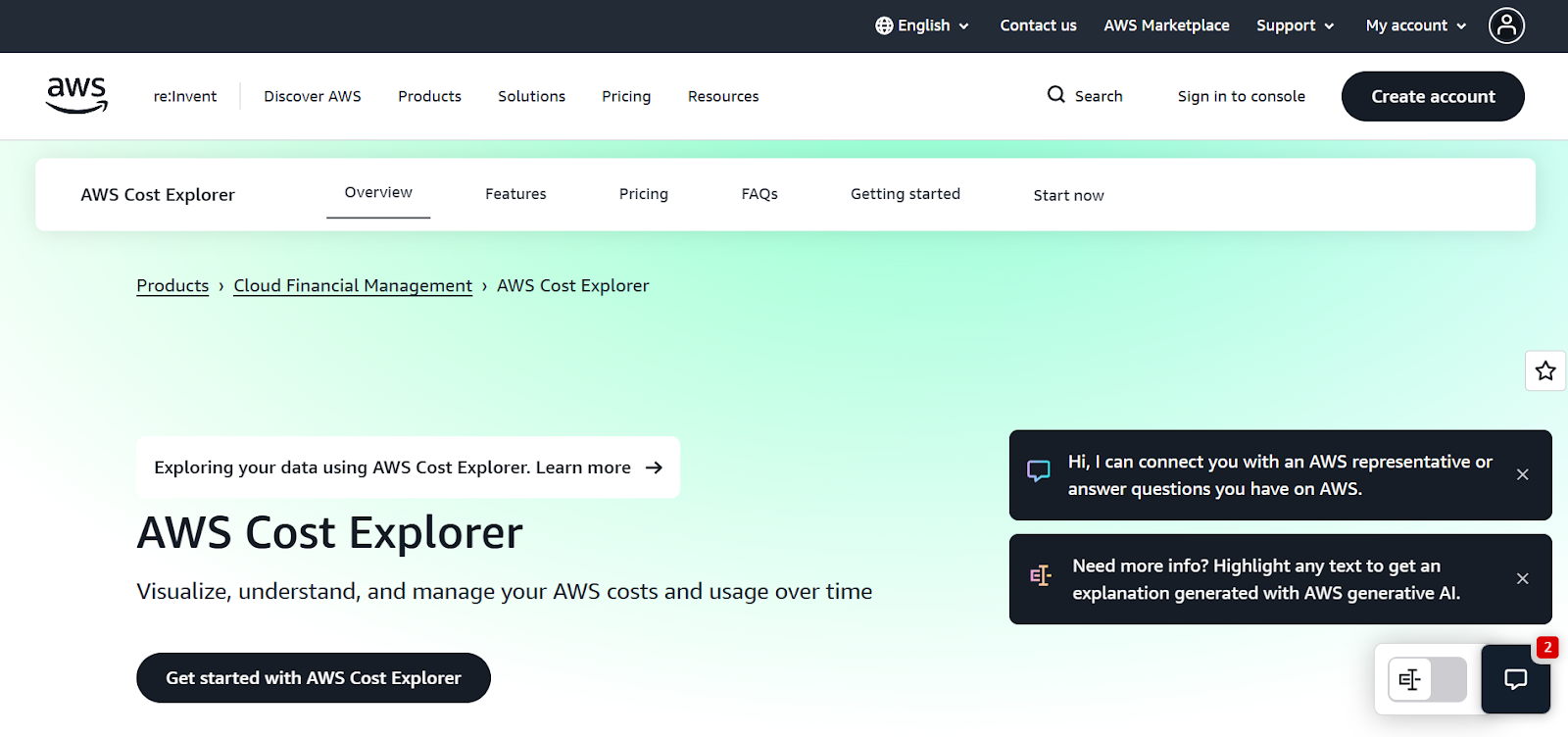
AWS Cost Explorer gives engineers a clear way to visualize, analyze, and manage spending trends across their AWS environment. It offers deep insights into cost distribution, helping teams stay aware of usage patterns and optimize their cloud spend more effectively.
Key Features:
Best for: Teams that need strong cost visibility and historical analysis across services, regions, and multiple accounts.
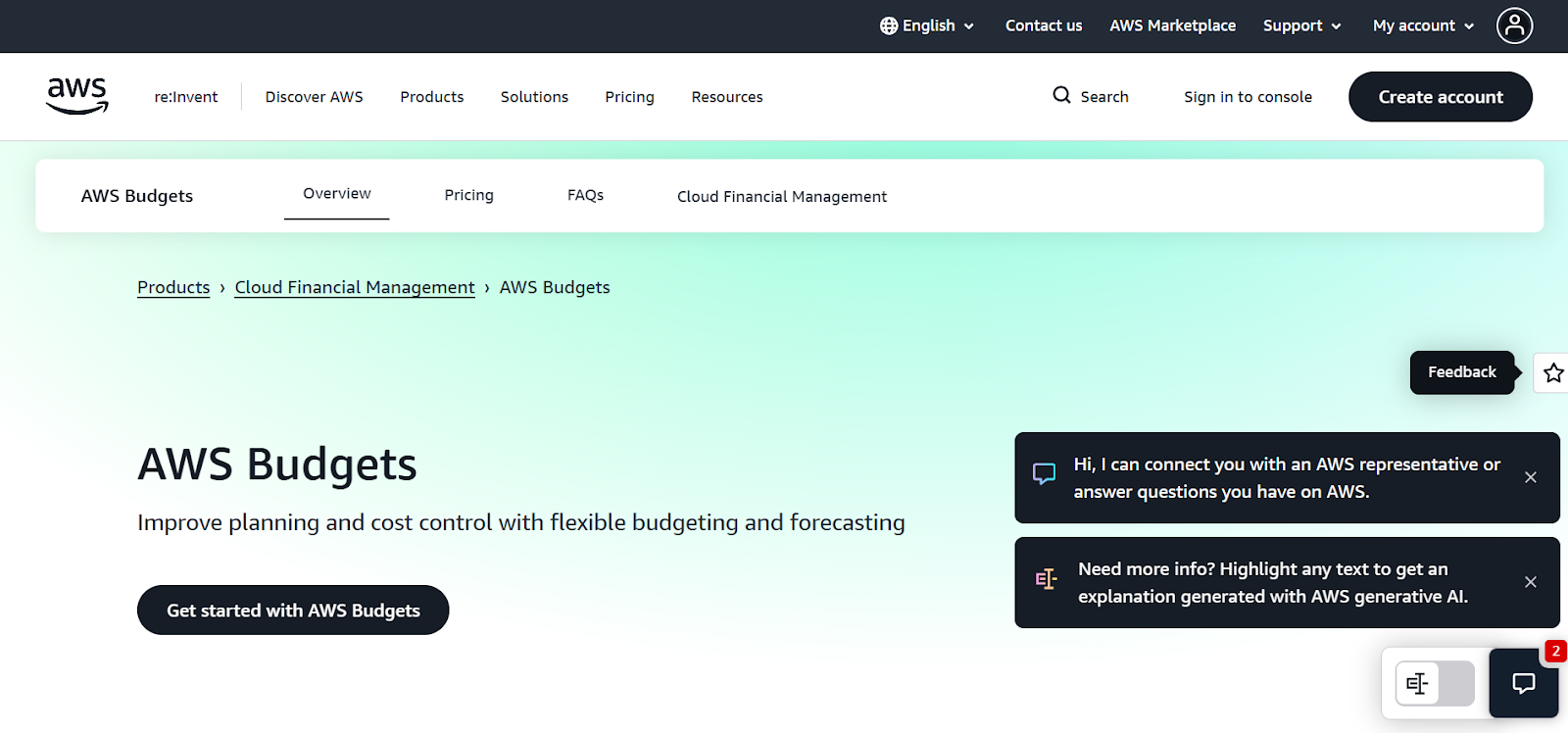
AWS Budgets allows you to set custom usage and cost thresholds, sending alerts when spending goes beyond your defined limits. It supports proactive cost control and helps teams avoid unwanted billing surprises.
Key Features:
Best for: Teams that want to enforce budget rules, monitor usage, and get timely alerts around spend.
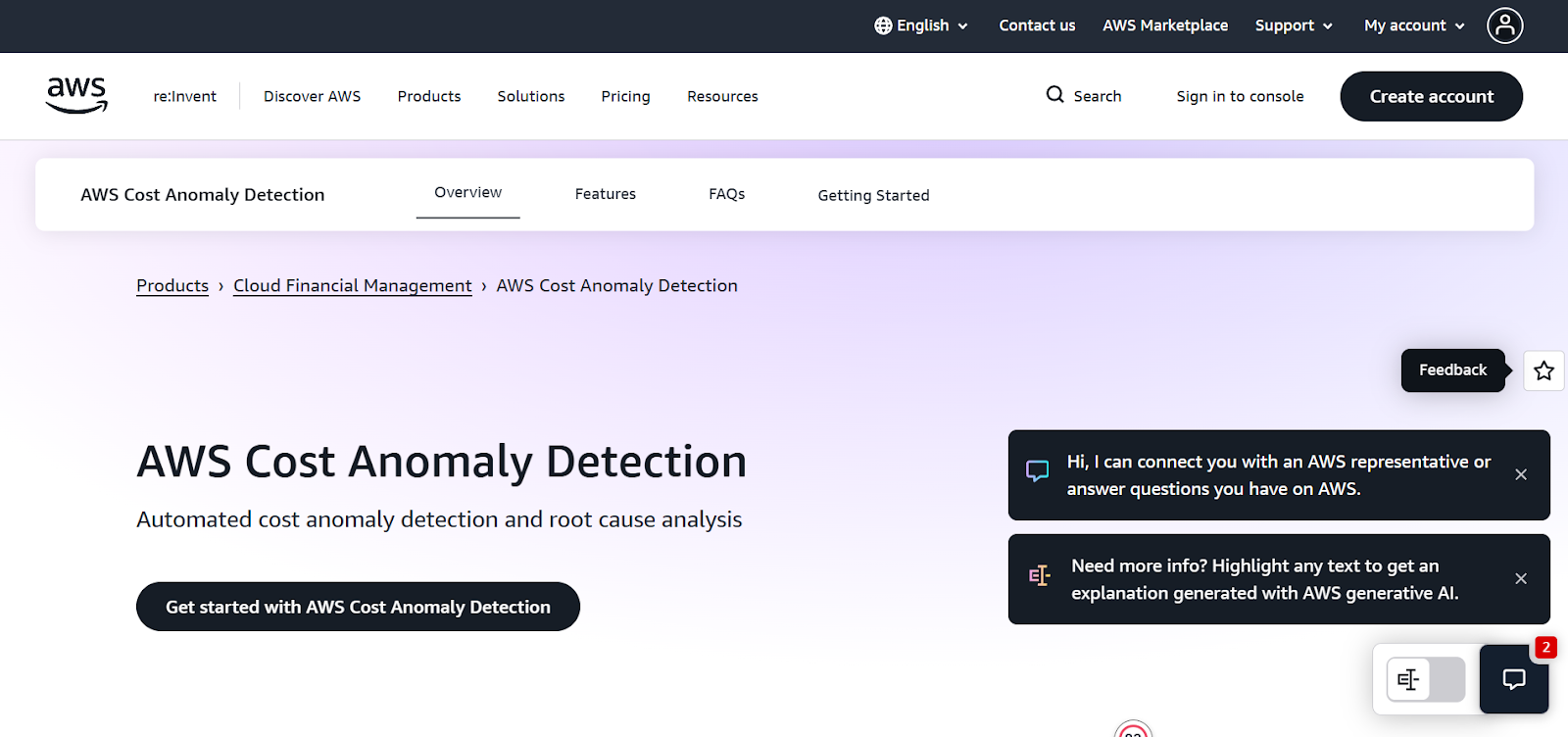
AWS Cost Anomaly Detection uses machine learning to spot unusual spikes in usage or costs, allowing engineers to respond before expenses escalate. It’s an essential tool for teams that need early warnings about unexpected cost behavior.
Key Features:
Best for: Workloads where unexpected increases must be identified and addressed quickly.
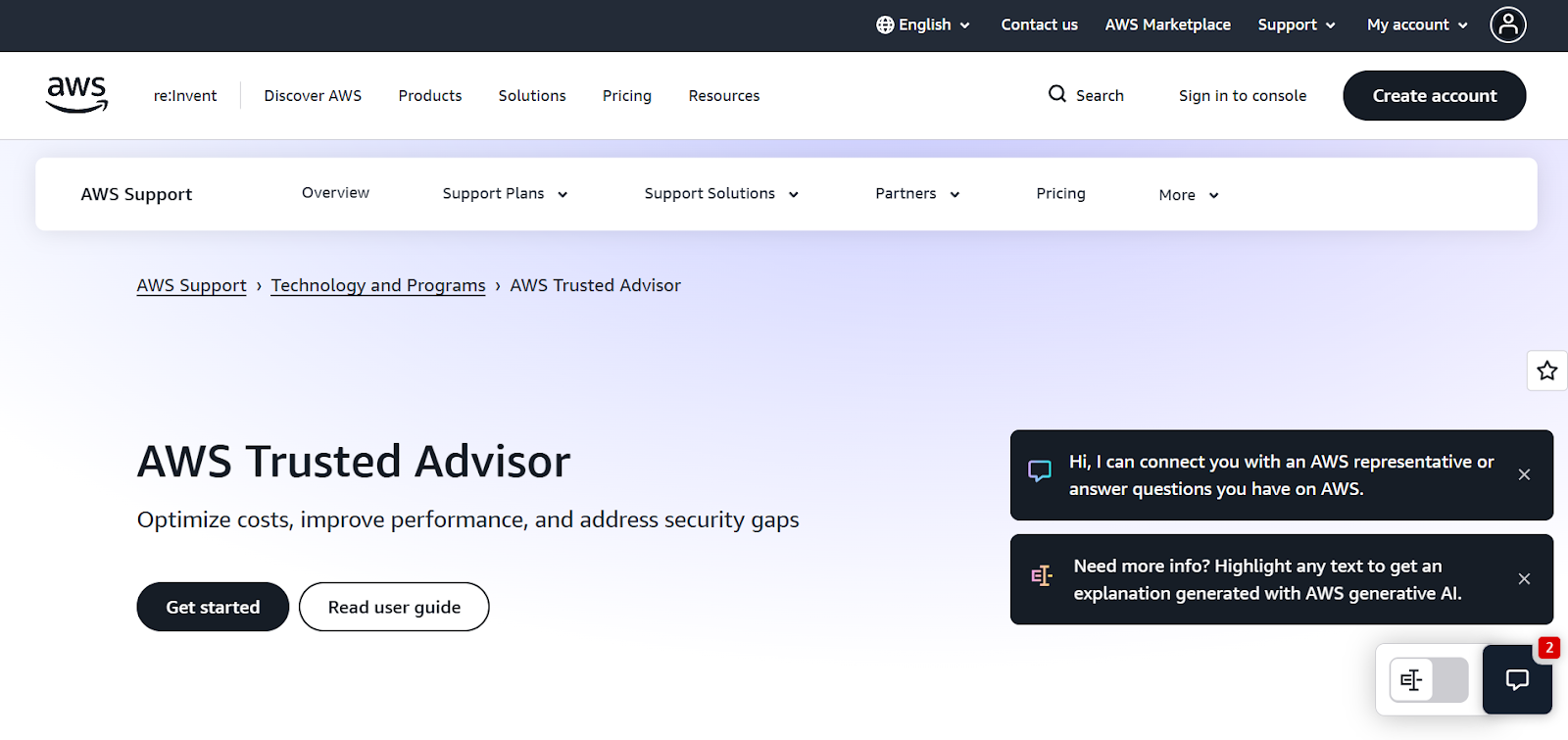
AWS Trusted Advisor reviews your AWS setup and provides real-time recommendations to improve cost efficiency, performance, and security. It helps identify waste, misconfigurations, and opportunities to optimize your environment.
Key Features:
Best for: Engineers who want practical, best-practice guidance on rightsizing and reducing unnecessary costs.
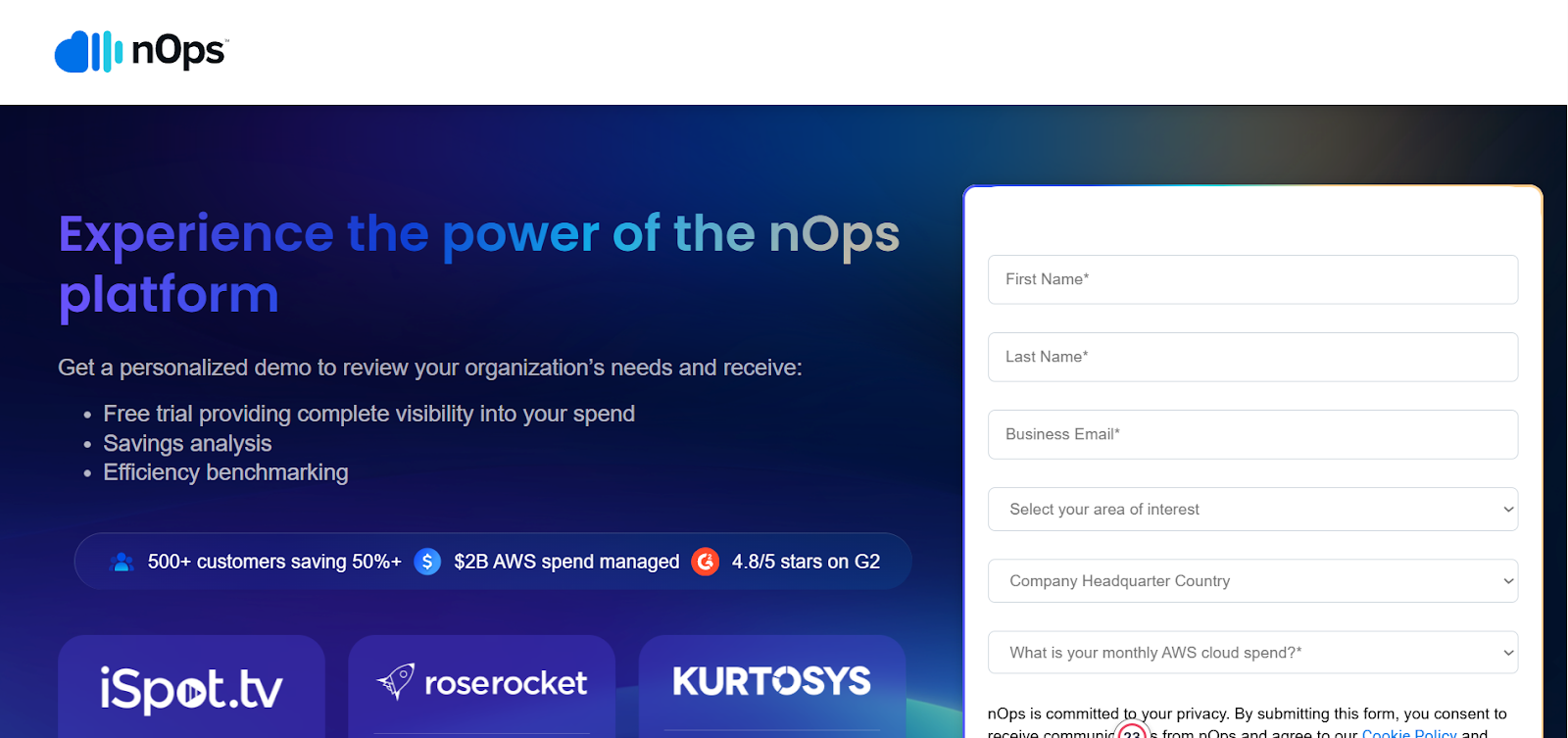
nOps is an AI-powered cloud optimization platform that continuously analyzes AWS environments and automates cost-saving recommendations. It simplifies tracking and optimizing spend across large AWS setups.
Key Features:
Best for: Large, multi-account AWS environments that need automated optimization across the board.
CloudHealth by VMware provides centralized cost management for AWS and other clouds. It gives organizations a single platform to track, analyze, and optimize multi-cloud spending.
Key Features:
Best for: Enterprises running multi-cloud or multi-account environments needing consolidated governance and forecasting.
CloudCheckr provides detailed visibility into AWS costs, usage, security, and compliance. It helps organizations find inefficiencies and improve financial and operational performance.
Key Features:
Best for: Organizations that want both cost optimization and compliance oversight.
Spot by NetApp helps reduce AWS compute costs by automating the use of Spot Instances while maintaining application performance. It is ideal for workloads that can handle flexibility.
Key Features:
Best for: Flexible workloads like batch jobs or stateless services that can use Spot Instances efficiently.
Finout provides granular visibility into AWS costs, allowing teams to track spend across features, teams, and customers. It ties cloud spending to business outcomes for clearer accountability.
Key Features:
Best for: Multi-team setups needing precise cost attribution.
OptScale is an open-source platform that automates scaling, rightsizing, and waste reduction across AWS and other cloud environments. It supports continuous optimization across workloads.
Key Features:
Best for: Multi-cloud teams needing automation to manage fluctuating workloads.

OpenCost is an open-source solution built for Kubernetes workloads, giving teams container-level visibility into AWS spend. It helps allocate costs across pods, namespaces, and clusters.
Key Features:
Best for: Kubernetes-heavy environments needing detailed cost tracking.

CloudZero connects AWS costs to business metrics, allowing organizations to analyze spend by feature, application, or customer. It helps teams connect cloud usage with financial outcomes.
Key Features:
Best for: SaaS and product-led teams that want cost insights aligned with business goals.

The Cost Explorer API allows teams to automate access to AWS cost and usage data. It can be integrated into internal systems for automated analysis and reporting.
Key Features:
Best for: Engineers needing automated cost data for internal systems or custom analytics.
CloudBolt supports hybrid and multi-cloud environments by offering centralized cost visibility and governance. It helps optimize cloud usage across AWS and other clouds.
Key Features:
Best for: Enterprises with hybrid or multi-cloud deployments needing unified optimization.
Densify uses machine learning to optimize AWS resource utilization and reduce cloud waste. It gives engineers predictive insights into capacity needs and resource efficiency.
Key Features:
Best for: Infrastructure-heavy setups that rely on capacity planning.
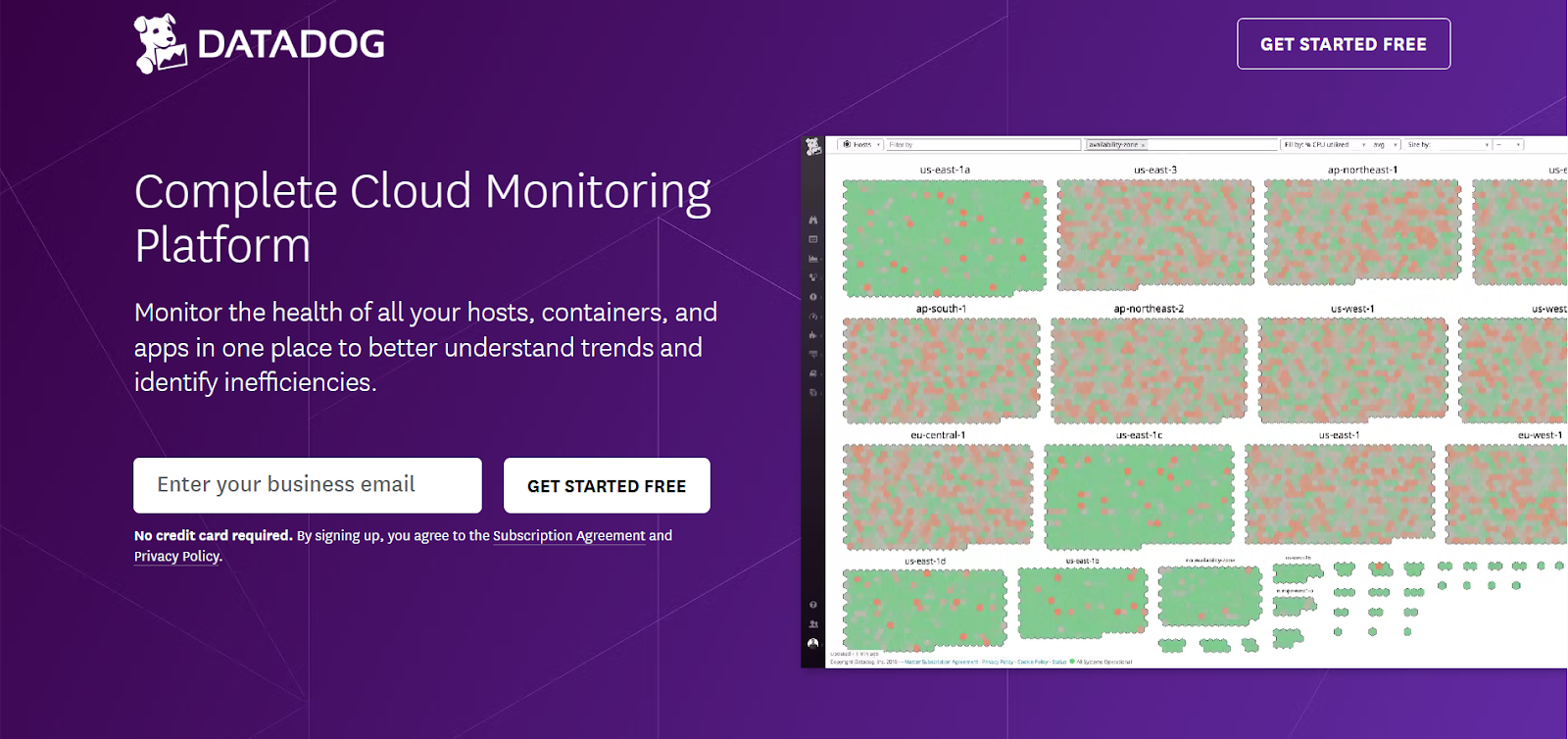
Datadog combines observability and cost management to help teams track AWS spend while maintaining operational performance.
Key Features:
Best for: Teams that want cost data tied directly to performance insights.
Spotinst specializes in automated Spot Instance management, helping teams save significantly on compute with minimal manual effort.
Key Features:
Best for: Workloads that can handle interruptions and benefit from Spot pricing.
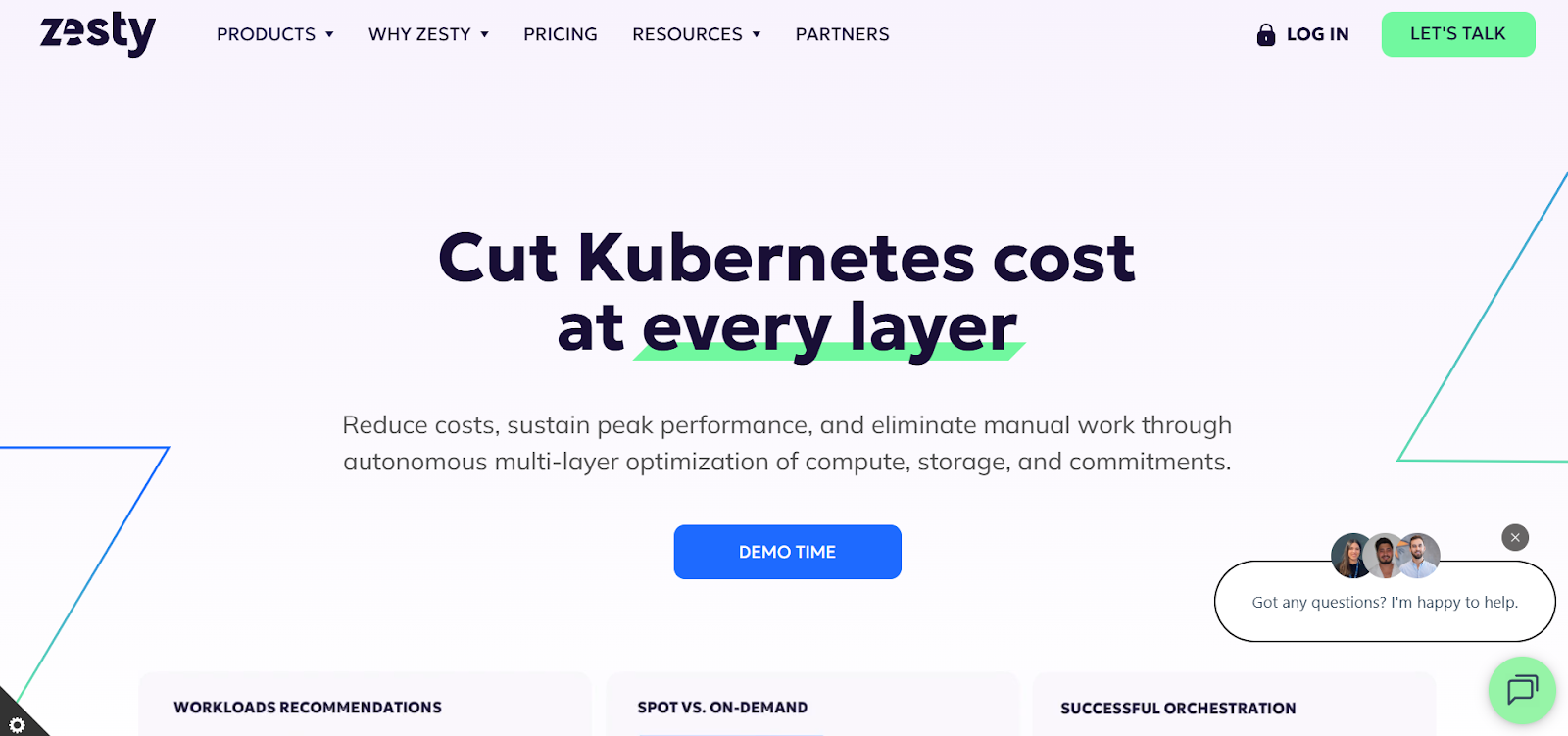
Zesty improves AWS cost efficiency by automating commitment management, such as handling Reserved Instances, and optimizing storage usage. It dynamically adjusts compute and storage resources in response to real-time demand.
Key Features:
Best for: Teams running fast-changing, containerized workloads (like Kubernetes) or those looking for automated RI/Savings Plan management and storage optimization.
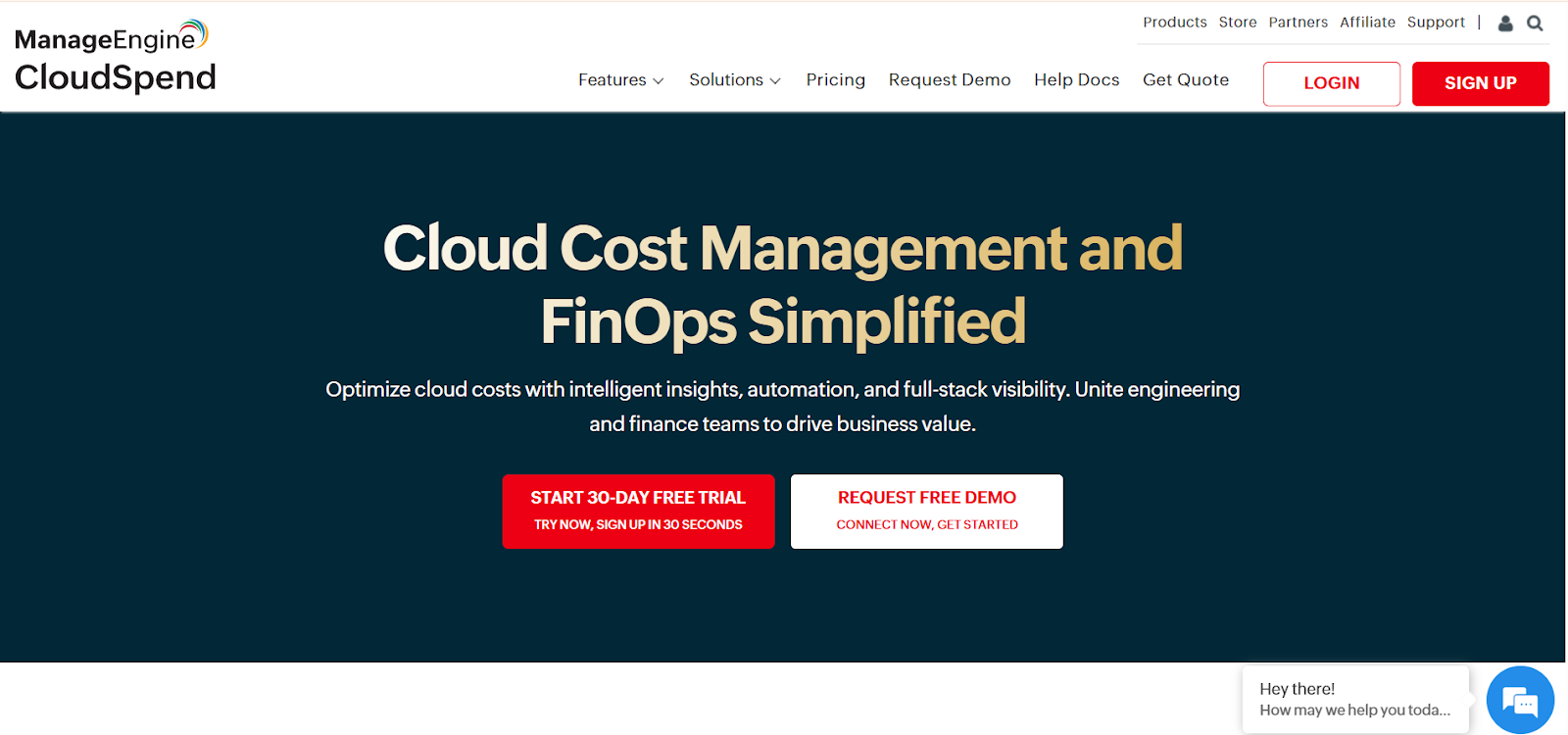
ManageEngine CloudCost offers clear visibility into AWS usage and provides automated insights to optimize costs.
Key Features:
Best for: Teams that want simple, automated tracking and optimization suggestions.
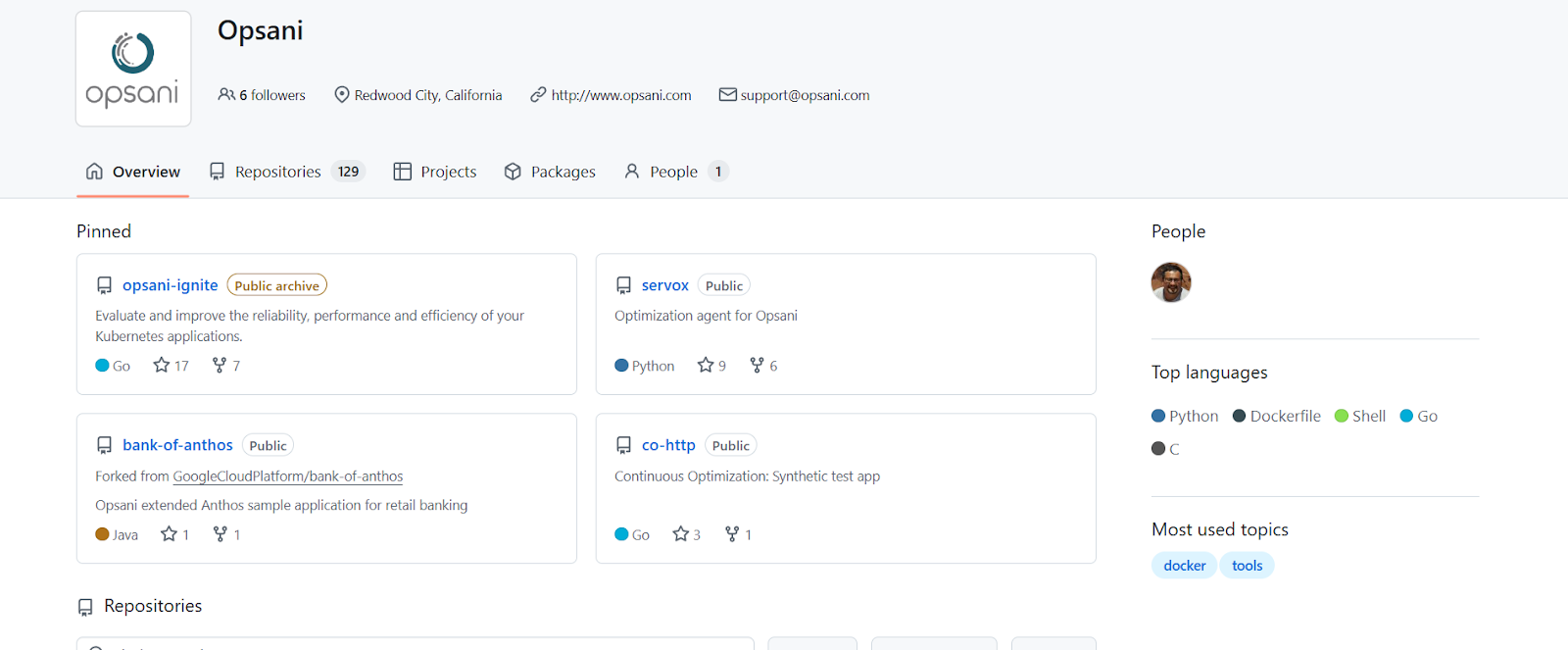
Opsani uses AI-driven optimization to continuously tune application configurations and resource allocations. It automatically adjusts autoscaler policies, CPU/memory settings, and other runtime parameters.
Key Features:
Best for: Engineering teams managing dynamic, performance-sensitive workloads that benefit from continuous tuning and automated cost optimization.
Prisma Cloud offers cloud-native security combined with cost optimization. It provides strong visibility into AWS resources while ensuring compliance and efficiency.
Key Features:
Best for: Teams that need both security and cost optimization in regulated environments.
Must Read: AWS Elasticsearch Guide 2026: Performance & Cost
AWS optimization is a continuous process. Engineering teams need to stay agile and consistently monitor resource usage and spending patterns to ensure that their cloud infrastructure remains efficient.
Rightsizing resources, selecting the right pricing models, automating scaling, optimizing storage and data transfers, and implementing FinOps governance are all critical steps. But without continuous intelligence (systems that monitor, simulate, and validate changes) optimization remains reactive and error-prone.
That’s why tools like Sedai matter: by separating cost, performance, and availability into specialized agents, only changes that preserve SLAs and workload reliability are applied. The result is measurable cost savings, adaptive resources, and fewer engineering escalations, making continuous AWS optimization both safe and actionable.
Gain full visibility into your AWS environment and reduce wasted spend immediately.
AWS cost optimization ensures that engineering teams can maintain performance while minimizing unnecessary cloud expenses. By using the right tools, teams can avoid over-provisioning and underutilization, optimize resources, and scale efficiently.
Begin by profiling workloads using AWS Compute Optimizer or similar tools. Identify instances with low CPU or memory utilization and test smaller sizes under load. Adopt dynamic rightsizing tools that continuously monitor and adjust resources. Pair rightsizing with predictive auto scaling to handle traffic spikes without manual intervention.
Success in AWS cost optimization can be measured by tracking cost savings over time, the efficiency of resource utilization, and the alignment of cloud spend with business goals. Using tools that provide detailed analytics, like AWS Cost Explorer, can help assess the impact and ROI of optimization efforts.
Yes, many AWS cost optimization tools, especially those with anomaly detection features like AWS Cost Anomaly Detection or Sedai, can identify unusual spending patterns early. This helps teams react quickly to avoid unexpected costs, making the optimization process proactive rather than reactive.
December 10, 2025
December 10, 2025
Optimizing AWS costs involves balancing cost, performance, and availability. Traditional scripts often cut costs at the expense of performance. Real savings come from continuous optimization, combining AI-driven automation, FinOps principles, and intelligent scaling. Tools like Sedai use multi-agent systems to simulate changes and ensure resource adjustments meet performance and SLA thresholds, delivering lasting cost reduction without sacrificing reliability.
Engineering teams today lean heavily on AWS because it promises agility, scalability, and the kind of efficiency you simply can’t build in a data center without burning years of budget.
However, without a structured cost management approach, you can overspend by up to 33% on AWS cloud resources.
This overspend shows up as real trade-offs: less budget for innovation, slower hiring, and projects that stall before they launch. While cost reduction is top‑of‑mind, optimization is about balancing cost, performance, and availability.
Customers won’t tolerate laggy apps, and your CFO won’t tolerate wasted resources. Relying on traditional scripts or one-off cost-cutting exercises often ends up hurting performance or reliability.
That’s why real savings come from continuous optimization that brings together FinOps principles, deep engineering insight, and AI-driven intelligent automation.
In this blog, you’ll explore top optimization tools and strategies that matter in 2026, helping you use and implement them to achieve long-lasting results.
When we talk about AWS optimization, we’re not talking about cutting costs for the sake of a lower bill. AWS optimization is the ongoing process of matching cloud resources to application needs, ensuring that every dollar spent delivers business value.
Consider a web application running on EC2 instances. The app sees heavy traffic during weekdays but much lower activity on weekends. Without optimization, you could keep all EC2 instances running at full capacity all week, resulting in unnecessary costs.
Here’s why AWS optimization matters:
Unoptimized AWS resources often lead to over-provisioning, where you end up paying for more compute, storage, or bandwidth than necessary. You can prevent this waste by rightsizing EC2 instances, using reserved or spot instances, and choosing the right storage classes.
Continuously optimizing resources based on workload demand ensures applications run efficiently. Right-sizing instances and using auto-scaling can reduce latency, improve throughput, and optimize compute and memory allocation.
Over-provisioned resources waste both money and cloud capacity. AWS optimization helps you fine-tune resource allocation, ensuring only the necessary resources run and are scaled as needed. This reduces operational costs and prevents resource contention
AWS environments are dynamic, and workloads change frequently. Optimization tools let you automate scaling and resource allocation, reducing manual intervention. This frees up time for higher-priority work and ensures systems adapt to demand in real time.
Proper optimization keeps resources available when needed, without performance drops. By managing scaling, load balancing, and failover automatically, AWS optimization helps teams meet Service Level Objectives (SLOs) and uptime goals.
AWS optimization tailors configurations for specific use cases, whether it’s serverless functions (AWS Lambda), containerized workloads (ECS, EKS), or storage management (S3, EBS). This targeted approach increases efficiency across environments.
As workloads grow, AWS costs can spiral without proper monitoring. Optimization helps you build scalable systems while keeping costs under control.
By continuously monitoring and adjusting resource allocation, your team can maintain predictable cloud spending even as usage scales.
Suggested Read: Strategies for AWS Lambda Cost Optimization
One of the fastest ways AWS costs spiral is by picking the wrong pricing model. Understanding how to choose the right pricing model can have a significant impact on how much we spend on AWS services.
AWS offers several pricing models that allow you to tailor your cloud spend to your specific needs. The key pricing models include On-Demand, Reserved Instances (RIs), Spot Instances, and Savings Plans.
We’ve seen firsthand how the right choice of pricing model can reduce costs drastically. One of the most common mistakes we’ve seen is teams defaulting to On-Demand because it “feels safe,” only to discover months later that their 24/7 workloads could have been running on Reserved Instances at half the cost. It’s the kind of oversight that doesn’t show up in sprint planning but definitely shows up in the CFO’s office.
Reserved Instances and Savings Plans work best when you know your baseline. If you can commit, the savings are undeniable. We’ve had organizations lock in multi-year commitments for steady workloads like databases and save more compared to On-Demand.
On the other hand, Spot Instances can be highly cost-effective for batch jobs or development environments, but if you try to run production on them, you’re essentially betting your uptime against AWS’s spare capacity.
The real work here isn’t choosing a single pricing model. It’s learning how to blend them without tripping over the trade-offs.
Cost efficiency that ignores performance leads to slower applications. Aggressive savings that ignore availability lead to unhappy customers. The balance is delicate, and static scripts or one-off cost cuts almost always break it. Real optimization means treating pricing models as tools in a kit, not switches you flip once and forget.
Once you have figured out the best pricing model for our workloads, the next step is to understand the main cost drivers in AWS. AWS bills rarely fail because they’re unclear. They fail because they’re sprawling.
To optimize effectively, engineering leaders need to understand where the majority of costs originate and why they creep upward over time. Three major drivers that contribute to AWS spend are:
By mapping spend to these categories using native tools (Cost Explorer and Trusted Advisor) or third‑party platforms, teams can target optimization efforts where they matter most.
Over the years, we’ve seen engineering teams obsess over the wrong things: scrambling to cut a few idle EC2 instances while missing massive waste elsewhere. Cost optimization isn’t a one-off exercise. It’s a continuous discipline.
The following strategies highlight the approaches that consistently deliver measurable savings in real-world AWS environments.
Cost optimization often breaks down when engineering teams rely only on tools and scripts without shared ownership. The FinOps model brings finance, operations, and engineering together, ensuring everyone is accountable for making cost-aware decisions.
How to optimize:
Tip: Align your FinOps process with quarterly business reviews to keep cloud spending aligned with changing business goals.
Over-provisioning EC2 instances or RDS databases frequently leads to inefficiency. Effective rightsizing depends on understanding usage patterns, peak demand, and acceptable latency levels.
How to optimize:
Tip: Always test performance under load before switching to smaller instances. Simulations help prevent performance issues while reducing costs.
Relying on On-Demand instances for every workload can drive up costs quickly, especially for stable, predictable workloads.
How to optimize:
Tip: Consider AWS Savings Plans when you need flexibility across multiple services and instance families, something traditional RIs don’t offer.
Static provisioning or manual scaling rarely keeps up with changing demand, leading to unnecessary cloud costs. Automation ensures resources run only when needed.
How to optimize:
Tip: Use AWS Instance Scheduler to automate start/stop schedules for non-production environments and cut unnecessary off-hour costs.
Storage and data transfer inefficiencies often stay unnoticed until the bill jumps. Misaligned storage classes quietly drive a large portion of cloud spend.
How to optimize:
Tip: Review S3 access patterns regularly and use lifecycle policies to transition unused data to lower-cost tiers automatically.
Good visibility depends on proper tagging and allocation. A strong tagging strategy helps track and optimize costs across teams, projects, and environments.
How to optimize:
Tip: Maintain a centralized tagging guideline so all teams use consistent and meaningful tags.
Modernizing workloads can improve cost efficiency, but correct configurations and tuning are crucial to avoid hidden costs.
How to optimize:
Tip: Continuously monitor cold-start times and memory allocation for serverless functions to maintain performance while keeping execution costs low.
Zombie resources, unused backups, and idle services often increase costs without appearing clearly in dashboards.
How to optimize:
Tip: Use AWS Config to automatically identify unused resources and misconfigurations for faster cleanup.
Manual monitoring can’t keep pace with changing cloud environments. AI-powered tools catch cost anomalies early.
How to optimize:
Tip: Combine Cost Anomaly Detection with CloudWatch for automated responses to cost spikes.
Manually tracking cloud spend becomes impractical in large or multi-account environments. Automation ensures ongoing visibility without extra effort.
How to optimize:
Tip: Use AWS Lambda to automate cost adjustments when budget alerts trigger.
Databases often account for a major share of cloud spending. Optimizing database architecture and usage can significantly reduce costs.
How to optimize:
Tip: Audit database performance and query plans regularly to avoid unnecessary provisioned throughput.
Multiple accounts can create fragmented billing and low visibility. Consolidating bills simplifies reporting and unlocks volume discounts.
How to optimize:
Tip: Consolidate only related accounts to ensure volume discount thresholds are realistically met.
Managing cross-region setups effectively helps control data transfer costs and minimize latency.
How to optimize:
Tip: Periodically review region distribution to balance cost savings and performance needs.
AWS environments evolve quickly, making it essential to review utilization frequently to avoid over-provisioning or underuse.
How to optimize:
Tip: Automate recurring usage audits to catch inefficiencies early and retire unused resources proactively.
Once you are familiar with the top strategies to reduce AWS costs, the next step is to use the top AWS optimization tools to optimize your AWS bill.
Also Read: AWS Fargate: Features, Pricing & Cost Optimization
Top 22 AWS Cost Optimization Tools in 2026
As AWS environments continue to scale and become more complex, maintaining cost efficiency goes beyond occasional manual reviews. It calls for a strong, dependable toolkit.
Here’s a curated list of 22 AWS cost optimization tools that you should know in 2026 to keep cloud spend under control and strengthen financial discipline.
Sedai provides an autonomous optimization layer for AWS environments, using machine learning (ML) and artificial intelligence (AI) to continuously fine-tune cloud resources, cut costs, and enhance performance.
The platform evaluates real-time workload behavior and automatically adjusts AWS resources, ensuring compute, storage, and networking are always used efficiently, without engineers needing to step in.
Its closed-loop optimization engine studies how applications behave in production and aligns the cloud infrastructure to match those usage patterns.
By automating day-to-day cloud resource management, Sedai eliminates the need for constant manual tuning, performance adjustments, or cost tracking.
This allows engineering teams to focus more on innovation and product development, while Sedai quietly manages ongoing cloud optimization in the background.
Key Features:
Here’s how Sedai delivers value:
Best For:
Sedai is well-suited for engineering teams managing large, fast-changing AWS environments, especially cloud-native architectures, microservices, and Kubernetes workloads.
It’s a strong fit for organizations that need ongoing AWS optimization for cost and performance but prefer to avoid manual intervention.
If you’re looking to instantly quantify the savings and performance improvements that Sedai can deliver, try our ROI calculator to estimate how much you could save on AWS with automated optimization.
AWS Cost Explorer gives engineers a clear way to visualize, analyze, and manage spending trends across their AWS environment. It offers deep insights into cost distribution, helping teams stay aware of usage patterns and optimize their cloud spend more effectively.
Key Features:
Best for: Teams that need strong cost visibility and historical analysis across services, regions, and multiple accounts.
AWS Budgets allows you to set custom usage and cost thresholds, sending alerts when spending goes beyond your defined limits. It supports proactive cost control and helps teams avoid unwanted billing surprises.
Key Features:
Best for: Teams that want to enforce budget rules, monitor usage, and get timely alerts around spend.
AWS Cost Anomaly Detection uses machine learning to spot unusual spikes in usage or costs, allowing engineers to respond before expenses escalate. It’s an essential tool for teams that need early warnings about unexpected cost behavior.
Key Features:
Best for: Workloads where unexpected increases must be identified and addressed quickly.
AWS Trusted Advisor reviews your AWS setup and provides real-time recommendations to improve cost efficiency, performance, and security. It helps identify waste, misconfigurations, and opportunities to optimize your environment.
Key Features:
Best for: Engineers who want practical, best-practice guidance on rightsizing and reducing unnecessary costs.
nOps is an AI-powered cloud optimization platform that continuously analyzes AWS environments and automates cost-saving recommendations. It simplifies tracking and optimizing spend across large AWS setups.
Key Features:
Best for: Large, multi-account AWS environments that need automated optimization across the board.
CloudHealth by VMware provides centralized cost management for AWS and other clouds. It gives organizations a single platform to track, analyze, and optimize multi-cloud spending.
Key Features:
Best for: Enterprises running multi-cloud or multi-account environments needing consolidated governance and forecasting.
CloudCheckr provides detailed visibility into AWS costs, usage, security, and compliance. It helps organizations find inefficiencies and improve financial and operational performance.
Key Features:
Best for: Organizations that want both cost optimization and compliance oversight.
Spot by NetApp helps reduce AWS compute costs by automating the use of Spot Instances while maintaining application performance. It is ideal for workloads that can handle flexibility.
Key Features:
Best for: Flexible workloads like batch jobs or stateless services that can use Spot Instances efficiently.
Finout provides granular visibility into AWS costs, allowing teams to track spend across features, teams, and customers. It ties cloud spending to business outcomes for clearer accountability.
Key Features:
Best for: Multi-team setups needing precise cost attribution.
OptScale is an open-source platform that automates scaling, rightsizing, and waste reduction across AWS and other cloud environments. It supports continuous optimization across workloads.
Key Features:
Best for: Multi-cloud teams needing automation to manage fluctuating workloads.
OpenCost is an open-source solution built for Kubernetes workloads, giving teams container-level visibility into AWS spend. It helps allocate costs across pods, namespaces, and clusters.
Key Features:
Best for: Kubernetes-heavy environments needing detailed cost tracking.
CloudZero connects AWS costs to business metrics, allowing organizations to analyze spend by feature, application, or customer. It helps teams connect cloud usage with financial outcomes.
Key Features:
Best for: SaaS and product-led teams that want cost insights aligned with business goals.
The Cost Explorer API allows teams to automate access to AWS cost and usage data. It can be integrated into internal systems for automated analysis and reporting.
Key Features:
Best for: Engineers needing automated cost data for internal systems or custom analytics.
CloudBolt supports hybrid and multi-cloud environments by offering centralized cost visibility and governance. It helps optimize cloud usage across AWS and other clouds.
Key Features:
Best for: Enterprises with hybrid or multi-cloud deployments needing unified optimization.
Densify uses machine learning to optimize AWS resource utilization and reduce cloud waste. It gives engineers predictive insights into capacity needs and resource efficiency.
Key Features:
Best for: Infrastructure-heavy setups that rely on capacity planning.
Datadog combines observability and cost management to help teams track AWS spend while maintaining operational performance.
Key Features:
Best for: Teams that want cost data tied directly to performance insights.
Spotinst specializes in automated Spot Instance management, helping teams save significantly on compute with minimal manual effort.
Key Features:
Best for: Workloads that can handle interruptions and benefit from Spot pricing.
Zesty improves AWS cost efficiency by automating commitment management, such as handling Reserved Instances, and optimizing storage usage. It dynamically adjusts compute and storage resources in response to real-time demand.
Key Features:
Best for: Teams running fast-changing, containerized workloads (like Kubernetes) or those looking for automated RI/Savings Plan management and storage optimization.
ManageEngine CloudCost offers clear visibility into AWS usage and provides automated insights to optimize costs.
Key Features:
Best for: Teams that want simple, automated tracking and optimization suggestions.
Opsani uses AI-driven optimization to continuously tune application configurations and resource allocations. It automatically adjusts autoscaler policies, CPU/memory settings, and other runtime parameters.
Key Features:
Best for: Engineering teams managing dynamic, performance-sensitive workloads that benefit from continuous tuning and automated cost optimization.
Prisma Cloud offers cloud-native security combined with cost optimization. It provides strong visibility into AWS resources while ensuring compliance and efficiency.
Key Features:
Best for: Teams that need both security and cost optimization in regulated environments.
Must Read: AWS Elasticsearch Guide 2026: Performance & Cost
AWS optimization is a continuous process. Engineering teams need to stay agile and consistently monitor resource usage and spending patterns to ensure that their cloud infrastructure remains efficient.
Rightsizing resources, selecting the right pricing models, automating scaling, optimizing storage and data transfers, and implementing FinOps governance are all critical steps. But without continuous intelligence (systems that monitor, simulate, and validate changes) optimization remains reactive and error-prone.
That’s why tools like Sedai matter: by separating cost, performance, and availability into specialized agents, only changes that preserve SLAs and workload reliability are applied. The result is measurable cost savings, adaptive resources, and fewer engineering escalations, making continuous AWS optimization both safe and actionable.
Gain full visibility into your AWS environment and reduce wasted spend immediately.
AWS cost optimization ensures that engineering teams can maintain performance while minimizing unnecessary cloud expenses. By using the right tools, teams can avoid over-provisioning and underutilization, optimize resources, and scale efficiently.
Begin by profiling workloads using AWS Compute Optimizer or similar tools. Identify instances with low CPU or memory utilization and test smaller sizes under load. Adopt dynamic rightsizing tools that continuously monitor and adjust resources. Pair rightsizing with predictive auto scaling to handle traffic spikes without manual intervention.
Success in AWS cost optimization can be measured by tracking cost savings over time, the efficiency of resource utilization, and the alignment of cloud spend with business goals. Using tools that provide detailed analytics, like AWS Cost Explorer, can help assess the impact and ROI of optimization efforts.
Yes, many AWS cost optimization tools, especially those with anomaly detection features like AWS Cost Anomaly Detection or Sedai, can identify unusual spending patterns early. This helps teams react quickly to avoid unexpected costs, making the optimization process proactive rather than reactive.


.svg)
.svg)


%201.svg)
%202.svg)


.svg)