Shoutout Creator + Tester
#1
Hello fellow Authors,
I whipped up a little something for all of us here to make shoutout codes easier. Making shoutout codes has always been somewhat of an annoying tussle with many different versions and html code that doesn't always do what you want.
So, what does it do? It's a simple tool that allows you to:
Here's the simple steps to get you your shout:
1. Go to app and paste your fic's link.
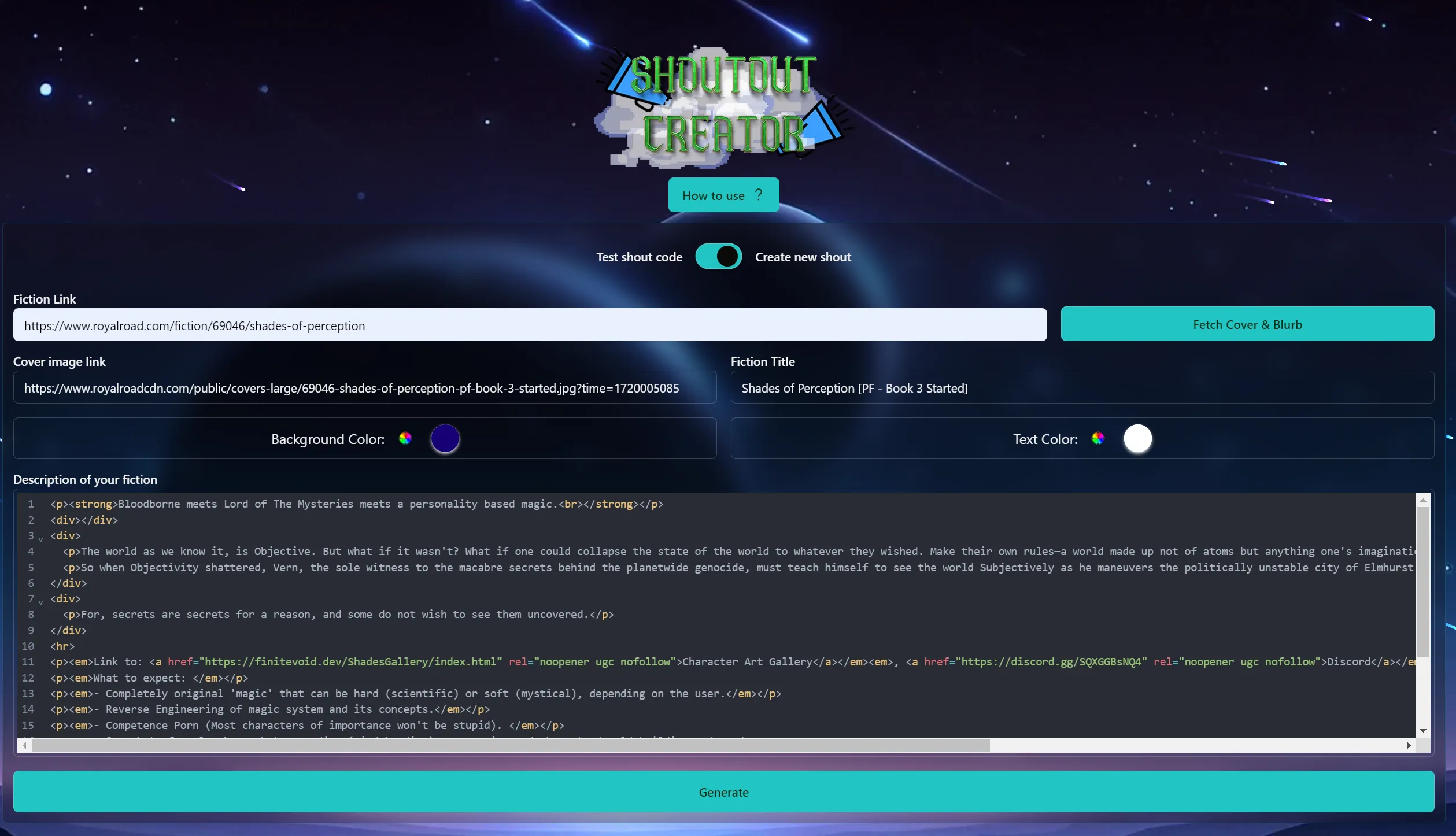
2. Click Fetch
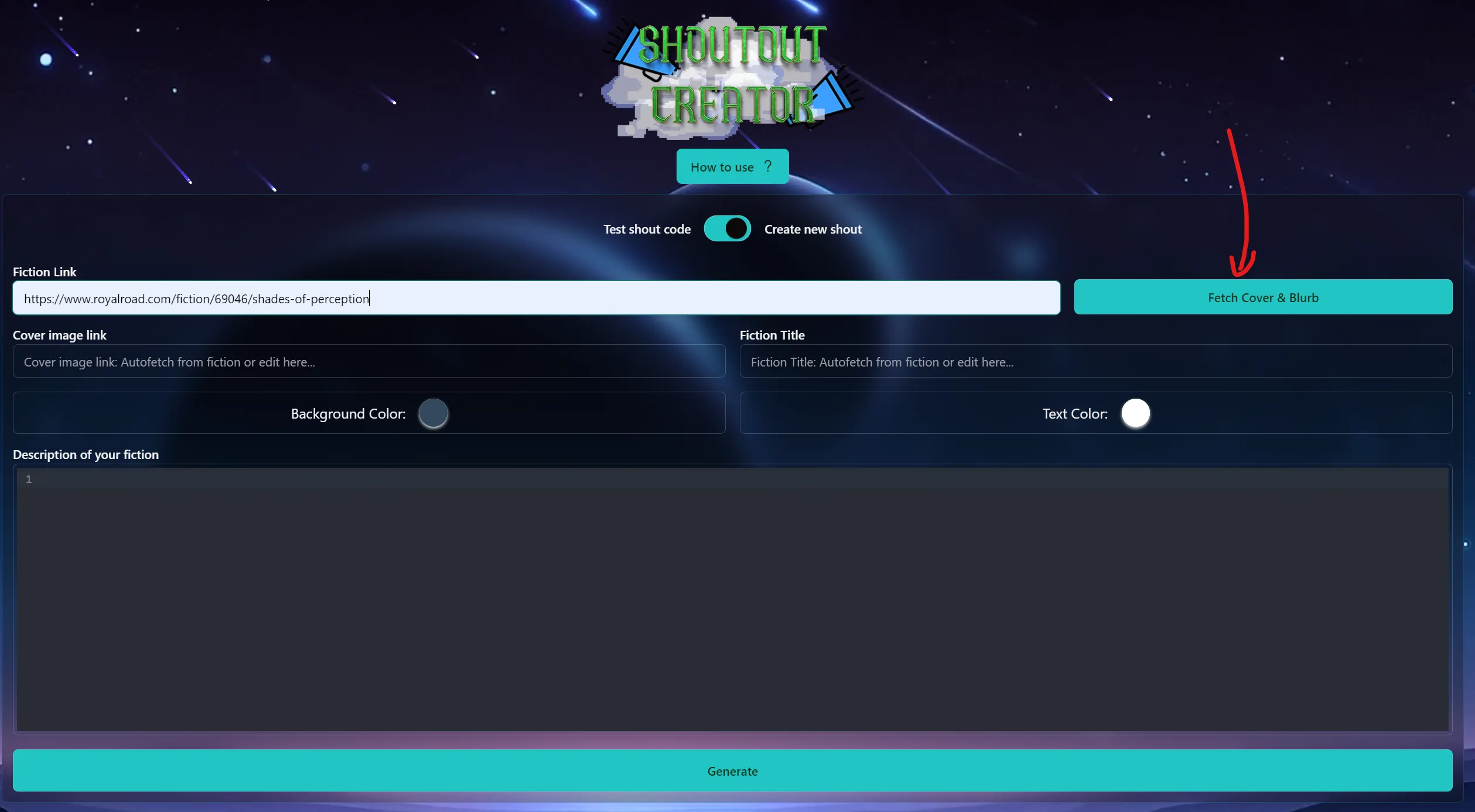
3. Make any changes to the fetched info if you want to. E.g: if your blurb is too long and you don't want shout to be long, cut it out in the editor (or use a different image for shout or cut out parts of your title if it's too long). Or change colors.
4. Click Generate and preview Shout (PC preview by default).
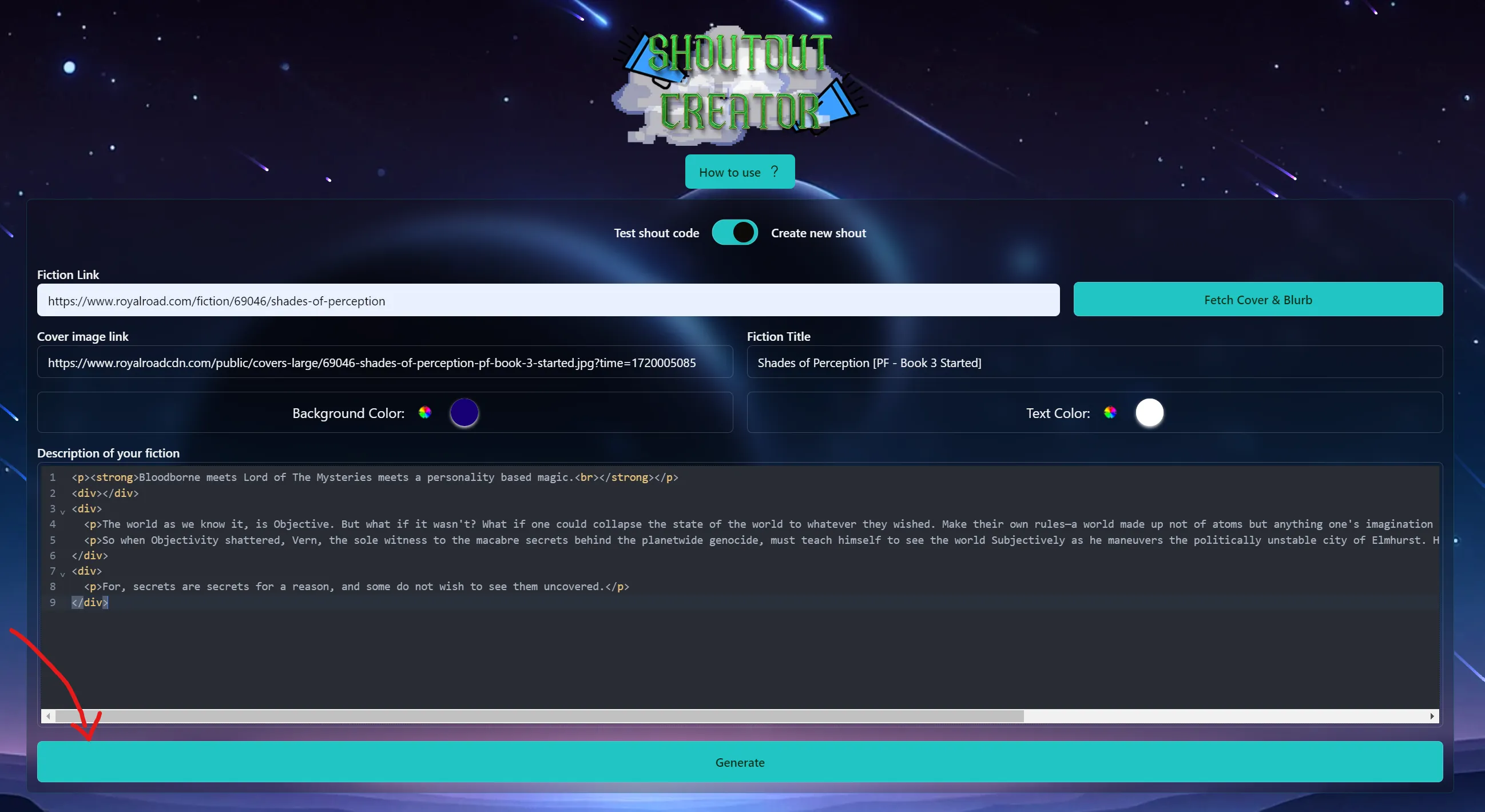
Results:
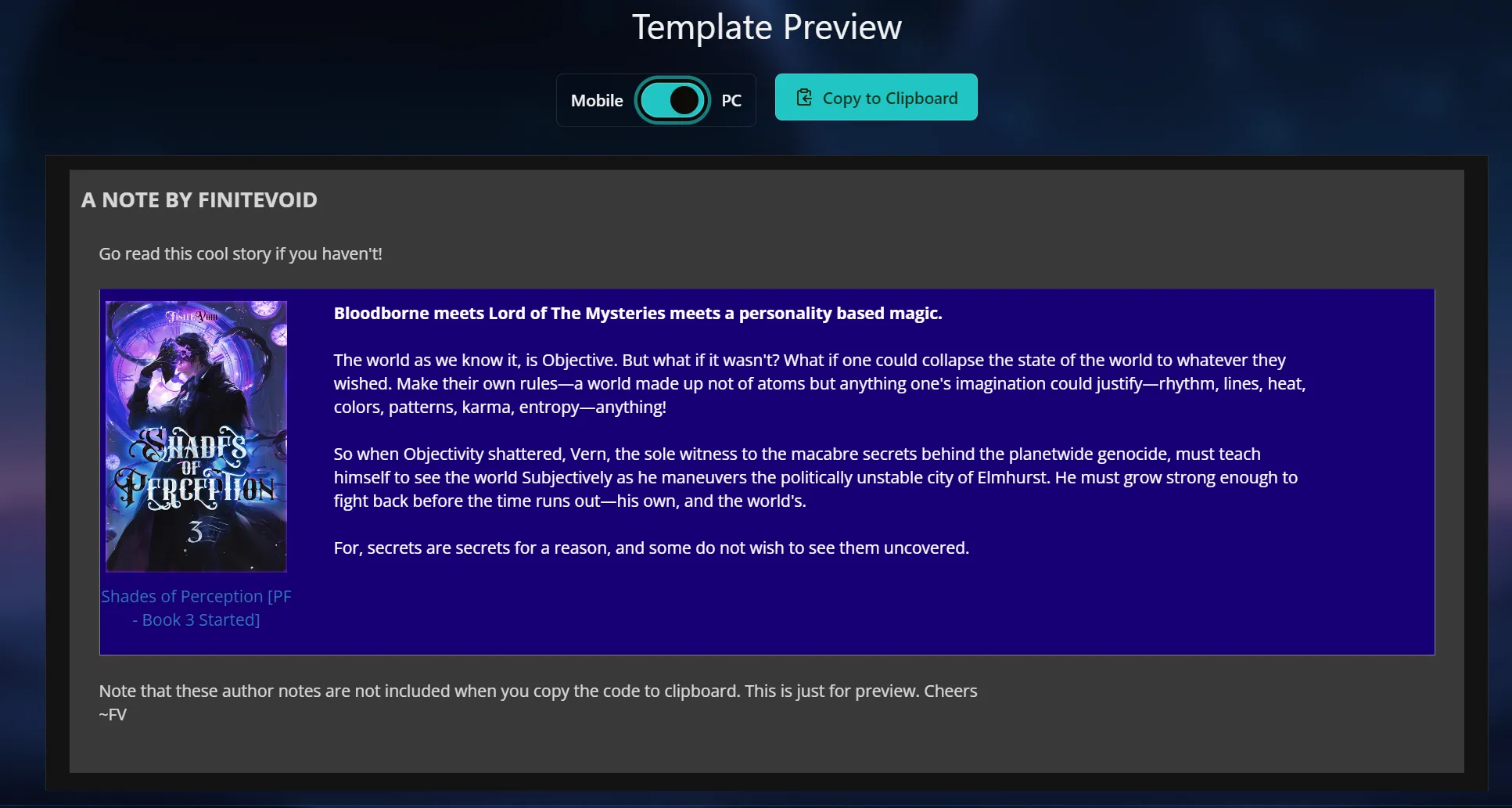
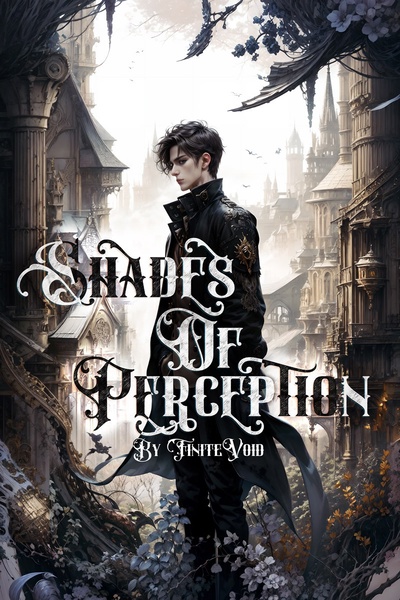
(This simulates how the shout looks inside Author's note. In this example, only brown part is the shoutout code)
4.2. Preview for mobile
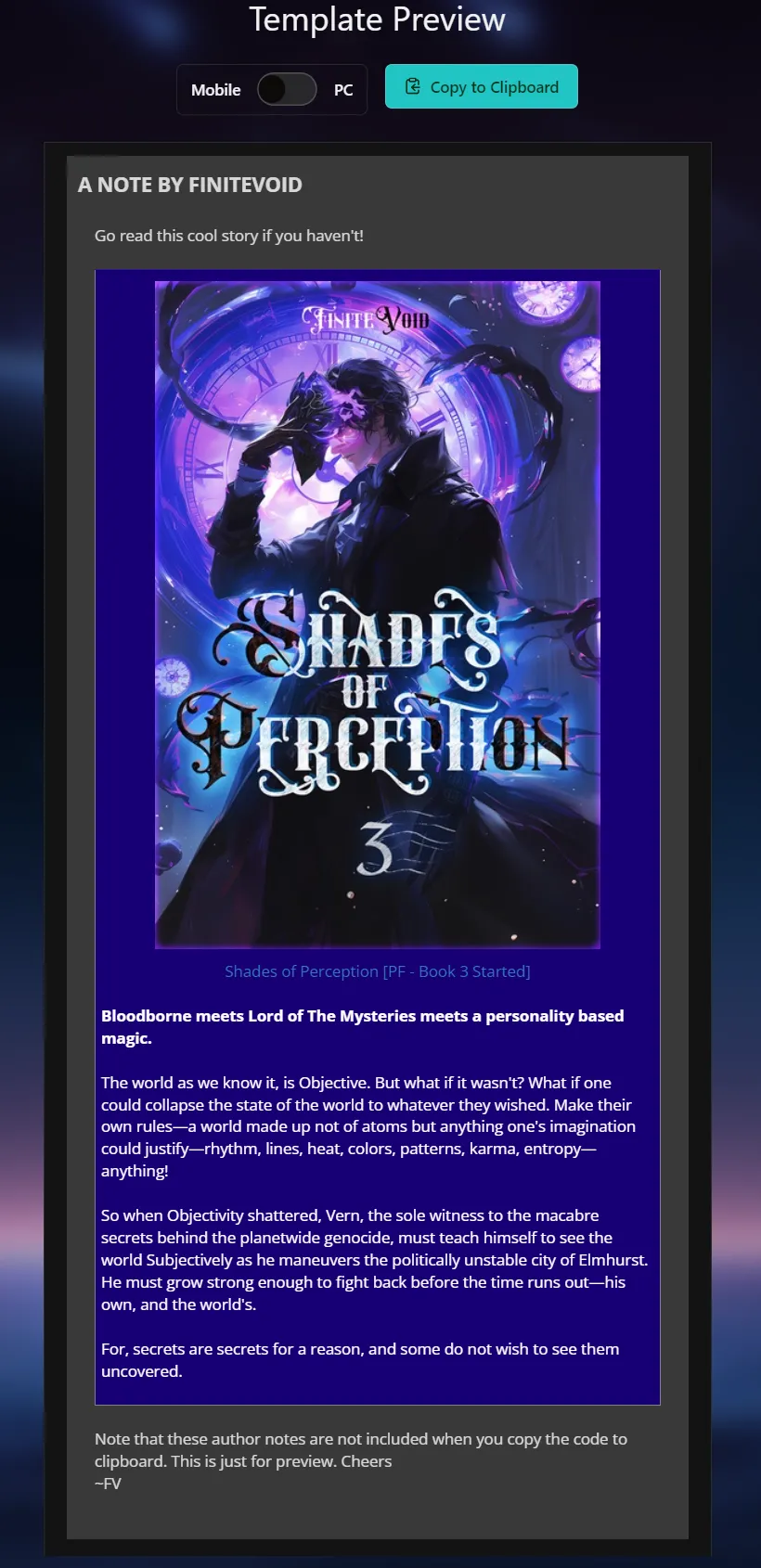
5. Copy to clipboard (the only button in last image) and use it however you like.
Well, there you have it. Simple and easy. Rest of the features are also intuitive.
Why did I do it? I love this community and just wanted to pitch in and make something useful. It's still a bit of a work in progress, so feel free to send me feedback or ideas if you think of anything. Also, I have another app on my website to make cool looking Blue Boxes (ones that work well on Patreon since they're images). You can contact me if you'd like to use it (or a more specialized design) for your fiction. Try it out at BlueBox Generator.
The base template for the shoutout code comes from Drim, and his post here.
Edit: Added a step-by-step guide on the app itself on how to use it (+Added a dark mode, coz bright screens at night are blasphemous.
Edit 2: Fixed Broken Images.
Hope you find it helpful, and happy shouting!
~FiniteVoid
I whipped up a little something for all of us here to make shoutout codes easier. Making shoutout codes has always been somewhat of an annoying tussle with many different versions and html code that doesn't always do what you want.
So, what does it do? It's a simple tool that allows you to:
- Make shoutout codes that properly showcases your work on Mobile (including the upcoming app) and on PC.
- It fetches your cover and blurb from your RR book's URL automatically. So you don't have to do anything other than click 3 blue buttons and paste your fiction's link to get the shout code.
- Preview how it'll look inside an author's note, both for PC and Mobile.
- It's a way to not have to post your code in your own chapters to see how it'll look and just cut the hassle.
- (You can even test your own codes that you make to see how they'll look)
- Customize colors to make everything pop.
- It's free.
Here's the simple steps to get you your shout:
1. Go to app and paste your fic's link.
2. Click Fetch
3. Make any changes to the fetched info if you want to. E.g: if your blurb is too long and you don't want shout to be long, cut it out in the editor (or use a different image for shout or cut out parts of your title if it's too long). Or change colors.
4. Click Generate and preview Shout (PC preview by default).
Results:
(This simulates how the shout looks inside Author's note. In this example, only brown part is the shoutout code)
4.2. Preview for mobile
5. Copy to clipboard (the only button in last image) and use it however you like.
Well, there you have it. Simple and easy. Rest of the features are also intuitive.
Why did I do it? I love this community and just wanted to pitch in and make something useful. It's still a bit of a work in progress, so feel free to send me feedback or ideas if you think of anything. Also, I have another app on my website to make cool looking Blue Boxes (ones that work well on Patreon since they're images). You can contact me if you'd like to use it (or a more specialized design) for your fiction. Try it out at BlueBox Generator.
The base template for the shoutout code comes from Drim, and his post here.
Edit: Added a step-by-step guide on the app itself on how to use it (+Added a dark mode, coz bright screens at night are blasphemous.
Edit 2: Fixed Broken Images.
Hope you find it helpful, and happy shouting!
~FiniteVoid
- Report this post
- Rep (161)
- Edited by FiniteVoid at
Re: Shoutout Creator + Tester
#2
I had to giggle a bit at the mobile preview, but this looks really cool! Good job! 
Re: Shoutout Creator + Tester
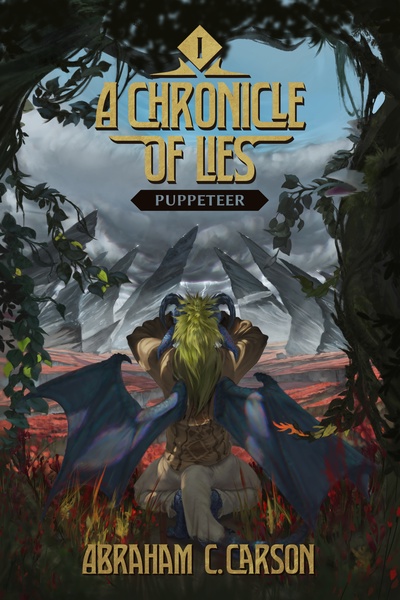
#3Mekanip Wrote: I had to giggle a bit at the mobile preview, but this looks really cool! Good job!Haha. This is why I don't wanna deal with RR's powers. Lemme see if I can fix the images to look good on mobile forums.
Edit: Cracked the code not look stupid on RR forums and fixed it

Edit 2: Still looks bad on some phones. Why is an image's aspect ratio not locked on RR forums on mobile.

- Report this post
- Rep (0)
- Edited by FiniteVoid at
Re: Shoutout Creator + Tester
#6
I can't make it work. 
I'm following the instructions, and I can get everything working on the RR Shoutout Maker site. When I hit test, the sample box shows me the shoutout I'd like to have in my fiction, but when I copy to the clipboard using the tab provided, and paste into the target, all I end up with is the html code. Both in preview and if I save and publish (using a short story that's not getting many views as a testbed) the author's comment section is just code. Any idea what I'm doing wrong?
I'm following the instructions, and I can get everything working on the RR Shoutout Maker site. When I hit test, the sample box shows me the shoutout I'd like to have in my fiction, but when I copy to the clipboard using the tab provided, and paste into the target, all I end up with is the html code. Both in preview and if I save and publish (using a short story that's not getting many views as a testbed) the author's comment section is just code. Any idea what I'm doing wrong?
Re: Shoutout Creator + Tester
#7TomBlack Wrote: I can't make it work.Ohh, that's simple but understandable how first time shouters won't know. You don't straight up paste the code into your author notes. You first click the '< >' icon on top of the author note's editor. It will bring up a new dialog. This is where you paste the copied code.
I'm following the instructions, and I can get everything working on the RR Shoutout Maker site. When I hit test, the sample box shows me the shoutout I'd like to have in my fiction, but when I copy to the clipboard using the tab provided, and paste into the target, all I end up with is the html code. Both in preview and if I save and publish (using a short story that's not getting many views as a testbed) the author's comment section is just code. Any idea what I'm doing wrong?
Maybe I should add this to the post. Hope you get it working.
Edit: Added a step-by-step guide on how to use it on the app itself. Just click "How to use." (It includes a picture of where to paste it).
~FV
- Report this post
- Rep (11)
- Edited by FiniteVoid at
Re: Shoutout Creator + Tester
#8
In case you don't hear it enough, THANK YOU for taking the time to make this. I set aside a whole afternoon to retool my code and your app got it done in minutes.
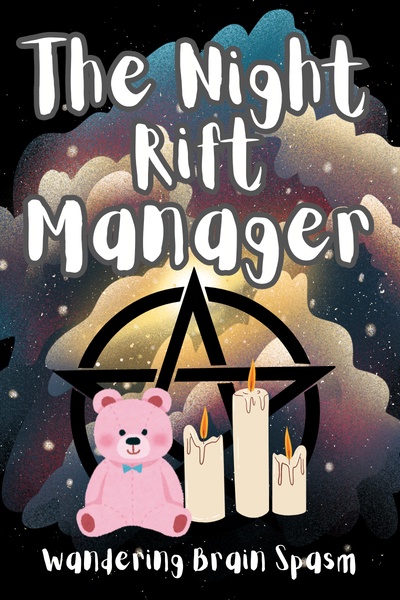
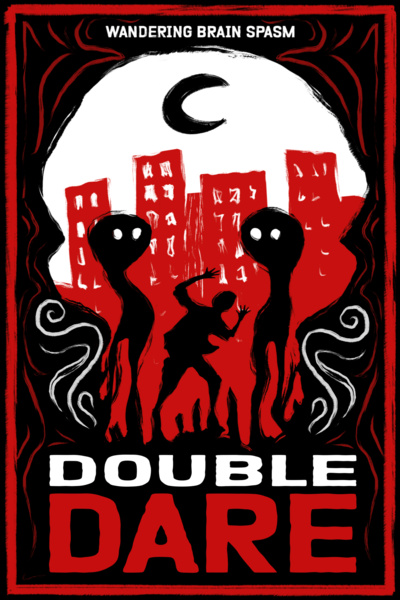
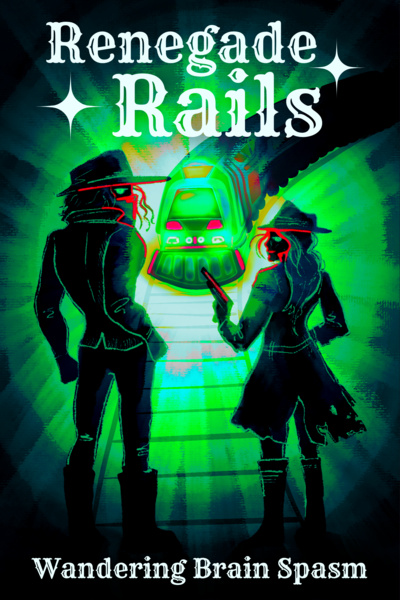
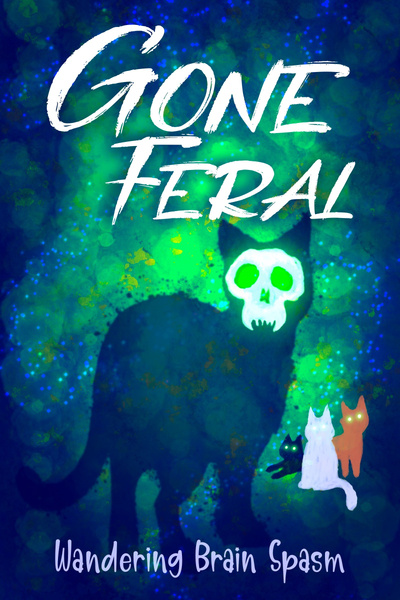
Re: Shoutout Creator + Tester
#9Wandering Brain Spasm Wrote: In case you don't hear it enough, THANK YOU for taking the time to make this. I set aside a whole afternoon to retool my code and your app got it done in minutes.
-min-AACAHCk7Xgw=.png)
Thanks and welcome! Glad it saved you some time.
Happy Shouting!
Re: Shoutout Creator + Tester
#10
I was looking for this FOREVER. this is fantastic work, I was wondering how authors were putting up these crisp shout outs


Re: Shoutout Creator + Tester
#12FiniteVoid Wrote: Hello fellow Authors,I mean, this is amazing. You're amazing.
I whipped up a little something for all of us here to make shoutout codes easier. Making shoutout codes has always been somewhat of an annoying tussle with many different versions and html code that doesn't always do what you want.
So, what does it do? It's a simple tool that allows you to:You can check it out here: Shoutout Creator + Tester.
- Make shoutout codes that properly showcases your work on Mobile (including the upcoming app) and on PC.
- It fetches your cover and blurb from your RR book's URL automatically. So you don't have to do anything other than click 3 blue buttons and paste your fiction's link to get the shout code.
- Preview how it'll look inside an author's note, both for PC and Mobile.
- It's a way to not have to post your code in your own chapters to see how it'll look and just cut the hassle.
- (You can even test your own codes that you make to see how they'll look)
- Customize colors to make everything pop.
- It's free.
Here's the simple steps to get you your shout:
1. Go to app and paste your fic's link.

2. Click Fetch

3. Make any changes to the fetched info if you want to. E.g: if your blurb is too long and you don't want shout to be long, cut it out in the editor (or use a different image for shout or cut out parts of your title if it's too long). Or change colors.

4. Click Generate and preview Shout (PC preview by default).

(This simulates how the shout looks inside Author's note. In this example, only brown part is the shoutout code)
4.2. Preview for mobile

5. Copy to clipboard (the only button in last image) and use it however you like.
Well, there you have it. Simple and easy. Rest of the features are also intuitive.
Why did I do it? I love this community and just wanted to pitch in and make something useful. It's still a bit of a work in progress, so feel free to send me feedback or ideas if you think of anything. Also, I have another app on my website to make cool looking Blue Boxes (ones that work well on Patreon since they're images). You can contact me if you'd like to use it (or a more specialized design) for your fiction. Try it out at BlueBox Generator.
The base template for the shoutout code comes from Drim, and his post here.
Edit: Added a step-by-step guide on the app itself on how to use it (+Added a dark mode, coz bright screens at night are blasphemous.
Hope you find it helpful, and happy shouting!
~FiniteVoid
Re: Shoutout Creator + Tester
#14
I just wanted to say thanks for this. This was extremely nice of you do create and share. It's so helpful to have this.