Linux commands: uname
By Flavio Copes
Learn how uname prints the kernel name, release, version, hostname, and machine hardware on Unix systems, and when macOS users should use sw_vers instead.
Running uname without an option prints the kernel name:
uname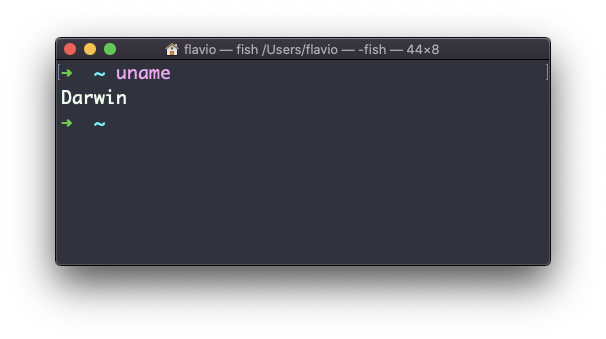
On macOS this prints Darwin. On a Linux system it normally prints Linux.
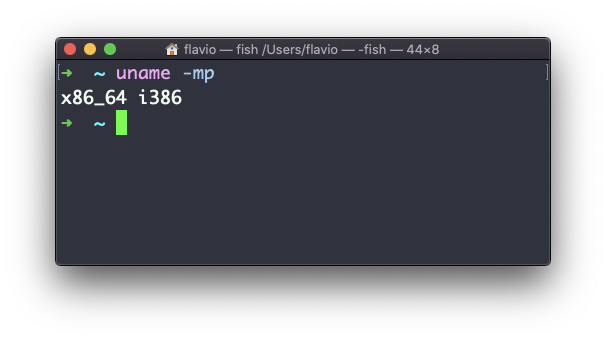
The -m option prints the machine hardware name:
uname -mThe -p option tries to print the processor type, but it is not portable and can print unknown. Prefer -m in scripts.
Use -s for the kernel name, -r for its release, and -v for its version:
uname -srv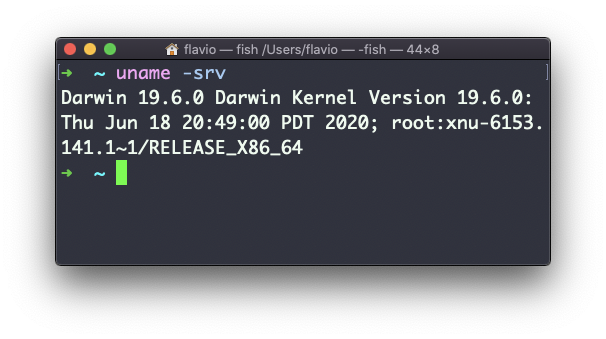
The -n option prints the network node name, which is normally the hostname:
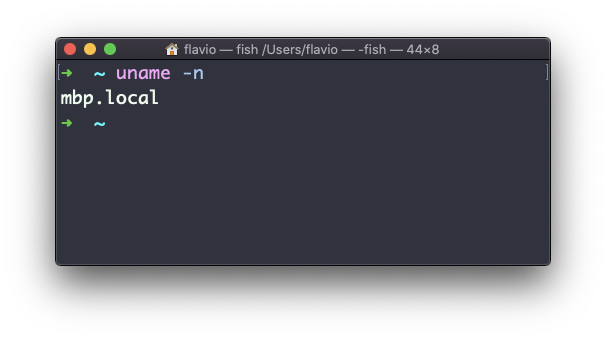
The -a option prints all available fields:
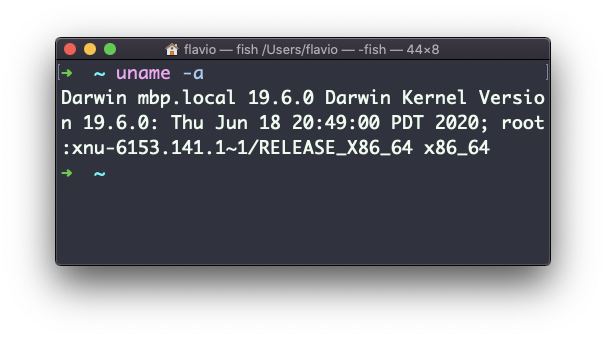
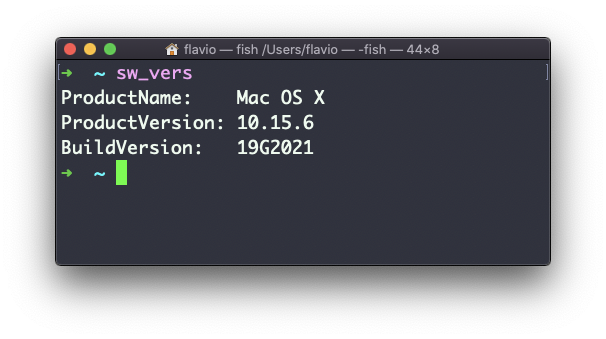
On macOS, use sw_vers when you need the macOS product name, version, and build number. Those values differ from the Darwin kernel version printed by uname.
The uname command works on Linux, macOS, WSL, and other Unix-like environments. Stick to -s, -n, -r, -v, and -m when portability matters.
Related posts about cli: