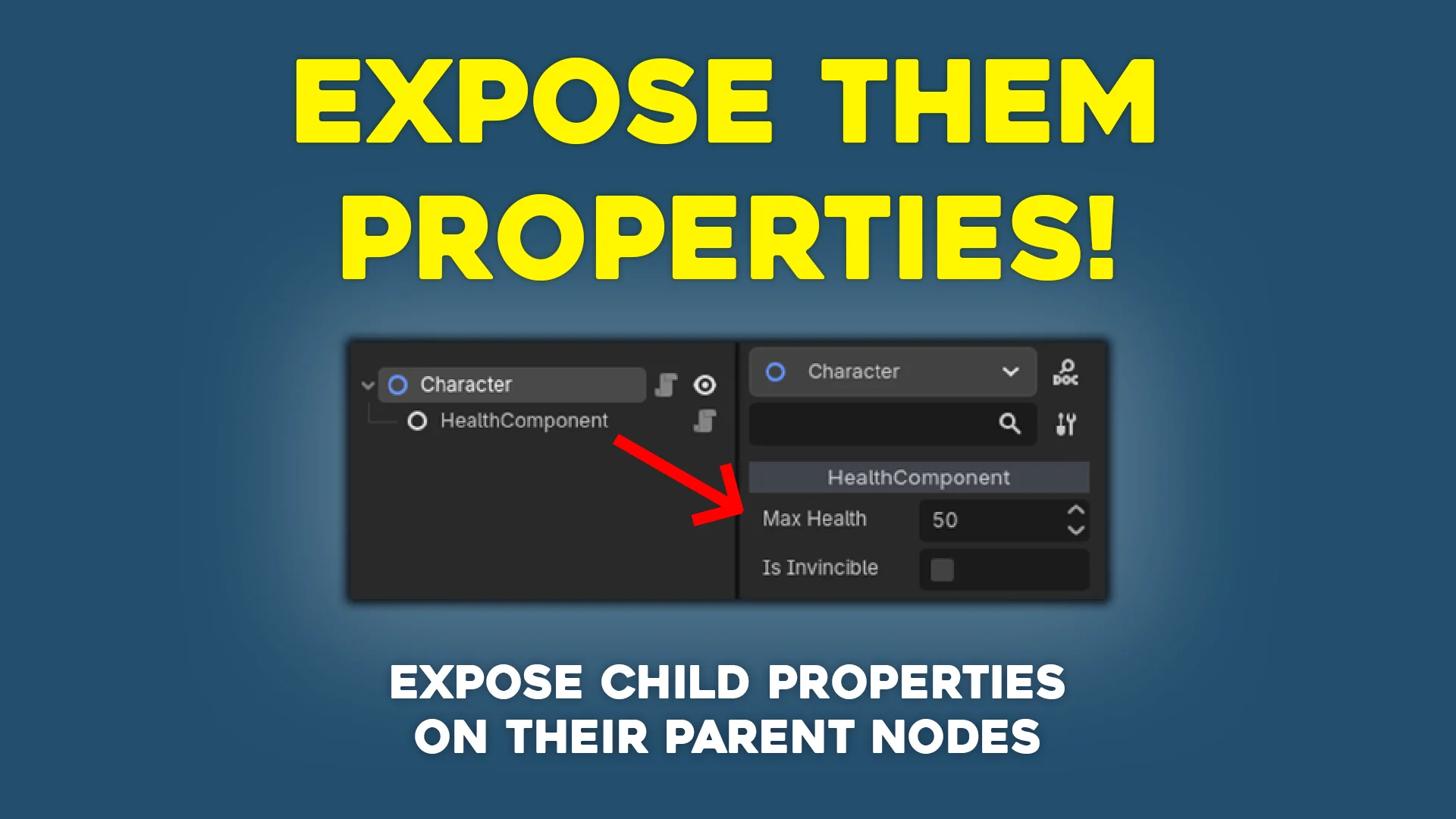
Expose Them Properties!
 0
0
by Xesa | MIT
Small plugin for Godot that exposes child properties onto the owner node by setting up property hints
Expose Them Properties! This is a small plugin that exposes child properties onto parent nodes by setting up property hints. Let's say you have a Character class that may include several nodes such as HealthComponent or AttackComponent . You'd like to
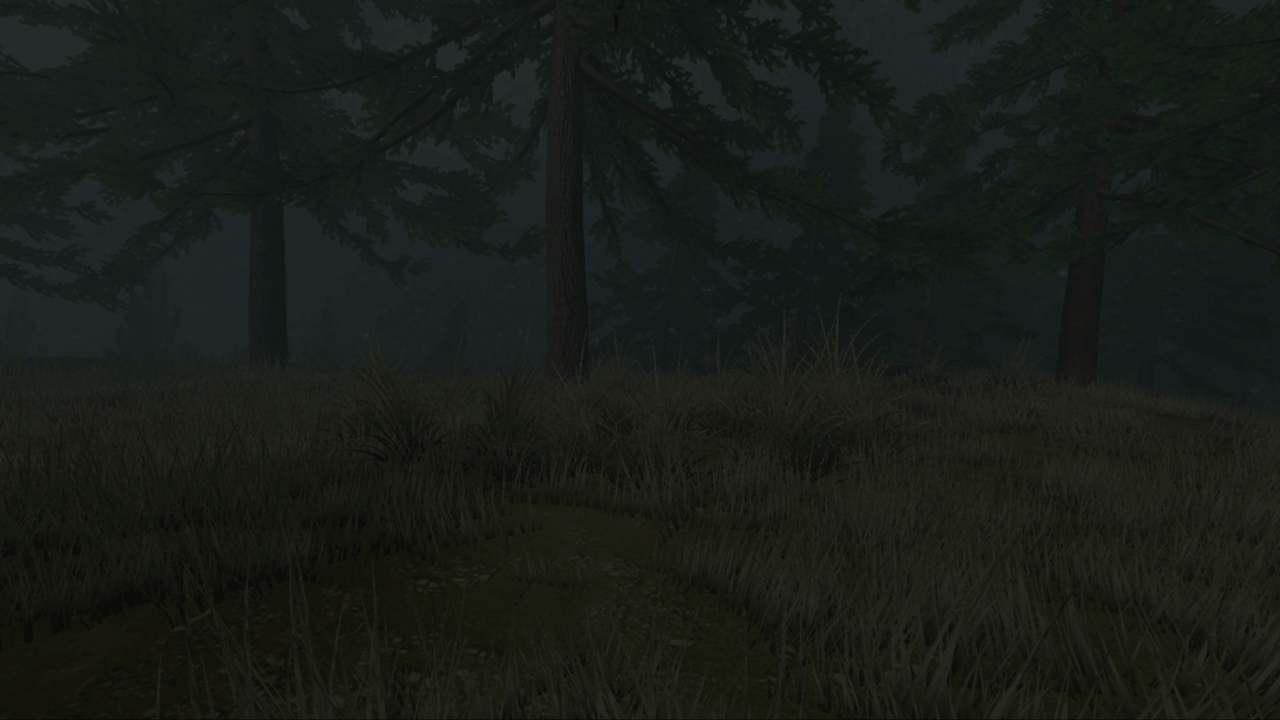
FoliageFlow
0
by GdevSarvesh | MIT
FoliageFlow is a simple Godot plugin to paint, erase and scatter foliage like grass and bushes on 3D surfaces using MultiMeshInstance3D
FoliageFlow FoliageFlow is a tool that helps you paint foliages on 3D objects (having collision) in Godot 4. You can use it to add and remove foliage from 3D surfaces using a MultiMeshInstance3D. Installation To start using FoliageFlow copy the plugin to
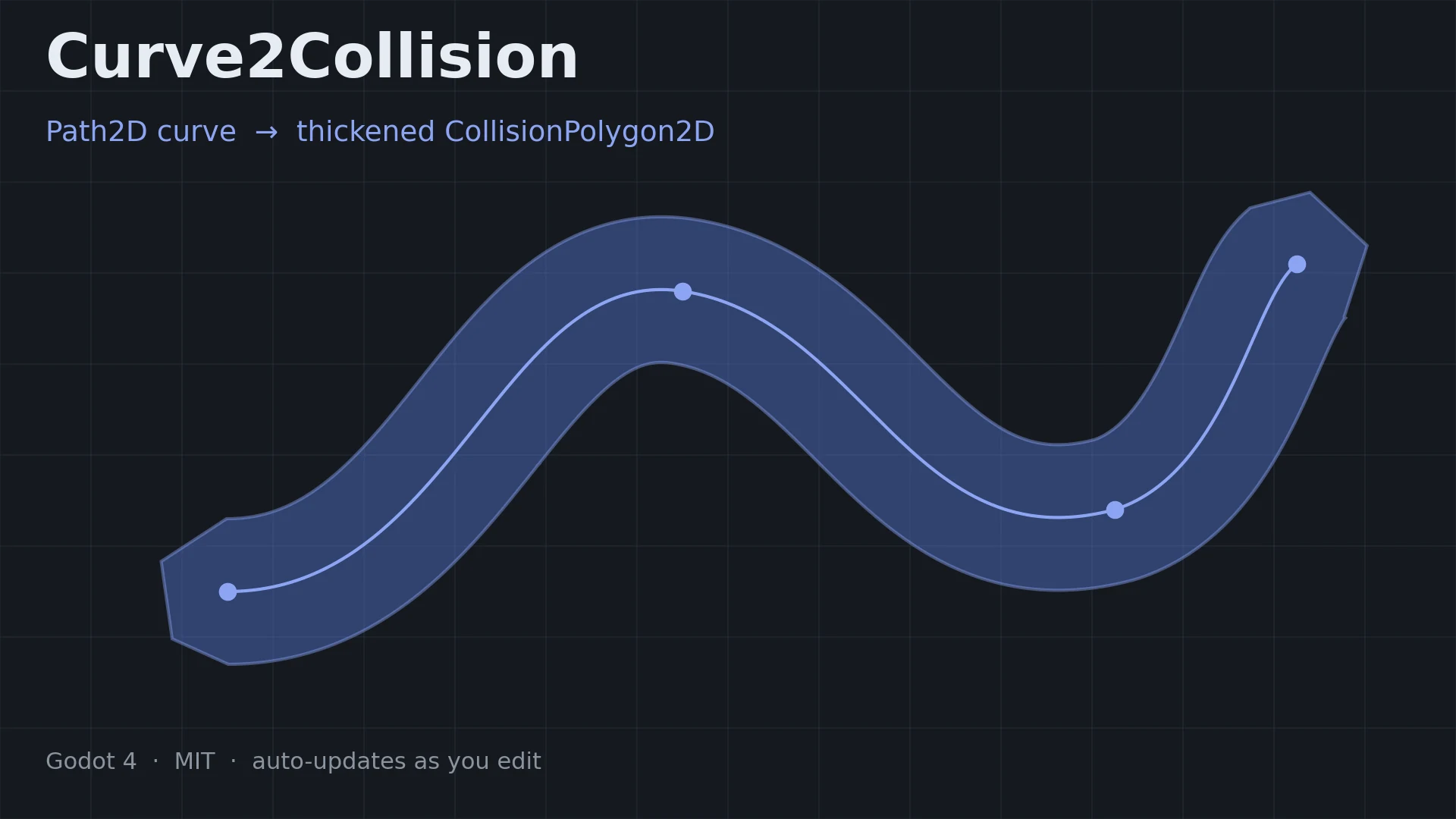
Curve2Collision
0
by seina369 | MIT
Generates a thickened CollisionPolygon2D from a Path2D curve, and keeps it in sync automatically as you edit the curve
Curve2Collision turns a Path2D curve into a thickened CollisionPolygon2D , and keeps it in sync automatically while you edit the curve. Useful for slopes, tubes, rails, cave walls — anything you would rather draw as a line than build vertex by vertex
Surface Snap
1
by Adrm00 | MIT
An editor plugin for Godot 4.7+ that lets you drag a Node3D directly onto the surface of another object
Surface Snap An editor plugin for Godot 4.7+ that lets you drag a Node3D directly onto the surface of another object — unlike the built-in vertex snap, which only snaps to specific vertices. Usage Enable the plugin in Project → Project Settings → Plugins
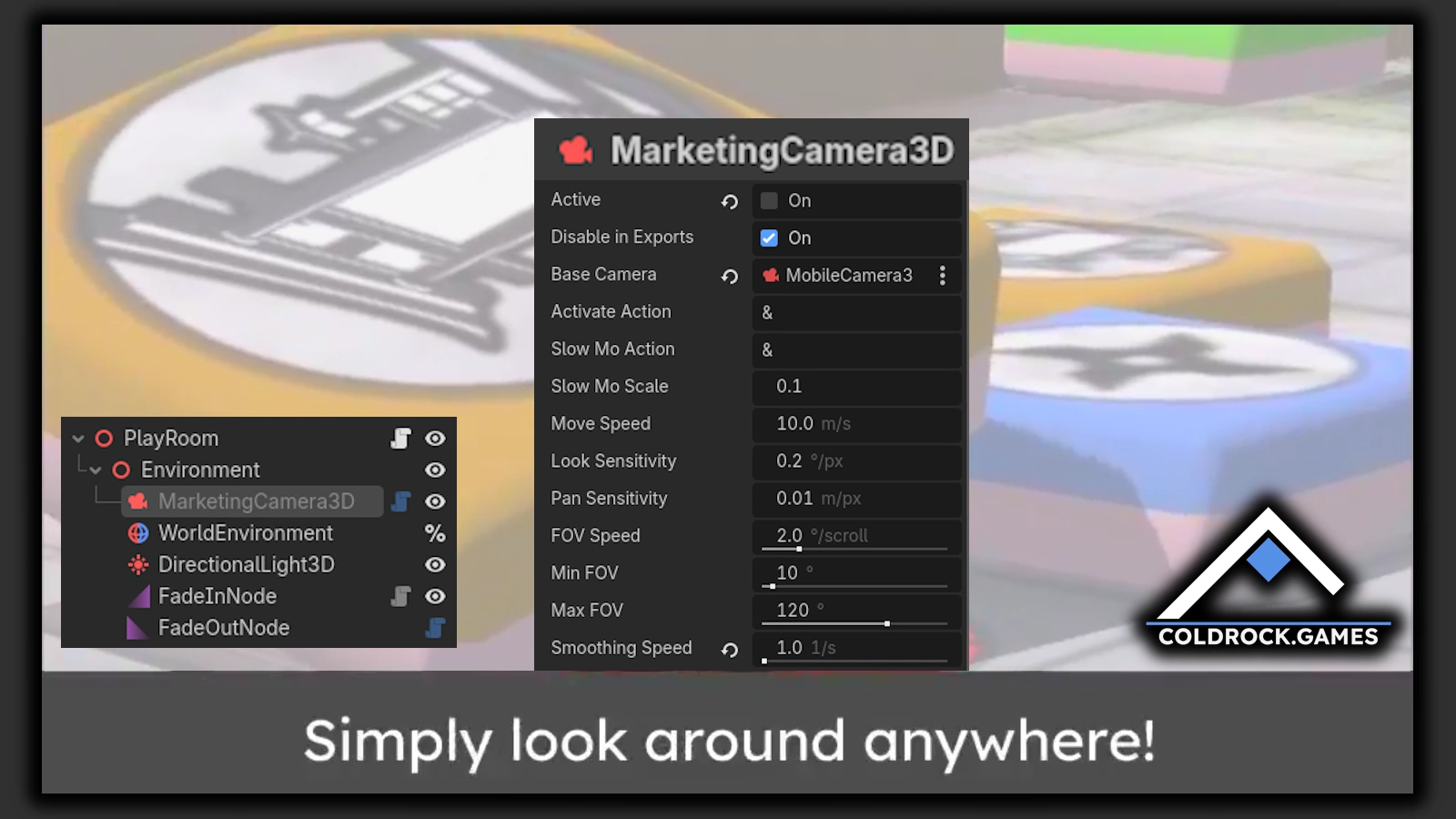
MarketingCamera3D
0
by coldrock.games | MIT
Move freely through any 3D scene in your game to get the perfect screenshot for your store pages
Coldrock MarketingCamera This plugin contains a Camera3D node to take marketing screenshots. It allows you to explore the scene from arbitrary angles and perspectives that are outside of the standard gameplay mechanics. This plugin contains just the
Anytype Sync
0
by shnotsh | MIT
An editor addon and runtime GDScript client for Anytype's local HTTP API with no third-party dependencies
Anytype Sync for Godot Connect your Godot project to Anytype with a small, dependency-free GDScript client for Anytype’s local HTTP API. Anytype Sync gives your game or tool a straightforward way to read, search, create, update, and archive Anytype
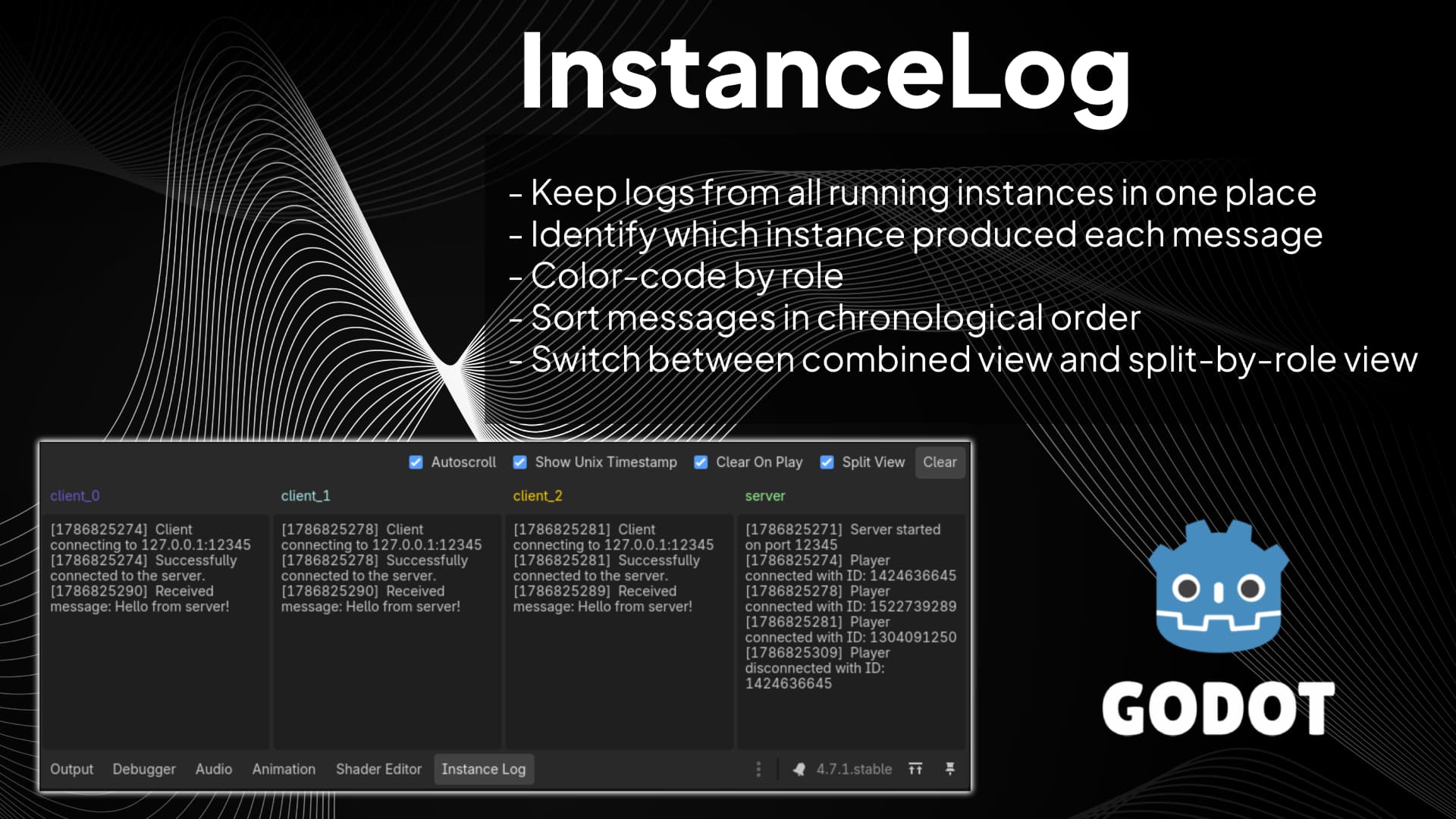
Instance Log
0
by codevogel | MIT
Instance Log is a Godot editor plugin for debugging projects that run multiple game instances at once (for example, host + clients in multiplayer tests). It adds an 'Instance Log' panel next to Godot's Output panel and groups each message by instance role
Instance Log (for Godot) Instance Log is a Godot editor plugin for debugging projects that run multiple game instances at once (for example, host + clients in multiplayer tests). It adds an Instance Log panel next to Godot's Output panel and groups each
Mobile Keyboard Disabler
0
by repechul | MIT
A Toggle Button in the main toolbar to disable the Android virtual keyboard while editing code on the Scripts screen
Godot Mobile Keyboard Disabler A toggle button in the main toolbar to disable Android's virtual keyboard anywhere text can be entered in the editor: the Script editor, Inspector fields, FileSystem search, rename dialogs, SpinBox number entry, and more
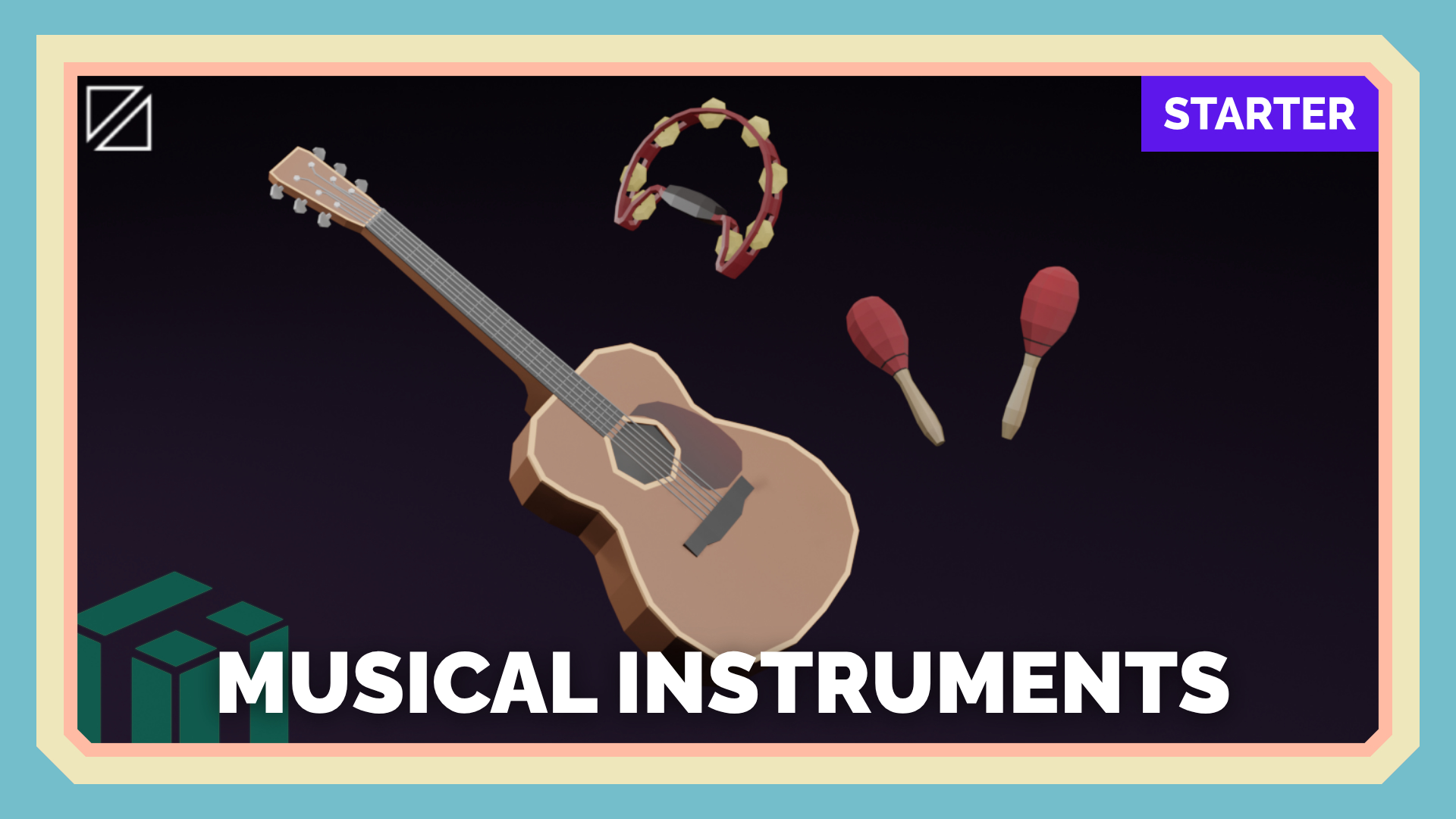
Musical Instruments - PolyPack Starter
0
by Alstra Infinite | Free Asset License (FAL)
Free low-poly 3D musical instruments assets
Musical Instruments | PolyPack Starter This pack has a total of 3 models, all of these assets can be used personally and commercially. 🐘 If you found this asset useful please consider leaving a review, it helps a lot :) License Free Asset License (FAL)
Pivot Tool
0
by ZeroSkew | MIT
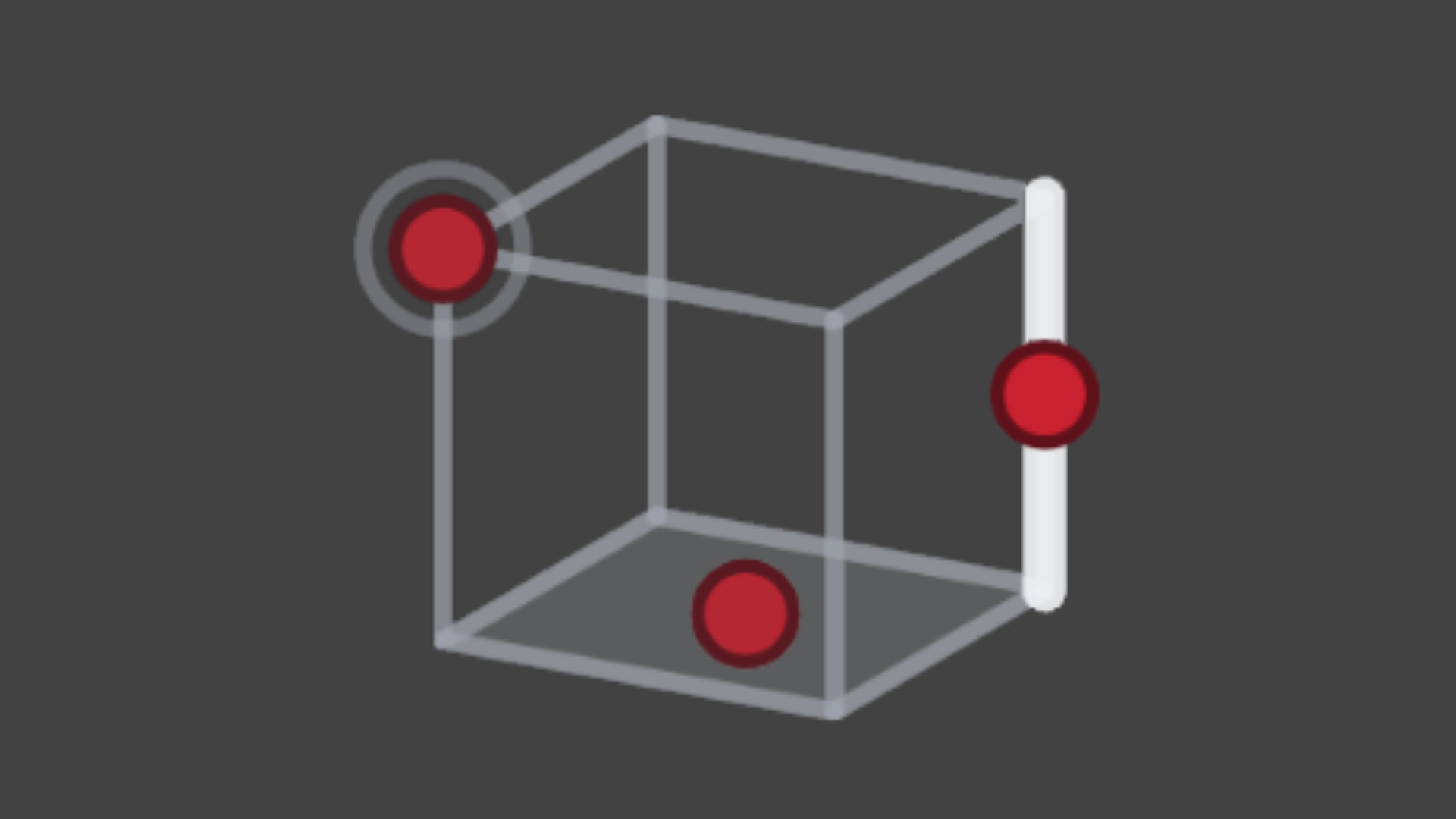
Pivot Tool is an editor plugin for previewing and baking a new pivot into a 'MeshInstance3D'
Pivot Tool is an editor plugin for previewing and baking a new pivot into a 'MeshInstance3D'
Inspector Pin
0
by Aleksey Pershin | MIT
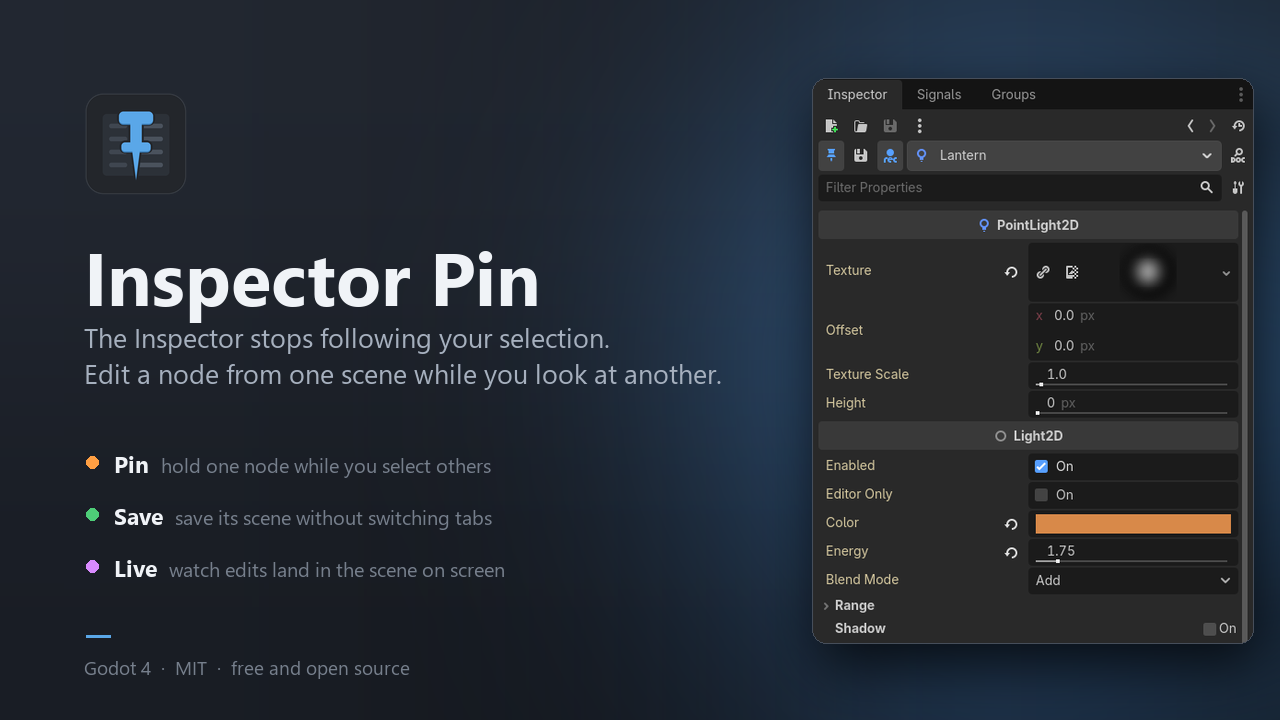
Pin the Godot Inspector to one node, so it stops following your selection
The Inspector always shows whatever is selected right now. That is usually what you want — until you need to look at one scene while editing a node that lives in another. Then you are stuck bouncing between tabs, changing a value in one and checking the
Better Godot MCP
0
by n24q02m | Apache 2.0
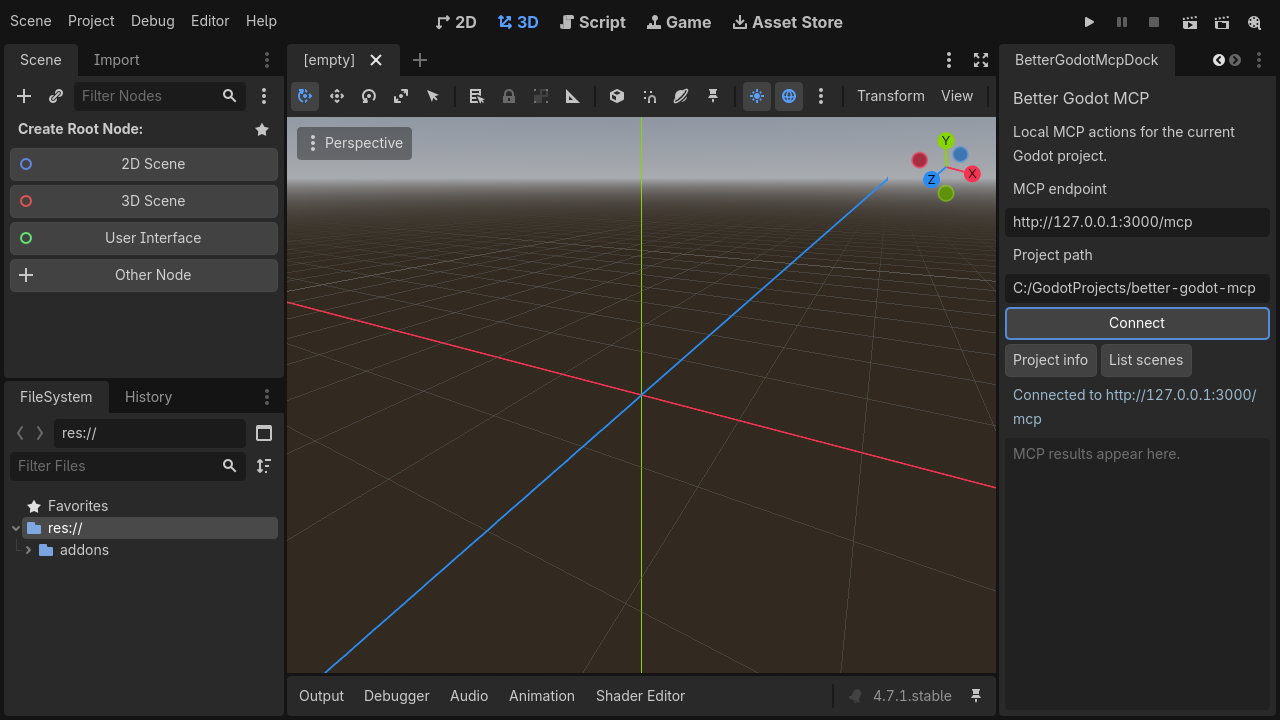
Connect the Godot editor to a local Better Godot MCP server over MCP, with 17 tools for scenes, nodes, scripts, shaders, animation, tilemaps, physics, audio, navigation, UI, and project workflows
Better Godot MCP is a local MCP server for Godot 4.x. It provides 17 composite tools for AI-assisted game development, including scene and node management, GDScript CRUD, shaders, animation, tilemaps, physics, audio, navigation, UI, input maps, signals
GameVocal
0
by Marouane Esstafa | MIT
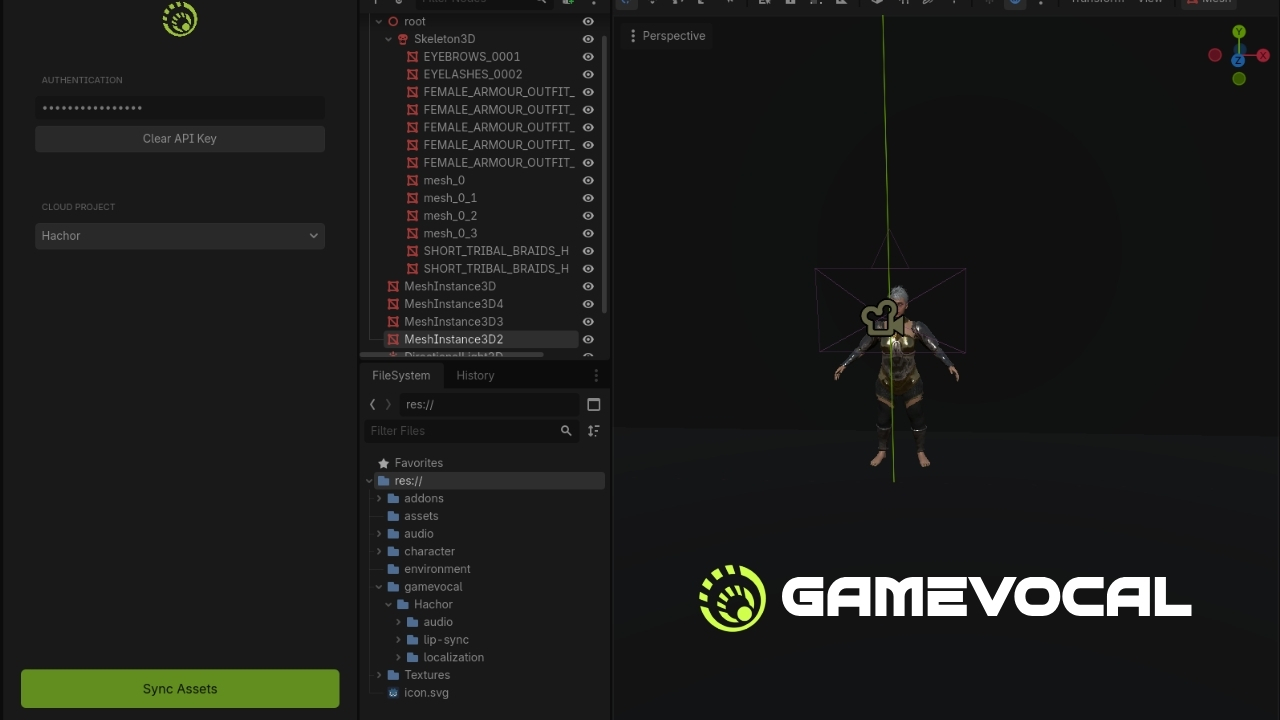
Connects Godot projects to the GameVocal platform to seamlessly import dialogue, localization, lip-sync data, and integration metadata
The GameVocal Godot Plugin connects your Godot projects directly to the GameVocal platform. It provides a seamless workflow for importing your entire dialogue pipeline—whether it's text-only (silenced) or fully voiced or both along with localization data

VortarisModLoader
0
by ASDF Studio | MIT
A data-driven mod loader for Godot 4.7, written in C++ as a GDExtension. Open source, no runtime dependencies
VortarisModLoader A data-driven mod loader for Godot 4.7+, written in C++ as a GDExtension (godot-cpp). Open source, no runtime dependencies. Every piece of moddable content is addressed by a namespaced id ( namespace.path , Minecraft ResourceLocation
BDG Chat
0
by xstreamio | MIT
Hosted real-time chat for Godot 4. You subscribe or run your own servers. Players just talk. Rooms and history stay completely isolated per game. Drop in one node, connect with a player token, and ship — no chat servers to run or maintain. By XStreamIO
Real-time multiplayer chat for Godot 4 games — without running your own chat servers. You create a studio account, drop in one node, and your players can talk in isolated rooms. Rooms and chat history are completely separated by app_id , so different
Godot MCP Bridge
0
by letsagents | MIT
Let AI coding agents (Claude Code, Codex, DeepSeek Harness, ...) see Godot runtime feedback — errors, scene tree, node properties, screenshots, interactive breakpoints — and act on it, closing the AI self-correction loop
🌉 Godot MCP Bridge Close the AI self-correction loop 🎯 — your AI agent writes code, runs the game, sees real runtime feedback, and fixes its own mistakes. Autonomously. Godot MCP Bridge gives your AI agent eyes and hands inside the engine: live errors
Barebones Modding Demo
0
by Office Serval | MIT
A demo to help you understand basic modding support & custom resource loading
Godot Barebones Modding Demo A simple demo project for Godot 4.7 showing how you can create a basic modding system using Godot Resources Features Basic resource-based modding Built-in mod creator allowing you to add modded items Built-in random item
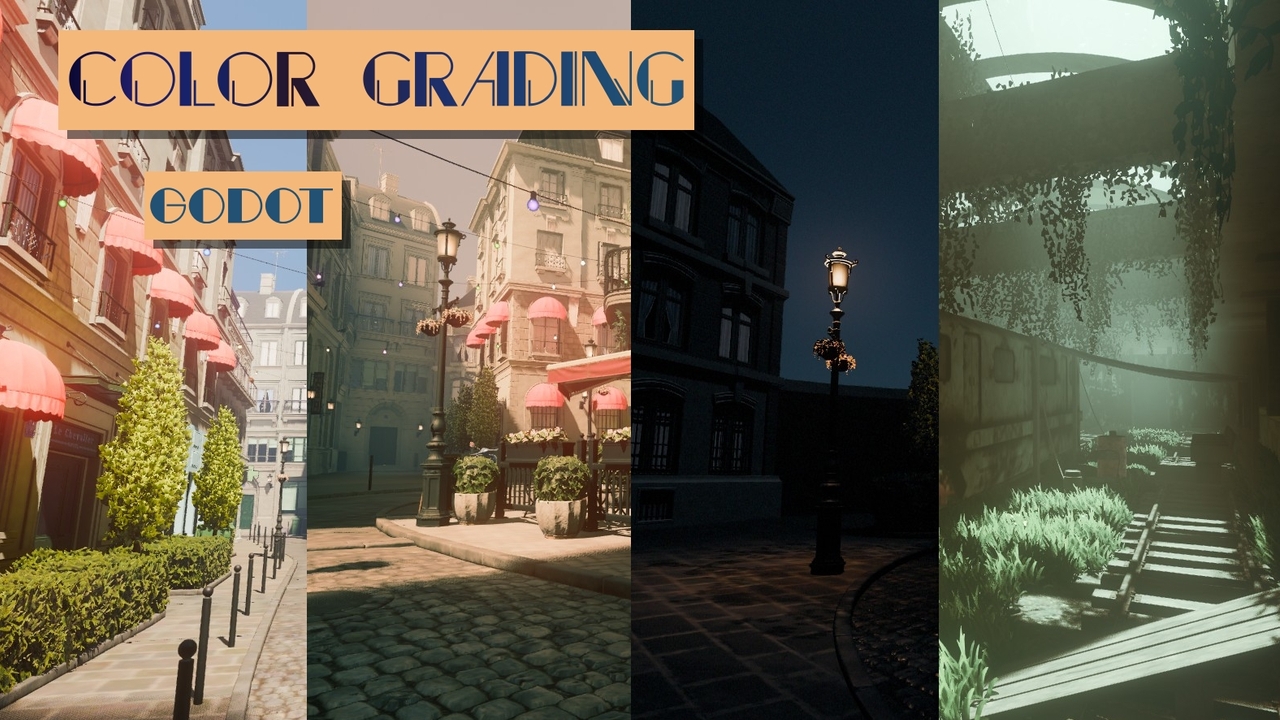
Color Grading
0
by Rytelier | MIT
Flexible set of color filters utilizing dedicated color spaces
Flexible set of color filters utilizing dedicated color spaces. Features: Shadows, midtones and highlights adjustment Color tint Vibrance Brightness Curves Night color Simulation of color perception in darkness where your eyes are most sensitive to blue
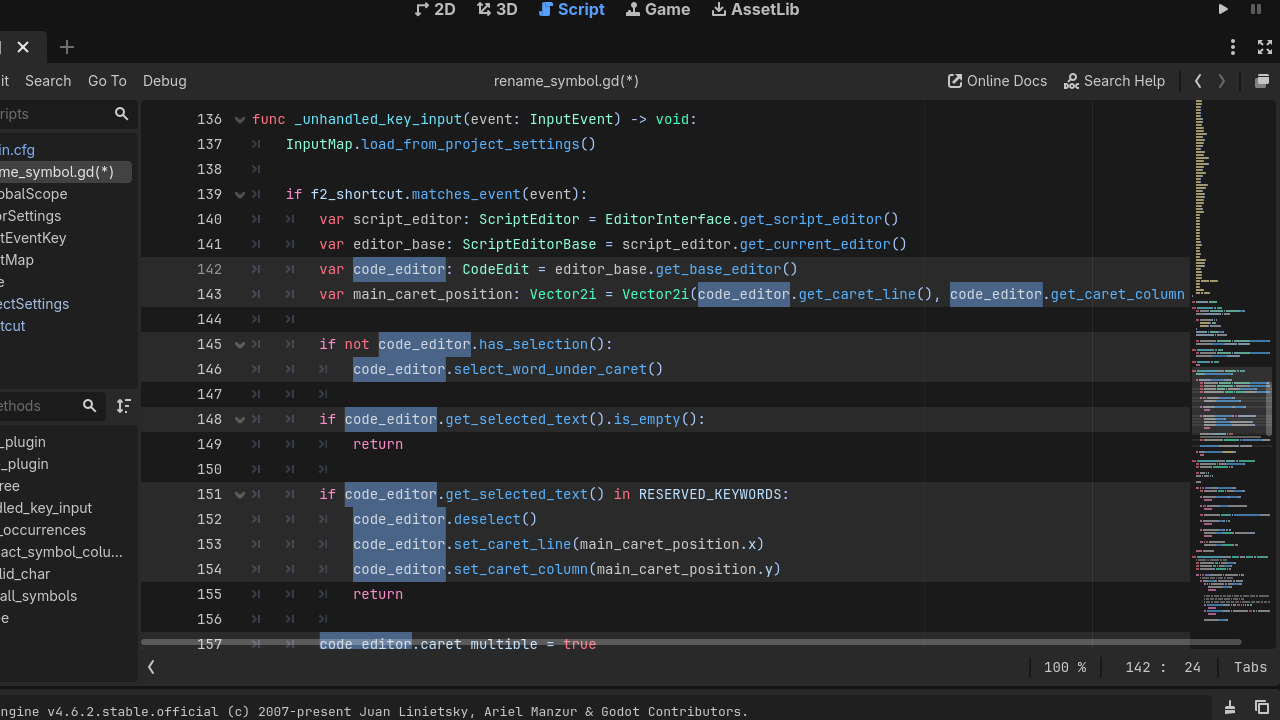
Symbol Rename
0
by TooLittleControl | MIT
A plugin to rename multiple instances of a variable or function name in the currently open script
A plugin to rename multiple instances of a variable or function name in the currently open script
Live Palette
0
by Thiago Rocha | MIT
A centralized color palette for Godot 4. Pick palette colors anywhere in the Inspector, and when you change a palette entry, it updates everywhere
Live Palette gives your project one place to define named colors, and keeps every use of them in sync. Pick a palette color on any Color property in the Inspector. Change that color later and everything using it follows: open scenes as you edit, other
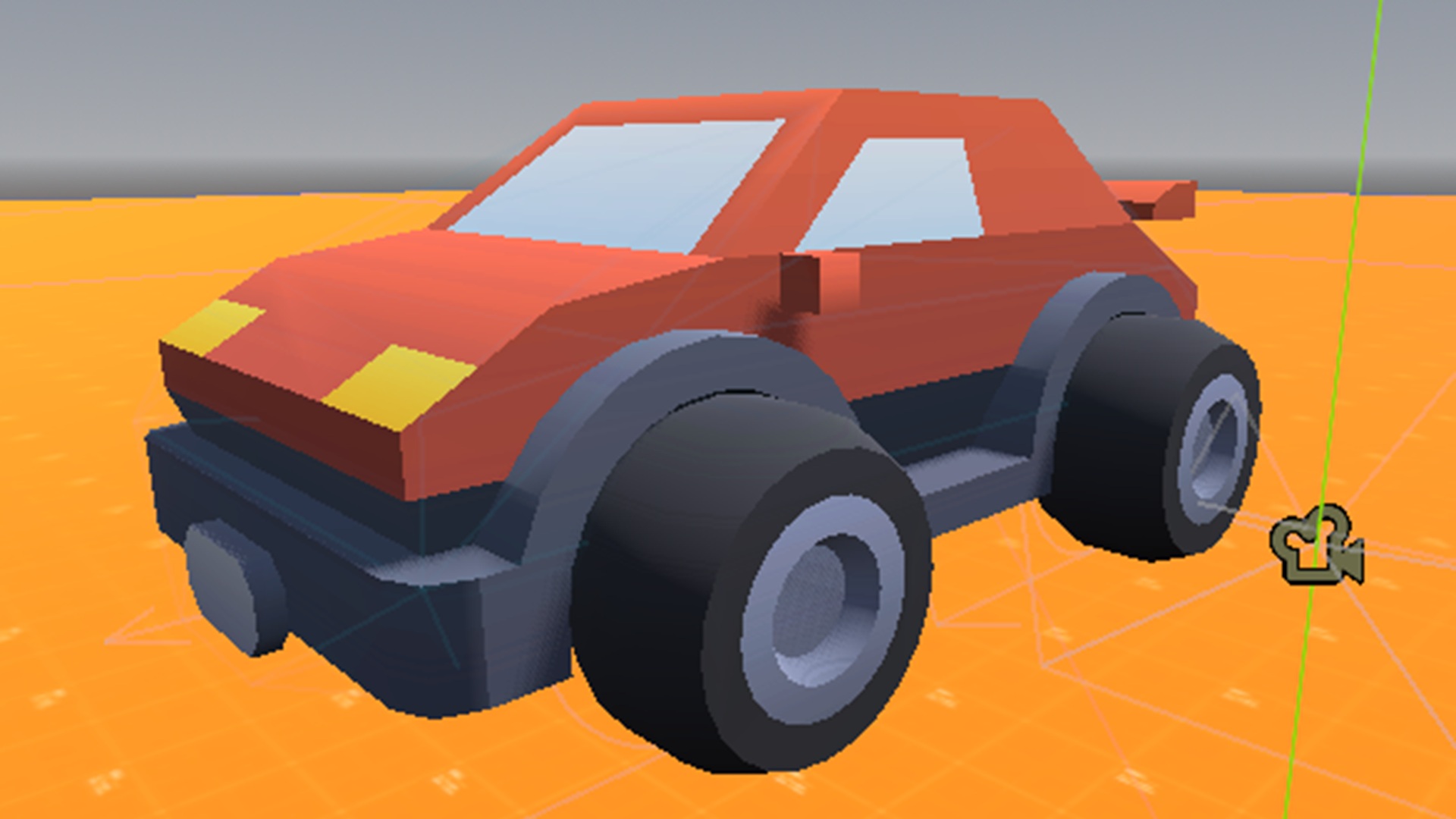
srcoder-simplecar
0
by SRCoder | CC0 1.0 Universal
This is a quickstart car and working script to get you up and running quickly with a vehicle based game
SRCoder's Simple Car Instructions Set up the actions in your Project Settings->Input Map You need to set up: "up" "down" "left" "right" The just drag and drop the "car.tscn" onto your scene to have a basic 3d car working out of the box. Drag "follow
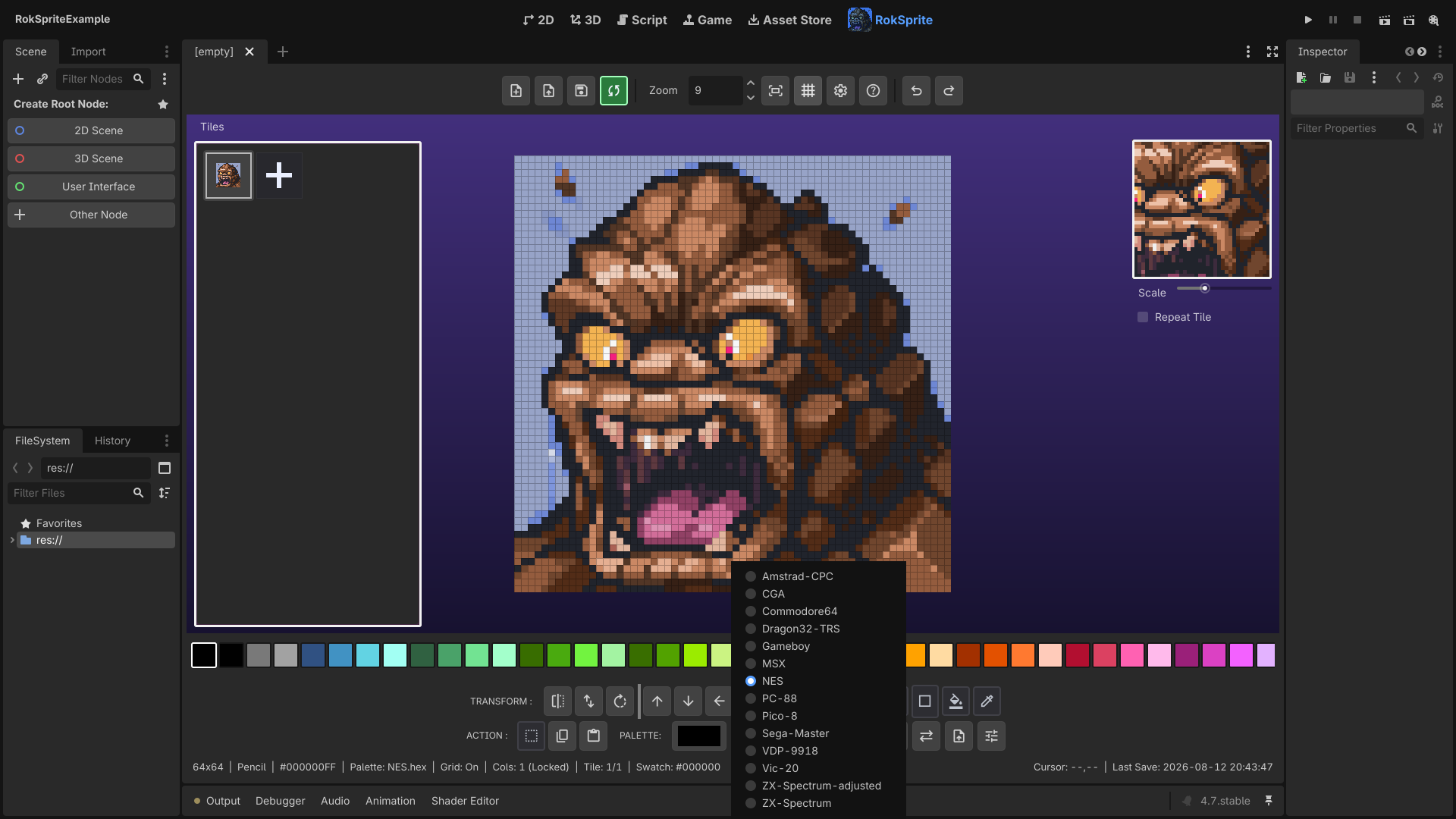
Rok Sprite GD
0
by Rok Rage | MIT
Godot version of Rok Sprite - Pixel Editor. Create and edit 2D pixel based assets / textures right within the Godot editor
Godot version of Rok Sprite - Pixel Editor. Create and edit 2D game assets right within the Godot editor. Uses e.g. Tilemap tilesets, sprite sheets without having to jump into external editor. Import .hex colour palettes from lospec.com. Include some nice
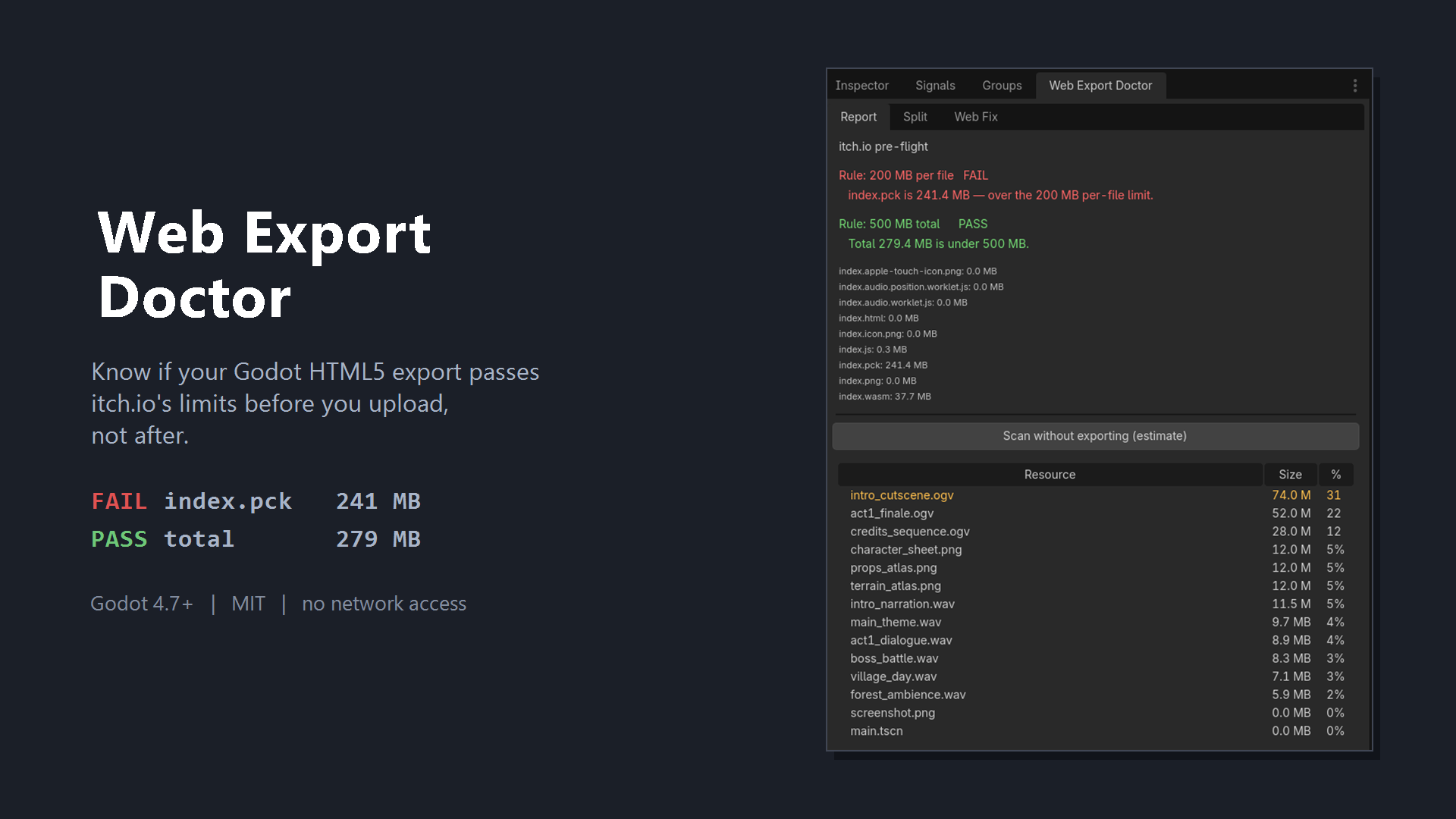
Web Export Doctor
1
by Milos Njezic | MIT
Checks whether your Godot HTML5 export passes Itch.io's 200 MB per-file and 500 MB total limits, before you upload
The problem Itch.io enforces two separate rules on HTML5 games: no single extracted file over 200 MB, and no more than 500 MB extracted in total. Godot packs everything into one index.pck , and the editor has no idea those rules exist. The result is a
GD-EOS
0
by 忘忧の (Daylily-Zeleen) | MIT
Epic Online Services for Godot. Use as C++ SDK or compile as GDScript SDK
GD-EOS 滚动到下方查看中文说明 Epic Online Services for Godot. Use as C++ SDK or compile as GDScript SDK. Feature OOP and Godot Style, all APIs have been typed as far as possible. Almost APIs are generated from EOS C SDK, you can refer Epic Online Services document

loading more results...